

Local Operator
Radient · Coding · Chatbot
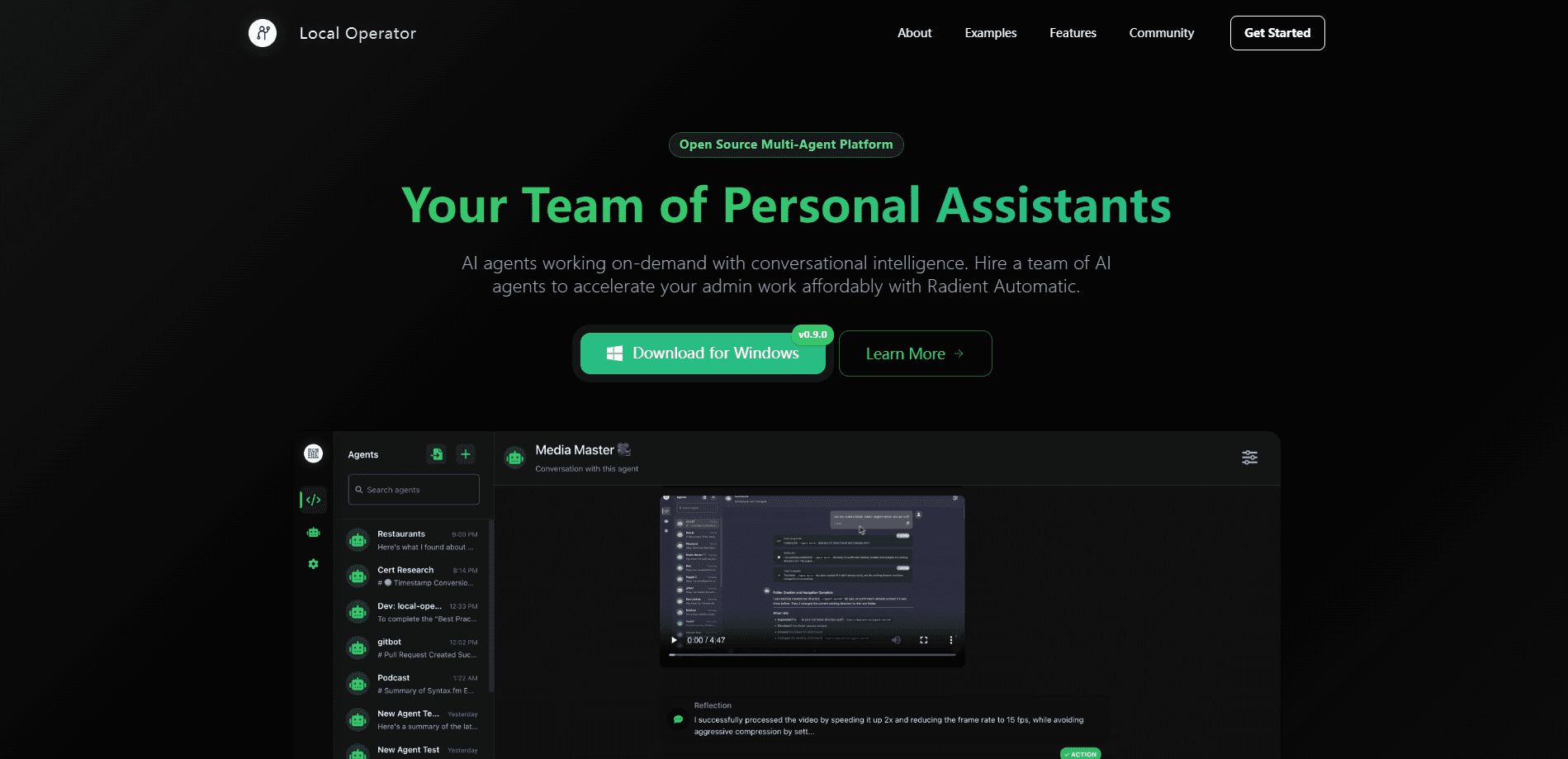
Local Operator is a free, open-source on-device AI agent that runs AI agents on your own computer. Each agent writes and runs real code to finish tasks on your files, and nothing gets uploaded.
About Local Operator
What Is Local Operator
Local Operator is an open-source app that puts AI agents on your desktop instead of in a browser tab. You describe a job in plain language, the agent writes code to carry it out, and the work happens on your machine. Files stay where they are, so there is no upload step and no cloud copy of your documents.
The app comes from Radient, the team behind the Agent Hub that lends out shared, taught agents. It ships under the MIT license and works on macOS 11 or newer, Windows 10 or newer and recent Linux desktops. The installer runs a few hundred megabytes, and the app sets up its own backend the first time you open it.
How It Works
Every request moves through three stages. First you type the job the way you would ask a person, and the agent answers with a plan you can read before anything changes. Next a separate security-checking agent reviews that plan and flags what it would touch, and you approve the step. Then the agent runs the code, shows each command and its output as a receipt, and writes the results back as files you can open.
The agent is not limited to a fixed set of tools. When a task needs a capability it does not have, it writes new code to build that capability, then saves the skill so the next run is faster. Radient points to a public notebook where Local Operator placed in the top 5 percent of a Kaggle housing-price contest as proof that the approach scales.
What Sets It Apart
Most assistants hand you an answer and stop. Local Operator finishes the job: it sorts the folder, renames the invoices and totals them. Because it runs on your hardware, the privacy story is short. Your files never leave the computer, and no account is needed unless you opt into the optional cloud platform. You can point it at hosted models, plug in your own API keys, or run everything locally with Ollama.
Getting Started
- Download the installer for macOS, Windows or Linux and let the app set up its backend.
- Pick a model: Radient Pass, your own API keys, or a local Ollama model.
- Type your first request in plain language and read the plan the agent returns.
- Approve the security check, then watch the commands run in the Canvas panel.
- Save the finished job as a skill so you can repeat it or schedule it.
Product Information
A quick look at Local Operator's pricing, supported platforms, and performance.
Best for
The users, tasks, and scenarios where this tool fits best.
Users
- Privacy-minded desktop users
- People who repeat the same chores
- Non-programmers who need real work done
Tasks
- File and folder cleanup
- Batch media processing
- Data gathering and reports
- Recurring jobs on a schedule
Scenarios
- Working with sensitive files
- Offline travel or air-gapped setups
- Handing off a routine
Key features
Code as the Universal Tool
Instead of a fixed menu of actions, Local Operator writes code to match each task. If a needed tool does not exist, the agent builds it, runs it and checks the result. That is how it handles odd jobs that a scripted assistant cannot.
Two-Gate Safety Check
A separate security agent reviews every plan before it runs and shows what files or commands it would touch. You approve the step, so nothing happens that you did not sign off on. The plan is visible up front, which makes surprises rare.
Runs on Your Machine
Agents open your files where they already sit and write results back as real files. Nothing has to be uploaded first, and the Canvas panel shows the output while the work is going. macOS, Windows and Linux are all supported.
Teach Once, Reuse Forever
Show an agent how you like a task done one time, and it keeps the skill for future requests. Taught agents can be shared through the Agent Hub, where you can pull down an agent someone else trained and add it to your team.
Flexible Model Choice
Connect hosted models through Radient Pass, paste in your own API keys, or run open models locally with Ollama. You can switch per agent or per conversation, and a local model works with no key at all and no connection.
Scheduled Background Runs
Tell an agent to run every weekday at 5pm and it handles the job while you are away, then reports back. Recurring work moves out of your head and into the app, where it runs on a timer.
Pros and cons
Pros
- Free and open source under the MIT license, with no subscription or trial clock on the app.
- Keeps your files on your computer, since agents run locally instead of in the cloud.
- Writes its own tools, so it can take on tasks a fixed-tool assistant cannot.
- Lets you choose hosted models, your own keys or a fully local model, and switch anytime.
Cons
- Hosted models still see your conversation text, so full privacy needs a local Ollama model.
- Reaching a solid offline setup takes some setup work, since you install the app and download a model first.
- The Agent Hub lives on a separate platform, so sharing agents means signing up there.
- As an open-source project, polish and support depend on the community rather than a large vendor.
Frequently asked questions
Yes. The app is free and open source under the MIT license, with no subscription, account or trial period. The only thing you might pay for is AI model usage, and one of the three ways to connect a model, running a model on your own machine, is free.
Related content
Explore related tools, skills, and articles for Local Operator.
Local Operator Alternatives

Base Code
Base44 (Wix) · Coding · ProductivityBase Code is a shared cloud development environment from Base44. Teammates describe changes to an existing GitHub codebase in chat, preview them live and send them back as pull requests.

Google EmbeddingGemma 2
Google DeepMind · Writing · Image · CodingGoogle EmbeddingGemma 2 is a 740M-parameter open model that turns text, code, images, audio, and video frames into vectors in one 768-dimension space, running on phones and laptops.

GitGlow
GitGlow · Coding · ProductivityGitGlow is a local-first desktop Git client that lets independent developers review their own code and their AI agents' changes in one place before shipping.