

Loma Home
Amol Kumar · Other
Loma Home is a HomeKit control app built only for Apple Vision Pro. It lets you arrange separate windows for lights, fans, outlets and other devices around your space.
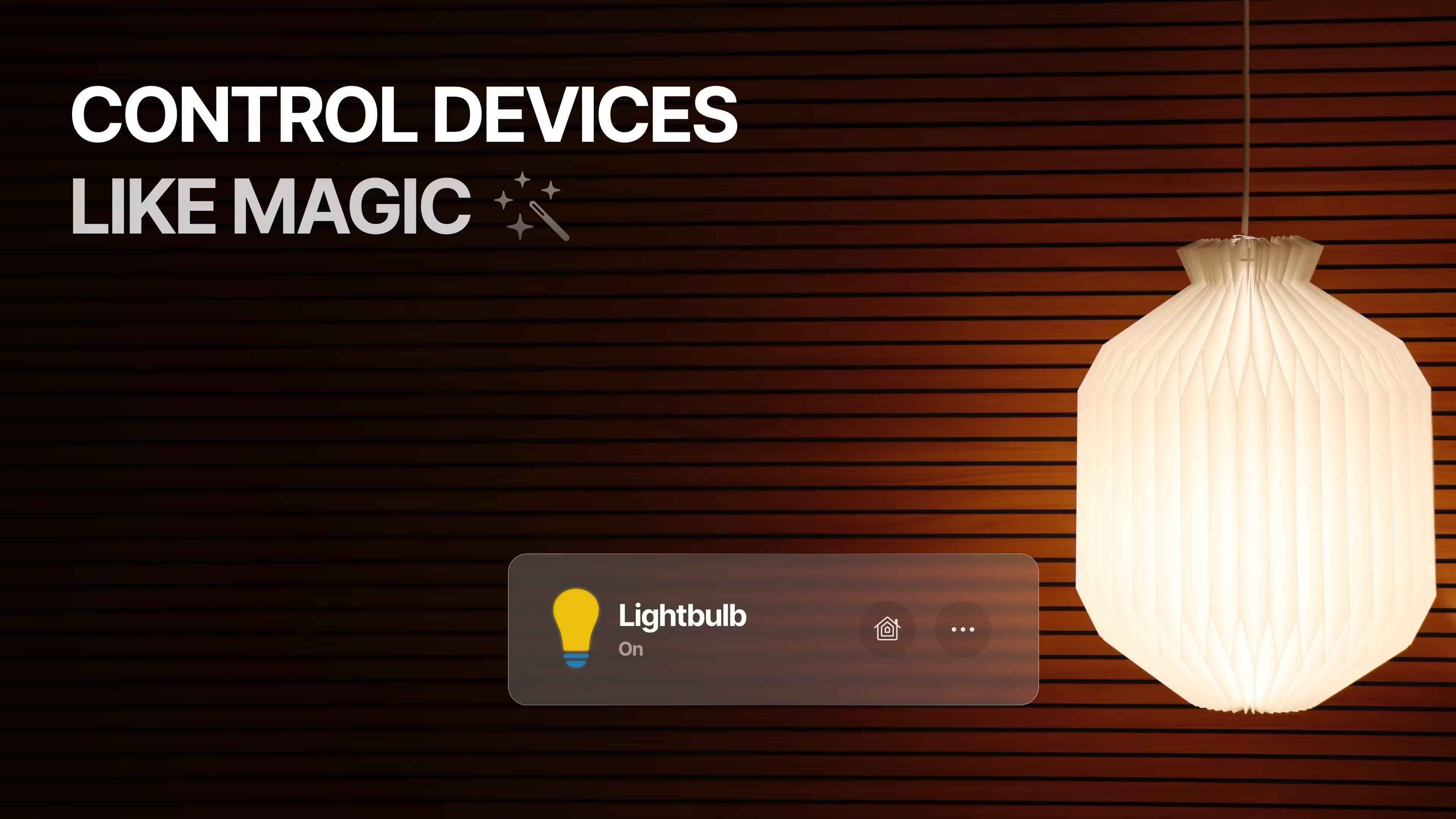
About Loma Home
What Is Loma Home
Loma Home is a smart home control app for Apple Vision Pro that controls Apple HomeKit accessories through spatial windows. Instead of tapping through one list on a phone, you open a window per device and place each one where you want it in the room. Lights, fans, outlets, speakers and garage doors all sit in front of you at once.
It solves a narrow but real problem. Apple has no native Home app for Vision Pro, only the iPad version running in compatibility mode. That works, but it feels like a flat tablet app floating in space. Loma Home acts as a proper HomeKit controller for visionOS, rebuilt so the controls respond to gaze and pinch.
The limits are strict. It is Vision Pro only, with no iPhone, iPad or Mac version to fall back on, so you need the headset to use it at all. It also covers HomeKit only; accessories that need a separate hub app for setup still have to be added through that app first. Version 1.0 has no camera feeds or automation editing.
Getting Started
- Install Loma Home from the App Store on your Apple Vision Pro and open it.
- Allow access to your HomeKit home when the app asks, so it can read your existing accessories.
- Create a control window for each device you want on screen, then size and place the windows in your space.
- Adjust lights, fans, outlets or audio from those windows, and return whenever you want to change the layout.
Product Information
A quick look at Loma Home's pricing, supported platforms, and performance.
Best for
The users, tasks, and scenarios where this tool fits best.
Users
- Vision Pro owners with a HomeKit setup
- People who dislike the iPad Home app in compatibility mode
- Tinkerers who like to arrange their space
Tasks
- Turning lights up or down by room
- Managing outlets and power strips
- Checking and closing a garage door
Scenarios
- Running the house from the couch in a headset
- Dimming several rooms at once
- Handing control to a guest
Key features
Multi-window control
You build a separate window for each HomeKit device and keep several open at the same time. A single device can also get more than one window, so you can watch brightness on one and color on another. This is the core idea, and it is what separates Loma Home from a phone list.
Lighting controls
Each smart bulb gets full RGB color, brightness and an on/off toggle. You set a warm dim for the evening or a bright cool tone for work without leaving the window you already have open. The control set covers what most HomeKit bulbs expose.
Outlet and power strip control
You can switch individual outlets or a whole power strip at once, which suits desks and media cabinets with several plugs. Independent control matters when one device should stay on while the rest go off.
Fan settings
Fan speed, rotation direction and power state all sit in one window. Adjusting direction is a small thing, but it matters in rooms where the airflow changes with the season.
Audio and garage door control
Connected speakers get volume, mute and on/off controls, and garage doors get an open or closed state. Both are the kind of daily check you want within reach rather than buried in another app.
Pros and cons
Pros
- Built only for visionOS, so controls use gaze and pinch instead of a stretched tablet layout.
- One window per device, and any device can have several, which fits the way spatial apps share screen space.
- Free to download, with a one-time Full Access unlock rather than a subscription.
- The App Store listing states the app collects no data from users.
Cons
- Vision Pro only. There is no iPhone, iPad or Mac version, so you cannot use it without the headset.
- HomeKit only. Matter-only and vendor-cloud accessories need their own app first.
- No camera feeds or automation editing in version 1.0, so you still open Apple Home for those jobs.
- Controls are one-directional in practice: it runs devices well but does not show sensor history or scenes.
Frequently asked questions
Loma Home controls Apple HomeKit devices from Apple Vision Pro. You create a window for each light, fan, outlet, speaker or garage door and manage them around your space instead of scrolling a list.
Related content
Explore related tools, skills, and articles for Loma Home.
Loma Home Alternatives

JarvisCore
Prescott Data · Coding · Productivity · OtherJarvisCore is an open source Python runtime where AI agents work as equal peers on an agent mesh, claim tasks from a shared ledger, and reach external services through a zero-trust broker.
Clef
Cloudflare · Business · OtherClef is Cloudflare's open-source decision model for Workers AI. It returns calibrated probabilities for typed questions, not generated text, so agents can classify, route, and act fast.

iFixAi
iFixAi · Business · OtheriFixAi is an open-source auditor for AI agents. It runs your agent through a simulation of your business, grades every reply, and returns an A to F scorecard backed by evidence.