

Loqua
Loqua · Writing · Voice & Language · Productivity
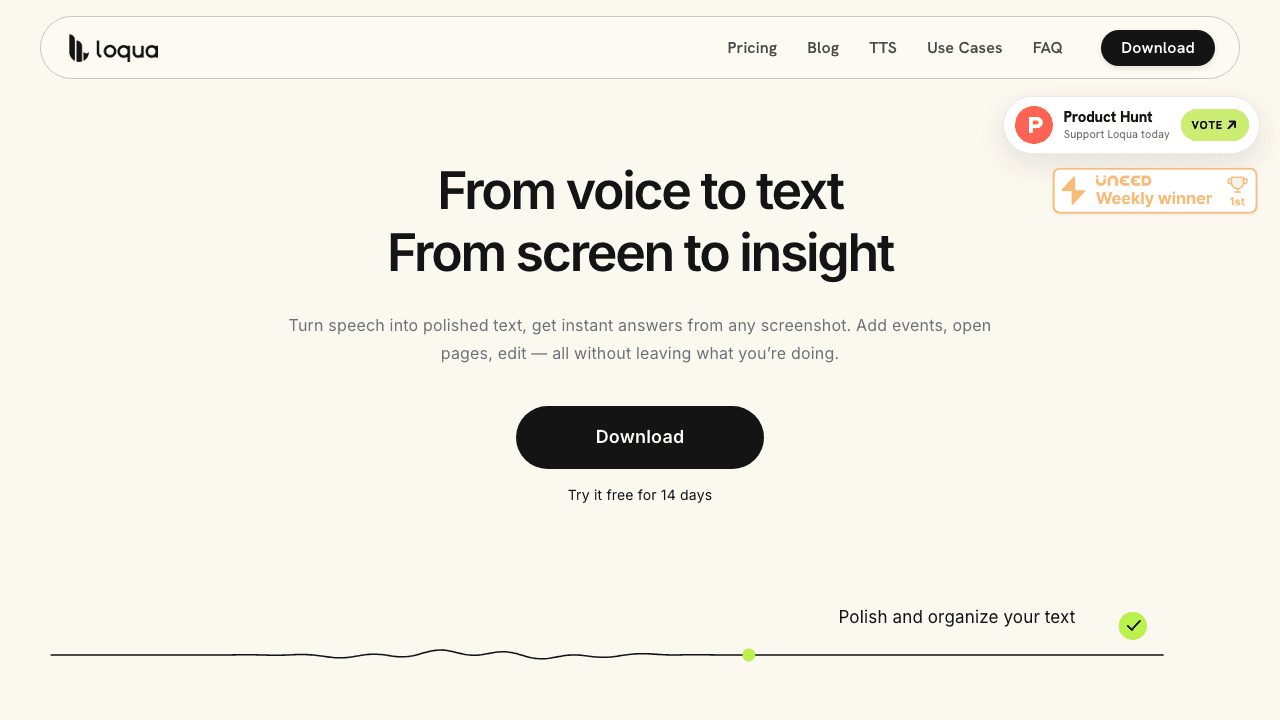
Loqua is AI voice typing and dictation software for Mac and Windows that turns rough speech into polished text wherever your cursor sits. It removes filler words, formats lists and headings on its own, translates on the fly, and reads anything on your screen so you can ask questions without switching apps. A 14-day Pro trial runs first, and a free plan keeps core dictation going after that. Think of it as speech to text that edits itself. Most AI transcription tools dump words on the page as spoken. Loqua won't. It cleans first, then hands you something you could send.
About Loqua
What Is Loqua
Loqua is a desktop dictation tool built around one idea: talking should be as fast as thinking. You speak into any text field, and the app cleans up the mess before it lands on screen. No "um." No repeated words. No "comma" commands. What shows up is text you could send as is.
The appeal is speed with a safety net. Loqua says traditional typing runs around 45 words per minute, while its dictation hits about 220, and it frames that gap as roughly three hours saved per day for heavy writers. That's a vendor claim, not a guarantee, but the underlying math is easy to feel if you write for a living.
It's not just transcription, either. Loqua adds translation across nearly 100 languages, a screen-reading mode it calls Capture to Ask, and voice-driven editing that rewrites selected text on command. The main limits are platform and maturity: it's desktop-only for now, with iOS and Android marked "coming soon," and some team features are still on the way.
Getting Started
- Download Loqua for Mac (Apple Silicon or Intel) or 64-bit Windows from the official site.
- Complete onboarding, which starts your 14-day Pro trial automatically.
- Assign a global shortcut, then open any app you type in and place your cursor.
- Speak naturally at the shortcut. Loqua transcribes, cleans, and formats the text in place.
- Check your usage in the sidebar and upgrade to Pro if the free weekly limit gets tight.
Product Information
A quick look at Loqua's pricing, supported platforms, and performance.
Best for
The users, tasks, and scenarios where this tool fits best.
Users
- Writers and content creators
- Non-native English speakers
- Developers and support teams
Tasks
- Drafting emails and messages
- Turning rambling notes into structure
- Editing on the spot
Scenarios
- Long writing days
- Multilingual work
- Reading dense material
Key features
Real-time Cleanup
Loqua doesn't hand you a raw transcript. It strips filler words, cuts repetition, and tightens phrasing as you speak, so the text that appears is ready to send. If you've ever re-read a dictation dump and winced, this is the fix. It's the part most people notice first. The catch is that aggressive cleanup can smooth over a deliberate turn of phrase, so it's worth a look before sending anything important.
Automatic Structure
Speaking in blocks gets you lists, headings, and hierarchy without dictating formatting commands. You describe the shape in words, and Loqua builds it. It's a decent time saver for outlines and meeting notes. Highly specific layouts will still need a manual pass.
Mid-sentence Translation
Speak in your language and get theirs, with phrasing that reads as native rather than literal. Loqua covers nearly 100 target languages, and the switch happens mid-sentence. Useful for quick replies across borders. Less so for anything where tone and nuance carry the message.
Capture to Ask
Capture any part of your screen, ask a question out loud, and get an answer, analysis, translation, or summary without leaving the app you're in. It's the feature that surprises people most, since it works on charts and tables as easily as text. Call it screen capture AI that follows up with a real answer. The free plan caps this at 10 uses per week.
Speak to Edit
Highlight a product description, a draft, or a note, speak your change, and Loqua rewrites it in place. You don't copy anything out and paste it back. It behaves like a voice-driven revision pass, which suits people who know what they want changed but not how to type it.
Command to Go
Shortcut-activated voice triggers actions: set reminders, open apps, search routes, place calls, send texts. It's a hands-free command layer over the desktop. Handy when your hands are busy. It won't replace a full automation tool.
Privacy Defaults
Loqua says it keeps zero cloud data retention, never trains on your data, and stores dictation history on your device, with GDPR compliance listed. Handling dictation history control in-app is a sensible touch for anyone dictating sensitive material. These are the company's stated policies. The app itself is where you'd verify them.
Pros and cons
Pros
- Cleanup and formatting mean dictated text rarely needs a full edit pass.
- Works across roughly any text field, including terminals and email clients.
- Translation covers nearly 100 languages and switches mid-sentence.
- On-device history storage plus a stated no-training policy suits privacy-minded users.
Cons
- Desktop only for now, so mobile users have to wait for iOS and Android.
- The free plan caps dictation at 5,000 words per week and Capture to Ask at 10 uses.
- Automatic cleanup can flatten intentional phrasing, so a review pass still helps.
- No public API means you can't wire Loqua into your own workflow.
Frequently asked questions
It's AI voice typing and dictation software for Mac and Windows. You speak and it writes clean, formatted text anywhere you can type, plus it translates, reads your screen on command, and rewrites text you select. Think of it as a hands-free typing layer for the whole desktop.
Related content
Explore related tools, skills, and articles for Loqua.
Loqua Alternatives

Google EmbeddingGemma 2
Google DeepMind · Writing · Image · CodingGoogle EmbeddingGemma 2 is a 740M-parameter open model that turns text, code, images, audio, and video frames into vectors in one 768-dimension space, running on phones and laptops.

MePersona
MePersona, Inc. · Writing · Productivity · MarketingMePersona is an AI unified inbox for creators. It learns your voice, drafts replies to fan messages from 12 platforms, and sends only what you approve.

Fluence
Yay Software (Yannick Huchard) · Writing · Voice & Language · ProductivityFluence is an Android app that reads PDFs, EPUBs, Word files and web articles aloud, follows each sentence as it speaks, and answers questions about the text on the phone itself.