

Lufe AI
Lufe AI · Writing
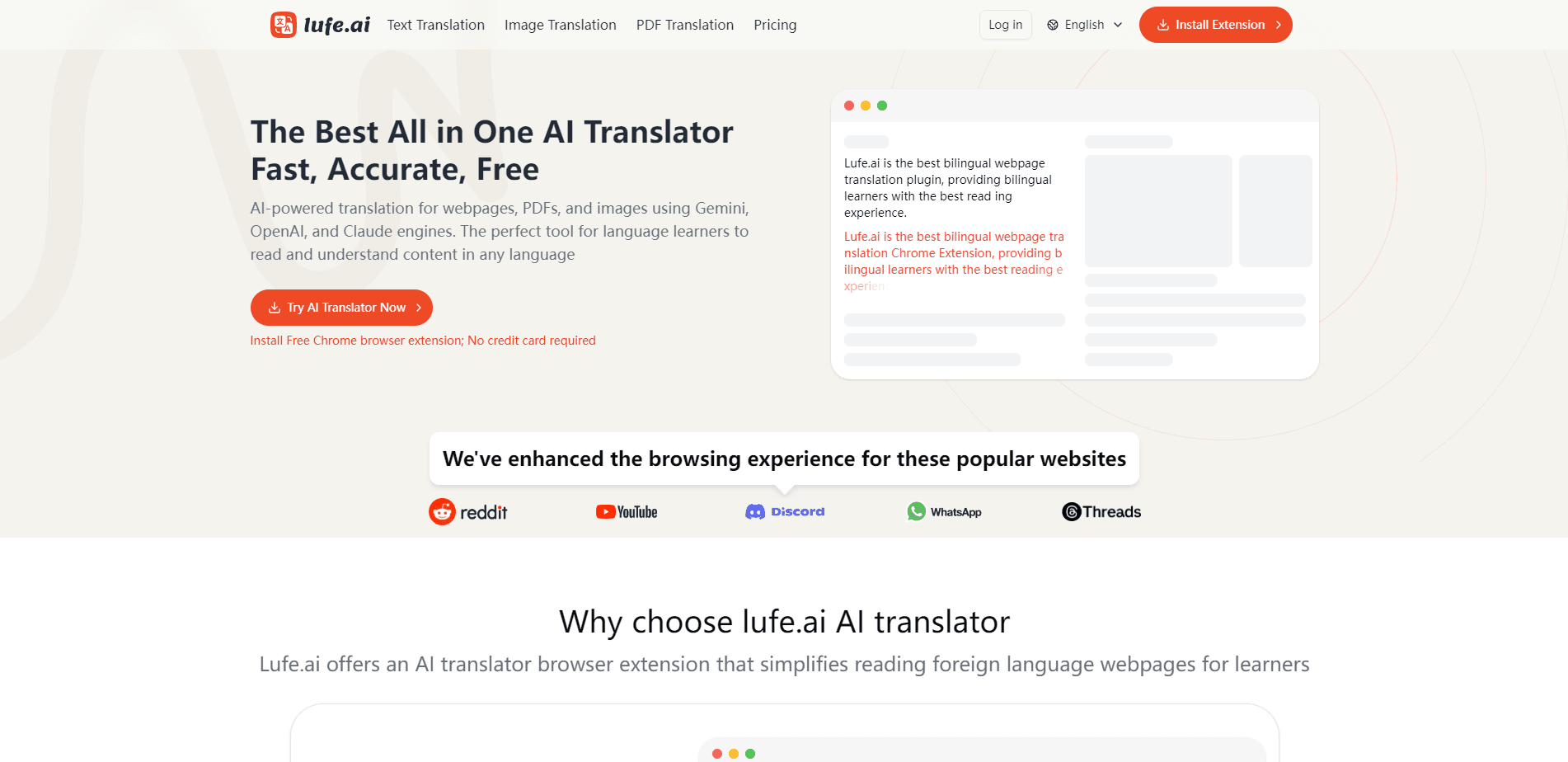
Lufe AI is an AI translator extension for Chrome that shows webpages, PDFs and images in two languages at once. It runs on Gemini, OpenAI and Claude engines for the AI parts and covers 100+ languages.
About Lufe AI
What Is Lufe AI
Lufe AI is a browser extension that translates what you read on the web. Its pitch is bilingual reading: instead of replacing the page, it adds a translation under each line, so you keep the original text in view while you understand it. That format is aimed at language learners who want to pick up a second language from real articles, novels and news rather than from a textbook. You'll find it at Lufe.ai.
The tool works in two layers. Basic machine translation comes from established engines like Google, Yandex and Bing, and it runs without a paid plan. The heavier work reads context and tone rather than working word by word, and it goes to AI models from Gemini, OpenAI and Claude. Lufe AI says AI translation is about five times more accurate than plain machine translation. That figure is the company's own comparison, not an independent benchmark.
Two limits are worth knowing before you install it. The AI tier is credit based, so heavy use runs through an allowance rather than staying flat. And it is a Chrome extension first, which means the whole experience lives inside the browser rather than in a standalone desktop app.
Getting Started
- Install the Lufe AI extension from the Chrome Web Store; no credit card is needed for the free tier
- Open any foreign language webpage and let the extension detect the source language
- Pick your side-by-side view: full dual line, blurred until you hover, or a style you set yourself
- Translate an image or PDF by uploading or clicking into it and sliding across the content
- Move to a paid tier when the free AI allowance runs out and you want unlimited image and PDF translation
Product Information
A quick look at Lufe AI's pricing, supported platforms, and performance.
Best for
The users, tasks, and scenarios where this tool fits best.
Users
- Language learners
- Casual readers of foreign sites
- Researchers and students
- Travelers and shoppers
Tasks
- Reading webpages bilingually
- Looking up words while reading
- Translating screenshots and photos
- Translating PDF documents
- Building a reading habit
Scenarios
- Following a foreign news story daily
- Studying for a language exam
- Checking a foreign product page before buying
- Deciphering a screenshot or a photo of a menu
- Reading a PDF report in another language
Key features
Bilingual Web Translation
The core view lays a translation under each line of the original, so the page stays readable in both languages. You choose how much shows: a full dual line, a blurred version that clears when you hover, or a style you define yourself. For language learners, that setup is the point, since you can test your own reading against the translation only when you need it.
Select to Translate
Highlight a word or phrase and the extension returns a translation right there, and a voice option lets you hear how it sounds. This covers the moment you hit an unfamiliar term and don't want to open a separate tab. The company says the lookups are context aware, so the suggestion fits the sentence rather than a dictionary default.
Image Translation
You can translate text inside an image by uploading it or by clicking into it, and the tool detects the language and reads the text on its own. The display is built to be slid across, so you move through the image and watch the translation track the content. It suits screenshots, signs and photos where the text is baked into the picture and can't be selected.
PDF Translation
Upload a PDF and the extension translates the document into your language. On the free plan each image and PDF caps at 1,500 words, and paid tiers lift that cap entirely. It's a simpler path than copying passages out by hand. The output is a translated read, not a rebuilt original layout.
Multiple Translation Engines
Basic website translation runs on Google, Yandex and Bing with no limit, and the AI layer draws on ChatGPT, Claude and Gemini. That split means you can read most pages for free through machine translation and spend AI credits only where context matters. Several engines on hand also let you compare output when one of them mangles a passage.
Custom Display Styles
The extension lets you set how translation appears, from a side-by-side layout to a mode where the translation stays hidden until you ask for it. The blurred mode is a small but useful touch for learners: you attempt the original first, then reveal the translation to check yourself, which is closer to how you'd study with a tutor than a page that hands you the answer.
Pros and cons
Pros
- Free tier covers unlimited machine translation, so casual reading costs nothing
- Bilingual view keeps the original next to the translation, which suits language learners
- Handles webpages, PDFs and images in one extension
- Supports 100+ languages through Google, Bing, Yandex, ChatGPT, Claude and Gemini
- Custom display styles, such as a hover-to-reveal mode, let you control how much help you see
Cons
- The AI tier is credit based, so heavy readers hit the allowance and face an upgrade
- Free plan caps each image and PDF at 1,500 words, which is short for long documents
- It's a Chrome extension only, so there's no standalone app for other browsers or desktops
- The five-times-more-accurate claim is the company's own figure, not an independent test
Frequently asked questions
Lufe AI is a Chrome extension that translates webpages, PDFs and images with a bilingual view. It shows the original text and the translation together, which is aimed at language learners and anyone reading foreign content who wants to keep the source in sight.
Related content
Explore related tools, skills, and articles for Lufe AI.
Lufe AI Alternatives

Emailwritr
Emailwritr · Writing · MarketingEmailwritr is an AI email copywriting tool built for affiliates, course creators, and online businesses that want more revenue from the list they already own. Instead of blank pages or generic chatbot prompts, this AI email writer generates welcome sequences, launch campaigns, cart recovery emails, and promo series from frameworks modeled on well-known direct-response copywriters. You connect your autoresponder, answer a few questions about your offer, and it writes the copy for you.

Swms
Swms AI · Writing · Productivity · BusinessSwms is an AI safety compliance tool that turns a plain description of a job into ready-to-use safety documents. Describe your project, trade, and known hazards, and it writes a safe work method statement, job hazard analysis, safe work procedure, RAMS, or safety data sheet in seconds. It also ships with Oscar, a chat assistant that answers workplace safety questions in any language. Teams in construction, mining, transport, and warehousing use it to cut the paperwork that usually eats into a workday.

Prosp
Prosp · Writing · Voice & Language · MarketingProsp is an AI LinkedIn outreach tool built for agencies and sales teams, and it writes the message and the voice note in your own voice for each prospect so they actually reply. You connect your accounts, find leads, and let the AI draft and send personalized messages at scale, all from one inbox. It's built for people running outbound at volume. That's the whole pitch. Every touchpoint still has to feel human.