

Luxalgo
Luxalgo · Coding · Other
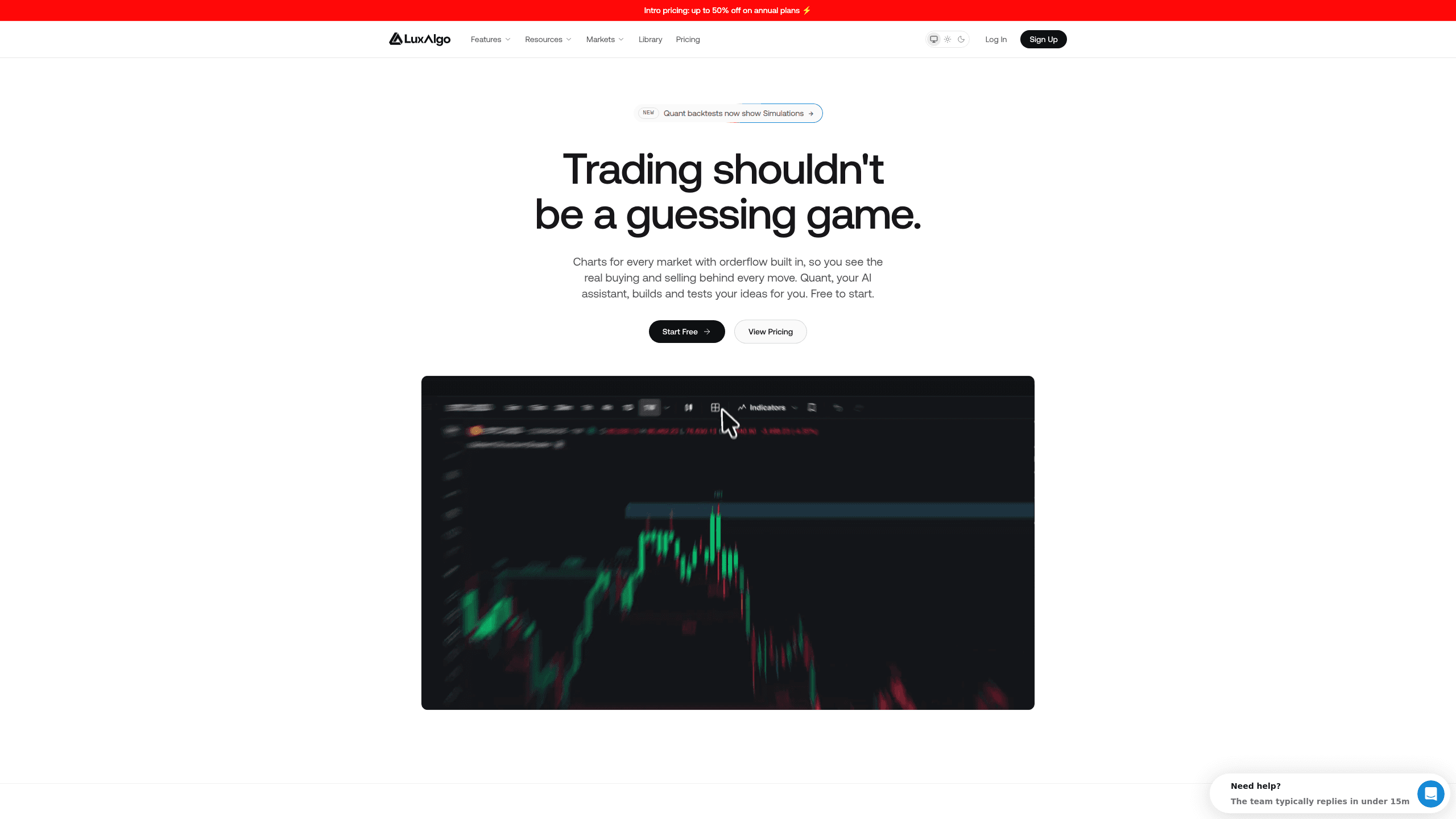
Luxalgo is an AI trading and charting platform that brings advanced indicators, multi-asset order flow, and an AI coding agent called Quant into one workspace. It suits traders who already read charts and want faster signals, and it runs in the browser alongside its long-standing tools for TradingView. The platform is free to start, so you can test the charting engine before you pay for premium features. Risk first, money later.
About Luxalgo
What Is Luxalgo
Luxalgo is charting and analysis software built for people who trade stocks, forex, crypto, and futures. It gives you its own charting engine plus a set of indicators that mark trends, support and resistance zones, and momentum shifts, so you spend less time drawing lines and more time reading the market. That's the pitch, anyway.
The bigger draw is Quant, an AI agent that turns plain-language requests into trading logic. You describe a rule, and it helps write, test, and backtest the idea, which is handy if you understand markets but don't write code. Luxalgo also layers in order flow analytics, the data behind who's buying and selling right now. Volume tells a story.
The main limit is scope. Luxalgo gives you tools and research, not advice, and it doesn't execute trades for you. Anything Quant produces reflects the criteria you feed it, so the output is only as good as your inputs. That's worth remembering before you trust any backtest.
Getting Started
- Go to luxalgo.com and create a free account to open the charting workspace.
- Pick a market from the symbol list, like a stock, a forex pair, or a crypto pair.
- Add indicators from the library and adjust the settings to match how you trade.
- Open Quant and describe the rule or strategy you want to build, test, or backtest.
- Review the signals and data, then decide whether a paid plan fits your workflow.
Product Information
A quick look at Luxalgo's pricing, supported platforms, and performance.
Best for
The users, tasks, and scenarios where this tool fits best.
Users
- Active traders who read charts daily
- Part-time traders on forex and crypto
- Strategy builders who don't code
Tasks
- Spotting trends and support zones
- Reading order flow
- Backtesting a trade idea
- Building a charting setup
Scenarios
- Reviewing markets before the open
- Testing a hunch over a weekend. Describe the idea to Quant and check the backtest before risking real money.
- Tracking multiple markets at once
- Learning how an indicator behaves
Key features
Quant, the AI Coding Agent
Quant is Luxalgo's agent for turning a described idea into trading logic. You explain a rule in everyday language, and it helps write the strategy, run a backtest, and iterate on the result. That makes it useful for traders who know what they want but don't write code. Keep in mind the output reflects your inputs, so a vague rule produces a vague test.
Multi-Asset Order Flow
Order flow tools show the buying and selling pressure behind a price move, not just the price itself. Luxalgo serves this across stocks, forex, crypto, and futures, so you can study how volume behaves in all four markets without switching platforms or juggling separate logins. For traders used to candlesticks alone, it adds real context on why a move happened. Price is the headline; order flow is the rest of the story.
The Luxalgo Charting Engine
Charts here run on Luxalgo's own engine rather than a third-party widget, which keeps rendering and indicators in one place. You add indicators from a library, tune their settings, and save a workspace you can return to. The aim is a single screen for analysis instead of juggling several browser tabs.
A Library of Trading Indicators
The platform ships with indicators that mark trends, support and resistance, and momentum shifts. These cover common jobs. You find where price tends to stall, spot a trend early, and flag reversals. You can layer several together, which is where the real value sits, since one indicator rarely tells the whole story.
TradingView Compatibility
Many Luxalgo tools are also published for TradingView, so traders already at home there can keep their setup and add Luxalgo's indicators on top. That eases the switch if you don't want to abandon your existing watchlists. It also means you can compare signals side by side before committing to the full platform.
Free-to-Start Access
You can open the charting workspace on a free account and test the engine before paying. That's the right way to find out whether the indicators match your style, because paid tiers only make sense once the free tools already earn their place in your routine.
Backtesting for Strategy Ideas
Once an idea exists as rules, you can run it against historical data to see how it would've performed. Backtesting won't predict the future, and simulated results always flatter the past, but it filters out ideas that fall apart on contact. It's the fastest way to separate a real edge from a hunch. No edge, no trade.
Pros and cons
Pros
- Combines charting, indicators, and an AI coding agent in one workspace, so you don't stitch three tools together.
- Quant lowers the coding barrier for traders who want to test strategies but don't write scripts.
- Multi-asset order flow adds volume context across stocks, forex, crypto, and futures.
- Tools also work inside TradingView, which eases the move for existing users.
- A free tier lets you judge the charting engine before paying.
Cons
- No trade execution, so you still place every order through your own broker, which means extra steps.
- Quant's output depends on how you describe the rule, so weak inputs give weak tests with no built-in warning.
- There's no public API, which limits anyone hoping to hook Luxalgo into their own automated pipeline.
- The depth of features means a real learning curve if you're new to order flow or backtesting.
Frequently asked questions
It's a trading and charting platform for analysis, not execution. You use it to mark trends and support zones, read order flow, and build or backtest strategy ideas with an AI agent, then act on that analysis through your own broker.
Related content
Explore related tools, skills, and articles for Luxalgo.
Luxalgo Alternatives

Base Code
Base44 (Wix) · Coding · ProductivityBase Code is a shared cloud development environment from Base44. Teammates describe changes to an existing GitHub codebase in chat, preview them live and send them back as pull requests.

Google EmbeddingGemma 2
Google DeepMind · Writing · Image · CodingGoogle EmbeddingGemma 2 is a 740M-parameter open model that turns text, code, images, audio, and video frames into vectors in one 768-dimension space, running on phones and laptops.

GitGlow
GitGlow · Coding · ProductivityGitGlow is a local-first desktop Git client that lets independent developers review their own code and their AI agents' changes in one place before shipping.