

MacCopilot
TychoStationAI · Other
MacCopilot is a macOS app that turns any part of your screen into a question. Select a region, ask your own OpenAI, Claude, Gemini, or local model, and read the answer in a floating chat window.
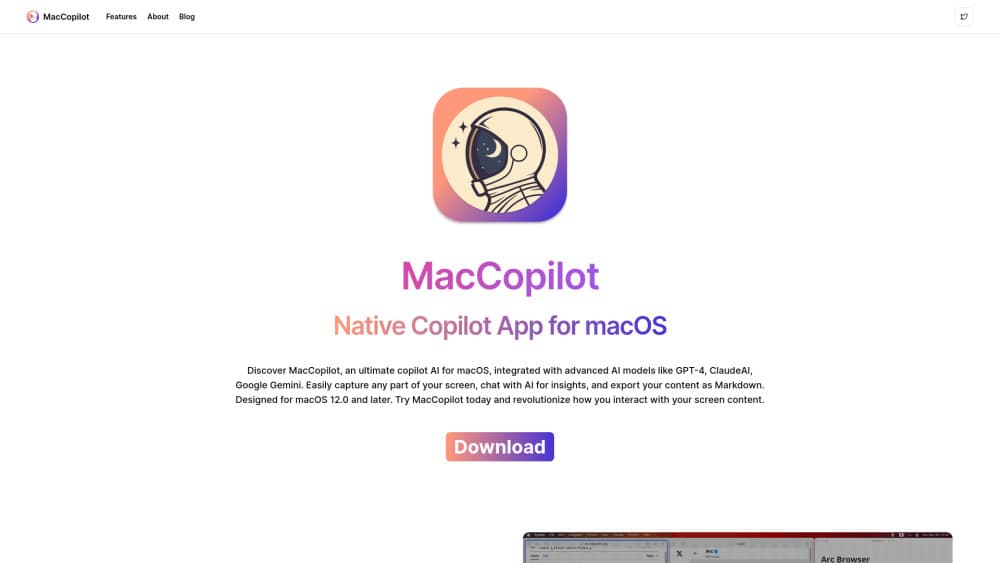
About MacCopilot
What Is MacCopilot
MacCopilot is a screen-aware AI assistant for Mac users who are tired of describing what they see. You drag a box over a chart, an error message, or a design mockup, and the app sends that region to a model with your question. No exporting, no retyping, no tab switching.
The app doesn't ship a model of its own, and the point is to chat with screen content rather than describe it from memory. You connect an OpenAI key, an Anthropic key, a Google Gemini key, an Azure OpenAI deployment, or a local server such as Ollama. That's why the price is a one-time $19.99 instead of a subscription: model usage is billed by the provider you already pay, and MacCopilot takes no cut of it.
The tradeoff sits in setup. You need working API credentials before the first answer, and quality depends entirely on the model you pick. It's an AI assistant for macOS only, sold outside the Mac App Store, and the first capture triggers a screen recording permission prompt. On a managed work laptop, that prompt may be blocked.
Getting Started
- Download the app from maccopilot.co and buy the lifetime license at checkout. There's no account to create, and the license key unlocks the app.
- Grant screen recording permission in System Settings when macOS asks. On current versions, captures run through Apple's ScreenCaptureKit.
- Add a model profile: paste a key for OpenAI, Anthropic, or Google, or point the app at an OpenAI-compatible endpoint or a local Ollama server. You can keep as many profiles as you like.
- Press the capture shortcut, drag over the area you want to discuss, and type your question in the prompt bar. The reply streams into the chat window beside the capture.
Product Information
A quick look at MacCopilot's pricing, supported platforms, and performance.
Best for
The users, tasks, and scenarios where this tool fits best.
Users
- Designers reviewing a layout
- Developers reading unfamiliar code
- Students working through diagrams
- Support and ops staff
Tasks
- Debugging a UI bug
- Turning a screenshot into text
- Rewriting a line of copy
- Reading a chart or dashboard
Scenarios
- A design review before a meeting
- Debugging on a second monitor
- Learning a new tool
Key features
Select Any Region and Ask
Drag over part of the screen, then resize the selection from any edge or corner before you send. MacCopilot opens a lightweight prompt bar first and expands into the full chat window once you ask. The last region is one shortcut away, Command-Control-7 by default, which makes repeat captures fast.
Your Own Models, Your Own Keys
Connect OpenAI, Anthropic Claude, Google Gemini, Azure OpenAI, or any OpenAI-compatible endpoint, and add local servers such as Ollama. Each connection becomes a model profile, and profiles are unlimited. The bring your own API key approach means there's no monthly quota to run out of and no markup on tokens.
Reasoning Controls
For models that expose reasoning settings, the app shows mode, effort, and budget options before you send. Reasoning output lands in a separate section you can expand or collapse at any time. The final answer stays readable, and you can still check how the model got there.
Streaming Chat with Rich Markdown
Replies stream into the window, and the send button turns into a stop control while a response generates. Code blocks, tables, math, diagrams, and images all render inside the chat, with separate font sizes for text and code. Scrolling holds its place while you read older messages, and one click returns you to the newest reply.
Image Input and Local Vision Models
Most AI screen capture apps grab a whole window, which drags in whatever else is open. Each capture counts as image input, so any vision-capable model can read it. Local setups work as well: Ollama models with image support, Llava among them, analyze a capture without sending pixels to a cloud provider. That matters on confidential work, where a screenshot to AI workflow has to stay on the machine.
Mac-Native Details
Captures go through Apple's ScreenCaptureKit on supported macOS versions, and multi-display setups are handled properly. The app can launch at login, updates itself, and lives in the menu bar with keyboard shortcuts. It stays out of the way until you capture something.
Pros and cons
Pros
- One payment of $19.99 for a lifetime license, with no subscription and no per-request markup.
- Works with accounts you already pay for, including Azure deployments and local Ollama servers.
- Region capture beats retyping, since the model sees the real layout, error text, or chart.
- Reasoning controls and a collapsible reasoning panel make an answer easier to trust.
- Rich Markdown rendering keeps code, tables, and math readable inside the chat.
Cons
- You have to supply your own API key, and provider usage is billed separately, so heavy use costs more than the app itself.
- There's no free tier or trial. You pay before you can test it on your own screens.
- macOS only, and capture needs screen recording permission, which some locked-down work Macs won't grant.
- Anything you capture leaves your Mac for the provider you configured, so confidential material needs a local model or a policy check.
Frequently asked questions
MacCopilot is a macOS AI assistant that lets you select any area of your screen and ask an AI model about it. It captures the region, attaches it to your question, and answers in a floating chat window. The app provides the interface and the capture tools, while the model comes from a provider you connect.
Related content
Explore related tools, skills, and articles for MacCopilot.
MacCopilot Alternatives

Odyssey 3
Odyssey · OtherOdyssey-3 is Odyssey's foundation world model. It simulates physics in real time, turns a prompt into an interactive environment, and adapts to robots, cars and games.

JarvisCore
Prescott Data · Coding · Productivity · OtherJarvisCore is an open source Python runtime where AI agents work as equal peers on an agent mesh, claim tasks from a shared ledger, and reach external services through a zero-trust broker.
Clef
Cloudflare · Business · OtherClef is Cloudflare's open-source decision model for Workers AI. It returns calibrated probabilities for typed questions, not generated text, so agents can classify, route, and act fast.