

MagiCan
MagiCan · Writing · Productivity
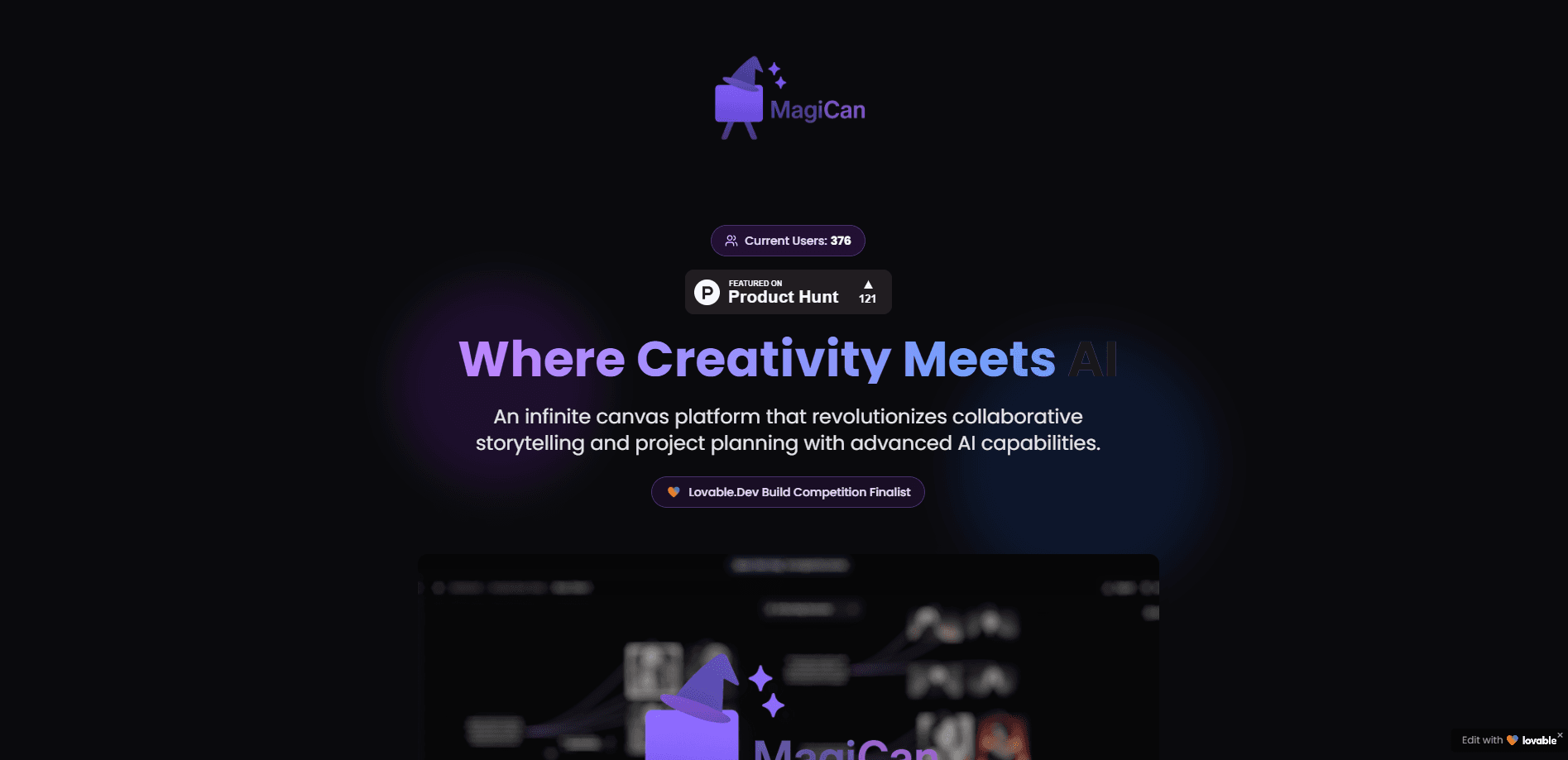
MagiCan is a browser-based AI infinite canvas for storytelling and project planning. You arrange ideas as nodes, generate text, images, audio, and video, and collaborate in real time.
About MagiCan
What Is MagiCan
MagiCan is an AI-enhanced infinite canvas platform aimed at creators and teams who do collaborative storytelling or visual project planning in a shared space. Instead of a linear document, you get an open board where every idea is a node you can move, connect, and grow. It runs in the browser, so there's nothing to install and no project files to juggle across machines.
The draw is that the canvas and the AI sit in the same place. You drop a prompt, generate an image or a block of text, and the result lands right next to the idea that sparked it. A flow map feature turns a set of connected nodes into a structured overview, which is handy when a story or a plan gets long enough to lose the thread.
The main limit is how much you lean on credits. Every AI generation spends credits, video costs far more than text, and the free plan caps both credits and projects. Collaboration is also split by plan: free users share canvases in view-only mode, and edit access for shared canvases requires Premium.
Getting Started
- Open magican.co in a browser and start free, which comes with 150 AI credits.
- Create a project, then add nodes to the infinite canvas and arrange them by dragging.
- Connect related nodes with lines to map how ideas, steps, or characters relate.
- Generate content from prompts: text, images, audio, or video, with each type costing a set number of credits.
- Invite teammates to a canvas, share a link, and set view or edit permissions.
Product Information
A quick look at MagiCan's pricing, supported platforms, and performance.
Best for
The users, tasks, and scenarios where this tool fits best.
Users
- Writers and storytellers
- Creative teams
- Solo creators and indie makers
Tasks
- Building a story or world map
- Generating visual assets
- Producing a flow map
Scenarios
- Early-stage project planning
- Collaborative brainstorming
- Content prep for a release
Key features
Infinite Canvas Workspace
The core surface is an endless canvas you pan and zoom with the mouse, arrow keys, or a trackpad. You place every idea as a node and arrange them spatially, which suits work that doesn't fit a page. Connecting nodes with lines shows how ideas relate, and the space never runs out as a project grows.
AI Content Generation
You generate text, images, audio, and video straight from the canvas using prompts. Text costs 1 credit per generation, images 4, audio and flow maps 5, and video 30, so you can weigh an idea's cost before you run it. Multi-node image generation lets you batch out several visuals in one pass rather than repeating the same step.
Flow Map Builder
A flow map turns a set of connected nodes into a structured overview for 5 credits. It's the feature that keeps a sprawling canvas readable, since it reframes a web of linked ideas into something you can scan as a plan or a script.
Real-Time Collaboration
You invite teammates to a project and work on the same canvas at once, with changes syncing across everyone. Free users share canvases in view-only mode, while Premium unlocks edit permissions on shared canvases, so the collaboration depth depends on the plan.
Media Library
Images and audio you generate or upload collect in one media library you can browse, search, and reuse. You drag an asset onto the canvas when you need it, which keeps a project's files in one place instead of scattered across folders.
Version History
MagiCan snapshots your canvas automatically every hour and also lets you save a version by hand. You can review earlier states and restore one if a recent change ran the project off course, and Premium adds a more advanced version history.
Pros and cons
Pros
- Canvas and AI generation live in one place, so you don't export work to a separate tool to make an image or a block of text.
- Text, image, audio, and video generation cover the main media types a story or campaign needs.
- Real-time collaboration with view and edit permissions suits teams planning on a shared board.
- Automatic hourly snapshots plus manual saves give you a rollback point without extra setup.
- Free plan includes 150 monthly credits, enough to test the workflow before paying.
Cons
- The free plan caps you at 2 projects with 2 canvases each, which runs out fast for bigger work.
- Video generation costs 30 credits, so heavy video use drains a plan quickly.
- Edit access on shared canvases is a Premium feature, so free users can only share view-only links.
- There's no API, so you can't generate content or manage canvases from your own code.
- The project is young and lists no public user numbers, so long-term support and roadmap are hard to gauge.
Frequently asked questions
MagiCan is an infinite canvas for visual planning and storytelling. You arrange ideas as nodes, connect them, and generate text, images, audio, or video next to them. It's built for creators and teams who plan in a spatial way rather than in a linear document.
Related content
Explore related tools, skills, and articles for MagiCan.
MagiCan Alternatives

Claude for Google Workspace
Anthropic · Writing · Productivity · BusinessClaude for Google Workspace puts Claude in a sidebar inside Google Docs, Sheets, and Slides, where it reads the file you have open and edits it in place.

Claude Haiku 5.5
Anthropic · Writing · Coding · ChatbotClaude Haiku 5.5 is Anthropic's fastest and cheapest small model, built for high volume tasks at $0.10 per million input tokens with a 1M token context window.

NoteWorthy
Suman Hansada · Writing · Productivity · AI AssistantNoteWorthy is a notes app for iPhone, iPad and Mac that writes titles, tidies formatting, summarizes long notes and files each one with on-device AI. No account, no upload, no network requests.