

Magicley: One AI Hub
Magicley · Other
Magicley AI is an all-in-one AI hub that puts text, image, code, voice, and custom chatbot tools in one dashboard, so Android users can work with several AI models without switching apps.
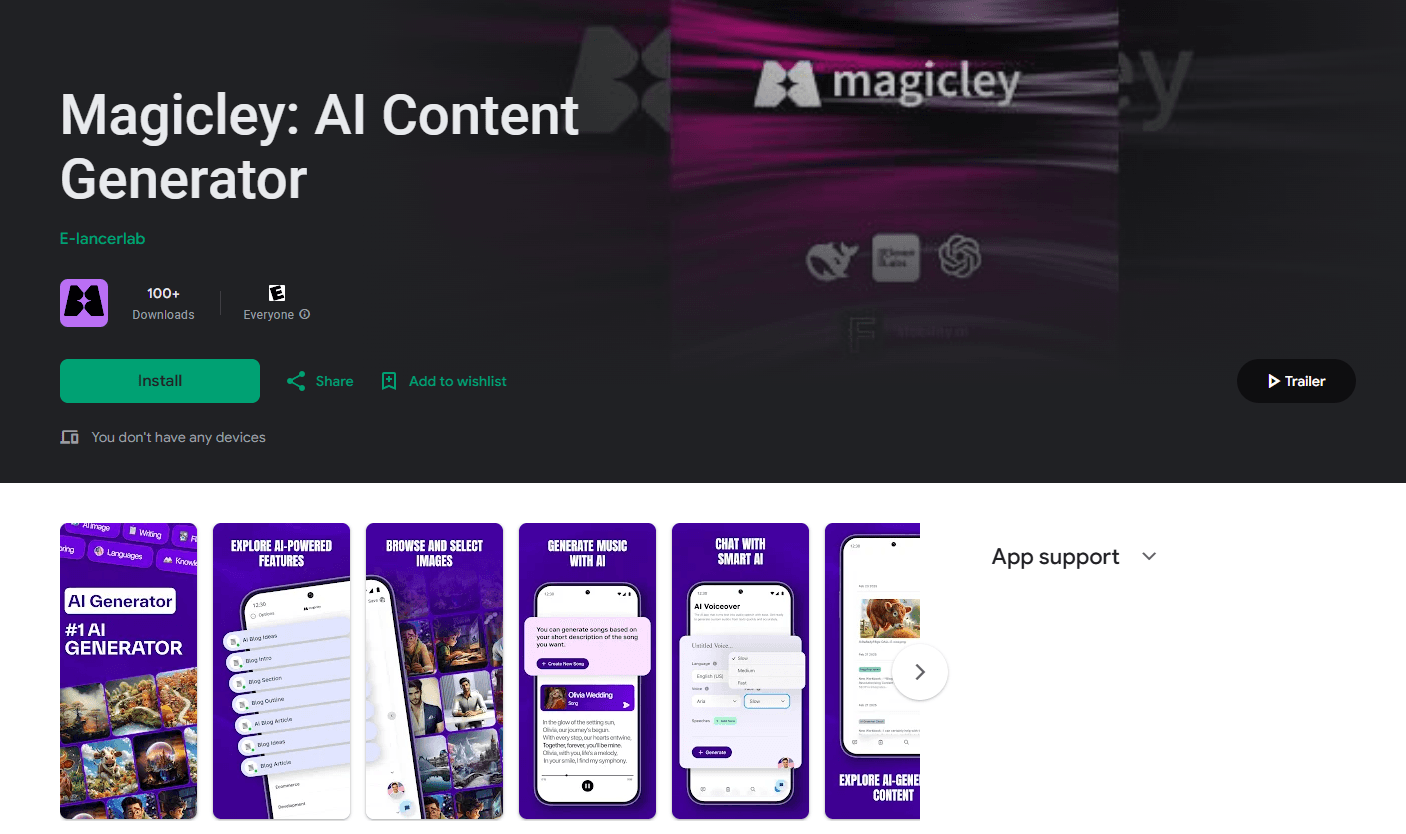
About Magicley: One AI Hub
What Is Magicley AI
Magicley AI is an all-in-one AI platform that combines several kinds of AI work in one place: writing, image generation, code help, voice, and custom chatbots. Instead of paying for a writing tool, an image generator, and a coding assistant separately, you open one hub and pick the model or template you need. The app works on Android, iOS, and the web, and the same account follows you across devices.
The platform leans on outside models rather than one of its own. According to the developer, Magicley taps models like GPT-4, Claude, and Gemini for text and code, and image engines such as Flux and Stable Diffusion for visuals. You pick a model in the chat, run your prompt, and move on. That range is the main draw for people who can't justify several subscriptions.
The trade-offs are real. Magicley is built by a small indie team, so the mobile app runs as a wrapped web app rather than a fully native one, and the platform has hit server strain during big promotions. Image results vary between runs, and the sheer number of tools can feel busy for a first-time user.
Getting Started
- Sign up at magicley.com with an email address or a Google account.
- Pick a plan, starting with the free tier if you want to test it first.
- Open the chat or a template, then choose the AI model that fits your task.
- Upload a document, image, or prompt and generate your result.
- Copy or export the output, and organize chats into folders as you go.
Product Information
A quick look at Magicley: One AI Hub's pricing, supported platforms, and performance.
Best for
The users, tasks, and scenarios where this tool fits best.
Users
- Budget-conscious creators
- Small business owners
- Students and researchers
Tasks
- Writing blog posts and social captions
- Generating images and graphics
- Chatting with documents
- Building a branded chatbot
Scenarios
- Consolidating a stack of AI subscriptions
- Research on the go
- Quick fact-checking
Key features
Multi-model chat in one workspace
Magicley lets you switch between text and coding models like GPT-4, Claude, and Gemini inside the same conversation. You can draft with one model and refactor with another without leaving the project, which suits users who want the right model for each step rather than one fixed assistant.
AI writing assistant
The writing tools cover blog posts, emails, product copy, and social captions. You set the tone, length, and style, and the platform returns a draft you can edit in place. According to the developer, 200+ templates cover different content types and industries, which shortens the blank-page problem.
Image generator with several engines
The image side reaches engines such as Flux, Stable Diffusion, and others for text-to-image work. Results appear inline in the chat, in most cases within seconds. Image quality is good for social graphics and blog art, but results can vary between runs, and free plan output carries a watermark.
Custom AI chatbot builder
You can train a chatbot on your own data, set its personality, and embed it on a website. Setup runs through a guided flow with no coding. For small businesses, this replaces a paid support chatbot service, and the higher plan allows several chatbots at once.
Voiceover and text-to-speech
Magicley turns text into spoken audio and supports voice chat in a range of languages, and the same hub handles basic AI video generator output like scripted clips for social posts. The voice quality is serviceable for scripts, narration, and quick voiceovers, but it sits below dedicated voice tools for polished audio production. It is a convenient extra rather than the platform's strongest suit.
AI code generation
The code tools generate and explain code and help debug it, drawing on general-purpose models, so AI code generation here is a fast starting point. They handle everyday snippets and explanation well, but they don't match a dedicated coding IDE for large projects, so developers often use them as a fast starting point rather than a full replacement.
Pros and cons
Pros
- One subscription covers text, images, code, and voice, which is cheaper than buying those tools separately.
- Model choice inside a single chat lets you match the model to the task.
- Custom chatbot builder needs no code and works for small business support.
- Free tier lets you test the platform before paying, and organic lifetime deals have appeared during promotions.
Cons
- The Android and iOS apps are wrapped web apps, so they can feel slower than fully native apps.
- The platform has struggled under heavy load during promotions, with login failures and server errors reported.
- Image output varies between generations, and the free plan watermarks images.
Frequently asked questions
Magicley AI is an all-in-one AI platform that bundles writing, image generation, code help, voice, and custom chatbots in a single app. It runs on Android, iOS, and the web from one account.
Related content
Explore related tools, skills, and articles for Magicley: One AI Hub.
Magicley: One AI Hub Alternatives

JarvisCore
Prescott Data · Coding · Productivity · OtherJarvisCore is an open source Python runtime where AI agents work as equal peers on an agent mesh, claim tasks from a shared ledger, and reach external services through a zero-trust broker.
Clef
Cloudflare · Business · OtherClef is Cloudflare's open-source decision model for Workers AI. It returns calibrated probabilities for typed questions, not generated text, so agents can classify, route, and act fast.

iFixAi
iFixAi · Business · OtheriFixAi is an open-source auditor for AI agents. It runs your agent through a simulation of your business, grades every reply, and returns an A to F scorecard backed by evidence.