

maia.is your AI that gets things done
Maia · Coding · Productivity
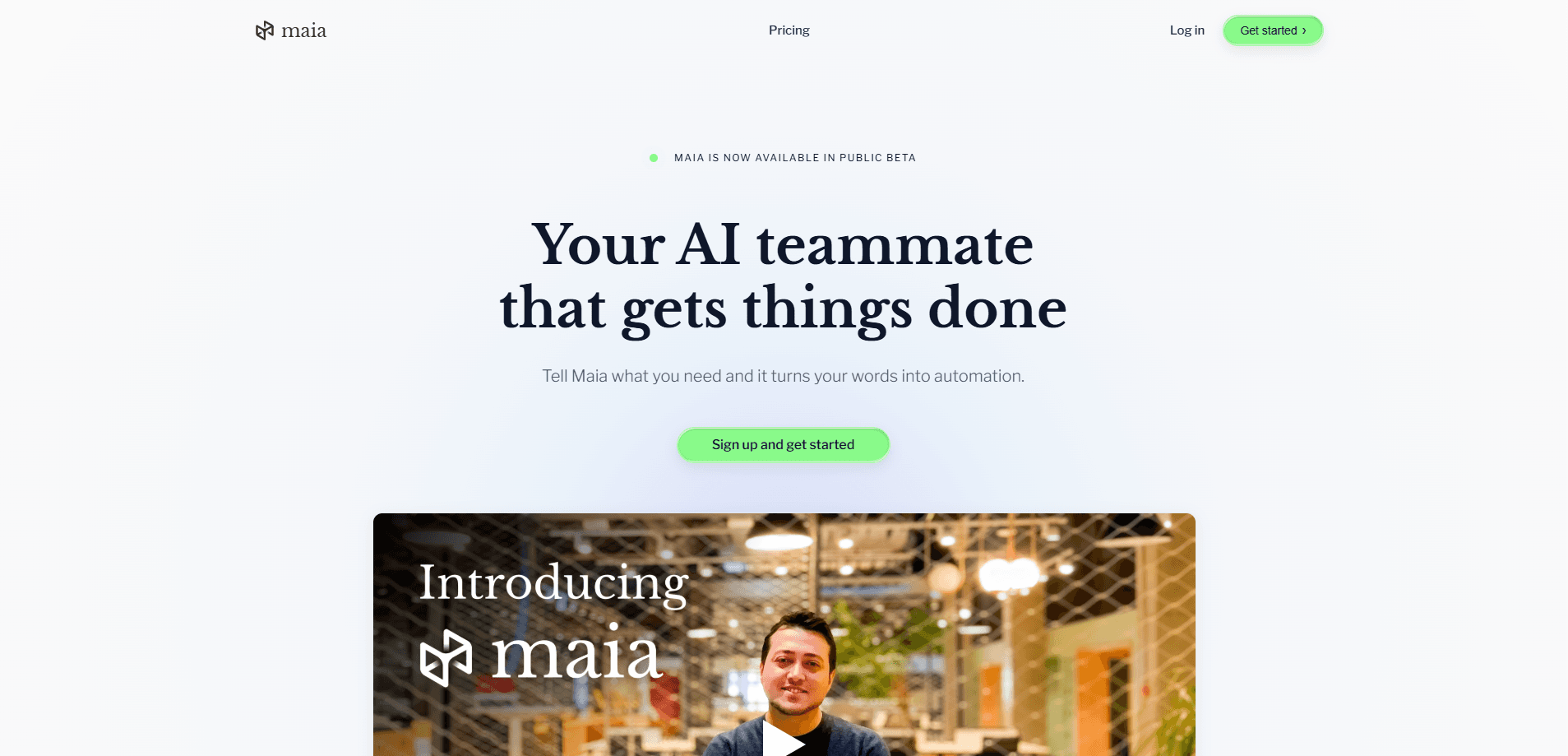
Maia is an AI automation assistant that connects to your existing tools, plans multi-step tasks, and carries them out on its own. You describe the outcome you want in plain language, connect accounts like Gmail, Google Sheets, or Google Analytics, and Maia runs the work on a schedule or on demand. No developer required. It's built for teams that want hands-off business automation.
About maia.is your AI that gets things done
What Is Maia
Maia is a cloud-based AI teammate that handles repetitive operational work for small teams and businesses. Instead of writing code or chaining together a dozen no-code blocks, you tell Maia what you want done. It figures out the steps, connects to the right accounts, and executes them. Think of it as workflow automation that runs itself.
The product leans on a multi-agent design. According to its developer, Maia isn't a single model but a system that routes each task to whichever large language model fits it best, so something like pulling analytics data and something like drafting a document can be handled by different engines.
The main limitation is scope and cost at scale. Every plan ships with a monthly execution limit, and once you hit it, scheduled workflows pause until the limit resets or you upgrade. For heavy automation users, that ceiling arrives faster than they expect. It's a real constraint, not a footnote.
What does that mean in practice? A workflow you rely on for a weekly report can simply stop mid-month.
Getting Started
- Create a free account at maia.is. No credit card is required to start.
- Connect the tools you already use, such as Gmail, Google Drive, Notion, or Google Analytics.
- Describe a task in plain language, like "pull last week's site data and build a spreadsheet."
- Review the workflow Maia proposes, then approve it or adjust the details.
- Set it to run on a schedule, on a webhook trigger, or on demand, and let it work in the background.
Product Information
A quick look at maia.is your AI that gets things done's pricing, supported platforms, and performance.
Best for
The users, tasks, and scenarios where this tool fits best.
Users
- Small business owners
- Marketing and ops teams
- Solo founders
Tasks
- Scheduled reporting
- Document and spreadsheet generation
- Web research and monitoring
- Website building
Scenarios
- Recurring weekly ops that nobody wants to do by hand, like compiling performance numbers.
- Early project research where you need a summary of what's out there before committing time.
- Teams juggling many small apps that need to talk to each other without custom integration work.
Key features
Autonomous Multi-Step Execution
Maia plans a task from start to finish and runs each step without stopping for direction. Approve the workflow once. It then handles the whole sequence on its own. That's the core difference from a chatbot that waits for your next message.
Broad App Connections
It plugs into tools like Gmail, Google Docs, Google Sheets, Google Calendar, Notion, Airtable, Mailchimp, and Outlook. Connections take seconds to set up. The developer markets them as enterprise-grade with logging and model training opt-out. The more accounts you connect, the more this AI agent can do on its own.
Secure Cloud Browser
Maia reads pages, clicks buttons, and fills forms using a built-in browser that runs in the cloud. That means it can handle sites without a direct integration. The browser runs whether or not your own device is online, so long tasks don't depend on your laptop staying awake.
Scheduled and Triggered Workflows
Workflows run on a schedule, on a webhook, or on demand, and they keep running 24/7 on Maia's servers. You can deploy as many workflows as you need. That's the point of no-code automation. It makes Maia feel like a teammate rather than a tool you open and close.
Document Generation
It interprets and creates PDFs, spreadsheets, presentations, and Word files, which means the output is a document you can send to a client rather than a chat message you have to copy and reformat by hand. Ask for a report and you get a real file, not just a wall of text in a chat window. For people who live in documents, this saves a step that most AI tools skip.
Persistent Memory
Maia remembers details across conversations, so you don't repeat who your team members are or what format you like. Once it learns a recipient list or a reporting style, it applies that knowledge the next time without a reminder.
Human-in-the-Loop Checkpoints
New or high-stakes actions wait for your approval before running, while routine workflows proceed on their own without asking. That balance lets you hand off repetitive work without handing off control of anything consequential, and every action ends up in a log you can review after the fact.
Pros and cons
Pros
- Free tier is a real plan with no time limit and no credit card, not a short trial.
- Connects to common work apps in seconds, so setup doesn't require a developer.
- Runs workflows on its own schedule in the cloud, including while you're offline.
- Generates actual files like spreadsheets and PDFs, not just chat responses.
- Remembers context across sessions, cutting down on repeated instructions.
Cons
- Monthly execution limits cap how much you can automate, and unused runs don't roll over.
- Scheduled workflows pause once you hit the limit, which can leave a report undelivered.
- Pricing for the paid tiers isn't shown publicly, so you have to contact sales or sign up to see numbers.
- Support for niche or custom internal tools is limited compared with the mainstream apps it connects to.
Frequently asked questions
Maia is an AI teammate that connects to your work apps and runs multi-step tasks on its own, from pulling analytics data to building a spreadsheet and emailing it to your team. You set it up once, and it repeats the work on a schedule or on demand.
Related content
Explore related tools, skills, and articles for maia.is your AI that gets things done.
maia.is your AI that gets things done Alternatives
Forefront
Forefront · CodingForefront is a web platform for building with open-source AI. It lets you fine-tune leading open-source language models on your own data, evaluate how they perform, and run them through an API or export them to host yourself. Developers who want the convenience of a closed-source platform but insist on owning their models and data are the target audience here.

Startkit
StartKit.AI · CodingStartkit is a boilerplate for building AI SaaS and AI wrapper products. Think of it as an AI startup boilerplate with the boring parts already wired up: authentication, Stripe and Lemon Squeezy payments, usage limits, transactional email, and an AI API starter that talks to OpenAI, Anthropic, Groq, or Llama. You clone the repo, set your price, and start on the part of your product that people actually pay for. It's Next.js under React and Tailwind, so most of the boilerplate code already feels familiar.
Testim
Tricentis · CodingTestim is an AI-powered test automation platform for building and running end-to-end tests across web, mobile, and Salesforce applications. It leans on machine learning to keep tests stable when an interface changes, so teams spend less time fixing broken selectors. Not bad for an automated testing tool you can start using today. You create tests by recording actions in a browser, then optionally add JavaScript when you need more control. It's a solid pick for busy QA teams.