

Mailmeteor AI for Gmail
Mailmeteor · Writing · Marketing
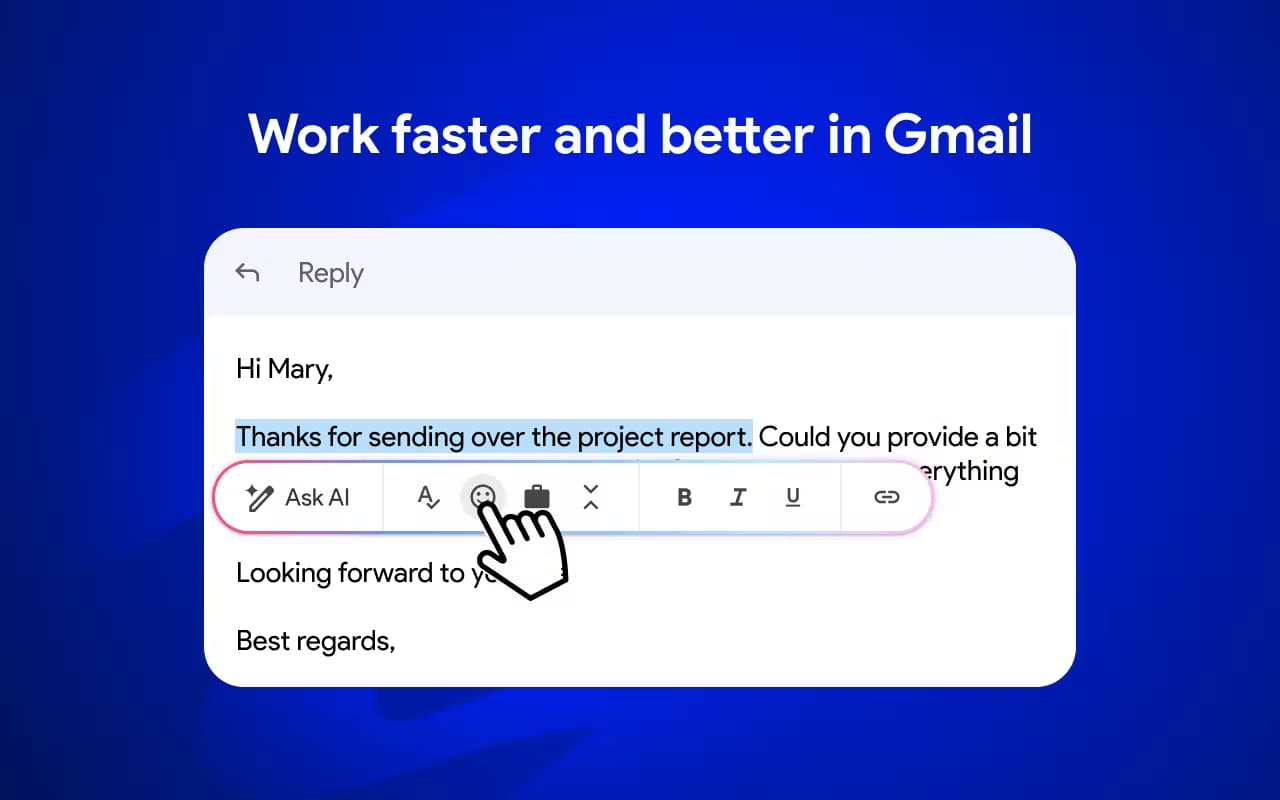
Mailmeteor AI for Gmail is a Chrome extension that writes, rewrites, and organizes emails inside your inbox, built for anyone who lives in Gmail.
About Mailmeteor AI for Gmail
What Is Mailmeteor AI for Gmail
Mailmeteor AI for Gmail is the Gmail-facing side of Mailmeteor, an email outreach platform used by millions of people. The extension drops an AI assistant, personalized templates, and campaign tools into the Gmail composer, so you never have to open a separate dashboard to get work done.
The pitch is simple. Keep using Gmail the way you always do, and Mailmeteor adds the parts that Gmail lacks: drafting help, email follow-ups, and tracking. Sales reps, recruiters, and founders are the usual audience. And the AI writer works fine for anyone who sends a lot of routine email.
The big limitation is scope. The full outreach side (mail merge, autopilot, warm-up) leans on Mailmeteor's paid plans and, for the highest sending limits, on a Google Workspace account instead of a plain @gmail.com address. The AI assistant itself is free to try, but the useful automation sits behind a subscription.
Getting Started
- Install the Mailmeteor extension from the Chrome Web Store and pin it to your toolbar.
- Open Gmail and sign in, then click the Mailmeteor icon to connect your account.
- Compose a new email and hit Write with AI, or pick a saved template from the library.
- Set up follow-ups, tracking, or a mail merge campaign if you need to reach more than one person.
- Upgrade your plan when the free daily limit becomes the thing slowing you down.
Product Information
A quick look at Mailmeteor AI for Gmail's pricing, supported platforms, and performance.
Best for
The users, tasks, and scenarios where this tool fits best.
Users
- Sales teams
- Recruiters
- Founders and freelancers
Tasks
- Drafting a first email
- Rewriting or shortening a message
- Running a mail merge
Scenarios
- Following up after no reply
- Sorting a crowded inbox
- Tracking campaign performance
Key features
AI Email Writer
The AI writer drafts a full email from a short prompt and suggests a subject line to match. You can ask it to rewrite, improve, or shorten an existing draft, which is handy when a message has gotten wordy. Same engine, everywhere. The same tool runs in Gmail, Google Sheets, and the Mailmeteor dashboard, so the output stays consistent wherever you compose.
Gmail-Native Mail Merge
You can send personalized campaigns straight from Gmail using recipient lists from Google Sheets or Excel. Variables like first name and company fill in automatically. You can also attach files or add images per recipient. It avoids the usual jump to a separate email marketing platform.
Automatic Follow-Ups
Mailmeteor can send a follow-up on your behalf after a set delay if nobody replies, or trigger one based on whether the recipient opened the message. Sequences let you chain several follow-ups. A quiet lead keeps hearing from you without manual tracking, which is the part most people forget to do.
Email Tracking and Reply Detection
Open, click, and reply events show up in your inbox, so you know which messages landed and which fell flat. Everything is visible. Reply detection also stops follow-ups once someone answers, which keeps you from looking pushy when the person on the other end has clearly already responded.
Personalized Templates
The extension ships with a library of proven templates you can insert with keyboard shortcuts. You can save your own and personalize them with variables, so a standard pitch still reads like it was written for one person.
Deliverability Tools
Sending limits, email warm-up, and best-practice defaults are designed to keep your account safe and your messages out of spam. The tradeoff is real. The strongest controls live on higher tiers, so light users see less benefit.
Pros and cons
Pros
- Works inside Gmail. No new dashboard to learn.
- The AI writer handles drafting, rewriting, and shortening in one place.
- Free plan lets you test the AI writer and basic sending before paying.
- Tracking and reply detection tell you what happened to each email.
- Templates and mail merge cover the whole outreach loop.
Cons
- The genuinely useful automation (follow-ups, warm-up, high limits) needs a paid plan.
- Sending over 500 emails a day requires a Google Workspace or Microsoft 365 account, not a plain @gmail.com address.
- The AI assistant is Gmail only for now, so Outlook and Zoho users miss that part.
- Pricing is per user, which adds up fast for a larger team.
Frequently asked questions
It's a Chrome extension that adds an AI email writer, templates, tracking, and mail merge to Gmail. You compose and send as usual. Mailmeteor handles the drafting and email follow-ups in the background.
Related content
Explore related tools, skills, and articles for Mailmeteor AI for Gmail.
Mailmeteor AI for Gmail Alternatives

Google EmbeddingGemma 2
Google DeepMind · Writing · Image · CodingGoogle EmbeddingGemma 2 is a 740M-parameter open model that turns text, code, images, audio, and video frames into vectors in one 768-dimension space, running on phones and laptops.

MePersona
MePersona, Inc. · Writing · Productivity · MarketingMePersona is an AI unified inbox for creators. It learns your voice, drafts replies to fan messages from 12 platforms, and sends only what you approve.

Fluence
Yay Software (Yannick Huchard) · Writing · Voice & Language · ProductivityFluence is an Android app that reads PDFs, EPUBs, Word files and web articles aloud, follows each sentence as it speaks, and answers questions about the text on the phone itself.