

Make It
Make It · Coding · Leaning
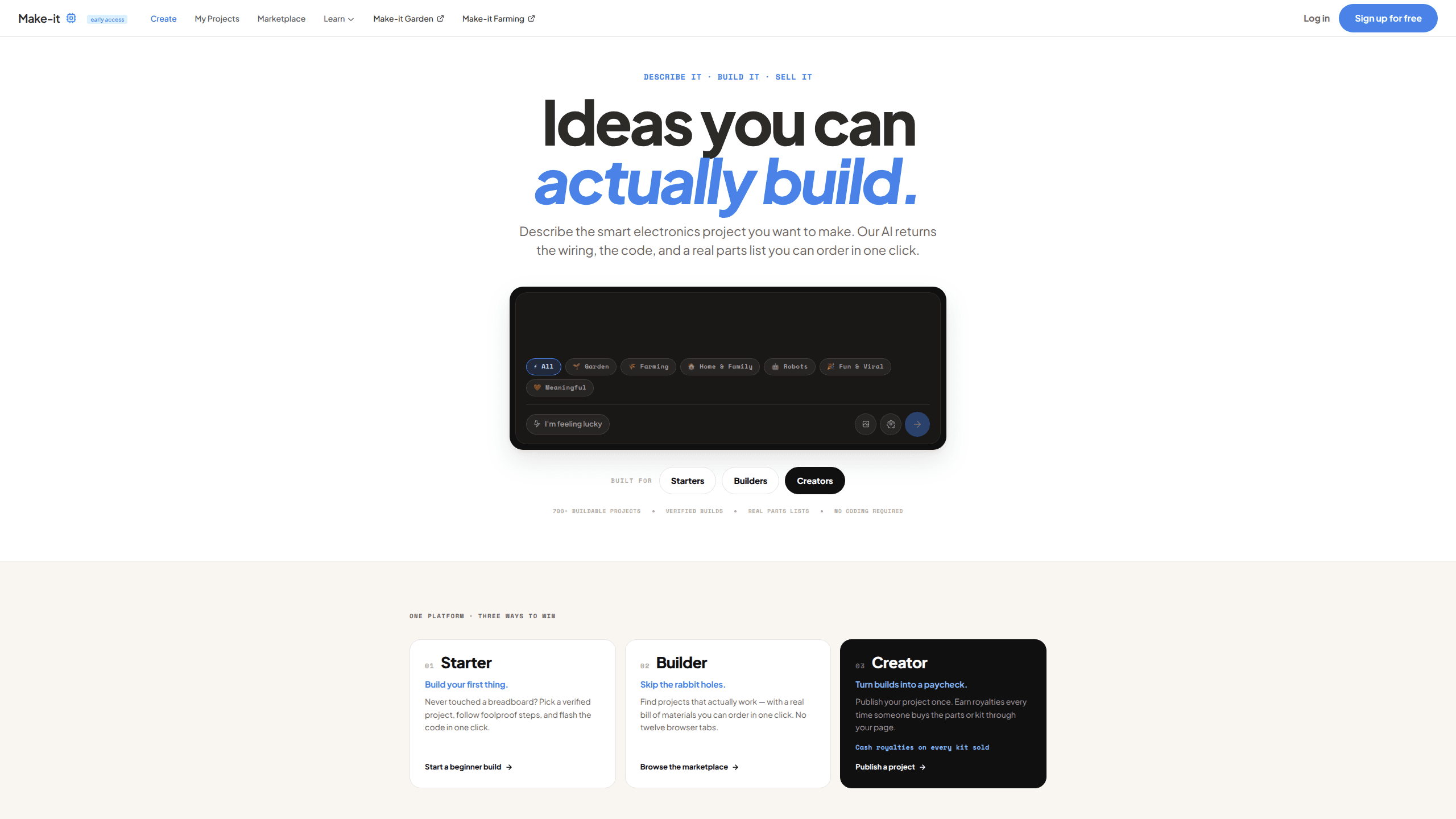
Make It works as an AI electronics builder that turns a plain-English idea into a working DIY electronics project. Describe what you want to build, and back comes the wiring diagram, the code, the component list and step-by-step instructions. No engineering degree required. The code runs on the chip instead of the cloud, so a finished device keeps working whether or not you have Wi-Fi.
About Make It
What Is Make It
Make It calls itself a "text to device" platform. The idea is simple to state and hard to pull off: you type a description of the gadget you want, and the AI engineers it for you. Instead of generating text or an image, it generates the wiring, the firmware and the shopping list for a physical build.
The target user is someone with a genuinely useful idea and no idea how to wire it up. A garage light that comes on when your hands are full. A plant that messages you before it dies. Make It hands you the plans and the code, and you follow along with a soldering iron or a breadboard.
So who is it actually for? If you want a finished, flowing-back-and-forth assistant, this isn't it. If you want to see what your own hands can build with a little AI help, keep reading.
There are limits worth knowing up front. This is a young platform, and the marketplace of community projects is still thin, so you rely on the AI rather than a wall of finished builds for reference. It assumes you're willing to get your hands on real hardware. No hardware, no project. If you want a finished product you can unbox, this isn't that.
Getting Started
- Go to make-it.ai and describe your idea in plain English, the way you'd explain it to a friend.
- Review the generated plan: the wiring diagram, the component list and the firmware it wrote for you.
- Buy the parts from the bill of materials, or swap in pieces you already have.
- Build the circuit and flash the code to the chip with one click.
- Test it, tell the AI what's wrong, and iterate until it works.
Product Information
A quick look at Make It's pricing, supported platforms, and performance.
Best for
The users, tasks, and scenarios where this tool fits best.
Users
- Makers with ideas but no coding background
- Hobbyists learning electronics
- Small-business owners prototyping a custom gadget
Tasks
- Designing a smart home device from scratch
- Generating firmware for a microcontroller
- Building a parts list on a budget
Scenarios
- Weekend builds
- Learning by doing
- Turning a recurring annoyance into an automated fix
Key features
Text to Device Design
This is the core of what Make It does. You write a description of the device you want, and the platform generates the full engineering package: schematic, code, wiring instructions and bill of materials. It's a text to device pipeline. The point is that the ability to invent no longer depends on the ability to engineer. If you can explain the problem, you can get plans for the solution.
AI-Generated Code and Firmware
The platform writes the firmware that runs on your microcontroller. It works as an AI code generator for hardware, targeting common hobbyist boards. The code runs on the chip itself rather than in the cloud. That matters. Your device keeps working when the internet doesn't, and there's no ongoing server cost or outage to worry about. You flash the code to the board in one click instead of hand-writing C or Python.
One-Click Flashing
Getting code onto a microcontroller is usually where beginners stall. Make It shortens that step to a single click. No toolchain to fight with. Build the circuit, flash the firmware, and move straight to testing.
On-Chip and Offline Operation
Because the logic lives on the device, the gadget you build talks only to you. No cloud dependency holding your project hostage. No data harvested while it runs. For anyone building something for their home, that's a meaningful difference from the usual cloud-tethered smart devices.
Wiring Diagrams and Instructions
Each project comes with diagrams and step-by-step instructions, so you're not left guessing which pin goes where. Think of it as an Arduino project builder and then some: it also covers ESP32 and Raspberry Pi builds. The instructions assume you're a beginner. The guides that support them explain the electronics as you build rather than dumping theory on you first.
Budget-Friendly Parts Lists
Every plan includes a bill of materials, so you know what to buy before you commit. Most DIY electronics projects live or die on the parts list. The platform's own pitch is that you can build a $200 gadget for around $30 by sourcing parts directly, without markup or subscription fees stacked on top.
Learning Guides and Electronics Course
Make It backs the AI with a library of guides on Arduino, ESP32 and Raspberry Pi, plus an electronics course that starts from voltage and current. So a generated project never leaves you stranded. If it sends you somewhere unfamiliar, there's a plain-language explainer to fall back on.
Pros and cons
Pros
- Turns a plain-English description into a complete build plan, so you don't need to learn engineering before you start.
- Code runs on the chip, so finished devices keep working without a cloud connection or a monthly bill.
- A $30 parts list can replace a $200 off-the-shelf gadget, since there's no vendor markup.
- Wiring diagrams, instructions and an electronics course make it approachable for total beginners.
- The device talks only to you, so there's no data harvesting baked into the build.
Cons
- The community marketplace is nearly empty, so you'll rely on the AI rather than on finished example projects for reference.
- It assumes you're willing to buy and assemble real hardware, which rules out anyone wanting a plug-and-play product.
- Generated plans are only as good as your description, so a vague idea can come back needing several rounds of fixing.
Frequently asked questions
Make It turns a described idea into a working DIY electronics project. You explain what you want in plain English and it generates the wiring diagram, code, component list and instructions, then you build it on real hardware like an Arduino, ESP32 or Raspberry Pi.
Related content
Explore related tools, skills, and articles for Make It.
Make It Alternatives

Base Code
Base44 (Wix) · Coding · ProductivityBase Code is a shared cloud development environment from Base44. Teammates describe changes to an existing GitHub codebase in chat, preview them live and send them back as pull requests.

Google EmbeddingGemma 2
Google DeepMind · Writing · Image · CodingGoogle EmbeddingGemma 2 is a 740M-parameter open model that turns text, code, images, audio, and video frames into vectors in one 768-dimension space, running on phones and laptops.

GitGlow
GitGlow · Coding · ProductivityGitGlow is a local-first desktop Git client that lets independent developers review their own code and their AI agents' changes in one place before shipping.