

MakeHub.ai
MakeHub · Other
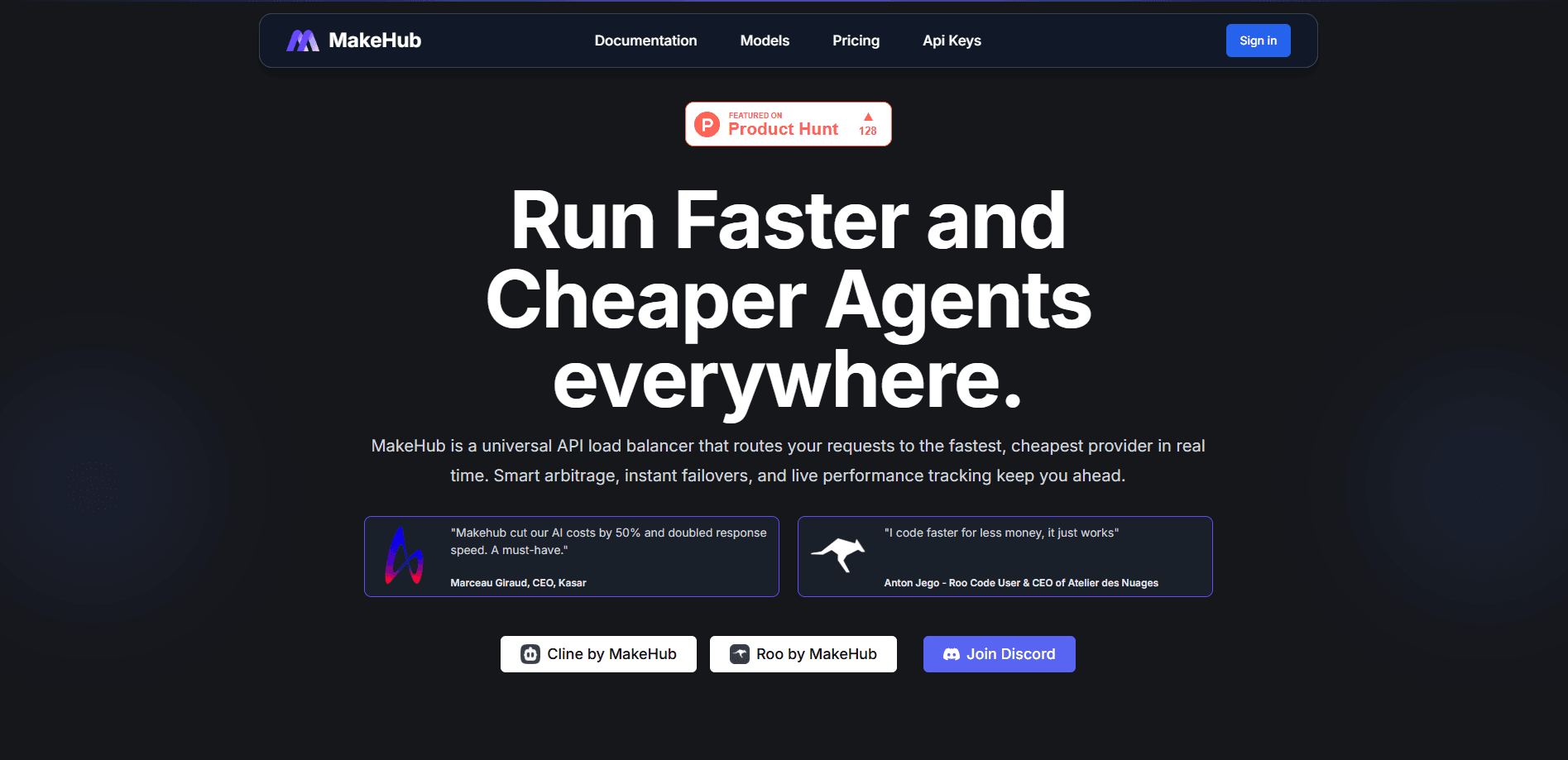
MakeHub.ai routes each AI model request to the cheapest, fastest provider in real time. It keeps an OpenAI-compatible endpoint, adds automatic failover, and bills by usage.
About MakeHub.ai
What Is MakeHub.ai
MakeHub.ai sits between your app and the many companies that host the same AI model. Instead of locking into one vendor, you point your code at a single OpenAI-compatible endpoint, and the service decides which provider runs each request. The pitch is simple: the same model often costs and performs differently across OpenAI, Anthropic, Together.ai, Fireworks, DeepInfra, and Azure, so a router that picks the winner per request can cut both bills and wait times.
Think of it as a multi-provider AI gateway: the core engine walks a fixed decision path. It validates the model, filters providers by any restrictions you set, applies performance limits, then routes to the cheapest eligible provider. If that provider fails, it retries another. That fallback keeps the request alive. You can also constrain the request yourself, either to a named provider or to a latency or throughput target, and pull live performance numbers before you commit.
The main limits are structural. It's a developer tool, so you need to write or adapt code to use it, and it only helps if you're already calling paid model APIs. Routing also leans on third-party uptime, and the provider set skews toward English-centric infrastructure.
Getting Started
- Sign in at makehub.ai and create an API key from the api-keys page.
- Point your OpenAI client at the MakeHub base URL: https://api.makehub.ai/v1.
- List available models through the /v1/models endpoint and pick the one you need.
- Send a request, adding providers or max_latency and min_throughput when you want to steer routing.
- Check the /v1/metrics endpoint to see live latency and throughput before you tune your setup.
Product Information
A quick look at MakeHub.ai's pricing, supported platforms, and performance.
Best for
The users, tasks, and scenarios where this tool fits best.
Users
- Full-stack developers
- Startup engineering teams
- AI product builders weighing vendors
- Automation and no-code users
Tasks
- Cutting model API costs
- Fighting single-provider outages
- Hitting latency or throughput targets
- Standardizing tool calling
Scenarios
- High-volume background jobs
- Coding assistants in the editor
- Workflow automation
- Testing before you commit
Key features
Real-time provider routing
The engine picks a provider per request rather than per account. It validates the model, filters by your constraints, and defaults to the most cost-effective option that qualifies. When a provider fails, traffic moves to an alternative automatically, so a single outage doesn't take your app down. The one exception is OpenAI API errors, which return to you directly instead of triggering a redirect.
Performance constraints you control
You can cap a request with max_latency in milliseconds or set min_throughput in tokens per second. Both accept a number or the value best, which hands the choice to MakeHub and routes to whichever provider has the lowest latency or highest throughput right now. For anyone shipping a chat feature where a slow reply feels broken, that's a practical dial.
Live metrics before you route
The /v1/metrics endpoint reports average and latest latency and throughput for every provider that serves a model. You can scope the window with n_last_minutes, which defaults to 3000. It turns routing from guesswork into a look at the numbers, and it's the same data the router uses to make its choices.
Family model routing
Instead of pinning one model, you can target a family and let MakeHub match task complexity to the right member. A Claude family request sends simple work to Haiku and harder work to Sonnet, and the OpenAI family maps from GPT-4.1 Mini up to O3. It's a way to keep quick tasks cheap while still spending on the requests that need a bigger model.
Universal tool-calling layer
Many open models don't support function calling out of the box. MakeHub's proxy layer adds it, so you append :proxy_tool to a model ID and get the same tool interface you'd expect from a native model. That keeps your application code stable when you switch between providers that differ in feature support.
Version pinning and OpenAI compatibility
Requests default to the latest model version, but you can lock a dated one, like openai/gpt-4o-2024-08-06, when you need consistent behavior. The whole service speaks the OpenAI API, so the official Python and TypeScript SDKs, LangChain, cURL, and n8n all work with only a base-URL change.
Pros and cons
Pros
- One OpenAI-compatible endpoint covers many providers, so switching stacks takes a base-URL change instead of a rewrite.
- Automatic failover keeps requests moving when a provider hits rate limits or drops offline.
- Performance constraints and live metrics give you direct control over speed versus cost.
- Family routing and the tool-calling proxy stretch what cheaper models can do.
- The n8n node, LangChain, and VS Code extensions fit AI API load balancing into tools teams already run.
Cons
- It's built for developers, so non-coders can't use the core routing without help.
- The pay-as-you-go model means costs scale with traffic, which gets hard to predict at high volume.
- Accuracy depends on provider uptime and metric freshness, so a stale reading can send a request to a slower host.
- Some setup features assume familiarity with the OpenAI SDK and endpoint conventions.
Frequently asked questions
MakeHub.ai routes your AI model requests to whichever provider is cheapest and fastest at that moment. You send one request to its OpenAI-compatible API endpoint, and the router picks the provider, retries a different one if there's a failure, and keeps your code unchanged in the process.
Related content
Explore related tools, skills, and articles for MakeHub.ai.
MakeHub.ai Alternatives

JarvisCore
Prescott Data · Coding · Productivity · OtherJarvisCore is an open source Python runtime where AI agents work as equal peers on an agent mesh, claim tasks from a shared ledger, and reach external services through a zero-trust broker.
Clef
Cloudflare · Business · OtherClef is Cloudflare's open-source decision model for Workers AI. It returns calibrated probabilities for typed questions, not generated text, so agents can classify, route, and act fast.

iFixAi
iFixAi · Business · OtheriFixAi is an open-source auditor for AI agents. It runs your agent through a simulation of your business, grades every reply, and returns an A to F scorecard backed by evidence.