

MakerBox
Luca Iaconelli · Writing · Image
MakerBox is an AI bio and content generator that writes LinkedIn, X, and Instagram profiles, headlines, posts, and visuals in one workspace. It targets professionals who want a sharper presence.
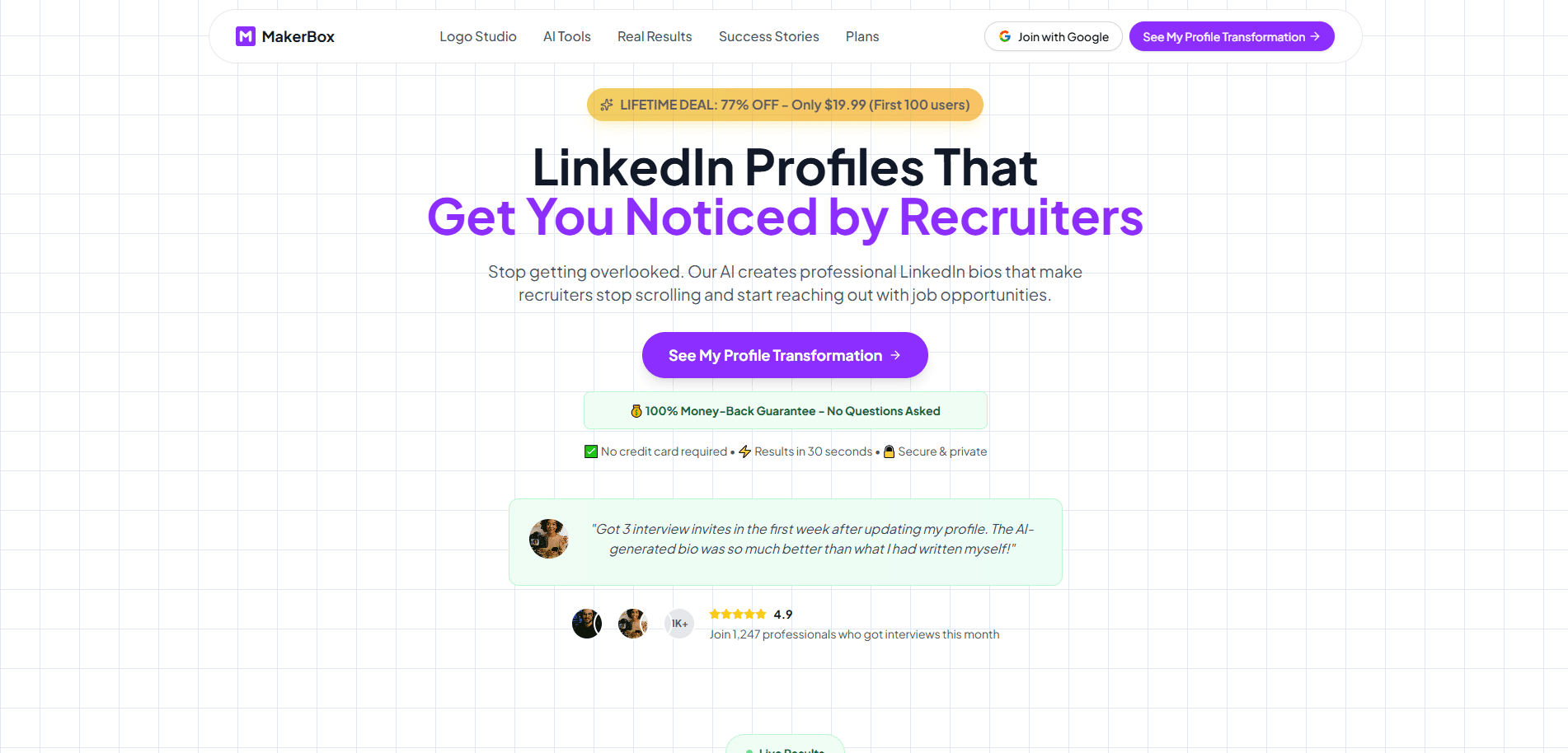
About MakerBox
What Is MakerBox
MakerBox is a web app built by founder Luca Iaconelli and launched under the motto "make your next impression count." It works as a professional bio writer and social media content generator in one. You describe your role, experience, audience, and tone, and the tool drafts a bio, a headline, or a social post you can edit before publishing. It covers LinkedIn, X, Instagram, Threads, Reddit, Mastodon, Bluesky, and Facebook.
The idea is to skip the blank page. Most people know their work well but freeze when a recruiter or a client reads the first line, so MakerBox hands you a guided first draft instead. It sells itself as personal branding AI for people who'd rather not hire a writer. The company says the writing is trained on 10,000+ successful profiles and markets a 3.5x lift in engagement plus 87% more connections. Those are vendor claims rather than numbers we've verified.
Where it stands out is the mix. You get writing tools, a profile picture generator, cover images, and a logo studio in the same place, so your words and visuals stay consistent. The catch is scope: image generation runs on a separate credit balance, so "unlimited" applies to bios and posts, not pictures.
Getting Started
- Create a free account at makerbox.io. No credit card is required to start.
- Pick a tool from the dashboard, such as the Bio Generator, Post Generator, or LinkedIn Headline Generator.
- Enter your role, a few details about your experience, and the audience you want to reach.
- Choose a tone and a language, then generate a draft and edit it until it sounds like you.
- Save keepers to your content library, or connect Typefully to schedule and publish.
Product Information
A quick look at MakerBox's pricing, supported platforms, and performance.
Best for
The users, tasks, and scenarios where this tool fits best.
Users
- Job seekers
- Freelancers and consultants
- Agencies and teams
Tasks
- Writing a profile bio
- Creating a headline
- Filling a content calendar
Scenarios
- Refreshing a stale profile before a job hunt
- Starting a personal brand from zero
- Running several client accounts
Key features
AI Bio Generator
This is the core tool. You feed in your role, experience, platform, tone, and language, and MakerBox returns a bio written for the place you'll post it. It works across LinkedIn, X, Instagram, Threads, Reddit, Mastodon, Bluesky, and Facebook, so the same story gets reworded to fit each network instead of copied verbatim.
Post Generator and LinkedIn Headline Generator
The Post Generator turns a rough idea into social content with a tone and format that suits your platform. The Headline Generator handles the single line under your name on LinkedIn, which is often the first thing a recruiter reads. Both lean on the same guided setup, so you don't start from nothing.
Profile Picture and Cover Image Generators
The profile picture tool offers 10+ styles, from professional portraits to more artistic looks, and it runs from a photo you upload. The Cover Image Generator builds banners for your social profiles. Both sit on a separate image credit balance, so the unlimited wording on paid plans doesn't stretch to visuals.
Logo Studio
Logo Studio covers the smaller assets: a logo, an app icon, and a favicon set. For freelancers and small teams, that's the difference between a scrappy profile and one that reads as a real brand, and it's available as a free tool you can explore before subscribing.
Content Library and Social Sets
Every bio, post, and visual can be saved to a content library and organized by profile, so reusable lines don't vanish after one use. Social Sets go a step further and keep separate profiles for different brands or clients, which is why the free plan's single set is the main ceiling for anyone juggling more than one.
Multi-Provider and Multi-Language Support
MakerBox isn't locked to one AI model. It can route your requests through OpenAI, Anthropic, Google, Mistral, Perplexity, Together AI, or xAI, and you manage those connections in settings. Writing supports English, Spanish, French, German, Italian, Portuguese, and more, and you pick the tone, from professional to humorous.
Pros and cons
Pros
- One workspace for bios, posts, profile pictures, covers, and logos
- Free plan with 100 AI generations and a free Logo Studio and Headline Generator
- Supports eight social platforms and routes through seven AI providers
- Social Sets let you manage multiple brands or client profiles from one account
- 30-day money-back guarantee on paid plans
Cons
- Image generation uses a separate credit balance, so paid "unlimited" plans still cap your visuals
- The 3.5x engagement and 87% connection figures are vendor claims, not independently verified results
- Lifetime access needs your own AI provider API key, and you pay that provider separately
- No public API, so it fits individual users rather than teams wiring it into existing systems
Frequently asked questions
Bios, social posts, LinkedIn headlines, profile pictures, cover images, and logos. Writing and visuals live in the same workspace, so you can adapt each piece for the platform where you'll post it.
Related content
Explore related tools, skills, and articles for MakerBox.
MakerBox Alternatives

Google EmbeddingGemma 2
Google DeepMind · Writing · Image · CodingGoogle EmbeddingGemma 2 is a 740M-parameter open model that turns text, code, images, audio, and video frames into vectors in one 768-dimension space, running on phones and laptops.

MePersona
MePersona, Inc. · Writing · Productivity · MarketingMePersona is an AI unified inbox for creators. It learns your voice, drafts replies to fan messages from 12 platforms, and sends only what you approve.

Fluence
Yay Software (Yannick Huchard) · Writing · Voice & Language · ProductivityFluence is an Android app that reads PDFs, EPUBs, Word files and web articles aloud, follows each sentence as it speaks, and answers questions about the text on the phone itself.