
Manga Translator
CHATHUB LLC · Writing · Image
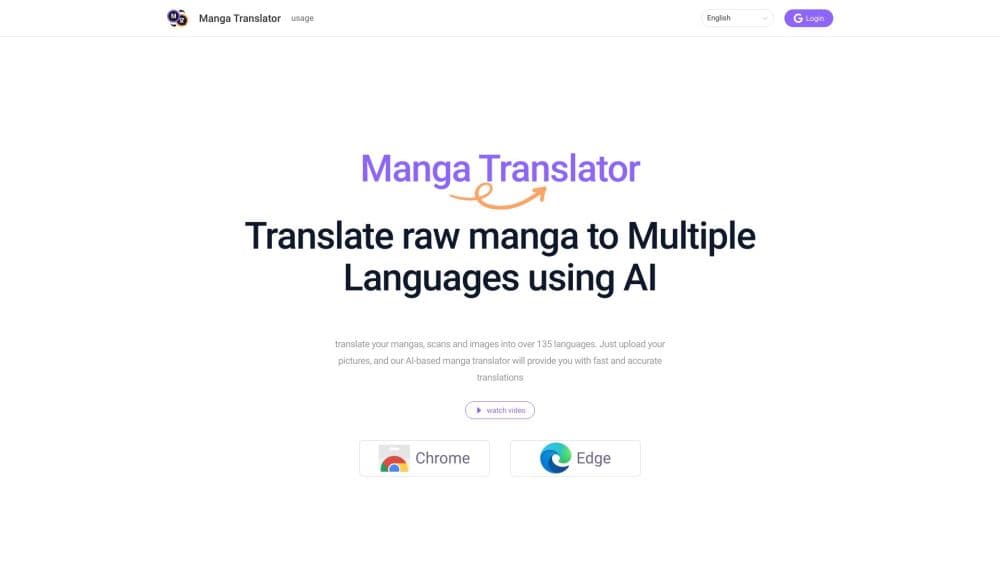
Manga Translator is a browser extension that reads the text inside manga, manhwa and webtoon images and replaces it with your language, so you can translate manga online without leaving the page.
About Manga Translator
What Is Manga Translator
Manga Translator is a Chrome and Edge extension built by CHATHUB LLC. It looks at a manga page as an image, finds the text in speech bubbles and narration boxes, runs OCR on it, translates the result, and shows the meaning on top of the artwork. The extension covers Japanese manga, Korean manhwa, Chinese manhua, western comics, webtoons, and loose scan files.
The problem it solves is simple. A normal webpage translator only reads selectable text, and manga pages ship as pictures. Before tools like this, readers took a screenshot, ran it through an OCR app, pasted the text into a translator, then guessed which bubble came first. Manga Translator keeps that loop inside the browser tab, which is the whole promise of an AI manga translator.
The limits matter before you pay. Translations run on credits, the free allowance is small, and the paid packs cost more than most reading subscriptions. Detection also gets shaky on hand-lettered sound effects and very stylized fonts. The extension needs a connection, since the manga OCR and translation both happen on remote servers.
Getting Started
- Install the extension from the Chrome Web Store or the Edge Add-ons store, then pin it to the toolbar.
- Sign in with a Google account if you want your credits to follow you across devices. Reading works without an account on the free allowance.
- Open a chapter on a supported site such as MangaDex, MANGA Plus, WEBTOON, VIZ, Tappytoon, Toomics, GlobalComix, or Manta.
- Pick the language you want to read in, then hit translate. If the reader blocks page detection, capture the panel with screenshot translation instead.
Product Information
A quick look at Manga Translator's pricing, supported platforms, and performance.
Best for
The users, tasks, and scenarios where this tool fits best.
Users
- Weekly manga readers who follow raw Japanese chapters
- Manhwa and webtoon fans
- Language learners
- Scanlation proofreaders and researchers
Tasks
- Reading a raw chapter the week it drops
- Checking one stubborn panel
- Comparing wording across languages
Scenarios
- Catching up on a manga site late at night when the official chapter is still weeks away.
- Reading a Korean webtoon on a reader that renders episodes onto a canvas, where page text cannot be selected at all.
- Making sense of a manga screenshot a friend posted in a group chat, without opening a separate OCR app.
Key features
In-Page Translation on Manga Sites
The extension runs on the page you already have open. It detects the text areas, translates them, and displays the result over the artwork, so a chapter reads as one continuous scroll instead of a stack of screenshots. Support covers MangaDex, MANGA Plus, WEBTOON, VIZ, Tappytoon, Toomics, GlobalComix, Manta, and a long tail of smaller readers, so you can translate webtoons and manga chapters in the same workflow.
Vertical and Horizontal Text Detection
Japanese manga sets dialogue in vertical columns, while manhwa and western comics run horizontally. Manga Translator handles both, plus narration boxes, mixed layouts, and the rotated lettering that shows up in action panels. The output is rendered horizontally for languages that read left to right, which keeps long sentences legible.
Raw Scan and Image Page Support
Raw manga scans have no text layer at all, which is exactly the input this tool expects. Point it at a scanned chapter, a doujin page, or a preview image and the OCR pass finds the bubbles first. That makes it useful for series that never got an official English release.
Screenshot Translation Mode
Some readers draw pages onto a canvas, block image access, or use custom layouts that page detection cannot reach. Screenshot translation lets you drag a box around a panel or a region and translate just that crop. It's the fallback that keeps a difficult site usable.
More Than 135 Output Languages
The language list goes well beyond the usual dozen. Alongside English, Spanish, Portuguese, French, German, Japanese, Korean, and Chinese, it covers Vietnamese, Thai, Indonesian, Hindi, Bengali, Arabic, Turkish, Polish, Ukrainian, and a set of smaller languages that rarely appear in translation tools.
Credits That Sync Across Devices
Translation runs on credits, and a signed-in account keeps the balance shared between your desktop browsers. The free tier on the Chrome Web Store listing advertises 40 premium translations per week. Paid packs add monthly credits on top, with 100, 200, or 300 credits depending on the plan.
Pros and cons
Pros
- Works on the pages other translators skip: image-only manga, canvas readers, and raw scans all get handled in the browser.
- No export step: reading, translating, and scrolling happen in one tab, which matters across a 40-page chapter.
- Vertical Japanese support: column text, narration boxes, and rotated lines are detected without manual cropping.
- Wide language list: 135 or more output languages, including Vietnamese, Thai, and Hindi.
- Free entry point: the extension installs at no cost and the weekly allowance covers light reading.
Cons
- Credits run out fast: a long chapter can eat a week of free translations in one sitting.
- Paid packs are steep: $89 to $299 per month costs more than most manga subscriptions, and the packs are sized for heavy scanlation work rather than casual reading.
- Browser only: there's no mobile app, no desktop client, and no public API, so phone reading is out.
- Detection is imperfect: stylized sound effects, hand lettering, and very low-resolution scans produce garbled lines you have to ignore or re-run.
Frequently asked questions
Manga Translator is a browser extension for Chrome and Edge that detects text inside manga, manhwa, manhua, and webtoon images, translates it, and shows the result over the original artwork.
Related content
Explore related tools, skills, and articles for Manga Translator.
Manga Translator Alternatives

Emailwritr
Emailwritr · Writing · MarketingEmailwritr is an AI email copywriting tool built for affiliates, course creators, and online businesses that want more revenue from the list they already own. Instead of blank pages or generic chatbot prompts, this AI email writer generates welcome sequences, launch campaigns, cart recovery emails, and promo series from frameworks modeled on well-known direct-response copywriters. You connect your autoresponder, answer a few questions about your offer, and it writes the copy for you.

Swms
Swms AI · Writing · Productivity · BusinessSwms is an AI safety compliance tool that turns a plain description of a job into ready-to-use safety documents. Describe your project, trade, and known hazards, and it writes a safe work method statement, job hazard analysis, safe work procedure, RAMS, or safety data sheet in seconds. It also ships with Oscar, a chat assistant that answers workplace safety questions in any language. Teams in construction, mining, transport, and warehousing use it to cut the paperwork that usually eats into a workday.

Prosp
Prosp · Writing · Voice & Language · MarketingProsp is an AI LinkedIn outreach tool built for agencies and sales teams, and it writes the message and the voice note in your own voice for each prospect so they actually reply. You connect your accounts, find leads, and let the AI draft and send personalized messages at scale, all from one inbox. It's built for people running outbound at volume. That's the whole pitch. Every touchpoint still has to feel human.