

Manifest
Omfang AB · Coding
Manifest is a web action manifest API that turns any web page into a structured JSON action map of what an AI agent can actually do there: every button, form, and input, each with the fields it needs and the prerequisites that must be met first. Built by Omfang AB, it sits between browser tools that only render a page and scrapers that only read text. You send a URL, and you get back a machine-readable action manifest your agent can reason about directly. Think of it as the agent action layer for browser automation for AI agents.
About Manifest
What Is Manifest
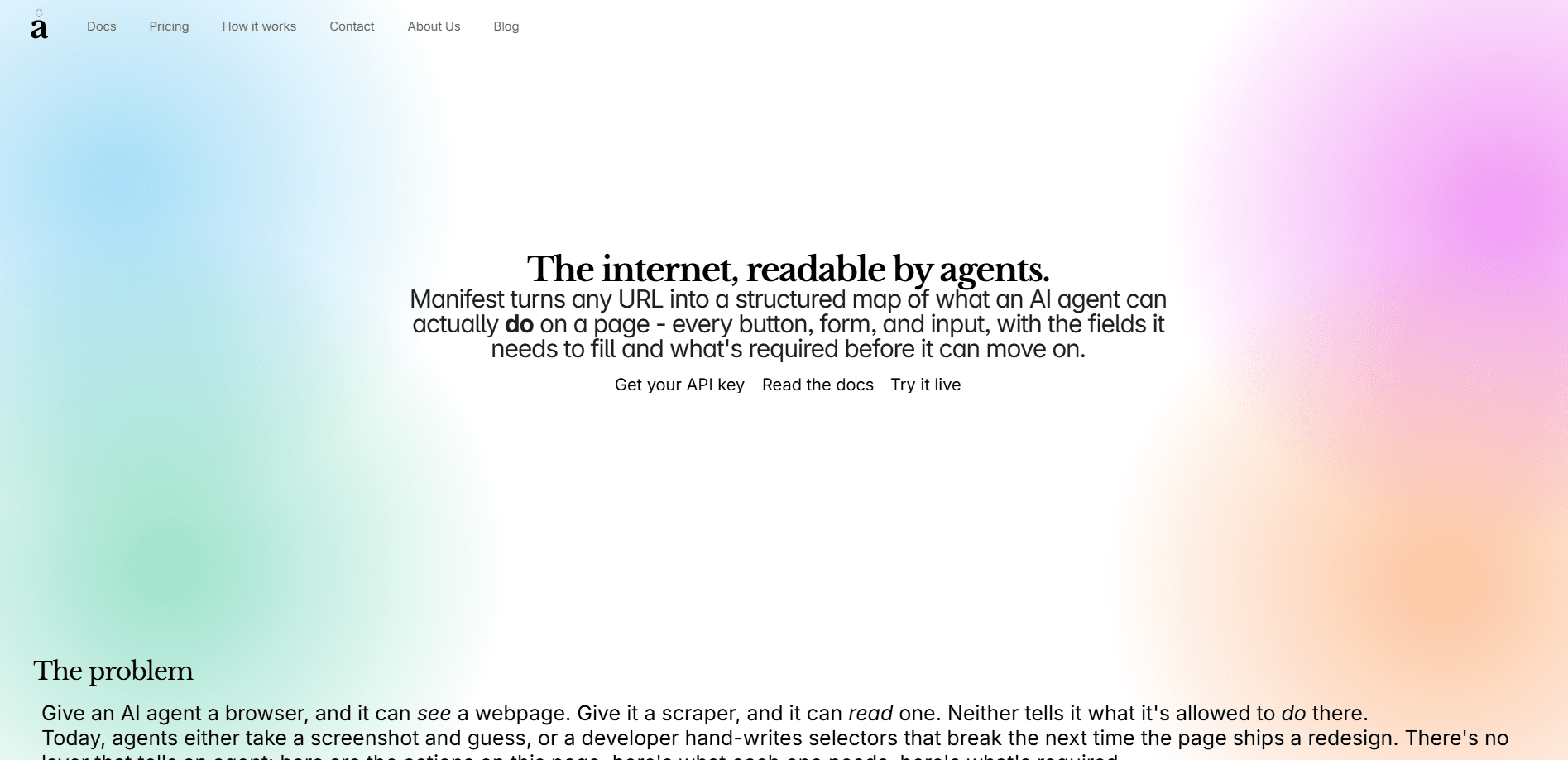
Manifest is an action layer for AI agents. A browser gives an agent a page it can see. A scraper gives it text it can read. Neither one tells the agent what it's allowed to do on that page, which is the gap Manifest fills.
When you point Manifest at a URL, it visits the page, reads the accessibility tree the way a screen reader would, and cross-checks that against the real DOM for details like required fields, input types, placeholders, and disabled states. The combined picture becomes a clean JSON manifest: every clickable, fillable, and submittable element, described in terms an agent can act on. So what does that replace? Hand-written selectors, mostly. Those break the moment a page ships a redesign.
The main limit is scope. Manifest describes what's on a page and what it takes to complete each action. It doesn't click or fill anything for you. Your agent still has to execute the steps. It also leans on live page structure, so heavily scripted interfaces that render late or hide elements behind complex state may return an incomplete map.
Getting Started
- Create an account and grab an API key from the Manifest dashboard.
- Send a POST request to the
/manifestendpoint with the URL you want mapped, plus an optional country code. - Read the returned JSON:
actionslists each element, andrequirestells you which actions are still blocked on a prerequisite. - Wire the response into your agent so it can decide what to click or fill next. Prefer ARIA role and accessible name over raw CSS.
If you'd rather skip the REST setup, add the MCP server io.omfang/manifest to your client config instead. You use the same key.
Product Information
A quick look at Manifest's pricing, supported platforms, and performance.
Best for
The users, tasks, and scenarios where this tool fits best.
Users
- Developers building agent workflows
- Automation engineers
- QA and testing teams
Tasks
- Form automation
- Multi-step navigation
- Page-change monitoring
Scenarios
- Signup and checkout flows
- Logged-in views
- Repeated visits to the same URLs
Key features
Accessibility tree plus DOM cross-check
Manifest reads a page through its accessibility tree, the same structure assistive tech uses, then cross-references the DOM for the details that tree misses: required flags, input types, placeholders, and disabled states. The result is a description of a page's actions that holds up better than either source alone.
Action manifest with prerequisites
The core output is a JSON actions array. Each entry carries an id, label, type, description, and a requires field. That field is a set of groups joined by AND, where each inner group is a set of alternatives joined by OR. So a size picker shows up as one group with several ids, and a login button shows up as two one-item groups for email and password.
Resolved locators
Every action ships with a locator: a CSS selector, an ARIA role, and an accessible name. The docs suggest leaning on role and name rather than CSS wherever you can, since those survive redesigns that would wreck a hardcoded selector.
MCP and REST access
You can reach Manifest two ways. Add the io.omfang/manifest MCP server to your client config and it exposes a streamable-http endpoint, or call the REST API directly with a key in the x-api-key header. Same response shape either way.
Caching and rate behavior
Cached responses come back fast and count against your limit less than cold requests do. Since agents tend to hit the same handful of URLs over and over, this keeps cost and latency predictable across a run.
Geo and locale steering
An optional country field sets the scan's Accept-Language header and, on some sites, a locale cookie. It's best-effort: Manifest won't override geo redirects universally or convert prices, and it hands back a locale_mismatch flag so you know when the page you got was locale-specific.
Pros and cons
Pros
- Returns actions, not just content, so an agent knows what it can click, fill, and submit.
- The `requires` field models real dependencies, with AND groups and OR alternatives.
- Locators include ARIA role and accessible name, which hold up better than CSS selectors alone.
- Works over both MCP and a plain REST endpoint with the same response shape.
- Caching keeps repeated calls to the same URLs fast and cheap.
Cons
- It maps pages but doesn't act on them, so you still need your own execution layer.
- Live structure matters, and late-rendering or heavily state-driven interfaces may come back incomplete.
- Public pricing tiers aren't spelled out on the site beyond a free start, so you'll need to check the dashboard for exact numbers.
Frequently asked questions
It returns a JSON action manifest: a list of every clickable, fillable, and submittable element on a page, each with a resolved locator and a requires field describing what must be done first. It also includes the current page state and navigation links.
Related content
Explore related tools, skills, and articles for Manifest.
Manifest Alternatives
Forefront
Forefront · CodingForefront is a web platform for building with open-source AI. It lets you fine-tune leading open-source language models on your own data, evaluate how they perform, and run them through an API or export them to host yourself. Developers who want the convenience of a closed-source platform but insist on owning their models and data are the target audience here.

Startkit
StartKit.AI · CodingStartkit is a boilerplate for building AI SaaS and AI wrapper products. Think of it as an AI startup boilerplate with the boring parts already wired up: authentication, Stripe and Lemon Squeezy payments, usage limits, transactional email, and an AI API starter that talks to OpenAI, Anthropic, Groq, or Llama. You clone the repo, set your price, and start on the part of your product that people actually pay for. It's Next.js under React and Tailwind, so most of the boilerplate code already feels familiar.
Testim
Tricentis · CodingTestim is an AI-powered test automation platform for building and running end-to-end tests across web, mobile, and Salesforce applications. It leans on machine learning to keep tests stable when an interface changes, so teams spend less time fixing broken selectors. Not bad for an automated testing tool you can start using today. You create tests by recording actions in a browser, then optionally add JavaScript when you need more control. It's a solid pick for busy QA teams.