

Manta AI
Manta AI · Coding
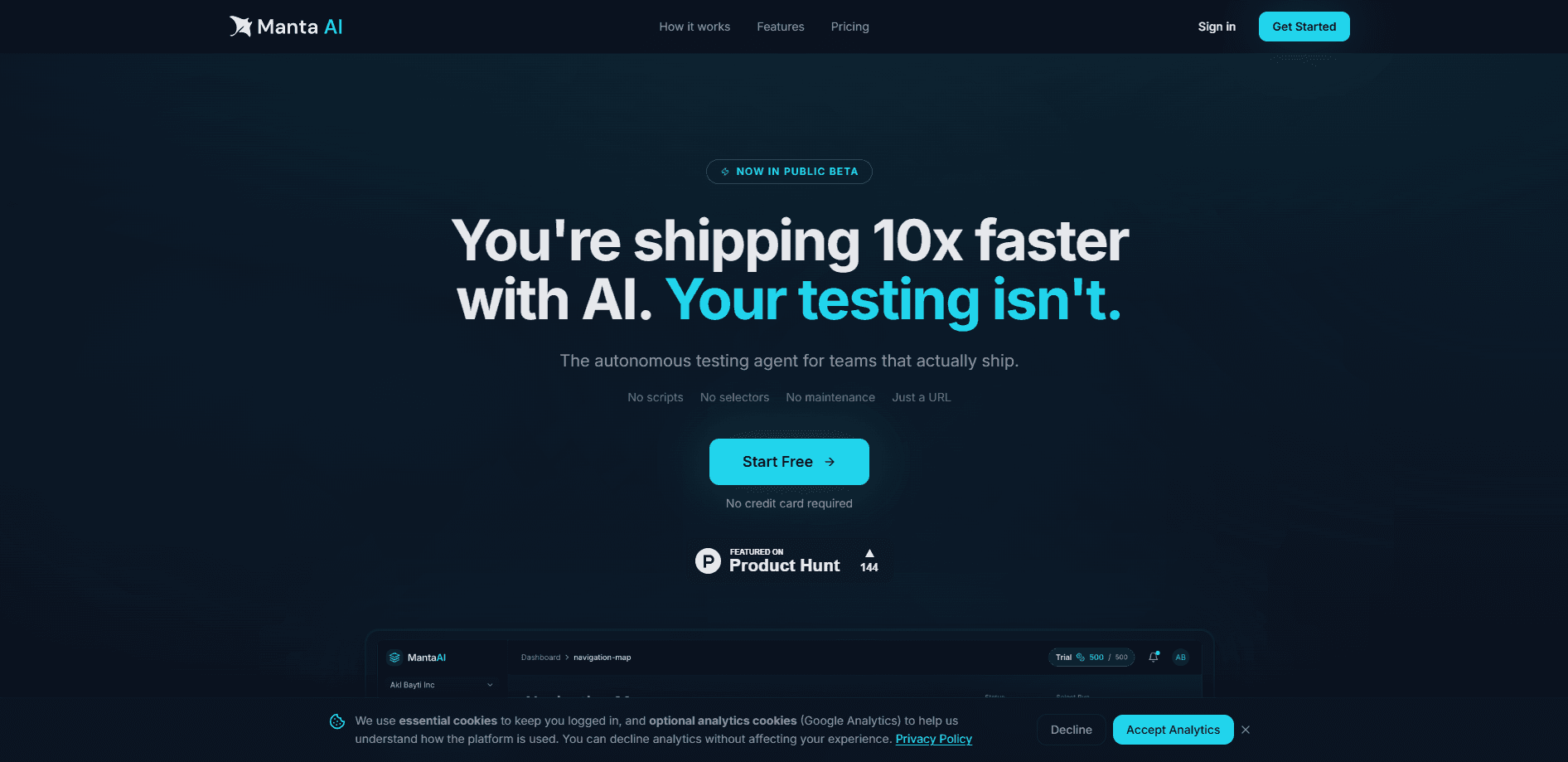
Manta AI is an autonomous testing agent for web apps. You point it at a URL, and it explores the product the way a real user would. It learns the flows that matter and flags the ones that break after a change. There are no scripts to write, selectors to maintain, or test suites to repair every release. It suits teams that ship fast and don't want QA work to become a second job. If you've ever spent a Friday afternoon fixing a broken test instead of shipping, this one's for you.
About Manta AI
What Is Manta AI
Manta AI is a web-based testing service built around a simple idea: testing shouldn't need a hand-written script for every button and form. Instead of replaying fixed steps, it crawls your live product from a start URL, builds its own navigation map, and re-explores the app on each run. The result is behavior-based coverage that grows with the product rather than with the number of tests someone remembered to write.
The problem it targets is test maintenance. Traditional frameworks like Selenium or Cypress break when the UI shifts, because a renamed button or a moved element can invalidate a selector and take down an entire suite. Manta adapts to those changes instead of failing on them, so a layout tweak doesn't turn into a morning of debugging. Startups and small teams with limited QA bandwidth are the target. Not enterprises looking for a full governed test-management platform.
That's the honest framing. It's a young product.
The biggest limitation is maturity. Several capabilities, including scheduled runs, CI/CD integration through an API, MCP integration, and product intelligence features, are listed as coming soon. If your workflow depends on tight pipeline integration today, you may need to wait or pair it with existing tooling. The product also can't test anything it can't reach over the web, so native mobile apps and desktop software sit outside its scope.
Worth knowing before you commit.
Getting Started
- Create a Manta AI account and sign in to the web dashboard.
- Add your project and enter the URL of the app or environment you want tested.
- Connect authentication for flows that sit behind a login. Email and password, magic link, and Google sign-in are supported.
- Let the agent run its first exploration and review the navigation map and findings it produces.
- Read the bug reports, which arrive with screenshots and reproduction steps, then ship fixes and run again to confirm they hold.
Product Information
A quick look at Manta AI's pricing, supported platforms, and performance.
Best for
The users, tasks, and scenarios where this tool fits best.
Users
- Startup engineering teams
- Solo developers and indie builders
- Product managers and founders
Tasks
- Catching regressions after a UI change
- Mapping an unfamiliar codebase
- Verifying login and account flows
- Checking staging and private environments
Scenarios
- Pre-release sanity checks on a fast-moving dashboard
- Ongoing monitoring between releases
- Onboarding a new QA or engineering hire
- Teams without a test budget
Key features
Autonomous exploration from a single URL
Manta AI starts from a URL and crawls outward. It decides where to go next instead of following a fixed path. That means setup is close to nothing. No page objects. No driver configuration. No wait logic to tune. On every run it re-explores and re-learns the app, so coverage tracks the live product rather than a stale recording.
Self-adapting, behavior-based coverage
Because the agent works from behavior instead of selectors, a renamed button or shifted layout doesn't break the run. It adapts to the change and keeps testing. This is the core difference from scripted frameworks, where a single changed element can invalidate a whole suite and cost an afternoon to patch. No re-recording. No selector hunting.
Navigation map
Manta builds a map of the app as it explores. The map shows the pages and paths the crawler can reach. It's a useful side effect of crawling: you get a rough inventory of your product's surface area without documenting it by hand. For teams inheriting an unfamiliar codebase, that map alone can save time.
Bug reports with screenshots and reproduction steps
When the agent finds a problem, it hands back a report with a screenshot and the steps that led there. That's a lot more useful than a raw stack trace, because anyone on the team can read it and reproduce the issue without digging through logs. It shortens the gap between finding a bug and understanding it. That gap matters more than people admit.
Diff runs that re-crawl only what changed
Rather than re-testing the entire app on every pass, Manta can diff runs and focus on what's different. That keeps runs leaner and makes changed areas stand out. It's a sensible default for teams that ship small, frequent updates. The logic is simple. Test less where nothing moved.
Visual regression flagging
The agent watches for visual changes that signal something went wrong, not just broken links or thrown errors. A missing payment button or a section that stopped rendering shows up as a visual difference, which catches a class of problems that functional checks miss. Easy to overlook, hard to miss once it's flagged.
Authentication and private environment support
Manta handles logged-in flows through email and password, magic link, and Google sign-in. For apps that aren't publicly reachable, the Manta Runner extends testing into private and staging environments. Organizations, projects, and team access round out the workspace side.
Pros and cons
Pros
- No scripts or selectors to write, so setup is measured in minutes rather than days.
- Adapts to UI changes instead of breaking on them, which removes the biggest maintenance cost of traditional test automation.
- Findings come with screenshots and reproduction steps, so even non-engineers can read them.
- Coverage grows with the app as it's re-explored, rather than staying fixed to whatever someone wrote by hand.
- Supports authenticated flows and private or staging environments, not just public pages.
Cons
- Scheduled runs, CI/CD integration, MCP integration, and product intelligence features are still marked as coming soon, so pipeline integration isn't available yet.
- No public API at the moment, which limits how much you can wire it into other tools.
- Web apps only. Native mobile and desktop software are out of scope, so it can't replace a full mobile QA setup.
- The credit-based pricing means heavy exploration on a large app can burn through your allowance faster than you'd expect.
Frequently asked questions
It handles web app testing without any hand-written scripts. You give it a URL, it explores the app like a user would, and it reports broken flows and visual regressions after each run. The point is coverage without the upkeep.
Related content
Explore related tools, skills, and articles for Manta AI.
Manta AI Alternatives
Forefront
Forefront · CodingForefront is a web platform for building with open-source AI. It lets you fine-tune leading open-source language models on your own data, evaluate how they perform, and run them through an API or export them to host yourself. Developers who want the convenience of a closed-source platform but insist on owning their models and data are the target audience here.

Startkit
StartKit.AI · CodingStartkit is a boilerplate for building AI SaaS and AI wrapper products. Think of it as an AI startup boilerplate with the boring parts already wired up: authentication, Stripe and Lemon Squeezy payments, usage limits, transactional email, and an AI API starter that talks to OpenAI, Anthropic, Groq, or Llama. You clone the repo, set your price, and start on the part of your product that people actually pay for. It's Next.js under React and Tailwind, so most of the boilerplate code already feels familiar.
Testim
Tricentis · CodingTestim is an AI-powered test automation platform for building and running end-to-end tests across web, mobile, and Salesforce applications. It leans on machine learning to keep tests stable when an interface changes, so teams spend less time fixing broken selectors. Not bad for an automated testing tool you can start using today. You create tests by recording actions in a browser, then optionally add JavaScript when you need more control. It's a solid pick for busy QA teams.