

Manus
Manus AI · Other · China AI
Manus is a general AI agent that plans and finishes whole tasks on its own, from research reports to working websites. It runs in a cloud sandbox and uses credits per run.
About Manus
What Is Manus
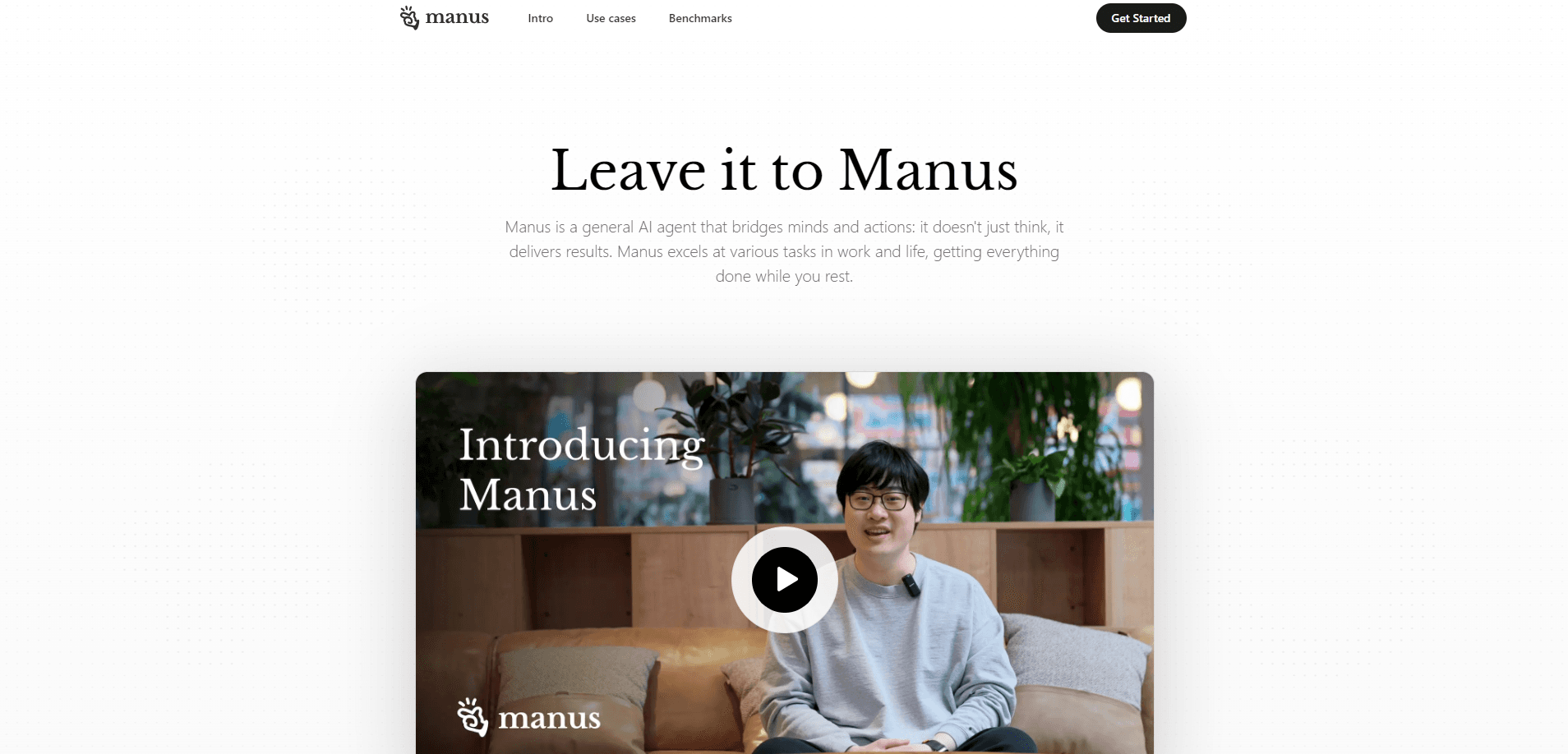
Manus is a general AI agent from Manus AI, the team behind the earlier Monica assistant. You describe an outcome instead of a process, and it reasons through the steps, calls its own tools and hands back a finished report, site or app. It works inside a sandboxed cloud environment with a file system, a terminal and a browser, so it does the work rather than telling you how you could.
The name comes from the Latin "Mens et Manus," mind and hand. That idea shapes the product: the agent thinks through your request and then acts on it. It drew attention in March 2025 as a general agent that could screen resumes, compare stocks or size up a property, and the September 2026 Manus 2.0 release turned it into a fuller workspace with its own personal-agent app.
Two things matter before you sign up. The service runs on credits, so a heavy project eats more of your allowance than a quick question, and there's no self-hosted or offline mode. It also leans English-first, which is fine for most people but noticeable if you want a fully localized interface.
Getting Started
- Create an account at manus.im with your email, then use the daily free task allowance that resets each day
- Describe the outcome you want in plain language, and attach any files the agent should work from
- Watch it plan and execute in the sandbox, then review the draft before it wraps up
- Download the result, or move to a paid plan when the free credits run short
Product Information
A quick look at Manus's pricing, supported platforms, and performance.
Best for
The users, tasks, and scenarios where this tool fits best.
Users
- Knowledge workers who hand off whole projects
- Founders and solo builders
- Analysts and researchers
- Indie game makers
Tasks
- Deep research
- Building web apps
- Data analysis
- Document and slide creation
- Recurring automation
Scenarios
- A launch is tomorrow and you still need a first cut
- You face a market report with 50 companies to profile
- A task needs a server that stays up after you close your laptop
- Personal errands pile up
- The designer is out and the deck is due
Key features
Autonomous Task Execution
Manus takes a goal and works out the path on its own. It breaks a request into steps, decides which tools to use, runs them in a sandbox, and checks its own output before delivering. You can step in mid-run or let it finish, which is what separates it from a chatbot that only answers one turn at a time.
Wide Research
Wide Research spins up many subagents in parallel, each with its own virtual machine and internet access. Because every item starts with fresh context, quality doesn't fade as the list grows, so a job covering hundreds of data points stays even from the first entry to the last. It's built for market scans, ranking tables and bulk comparisons that choke a standard chatbot.
Manus Studio Workspace
Manus Studio is a shared space for documents, spreadsheets, PDFs, slides, websites, code, games and video. Instead of hauling every tool into every job, it loads only the capability your project needs, which keeps the agent focused and the run cheaper. It replaced the older desktop app in the Manus 2.0 release.
Video Editor and Alchemy Mode
The built-in Video Editor lays out a generated video as a timeline, so clips, images, text, motion graphics and audio stay editable as separate pieces. You can swap a track, drop in your own footage or hand the cut back for another pass. Alchemy mode gives creative direction to the agent for a sharper finish on shorts and product ads.
Game Dev and Cloud Computer
Game Dev builds a playable game from a template, then lets you edit code, art and scenes by hand. When you're ready to share it, a Cloud Computer gives multiplayer titles and long-running automations a machine that stays online without your own laptop. That removes the hosting and networking work most hobby projects stall on.
Automations and Event Triggers
Automations go past simple scheduled tasks. A workflow can start when something happens in a connected service, like a new email, a shift in ad performance, a calendar event or a Notion update. You describe what to watch and what to do in one prompt, and the agent sets up and runs the whole thing.
Browser Operator and Cue
The Manus AI browser operator drives a browser for you to fill forms, gather data and move through sites that have no API. Cue, a separate app, gives each personal agent its own email, phone number, wallet and computer, lets them work together in a group chat, and connects to everyday services like ordering at a restaurant.
Pros and cons
Pros
- Delivers finished work, like reports, sites and videos, not just suggestions you still have to assemble
- Wide Research keeps output quality steady across hundreds of items by giving each subagent fresh context
- A free daily task and a Pro plan from $20 a month let you test real jobs before spending much
- Cloud Computer and Game Dev handle hosting and multiplayer, work that usually needs separate tools
- Apps on web, iOS, Android and Windows, plus a Chrome extension and a Slack integration
Cons
- Credit-based pricing means long or complex runs can burn a month's allowance fast, so heavy users may need a top-up
- No self-hosted or offline option, and your files and runs stay in Manus's cloud
- The interface is English-first, which slows down anyone who wants full localization
- Cloud Computer and some advanced modes sit behind higher tiers, so the cheapest plan can't reach them
Frequently asked questions
Manus handles whole tasks rather than single answers. People use it to run deep research, build and deploy web apps, analyze data from their own files, produce documents and slides, edit video, and set up automations that run on their own.
Related content
Explore related tools, skills, and articles for Manus.
Manus Alternatives

Odyssey 3
Odyssey · OtherOdyssey-3 is Odyssey's foundation world model. It simulates physics in real time, turns a prompt into an interactive environment, and adapts to robots, cars and games.

JarvisCore
Prescott Data · Coding · Productivity · OtherJarvisCore is an open source Python runtime where AI agents work as equal peers on an agent mesh, claim tasks from a shared ledger, and reach external services through a zero-trust broker.
Clef
Cloudflare · Business · OtherClef is Cloudflare's open-source decision model for Workers AI. It returns calibrated probabilities for typed questions, not generated text, so agents can classify, route, and act fast.