

Markdown Studio
Markdown Studio · Coding
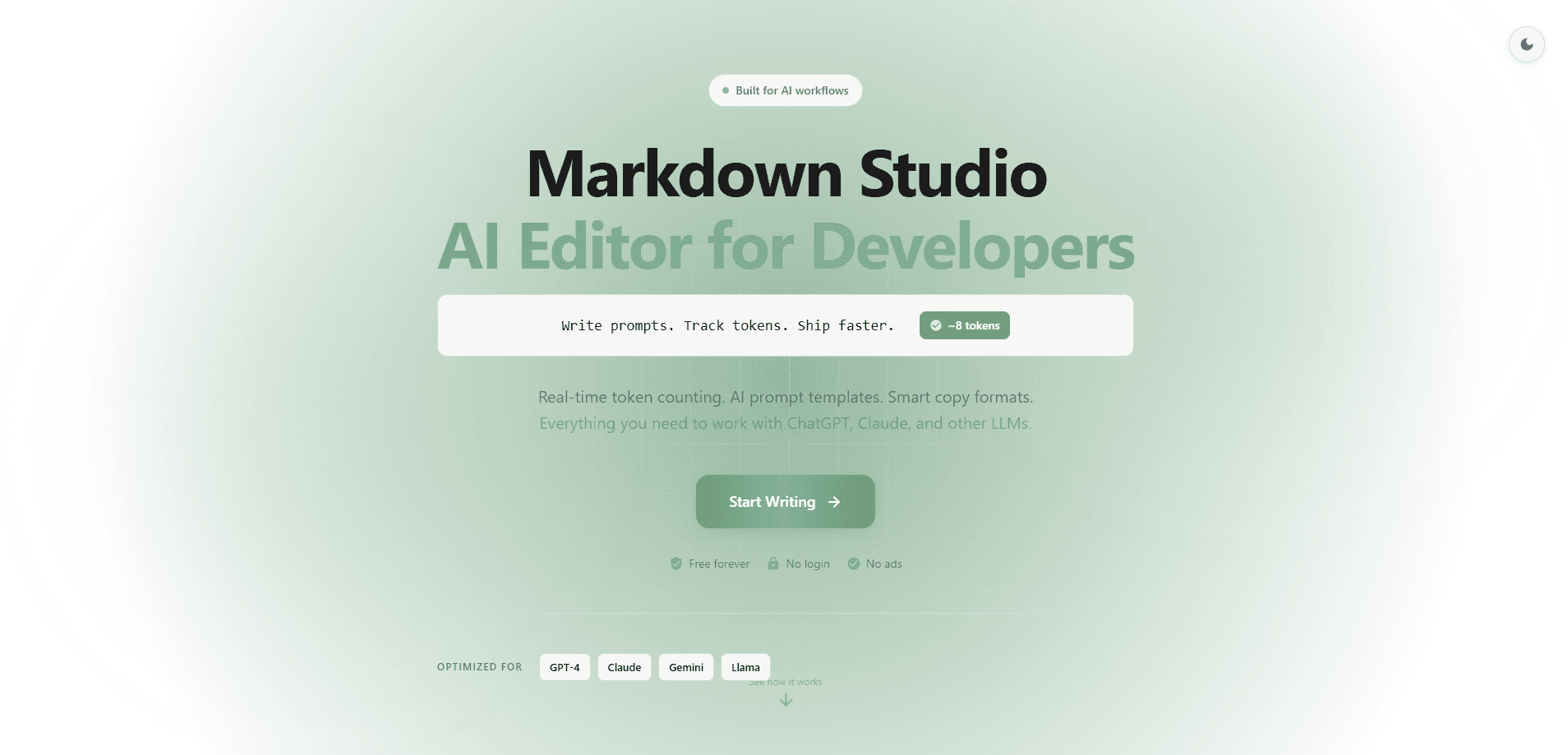
Markdown Studio is a free AI markdown editor built as a prompt engineering tool for people who write and test prompts for large language models. It pairs a familiar split-pane writing experience with prompt tags, a real-time token counter, and a Battle Mode for multi-model testing across OpenAI, Claude, and Gemini. It runs in the browser with no signup, and your files stay on your device.
About Markdown Studio
What Is Markdown Studio
Markdown Studio is a browser-based markdown editor that treats writing prompts as a first-class task. For a markdown editor for developers, that's the whole point. Most markdown editors handle headings and code blocks just fine, but they leave you copying text into a chat window, switching tabs, and eyeballing token counts. Markdown Studio folds that loop into one screen.
It's aimed at people who spend real hours tuning prompts: developers shipping AI features, technical writers documenting model behavior, and anyone comparing how GPT-4, Claude, or Gemini answer the same question. The editor is zero-knowledge by design. No account. No email. Your drafts stay in the browser rather than a server.
The biggest limitation is scope. Markdown Studio is about prompt workflow and document editing, not long-form collaboration or publishing. If you need a teammate editing the same file live, this isn't that tool. It also assumes you're comfortable with markdown syntax and already have API access to the models you want to test.
Getting Started
- Open md-editor.app in any modern browser. No signup or install is required.
- Start typing in the left pane; the rendered preview updates on the right as you write.
- Type
<in the editor to pull up the prompt tag autocomplete and drop in structure for instructions, examples, or thinking steps. - Watch the token counter update live, and switch models if you want to compare behavior.
- Open Battle Mode to run one prompt across OpenAI, Claude, and Gemini, then review outputs, token use, and estimated cost side by side.
Product Information
A quick look at Markdown Studio's pricing, supported platforms, and performance.
Best for
The users, tasks, and scenarios where this tool fits best.
Users
- Prompt engineers
- Developers shipping AI features
- Technical writers
Tasks
- Comparing model responses
- Estimating prompt cost
- Building reusable prompt templates
- Validating frontmatter
Scenarios
- Tuning a system prompt for a chatbot and needing to see how each model reacts.
- Writing a README or docs page and wanting live preview next to the source.
- Preparing a batch of prompts that share the same structure but different inputs.
Key features
Battle Mode for Side-by-Side Model Comparison
Battle Mode is the prompt testing tool at the heart of Markdown Studio. It takes one prompt and runs it across OpenAI, Claude, and Gemini at once. You get outputs, token counts, and estimated cost lined up next to each other. That turns "which model handles this best" from a guess into something you can actually check.
Real-Time Token Counter
The editor counts tokens as you type and flags how close you're getting to the context limit for GPT-4, Claude, and Gemini. Blown past a limit mid-prompt before? Seeing the number climb in real time saves a painful round trip.
Prompt Tags Autocomplete
Typing < opens a list of 23 AI prompt tags covering thinking steps, instructions, examples, and Claude 4 control tags. It's a small thing. But it keeps prompt structure consistent when you're writing dozens of them.
24 Prompt Templates
The library ships with 24 ready-made templates for code review, documentation, bug analysis, and general workflows. They're a decent starting point when you'd rather adapt something than stare at a blank page.
GitHub Sync
You can push your markdown files to GitHub repos and gists, with conflict detection, versioning, and encrypted tokens. Good news for code. This matters if your prompts live alongside code and you want them under the same version control.
Multi-Tab Editing
Work on up to 10 files at once, each with its own undo history and independent autosave. It's handy when you're refining several prompts in parallel instead of losing your place by constantly reopening files.
Slash Commands and Live Preview
Type / to insert tables, code blocks, templates, and diagrams, and watch everything render in the split preview on the right. Mermaid diagrams and LaTeX math via KaTeX are supported, so technical documents don't look broken. It just works.
Pros and cons
Pros
- Free to use with no signup, no email, and no account required.
- Zero-knowledge design means drafts stay on your device rather than a remote server.
- Battle Mode compares OpenAI, Claude, and Gemini outputs, tokens, and cost in one view.
- Live token counter helps you stay under model context limits before you hit send.
- GitHub sync with conflict detection keeps prompts under real version control.
Cons
- No account or cloud storage means there's no cross-device sync beyond what GitHub provides.
- Battle Mode requires your own API keys and access to each model, so setup has a real cost before you get any comparison out of it.
- It's built around prompt work and markdown, so it won't replace a full review or publishing workflow. That's the trade-off. For most prompt jockeys, it's a fine one.
Frequently asked questions
Yes. The editor is free to use, and there's no paid tier listed. You don't need an account, an email, or a credit card to start. The only cost that could apply is whatever your model provider charges when you run prompts through Battle Mode.
Related content
Explore related tools, skills, and articles for Markdown Studio.
Markdown Studio Alternatives
Forefront
Forefront · CodingForefront is a web platform for building with open-source AI. It lets you fine-tune leading open-source language models on your own data, evaluate how they perform, and run them through an API or export them to host yourself. Developers who want the convenience of a closed-source platform but insist on owning their models and data are the target audience here.

Startkit
StartKit.AI · CodingStartkit is a boilerplate for building AI SaaS and AI wrapper products. Think of it as an AI startup boilerplate with the boring parts already wired up: authentication, Stripe and Lemon Squeezy payments, usage limits, transactional email, and an AI API starter that talks to OpenAI, Anthropic, Groq, or Llama. You clone the repo, set your price, and start on the part of your product that people actually pay for. It's Next.js under React and Tailwind, so most of the boilerplate code already feels familiar.
Testim
Tricentis · CodingTestim is an AI-powered test automation platform for building and running end-to-end tests across web, mobile, and Salesforce applications. It leans on machine learning to keep tests stable when an interface changes, so teams spend less time fixing broken selectors. Not bad for an automated testing tool you can start using today. You create tests by recording actions in a browser, then optionally add JavaScript when you need more control. It's a solid pick for busy QA teams.