

MashuPack
MashuPack · Coding
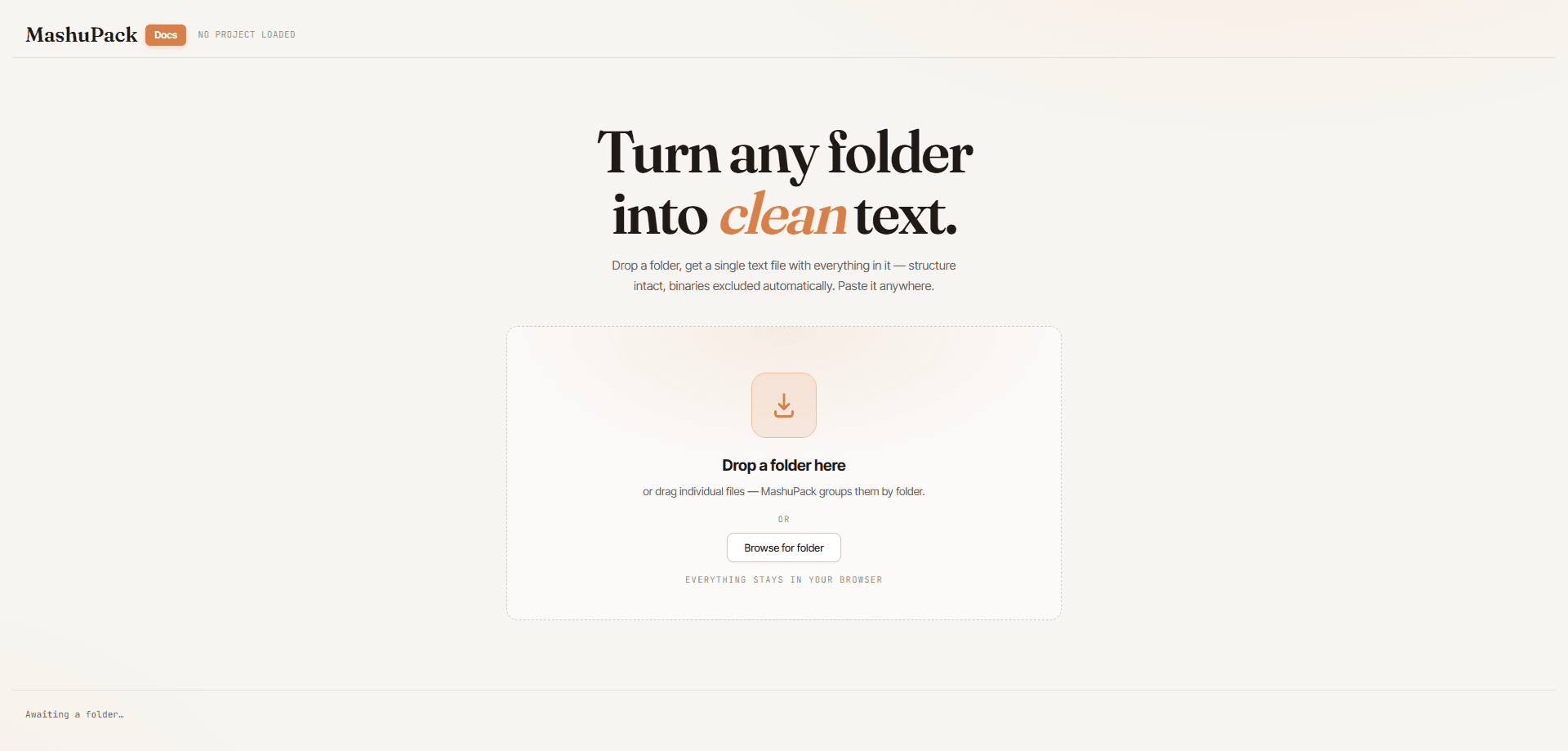
MashuPack is a browser-based tool that turns a local codebase into a single structured text file you can paste into ChatGPT, Claude, or any other chat model. You pick the exact files or subsystems you care about, and it compiles them into one clean document for planning, debugging, and architecture review. No account. No backend upload. No repo transfer.
About MashuPack
What Is MashuPack
MashuPack is a context packing tool for developers who lean on browser AI for long coding sessions. Its job is narrow. You point it at a local repository, choose the files or a whole subsystem, and it exports everything as one structured text file. That single file is the format every chat model accepts without wrestling over file-count limits or upload forms.
The problem it solves is mundane but constant. Talking to an AI about a subsystem usually means dragging in small groups of source files by hand, over and over. MashuPack replaces that ritual with a visual interface for picking the right slice of context once, then exporting it cleanly. It runs in the browser, and it works on files already sitting on your machine, so nothing in your repository gets shipped to a remote server during the process.
There are real limits. MashuPack doesn't edit code, run your tests, or act as an agent inside an editor. It's a packaging step, not a development environment. On very large repos, the text file you produce can get big fast, and you'll still need to decide which parts matter. If you want a tool that reasons over a repo on its own, this isn't it.
Getting Started
- Open MashuPack in your browser and point it at a local repository on your machine.
- Browse the file tree and select the exact files or subsystem you want the AI to see.
- Review the assembled structure and trim anything irrelevant to keep the context focused.
- Export the selection as one structured text file.
- Paste that file into ChatGPT, Claude, or your chat model of choice and start asking questions.
Product Information
A quick look at MashuPack's pricing, supported platforms, and performance.
Best for
The users, tasks, and scenarios where this tool fits best.
Users
- Developers working with ChatGPT and Claude
- Solo builders and hobbyists
- Students learning a codebase
Tasks
- Architecture review
- Debugging
- Planning new work
Scenarios
- You're mid-session with a model and need more files, but the upload limit stops you
- You're onboarding to an unfamiliar project
- You're away from your usual editor setup and only have a browser
Key features
Selective file and subsystem packing
MashuPack lets you pick exact files or an entire subsystem instead of dumping the whole repo into a prompt. You browse the local tree, tick what matters, and leave the noise out. Who wants to sort through hundreds of files just to ask one question? That control is the difference between a focused answer and a model drowning in irrelevant code.
One structured text file output
Everything you select gets compiled into a single text file with a consistent structure. File boundaries and paths stay readable, so the model can follow which code came from where. One file also sidesteps the upload friction that shows up when you try to hand a chat UI dozens of separate files.
Runs entirely in the browser
The tool works from your browser against files on your machine. There's no account to create and no repository pushed to a remote server. For teams that can't send source code to third-party services, that constraint matters more than any extra feature.
Built for AI chat workflows
A typical Claude code workflow or ChatGPT session falls apart when the model can't see the files you mean. MashuPack is built around how people actually use these web UIs for software work. It targets planning, debugging, and codebase understanding, the tasks where a model needs a coherent slice of code rather than a stray snippet.
Local repo focus
It reads from a local codebase, which keeps your working copy as the source of truth. You're not syncing, mirroring, or granting a service access to your Git host. If your code never leaves your machine until you paste it, this fits that habit.
Pros and cons
Pros
- Removes the tedium of manually grouping source files every time you want to discuss a subsystem
- No account and no repo upload keeps sensitive code off third-party servers
- Output is one clean file, which most chat models accept without file-limit trouble
- Useful across planning, debugging, and code review, not just one narrow task
- Browser-based, so it works without installing a desktop app
Cons
- It only packages context; it won't edit code, run tests, or act inside your editor
- On large repos, the resulting text file can grow unwieldy and still needs manual trimming
- Pricing and full feature details were hard to pin down from the official site at the time of writing, so specifics may have shifted
Frequently asked questions
It converts a selection of files from your local repository into one structured text file for AI chat models. You choose what goes in, and it handles the assembly and formatting.
Related content
Explore related tools, skills, and articles for MashuPack.
MashuPack Alternatives
Forefront
Forefront · CodingForefront is a web platform for building with open-source AI. It lets you fine-tune leading open-source language models on your own data, evaluate how they perform, and run them through an API or export them to host yourself. Developers who want the convenience of a closed-source platform but insist on owning their models and data are the target audience here.

Startkit
StartKit.AI · CodingStartkit is a boilerplate for building AI SaaS and AI wrapper products. Think of it as an AI startup boilerplate with the boring parts already wired up: authentication, Stripe and Lemon Squeezy payments, usage limits, transactional email, and an AI API starter that talks to OpenAI, Anthropic, Groq, or Llama. You clone the repo, set your price, and start on the part of your product that people actually pay for. It's Next.js under React and Tailwind, so most of the boilerplate code already feels familiar.
Testim
Tricentis · CodingTestim is an AI-powered test automation platform for building and running end-to-end tests across web, mobile, and Salesforce applications. It leans on machine learning to keep tests stable when an interface changes, so teams spend less time fixing broken selectors. Not bad for an automated testing tool you can start using today. You create tests by recording actions in a browser, then optionally add JavaScript when you need more control. It's a solid pick for busy QA teams.