

Mastra
Mastra AI · Coding
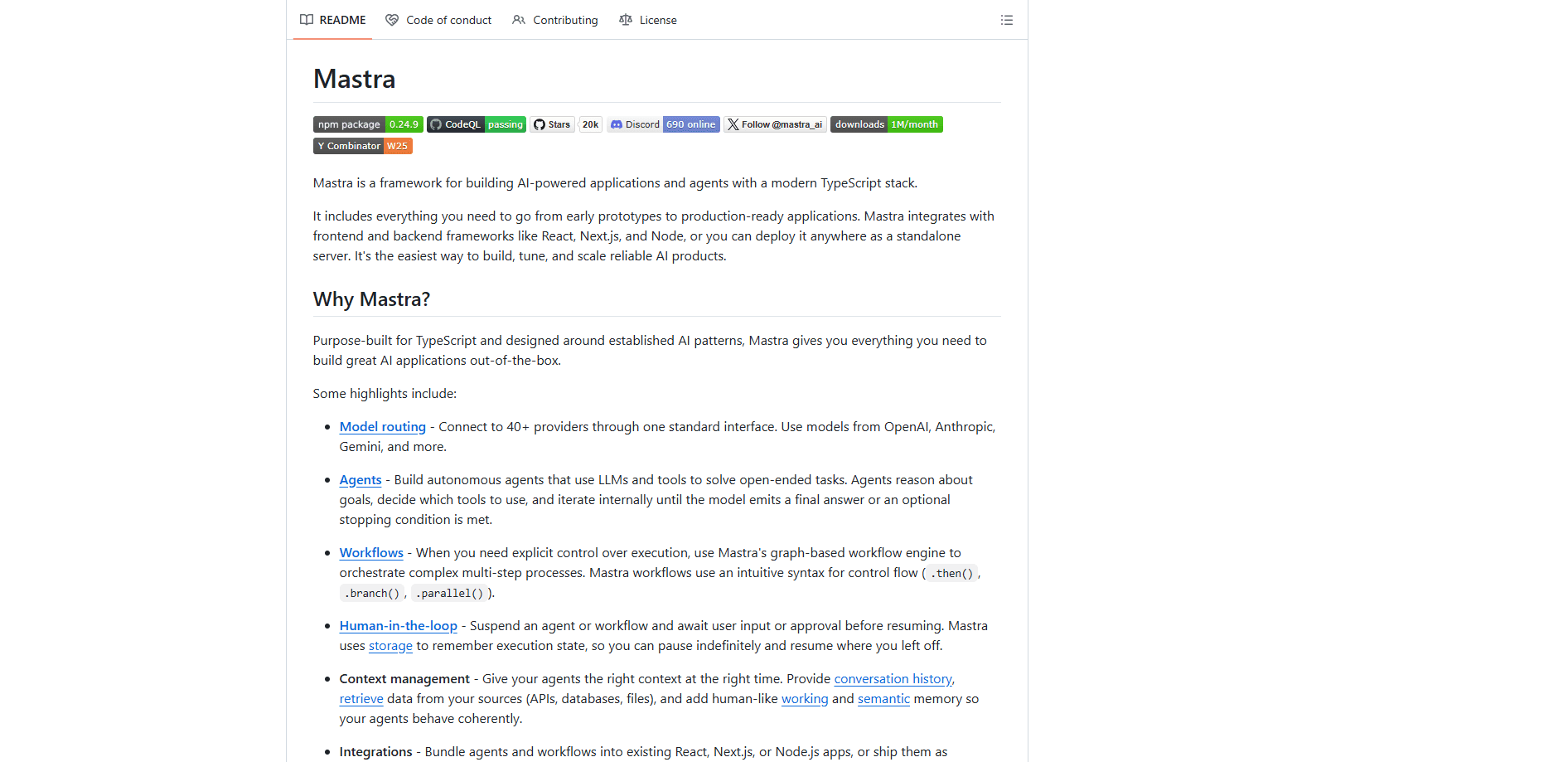
Mastra is an open-source TypeScript framework for building AI agents and AI-powered applications. It bundles agents, graph-based workflows, memory, and model routing across dozens of providers, plus observability, into one stack. Plug it into React, Next.js, or Node, or run it as a standalone server. If your team already writes TypeScript, Mastra is a short path to a working AI product.
About Mastra
What Is Mastra
Mastra is a framework, not a no-code builder. It's code. You stay in code and describe agents, tools, and workflows, then let the framework handle the plumbing that usually gets rebuilt from scratch: calling models, running tools, saving state, and tracing what happened.
The pitch is narrow and honest. Most AI frameworks are Python-first, and JavaScript support arrives late. Mastra was written for TypeScript from day one, so you get type safety, autocomplete, and compile-time checks while you wire up agents. That matters if you're a frontend or full-stack developer who doesn't want to pick up a second language to ship an AI feature.
The tradeoff is that Mastra assumes you can code. That's fine for developers. There's a CLI and a local Studio for clicking through runs, but no drag-and-drop canvas for non-developers, and some newer pieces, like the experimental agent builder, need an enterprise license for production. If you want a visual tool for a non-technical team, this isn't it.
Getting Started
- Install the CLI with
npm create mastra@latestand pick a template, from a basic chatbot to a document-analysis app. - Add a model provider key, such as an OpenAI or Anthropic key, to your environment file.
- Define an agent in the
src/mastra/agentsfolder and register your tools insrc/mastra/tools. - Run
npm run devto open the local Studio and test the agent in a browser. - Deploy the Mastra server to your own infrastructure, or bundle it into an existing Next.js or Node app.
Product Information
A quick look at Mastra's pricing, supported platforms, and performance.
Best for
The users, tasks, and scenarios where this tool fits best.
Users
- TypeScript and JavaScript developers
- Full-stack and frontend engineers
- Startups prototyping AI features
Tasks
- Building autonomous agents
- Orchestrating multi-step processes
- Adding memory and context
- Monitoring agents in production
Scenarios
- Customer support agents that need to look up orders and hand off to a human
- Domain copilots for coding, legal, or research work
- Publishing an MCP server
Key features
Model routing across many providers
Mastra connects to dozens of model providers through one interface, so switching from OpenAI to Anthropic or Gemini doesn't mean rewriting your integration code. Swap a model. Keep your logic. The site advertises 90+ providers, while the GitHub README notes 40+, so check the current docs before you assume a specific provider is covered.
Graph-based workflows
When an agent's free-form reasoning is too loose, workflows give you explicit control. You chain steps with .then(), branch conditionally with .branch(), and run work in parallel with .parallel(). It reads like code because it's code. That keeps complex multi-step processes debuggable.
Human-in-the-loop
You can suspend an agent or workflow and wait for a person to approve or supply input before it continues. Mastra stores execution state, so a paused run can sit for hours or days and pick up exactly where it stopped. That's what makes approval-gated automations practical instead of fragile. No lost context.
Memory and context management
Agents get conversation history plus retrieval from your own sources, such as APIs, databases, and files. Mastra also offers a working and semantic memory layer so an agent remembers relevant details across a long task. You control what context goes in at each step rather than dumping everything into the prompt.
MCP server support
Mastra can author Model Context Protocol servers, exposing your agents and tools to any system that speaks the protocol. That turns your internal tools into things other AI clients can call, without building a custom integration each time.
Built-in evals and observability
Shipping reliable agents means measuring them. Mastra includes evaluation tools and tracing out of the box, so you can see each reasoning step, spot where an agent drifts, and refine without guessing. Most teams build this part themselves. Here it's included.
Flexible deployment
You can bundle agents into an existing React, Next.js, or Node.js app, or ship them as standalone endpoints. Frontend integrations include Vercel's AI SDK UI and CopilotKit. You don't have to hand-roll the chat interface.
Pros and cons
Pros
- Open-source under the Apache 2.0 license, so you can use it in commercial projects without paying for the framework itself.
- Native TypeScript support means strong typing, editor autocomplete, and compile-time checks while you build agents.
- Model routing decouples your code from any single provider, which cuts the cost of trying a different model.
- Observability and evals are built in, so you're not bolting on monitoring after launch.
- Deploys as a standalone server or inside an existing app, giving you a choice instead of one forced path.
Cons
- Code-first by design, so non-developers can't build with it; there's no visual drag-and-drop builder for the core framework.
- Some newer features, including the agent builder, are marked experimental and need an enterprise license for production use.
- Enterprise pricing isn't published on the site, so teams with budget questions have to contact sales to get a number.
Frequently asked questions
Mastra is a TypeScript framework for building AI agents and AI-powered applications. Developers use it to create autonomous agents, orchestrate multi-step workflows, add memory and retrieval, and monitor agents in production, all inside a normal TypeScript project.
Related content
Explore related tools, skills, and articles for Mastra.
Mastra Alternatives
Forefront
Forefront · CodingForefront is a web platform for building with open-source AI. It lets you fine-tune leading open-source language models on your own data, evaluate how they perform, and run them through an API or export them to host yourself. Developers who want the convenience of a closed-source platform but insist on owning their models and data are the target audience here.

Startkit
StartKit.AI · CodingStartkit is a boilerplate for building AI SaaS and AI wrapper products. Think of it as an AI startup boilerplate with the boring parts already wired up: authentication, Stripe and Lemon Squeezy payments, usage limits, transactional email, and an AI API starter that talks to OpenAI, Anthropic, Groq, or Llama. You clone the repo, set your price, and start on the part of your product that people actually pay for. It's Next.js under React and Tailwind, so most of the boilerplate code already feels familiar.
Testim
Tricentis · CodingTestim is an AI-powered test automation platform for building and running end-to-end tests across web, mobile, and Salesforce applications. It leans on machine learning to keep tests stable when an interface changes, so teams spend less time fixing broken selectors. Not bad for an automated testing tool you can start using today. You create tests by recording actions in a browser, then optionally add JavaScript when you need more control. It's a solid pick for busy QA teams.