

Maxim AI
Maxim AI · Coding
Maxim AI is an end-to-end evaluation and observability platform that helps teams simulate, test and monitor AI agents, prompts and workflows before and after they ship.
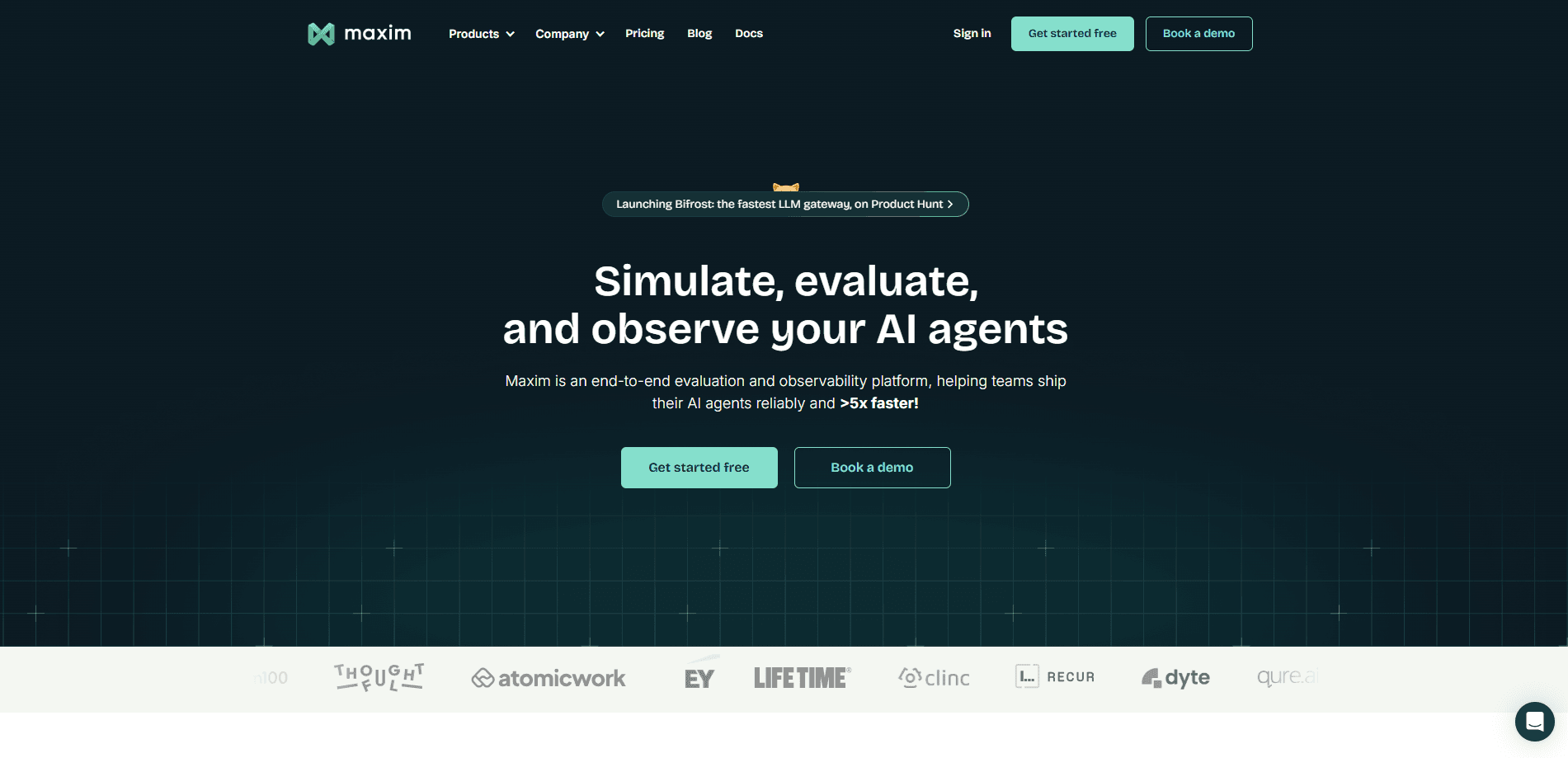
About Maxim AI
What Is Maxim AI
Maxim AI is a platform for teams that build AI agents and LLM apps. It covers the full loop of getting an agent ready for real users: design prompts, test them across many scenarios, score the results and watch live traffic once the product is live.
The problem it solves is that most AI features ship without measurable proof they work. A prompt can look fine in a chat window and still fail on edge cases, tool calls or retrieval steps. Maxim gives teams a place to run those checks at scale, with a shared library of evaluators and datasets, instead of eyeballing outputs one at a time.
The limit is scope. Maxim is a developer and product team tool, not a consumer app. It expects you to wire in an SDK, define metrics and manage datasets, so a solo user without a codebase gets little from it. Pricing also runs on usage tiers, which means cost climbs with the volume of traces and evaluations you run.
Getting Started
- Create an account on getmaxim.ai and open a workspace for your project.
- Add your model providers and API keys, then connect a prompt or an existing agent through the Python or TypeScript SDK.
- Build a dataset of test cases and pick evaluators, using either built-in ones or custom scorers.
- Run a simulation or experiment, read the scores, and turn on live logging so production runs keep feeding the same dashboards.
Product Information
A quick look at Maxim AI's pricing, supported platforms, and performance.
Best for
The users, tasks, and scenarios where this tool fits best.
Users
- AI engineers building agents
- Product teams shipping LLM features
- QA and evaluation leads
Tasks
- Prompt testing across models
- Regression checks on agents
- Production monitoring
Scenarios
- Preparing an agent for launch
- Running evaluation in CI/CD
- Auditing a live AI product
Key features
Experimentation playground
The playground is where prompt work happens. You test and change prompts, models, tools and context without touching code, version prompts outside the codebase, chain pieces into a workflow in a low-code view, and deploy a chosen version with a rule set. For teams juggling several prompt edits a week, the versioning keeps track of what changed and who shipped it.
Agent simulation and evaluations
Maxim runs a simulation and evaluation engine that tests agents across thousands of scenarios using metrics you define. Simulations push an agent through varied situations, while evaluations score the quality of each run against built-in or custom metrics. Automations connect the engine to CI/CD workflows, and the analytics view turns the results into reports you can share.
Observability and live monitoring
Once an agent is live, Maxim logs traces, so you can see multi-step workflows and long chains of tool calls laid out step by step. The same log stream feeds LLM observability dashboards for latency, cost and quality. Online evaluations score real interactions, covering generation, tool calls and retrieval, and alerts fire on regressions. This is what separates a one-time test from continuous quality tracking.
Unified evaluator library
A single library holds pre-built and custom evaluators across several styles: LLM-as-a-judge, statistical, programmatic and human scoring. Because the same evaluators serve both simulations and live monitoring, a score means the same thing at test time and in production.
Tools and structured outputs
Maxim supports tool definitions and structured outputs natively. You can create and test tools that are either code-based or API-based, then watch how an agent picks and calls them. This matters for agents that lean on external APIs, since a wrong tool call often breaks a whole run.
Datasets and integrations
The platform handles synthetic and custom multimodal datasets with easy import, and it connects through Python and TypeScript SDKs. Teams on a supported stack can move results into their own pipelines, and custom pricing rules keep reported token costs in line with negotiated rates.
Pros and cons
Pros
- Covers the whole loop in one place, from prompt design to simulation, scoring and live monitoring, so teams skip stitching several tools together.
- The unified evaluator library lets the same metric run in tests and in production, which keeps scores comparable over time.
- Human review and annotation pipelines scale manual scoring instead of leaving it in a spreadsheet.
- Python and TypeScript SDKs plus CI/CD automations fit teams that already run an automated build and test flow.
Cons
- It expects code. Without a codebase to instrument, the platform is hard to use, so it is not a fit for non-technical users.
- Usage-based pricing means cost grows with trace and evaluation volume, which can surprise teams during heavy testing.
- Setting up meaningful evaluations takes real work. You have to define metrics and build datasets before you get useful scores.
- The free plan has limits on usage, so anything beyond light testing moves onto a paid tier.
Frequently asked questions
Maxim AI is used to evaluate and monitor AI agents and LLM apps. Teams design and test prompts, run agents through simulated scenarios, score the results with evaluators, and track live traffic for quality and cost once the product is live.
Related content
Explore related tools, skills, and articles for Maxim AI.
Maxim AI Alternatives

Base Code
Base44 (Wix) · Coding · ProductivityBase Code is a shared cloud development environment from Base44. Teammates describe changes to an existing GitHub codebase in chat, preview them live and send them back as pull requests.

Google EmbeddingGemma 2
Google DeepMind · Writing · Image · CodingGoogle EmbeddingGemma 2 is a 740M-parameter open model that turns text, code, images, audio, and video frames into vectors in one 768-dimension space, running on phones and laptops.

GitGlow
GitGlow · Coding · ProductivityGitGlow is a local-first desktop Git client that lets independent developers review their own code and their AI agents' changes in one place before shipping.