

AG2
AG2AI (originally AutoGen from Microsoft Research) · Coding
AG2 is an open-source Python agent framework for building AI agents that connect to MCP servers, wrap their tools into reusable toolkits, and serve agents back out as MCP servers.
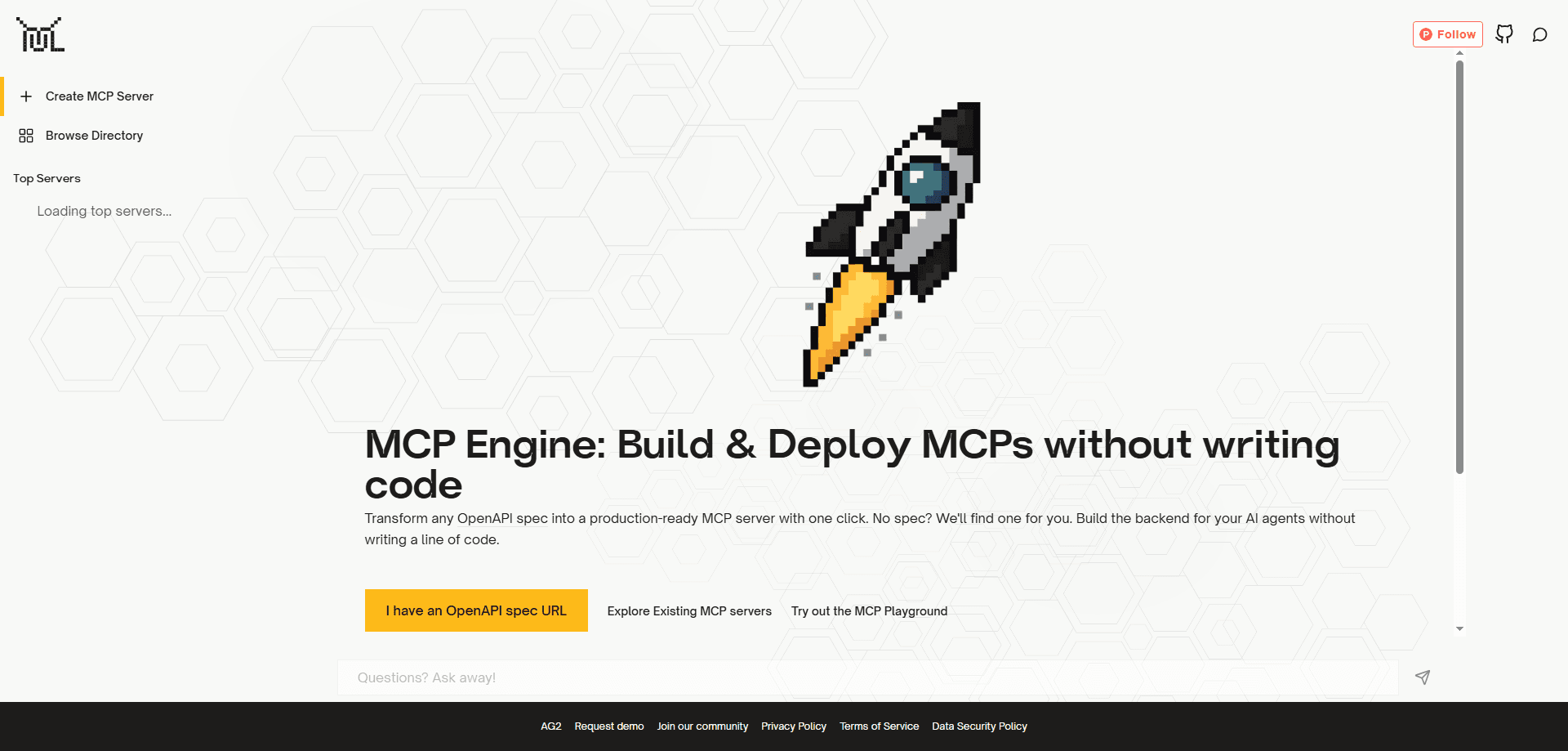
About AG2
What Is AG2
AG2 started life as AutoGen, the multi-agent framework Microsoft Research released in 2023. The project later moved to its own community, renamed itself AG2, and kept the same goal: let you build systems where several AI agents talk to each other, call tools, and hand work off until a task is done. This Python agent framework's MCP engine is the part of it that speaks the Model Context Protocol.
MCP is the open standard Anthropic introduced in late 2024 for connecting language models to outside tools and data. It fixes one problem: before it existed, every tool needed a custom adapter for every model. AG2 treats MCP as a first-class citizen rather than a bolt-on. Agents can pull tools from a remote MCP server over HTTP, launch a local server as a subprocess over stdin and stdout, or forward a server URL straight to a provider that supports MCP natively.
The biggest limitation is scope. AG2 is a Python library aimed at developers, not a click-to-run product. You install it with pip, write code, and manage your own API keys and servers. Teams looking for a no-code interface should look elsewhere, and Windows users on older Python builds can hit snags because the package needs Python 3.10 or newer.
Getting Started
- Install the framework and the MCP extra with
pip install ag2[openai,mcp]. Swapopenaiforanthropic,gemini,ollama, or another provider extra. - Set your provider key, for example
export OPENAI_API_KEY="...". Keys read from the environment, so nothing gets hardcoded into your project. - Point an agent at an MCP server. Pass a URL string to
MCPToolkitfor a remote server, or anMCPStdioServerConfigfor a local one that runs as a subprocess. - Filter and scope the tools with
allowed_tools,blocked_tools, and aserver_labelso the agent only sees what it needs. - Optionally flip the direction and expose your finished agent as an MCP server itself with
ag2 serve my_agent.py --protocol mcp.
Product Information
A quick look at AG2's pricing, supported platforms, and performance.
Best for
The users, tasks, and scenarios where this tool fits best.
Users
- Python developers building agent systems
- Teams already running MCP servers
- Researchers studying agent collaboration
Tasks
- Connecting an agent to third-party tools
- Publishing an agent as a tool
- Wrapping existing interfaces as MCP tools
Scenarios
- A single workflow that needs several data sources
- Keeping credentials inside your own infrastructure
- Prototyping a research assistant
Key features
MCP Toolkit for Client-Side Connections
The MCPToolkit class discovers a server's tools lazily and hands each one to the agent as a normal function tool. It accepts either a remote URL with MCPServerConfig or a local subprocess with MCPStdioServerConfig, and the rest of your agent does not care which one you picked. Because execution stays on your side, it works with every provider and keeps credentials in your own infrastructure.
Provider-Side MCP Passthrough
If you would rather let the model provider run the connection, the MCPServerTool sends the server URL and credentials onward and the provider invokes the tools on its end. That path only works with providers that support MCP passthrough, such as Anthropic, and it means your credentials leave your network. Pick it when you would rather not manage the connection lifecycle yourself.
Dynamic Multi-Server Session Management
MCPClientSessionManager opens sessions on demand instead of holding one connection open for the whole workflow. Inside a tool function, an agent can reach out to a different server depending on the query, mix local stdin and stdout servers with remote HTTP ones, and let each session clean itself up when it closes. That fits research assistants and routing systems that switch data sources mid-task.
Serve Your Agent as an MCP Server
The ag2 serve command exposes a finished agent over one of three protocols. With --protocol mcp, your agent becomes an MCP server that offers chat and list_agents tools, so any MCP-aware client can use it. The same command can serve a REST API or an A2A endpoint, which matters if your agent needs to be reachable by more than one kind of caller.
Wrap Any Interface as MCP Tools
ag2 proxy turns things you already have into agent tools. Point it at a CLI command and it reads the help output to generate typed wrappers, point it at an OpenAPI spec for one tool per endpoint, or point it at a Python module for typed function wrappers. Adding --serve-mcp skips file generation and starts the wrapped tools as a live MCP server.
Built on the AutoGen Lineage
AG2 keeps the multi-agent model that made AutoGen popular: agents that converse, group chats, swarms, and nested workflows. On top of that it adds an async core, persistent context, and protocol support for both MCP and A2A. You get the research-tested orchestration patterns plus the interoperability layers for connecting agents to the outside world.
Pros and cons
Pros
- Open source under Apache 2.0, so there is no license cost and no locked-in vendor for the core framework.
- Provider agnostic: the client-side toolkit runs tool calls locally and works with OpenAI, Anthropic, Google, and open-source models alike.
- Covers both directions of MCP, connecting to servers and serving agents as servers, from one codebase.
- On-demand session management keeps long workflows lean, since connections open only when a tool needs them.
- Documented with notebooks and a quick-start, tracing back to the AutoGen research paper for readers who want the theory.
Cons
- It is a Python library, not a hosted app, so teams without developers cannot use it directly and have to build their own interfaces.
- Requires Python 3.10 or newer, which rules out older environments and can trip up legacy Windows setups.
- The provider-side MCP path only works with providers that support passthrough, so you cannot use it with every model.
- Wiring multiple servers and keys together is on you, and there is no built-in dashboard for watching agents in production.
Frequently asked questions
AG2 is a Python framework for building AI agents that work together and use outside tools. Its MCP engine lets those agents connect to MCP servers, wrap tools into reusable toolkits, and expose finished agents back out as MCP servers for other clients to call.
Related content
Explore related tools, skills, and articles for AG2.
AG2 Alternatives

Base Code
Base44 (Wix) · Coding · ProductivityBase Code is a shared cloud development environment from Base44. Teammates describe changes to an existing GitHub codebase in chat, preview them live and send them back as pull requests.

Google EmbeddingGemma 2
Google DeepMind · Writing · Image · CodingGoogle EmbeddingGemma 2 is a 740M-parameter open model that turns text, code, images, audio, and video frames into vectors in one 768-dimension space, running on phones and laptops.

GitGlow
GitGlow · Coding · ProductivityGitGlow is a local-first desktop Git client that lets independent developers review their own code and their AI agents' changes in one place before shipping.