
mcp-use
Manufact · Coding
mcp-use is an open-source framework for building Model Context Protocol servers, clients and AI agents in TypeScript and Python, with optional hosting through Manufact Cloud.
About mcp-use
What Is mcp-use
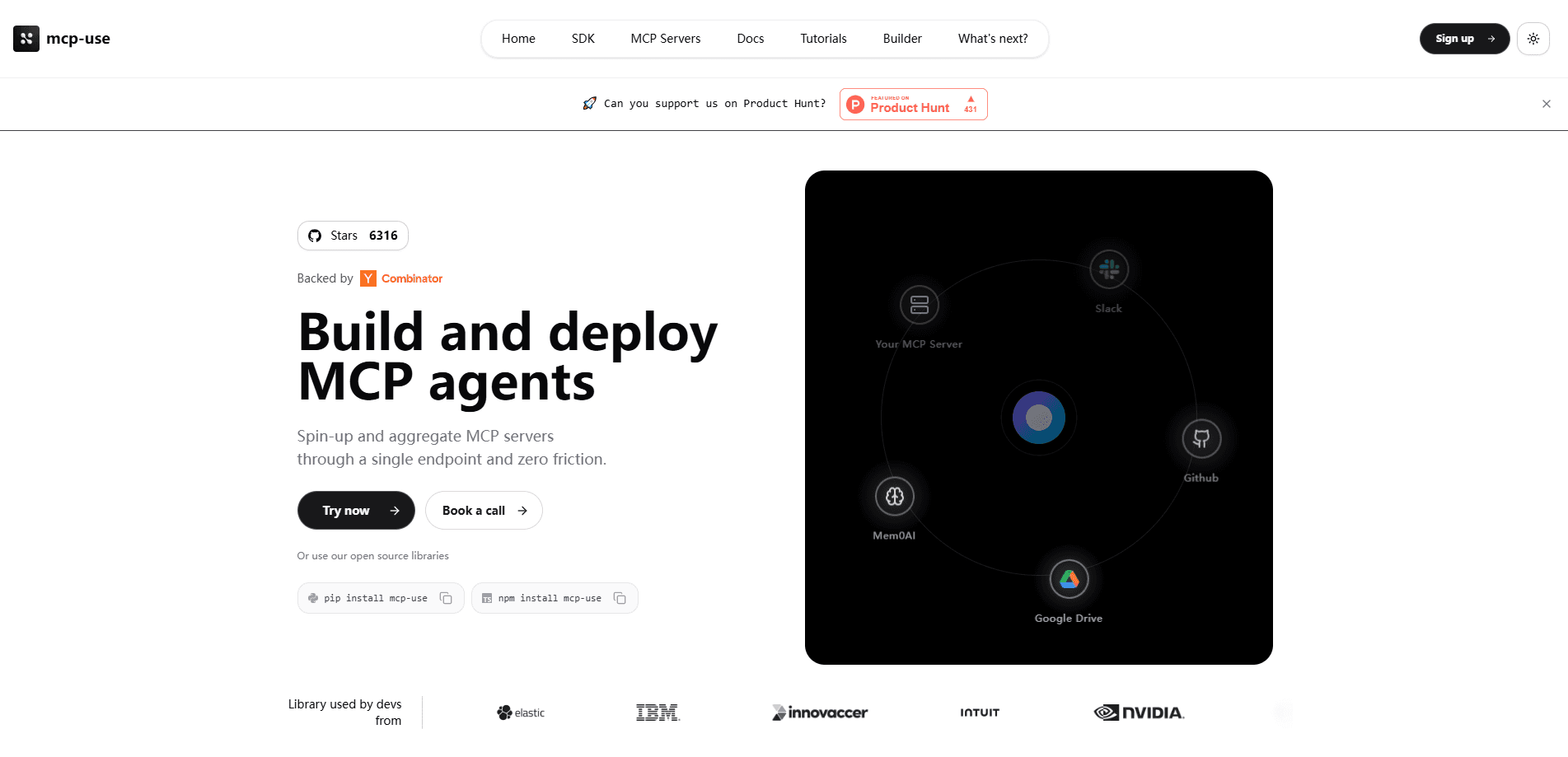
mcp-use is an open-source developer framework for the Model Context Protocol, the standard that lets AI models talk to outside tools and data. It builds three things in one stack: MCP servers, MCP clients and AI agents. You write them in TypeScript or Python, and the framework handles the protocol plumbing so you can focus on what the tool actually does.
The project was created by the team now called Manufact, and the SDK is its open-source core. As of 2026 the company runs a matching hosted platform, Manufact Cloud, which deploys whatever you build with mcp-use. One push to GitHub and your server goes live, no YAML or Dockerfile juggling required.
The pitch is speed, and the code samples back it up. The project claims you can stand up MCP servers, clients and agents in about six lines of code per piece. If you have ever wired the official MCP SDK by hand, you know how much boilerplate that skips.
Two limits matter up front. The hosted service is a separate paid product, so the free tier of mcp-use itself only covers the open-source library. And the framework leans TypeScript-first, which makes it a strong fit for web teams and a slightly heavier lift for Python-only shops that want the richest UI features.
Getting Started
- Scaffold a project with one command,
npx create-mcp-use-app my-app, or install the Python package withpip install mcp-use - Define your tools, resources and prompts in a server file, then run it locally with
npm run dev - Open the built-in Inspector to test tool calls and read raw JSON-RPC traffic without a live model
- Connect a repository to Manufact Cloud and push, or run
mcp-use deployfrom the CLI, to publish your server to ChatGPT, Claude and other clients
Product Information
A quick look at mcp-use's pricing, supported platforms, and performance.
Best for
The users, tasks, and scenarios where this tool fits best.
Users
- Backend and fullstack developers
- AI product teams
- Open-source contributors and hobbyists
- Startup engineering leads
Tasks
- Building MCP servers
- Wiring up MCP clients
- Building AI agents
- Debugging MCP traffic
- Hosting and deploying
Scenarios
- A team wants an internal tool exposed to Claude
- Shipping an app for ChatGPT
- Prototyping an agent
- Adding tools to an existing chatbot
- Publishing a public server
Key features
Fullstack MCP Stack in TypeScript and Python
mcp-use covers the whole chain: servers, clients and agents, in both TypeScript and Python. You do not mix libraries to get a working setup, and both languages share the same concepts and naming. The team calls it a fullstack framework, and for once the label fits, since the same project touches what you build and what calls it.
One-Command Scaffolding
Running npx create-mcp-use-app my-app generates a working project with the server, a React UI layer and a dev server already wired together. The point is to skip the setup day that usually comes before the first tool call. For Python, a single pip install mcp-use gets you the server framework on its own.
Built-In Inspector and Local Testing
The framework ships a web Inspector that runs your server against real clients. You fire tool calls, read the raw JSON-RPC, and swap models like GPT, Claude and Gemini to compare behavior. You can debug from a browser with no local setup, which matters when the bug only shows up against a specific model.
MCP-UI and Interactive App Widgets
Beyond plain servers, mcp-use builds MCP Apps: React widgets that render inside ChatGPT and Claude as real interfaces rather than text. The framework has first-class support for these UI resources, so you build one interactive app and it runs across hosts. This is the feature that separates mcp-use from low-level MCP libraries.
Client and Agent APIs
The client side connects any LLM to any MCP server and lets you call tools directly when you do not need an agent. The agent side adds reasoning across steps, tool use, web browsing and file handling. Both are part of the same package, so switching from a scripted client to a full agent does not mean learning a second framework.
Manufact Cloud Hosting and Deploy
The linked hosted platform turns a repository into a running server. Connect GitHub once and every push auto-deploys, with a preview URL for each branch, custom domains and SSL handled for you. A dashboard tracks requests, builds, tests and runtime logs, so operations stay in one place.
Official SDK Compatibility and Docs
The server framework extends the official MCP SDK rather than replacing it, so existing servers migrate without breaking changes and stay spec compliant. It adds documentation endpoints, structured logging and an openmcp.json metadata file for discovery. That combination keeps you compatible with the wider MCP toolchain while adding the production pieces.
Pros and cons
Pros
- Open source and free to use, so you can adopt it without a sales call or license fee
- One framework covers servers, clients and agents in both TypeScript and Python
- The built-in Inspector lets you test tool calls and JSON-RPC without a live model
- First-class MCP-UI support means interactive apps for ChatGPT and Claude, not just text tools
- Stays compatible with the official MCP SDK, so existing servers port over without rewrites
Cons
- Hosting runs on a separate paid platform, so the free tier of the SDK does not include a deployment target
- The framework leans TypeScript-first, which makes the richest UI features a heavier lift for Python-only teams
- The project renamed from mcp-use to Manufact, so older tutorials and package references can point to stale naming
- The most mature tooling assumes a Node and npm workflow, which adds friction for teams standardized on other runtimes
Frequently asked questions
mcp-use is an open-source framework for building servers, clients and AI agents that use the Model Context Protocol. It works in TypeScript and Python and handles the protocol details so developers can focus on the tools they expose. The project is now part of Manufact.
Related content
Explore related tools, skills, and articles for mcp-use.
mcp-use Alternatives

Base Code
Base44 (Wix) · Coding · ProductivityBase Code is a shared cloud development environment from Base44. Teammates describe changes to an existing GitHub codebase in chat, preview them live and send them back as pull requests.

Google EmbeddingGemma 2
Google DeepMind · Writing · Image · CodingGoogle EmbeddingGemma 2 is a 740M-parameter open model that turns text, code, images, audio, and video frames into vectors in one 768-dimension space, running on phones and laptops.

GitGlow
GitGlow · Coding · ProductivityGitGlow is a local-first desktop Git client that lets independent developers review their own code and their AI agents' changes in one place before shipping.