

MeetClaw AI
MeetClaw · Voice & Language · Chatbot
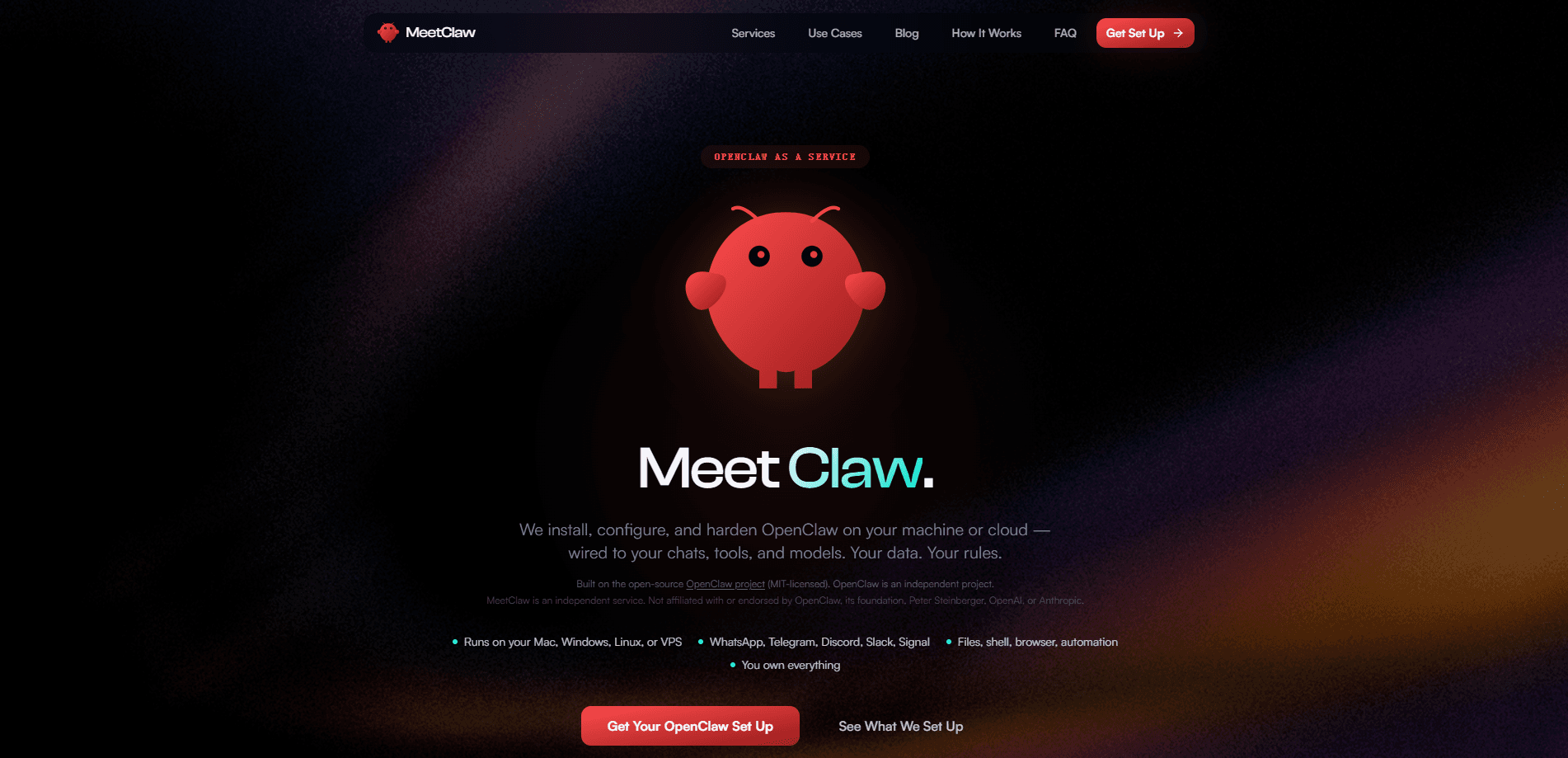
MeetClaw AI is a managed OpenClaw setup service. It installs, configures, and hardens OpenClaw, an open-source AI assistant, on your own machine or cloud server. Instead of spending a weekend fighting setup scripts, you get a working self-hosted AI assistant wired into your chats, tools, and models. Your data stays on hardware you control. It supports WhatsApp, Telegram, Discord, Slack, and Signal, and it runs on Mac, Windows, Linux, or a VPS.
About MeetClaw AI
What Is MeetClaw AI
MeetClaw AI is a setup and maintenance service for OpenClaw, an MIT-licensed open-source AI assistant. It's OpenClaw as a service, in plain terms. The company doesn't build its own assistant from scratch. It takes the OpenClaw project, installs it on infrastructure you own, and handles the parts most people get stuck on: gateway config, channel tokens, memory profiles, and hardening.
The appeal is control. Your conversations, files, and API keys live on your machine or your cloud box, not on someone else's servers. That's what a self-hosted AI assistant buys you. MeetClaw is an independent service and says plainly that it isn't affiliated with OpenClaw, its foundation, Peter Steinberger, OpenAI, or Anthropic.
The main catch is scope. This is a hands-on service, not a one-click app store download. You'll still need somewhere to run it, and the assistant's quality depends on the models and API keys you connect. Want a zero-setup consumer chatbot? This is more machinery than you need.
Getting Started
- Pick your host: a Mac, Windows PC, Linux machine, or a VPS where OpenClaw will run.
- Choose your channels and connect the messaging platforms you use, such as WhatsApp, Telegram, Discord, Slack, or Signal.
- Hand over access or follow the guided setup so MeetClaw installs and configures the gateway, memory, and auth profiles.
- Connect your model provider and API keys so the assistant can actually answer.
- Test it in a chat, then follow the hardening and troubleshooting playbooks for ongoing maintenance.
Product Information
A quick look at MeetClaw AI's pricing, supported platforms, and performance.
Best for
The users, tasks, and scenarios where this tool fits best.
Users
- Privacy-minded individuals
- Small business owners
- Tinkerers and self-hosters
Tasks
- Deploying a personal AI concierge
- Running a smart receptionist
- Tracking expenses
- Building a trading bot or smart home controller
Scenarios
- Turning a spare VPS into a working assistant
- Fixing a bot that runs but doesn't reply
- Keeping OpenClaw patched and hardened over time
Key features
Managed OpenClaw installation
MeetClaw installs and configures OpenClaw, the open-source assistant it's built on, on your machine or cloud box. That covers the gateway, dashboard, and service wiring that trip up most first-time setups. You end up with a running assistant rather than a half-finished install.
Multi-channel messaging support
The assistant connects to WhatsApp, Telegram, Discord, Slack, and Signal, so you can talk to it from a chat app you already use. Think of it as a WhatsApp AI assistant or a Telegram AI bot that happens to also live in Slack. Each channel brings its own bot tokens and permissions, and sorting those out is part of what the service handles. This is what makes the assistant feel like a contact instead of a web console. Much friendlier.
Self-hosted data control
Everything runs on infrastructure you own, from a Mac or Windows PC to a Linux server or VPS. Your conversations, files, and keys stay on your hardware, which is the whole point for people who distrust hosted assistants. You set the rules about what it can reach.
Tools, shell, and browser access
The assistant can touch files, run shell commands, drive a browser, and handle automation. That's what separates it from a plain chatbot: it does things on your machine, not just talk about them. The tradeoff is that broader access means you should understand what you're granting. Be deliberate here.
Production-ready use case templates
MeetClaw publishes standalone setups for a personal AI concierge, smart receptionist, expense tracker, trading bot, smart home, and even an emotional companion. Each one pairs the assistant with a specific job so you're not starting from a blank config. They're a reasonable shortcut if your goal matches one of them. Not a bad starting point.
Hardening and troubleshooting playbooks
The service puts a lot of weight on hardening, and the site's resources include beginner playbooks covering terminology, gateway issues, channels, dashboards, agents, skills, nodes, and API keys. If something breaks, that's the first place to look. It's written for non-technical users rather than as a bare doc dump.
Pros and cons
Pros
- Removes the painful parts of a self-hosted OpenClaw setup, including gateway, channel, and auth configuration.
- Keeps your assistant and data on hardware you own instead of a vendor's servers.
- Works across the messaging apps people already use, including WhatsApp, Telegram, Discord, Slack, and Signal.
- Ships with ready-made use cases and beginner-oriented playbooks so you're not starting from zero.
Cons
- It's a paid service, with plans starting around ₹499/mo, and you may still pay separately for the models and hosting you connect.
- It's not a consumer app: you need a machine or VPS to run OpenClaw, so there's still a hosting decision to make.
- Because it depends on OpenClaw and third-party models, features and reliability can shift as those upstream projects change.
Frequently asked questions
It's a managed service that installs, configures, and hardens OpenClaw, the open-source AI assistant, on your own machine or cloud server. You get a working assistant wired into your chats without doing the setup yourself.
Related content
Explore related tools, skills, and articles for MeetClaw AI.
MeetClaw AI Alternatives

Foley
Hanamori Labs, LLC · Voice & Language · Productivity · AI AssistantFoley is a voice to-do list that turns a spoken sentence into a filed task, complete with project, date and time, then helps you plan the day around what is already there.

HireKey
HireKey · Voice & Language · Productivity · LeaningHireKey is an AI job search copilot built by a former tech recruiter. It checks role fit, tailors resumes, runs interview practice and tracks every application.

Fluence
Yay Software (Yannick Huchard) · Writing · Voice & Language · ProductivityFluence is an Android app that reads PDFs, EPUBs, Word files and web articles aloud, follows each sentence as it speaks, and answers questions about the text on the phone itself.