

Melder - AI for Excel
Melder (Philip Brewer and Ashwin Dharne) · Coding · Productivity
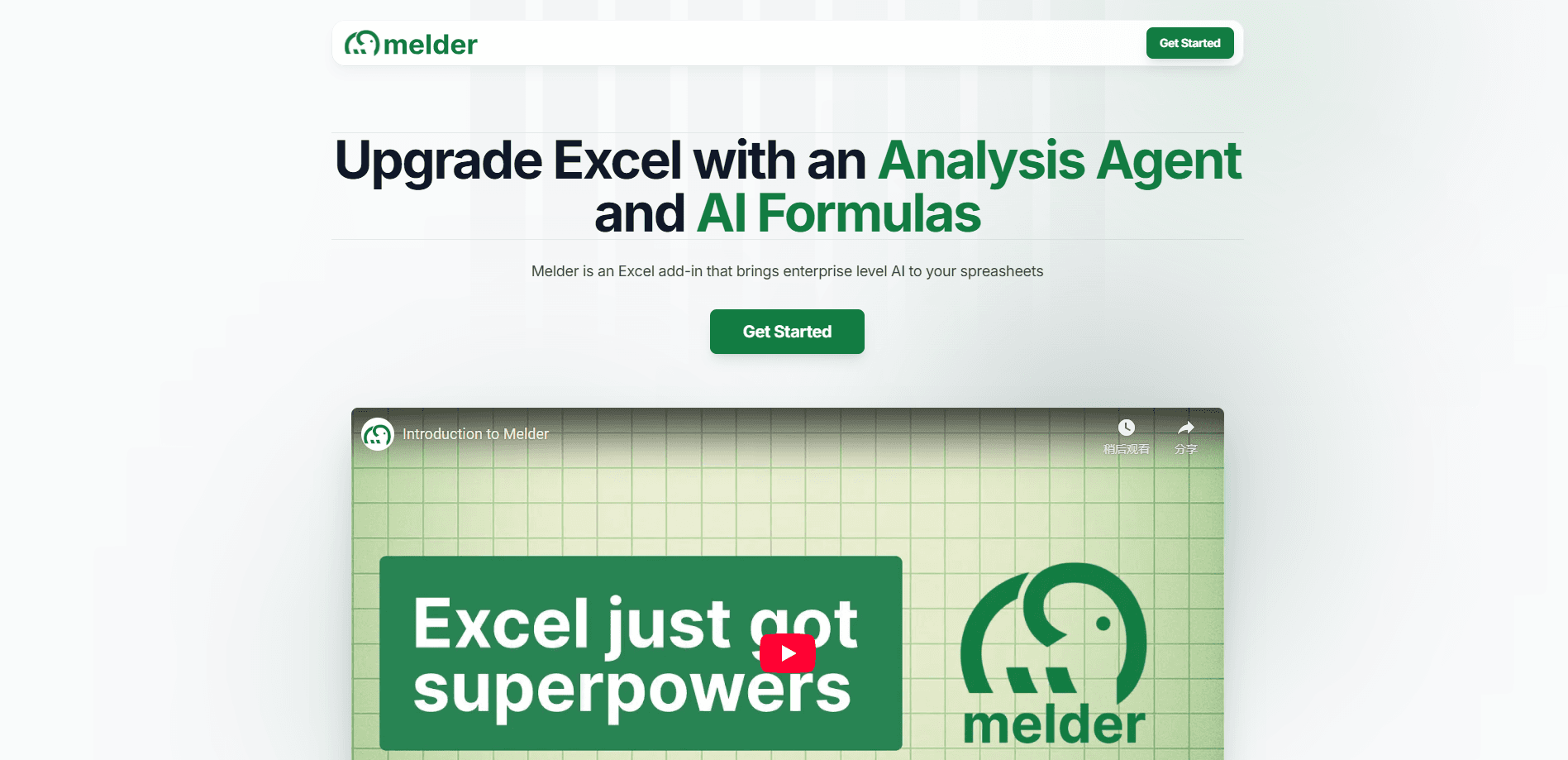
Melder is an AI add-in for Microsoft Excel that adds AI formulas, PDF data extraction, web scraping, and a chat agent, so teams can analyze documents and build models without leaving the sheet.
About Melder - AI for Excel
What Is Melder
Melder is an Excel add-in that puts AI functions inside the spreadsheet you already use. Instead of exporting data to a separate chatbot, you write formulas like =M.EXTRACT() next to your other cells and get structured answers back. The company behind it, founded in 2024 by Philip Brewer and Ashwin Dharne, is backed by Y Combinator and runs a small team out of New York.
The product targets a specific headache: finance, legal, and operations teams that spend hours copying numbers out of earnings calls, invoices, and contracts into Excel by hand. Melder reads those documents for you and returns the fields you ask for. It also scrapes websites on command, which turns competitor research that used to take an afternoon into a single formula.
The main limit is the platform. Melder only works inside Microsoft Excel, so Google Sheets users are out of luck. It also leans on cloud processing for its AI features, which means regulated teams should check their own data policies before feeding it sensitive files.
Getting Started
- Open Excel and search for "Melder" in the Insert > Get Add-ins store, then install it (takes about 30 seconds).
- Sign in and start a free trial to unlock the AI formulas and the analysis agent.
- Upload a PDF, DOCX, or TXT file into a cell, then reference it in a formula like =M.EXTRACT() to pull the data you need.
- Describe what you want in the chat pane, such as "build a revenue forecast from this sheet," and let the agent draft the model for you.
Product Information
A quick look at Melder - AI for Excel's pricing, supported platforms, and performance.
Best for
The users, tasks, and scenarios where this tool fits best.
Users
- Finance analysts
- Legal and compliance staff
- Operations and marketing teams
Tasks
- Extracting fields from PDFs
- Scraping competitor sites
- Categorizing qualitative feedback
- Building forecast models
Scenarios
- Due diligence on a data room
- Weekly competitor tracking
- Interview or transcript analysis
Key features
AI formulas that live in cells
Melder adds functions like =M.EXTRACT(), =M.GEN(), and =M.CATEGORIZE() that work next to your existing formulas. You pass in a cell or a document reference and get back a value, so the output updates when the source changes. This is the core difference from chatbots you have to copy and paste into.
Document upload and extraction
You can drop PDFs, DOCX, and TXT files directly into a worksheet and reference their full contents inside any Melder formula. That covers contracts, invoices, reports, and transcripts. The add-in reads scanned PDFs too, but heavy or unusual layouts may need a manual check.
Web scraping by formula
A scraping function pulls the contents of a web page into Excel. Point it at one URL or a hundred and it returns the text for you to parse. Teams use it for competitor pricing, product descriptions, and market research that used to mean opening tabs one at a time.
AI analysis agent
The chat pane accepts plain-language requests and builds spreadsheet models in response. Ask for a sales forecast or a reconciliation and the agent proposes the formulas, pivots, and charts, which you can refine with follow-up messages. It writes into the workbook rather than handing you instructions to type yourself.
Instant citations
Every AI-generated answer can carry a citation back to the source text. That matters when you need to defend a number in a board deck. You can trace where an extracted value came from instead of trusting the output blindly.
Templates for common jobs
Melder ships prebuilt templates for data room analysis, market research, and clause extraction. They connect several documents at once, so you get a working starting point instead of a blank sheet. You can copy and modify them, or build your own from the agent.
Pros and cons
Pros
- Works as a native Excel add-in, so there's no new app to learn and no context switching between tools.
- AI formulas reference documents dynamically, meaning outputs refresh when the underlying file changes.
- Handles both spreadsheet data and external files in the same workflow, which most Excel AI tools don't.
- Free trial lets you test the AI features before paying.
- Covers document-heavy tasks like contract review and due diligence that consumer chatbots handle poorly.
Cons
- Excel only, so teams on Google Sheets can't use it at all.
- AI features rely on cloud processing, which can rule it out for firms with strict data-handling rules.
- Paid pricing beyond the trial isn't spelled out clearly on the site, so larger teams have to ask for a quote.
- Scanned PDFs with unusual layouts sometimes need manual verification of the extracted text.
Frequently asked questions
Melder is an Excel add-in that brings AI formulas, document extraction, web scraping, and a chat agent into your spreadsheet. You use it to pull data out of PDFs and websites and to build models without leaving Excel.
Related content
Explore related tools, skills, and articles for Melder - AI for Excel.
Melder - AI for Excel Alternatives

Base Code
Base44 (Wix) · Coding · ProductivityBase Code is a shared cloud development environment from Base44. Teammates describe changes to an existing GitHub codebase in chat, preview them live and send them back as pull requests.

Google EmbeddingGemma 2
Google DeepMind · Writing · Image · CodingGoogle EmbeddingGemma 2 is a 740M-parameter open model that turns text, code, images, audio, and video frames into vectors in one 768-dimension space, running on phones and laptops.

GitGlow
GitGlow · Coding · ProductivityGitGlow is a local-first desktop Git client that lets independent developers review their own code and their AI agents' changes in one place before shipping.