

Memelon – vocabulary flashcards
Memelon · Leaning
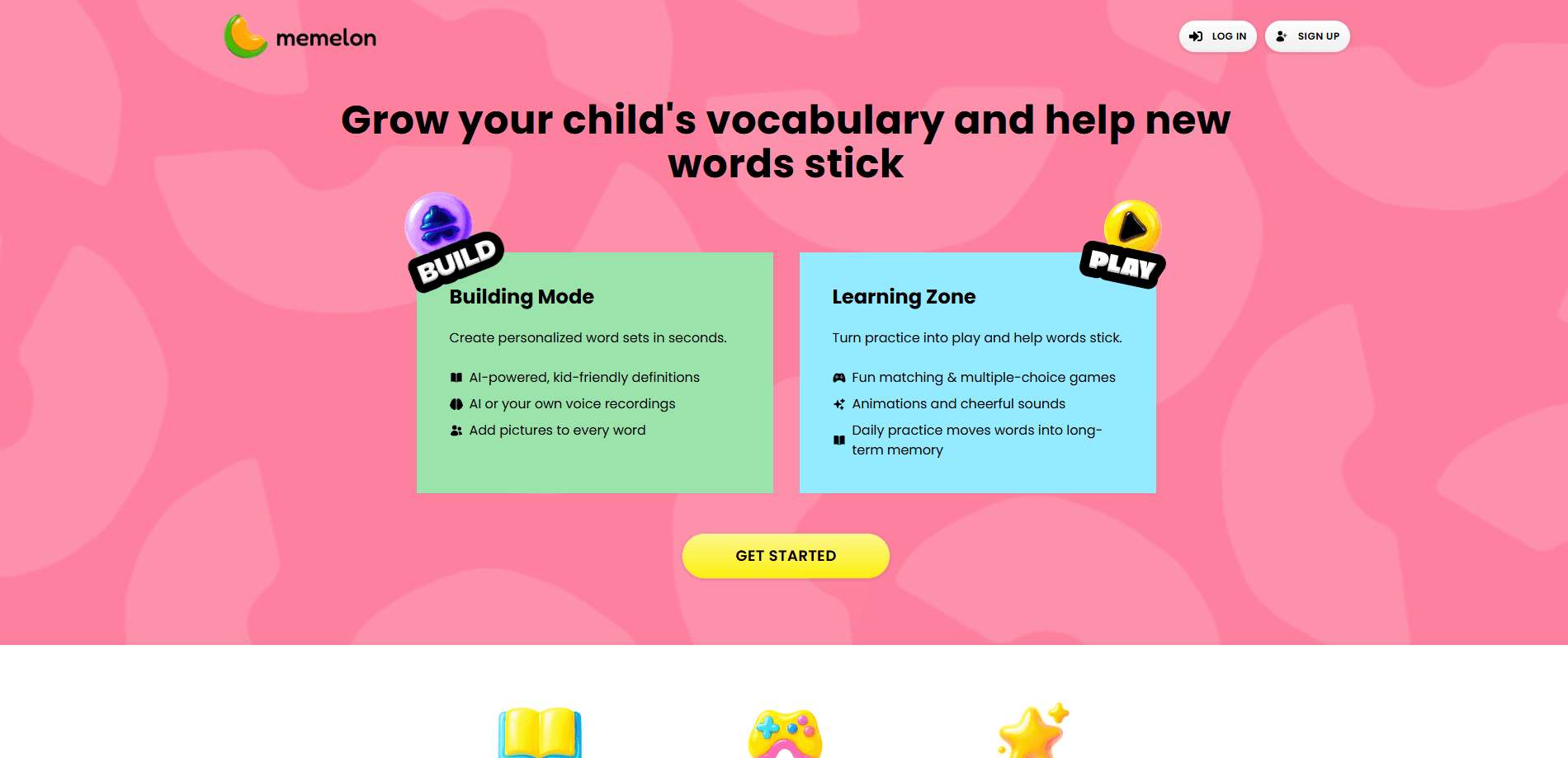
Memelon – vocabulary flashcards is an interactive vocabulary app for kids, and it leans on games rather than drills to keep them coming back. The idea is straightforward: children get personalized word sets, AI-generated definitions that explain meaning in plain language, and short game sessions that make review feel like play instead of homework. It targets parents and teachers who want vocabulary practice that kids actually finish. Not another worksheet that gets abandoned halfway.
About Memelon – vocabulary flashcards
What Is Memelon – vocabulary flashcards
Memelon is a vocabulary practice tool aimed at younger learners, and it works as a kids flashcards app at heart. Instead of handing every child the same list of words, it builds personalized word sets around what each kid is studying or struggling with. Each word comes with an AI-powered definition, so a child who doesn't understand a term can get a clear explanation without waiting for an adult to step in and rescue the session.
The appeal is the packaging. Vocabulary work has a reputation for being boring, and Memelon counteracts that by wrapping review in games. Short sessions, points, and quick feedback loops turn repetition into something closer to play. For parents, the pitch is simple: vocabulary flashcards that a kid will actually open again tomorrow.
It's aimed at home and classroom use rather than adult self-study, so the vocabulary level suits children who are still building their first few thousand words and will feel too basic for older learners or exam prep. As AI vocabulary practice goes, it stays focused on young learners. And since the product is still small, the deepest material lives on its own platform rather than spreading across a wide set of third-party integrations, which is worth knowing before you commit a whole family to it.
Getting Started
- Go to the Memelon website and create an account for your child, or set one up as a parent.
- Build the first word set. Add terms your child is working on, or start from a ready-made collection.
- Let the AI generate a plain-language definition for each word so the meaning is clear from the start.
- Run a short game session to review the set. Aim for a few minutes at a time. Keep it light.
- Check progress after a week and add or drop words based on what sticks.
Product Information
A quick look at Memelon – vocabulary flashcards's pricing, supported platforms, and performance.
Best for
The users, tasks, and scenarios where this tool fits best.
Users
- Parents of early learners
- Primary school teachers
- Kids building their first few thousand words
Tasks
- Reviewing a weekly spelling or vocabulary list
- Learning what a new word means
- Building vocabulary over time
Scenarios
- A ten-minute practice slot before dinner instead of a drawn-out study session. Short wins.
- Homework where a child is stuck on a word and reaches for a definition rather than a parent.
- Summer or holiday review, when a kid is out of class but vocabulary still needs upkeep. Five minutes a day is plenty.
Key features
Personalized Word Sets
Memelon builds vocabulary practice around each child rather than a fixed curriculum that everyone follows in lockstep regardless of where they actually struggle. You add the words a kid is working on, and the app turns them into a set that can be reviewed again and again. Because the list is personal, practice stays relevant to what the child is actually studying, which is what keeps a learner engaged. Easy sets can be swapped for harder ones as words are mastered. That matters for a small kid.
AI-Powered Definitions
The AI side of Memelon generates definitions for the words you add. That matters for independent practice, since a child who doesn't understand a term can get an explanation on the spot instead of stopping and finding an adult. The definitions aim for plain, kid-friendly language rather than dictionary phrasing. A quick check with your child is still worth doing, because AI definitions occasionally need a light edit for age fit. It takes a minute.
Game-Based Review
The core of the experience is a set of games that turn review into something closer to play, and the short rounds with quick feedback mean a child gets real repetition without the treadmill feeling of a worksheet. Games are effective for word learning because they add effort and retrieval practice, both of which help memory stick. Sessions stay short by design, which suits a young attention span better than a long study block. Why does that work? Retrieval is the part that makes words stick, and a game forces it without feeling like a test.
Progress Tracking
Progress tracking shows which words a child has learned and which ones keep slipping, which is the honest picture most parents never get from a finished worksheet. For a parent, that turns vague worry into a list of specific terms to revisit. It also gives kids a visible sense of movement, which is one of the things that keeps them returning to the app. Use it to decide what to add next. Don't treat it as a scoreboard to chase.
Kid-Friendly Design
The whole interface is built for younger users, with simple navigation and clear visuals rather than the dense menus that make most study tools feel like office software. That lowers the barrier for a child to open the app without help. The design goal is independence: a kid should be able to run a session alone once the set is loaded. It isn't a tool for older students who want spaced-repetition controls or exam-level depth. Simple by design.
Pros and cons
Pros
- Personalized word sets keep practice tied to what each child is actually studying.
- AI-generated definitions let kids look up meaning without waiting for an adult.
- Game-based review makes repetition feel like play, which drives repeat use.
- Simple, kid-friendly design means children can run sessions on their own.
- A free plan lets you test the format before committing to a paid tier.
Cons
- Vocabulary level suits young learners, so it's too basic for teens or exam prep.
- AI definitions can need a light edit to match a specific child's reading level.
- As a smaller platform, it has fewer outside integrations than larger learning suites.
Frequently asked questions
Memelon is a vocabulary learning platform for kids. It builds personalized word sets, explains each word with an AI-generated definition, and reviews terms through short games. The goal is simple: help kids learn new words without the usual fights. Practice becomes something a child finishes and repeats rather than abandons.
Related content
Explore related tools, skills, and articles for Memelon – vocabulary flashcards.
Memelon – vocabulary flashcards Alternatives

Kaggle AI
Google · Coding · LeaningKaggle AI is a community platform where people build, test, and compare machine learning models against shared data. It combines data science competitions, tens of thousands of public datasets, and free cloud notebooks with GPU and TPU access, so anyone with a browser can train a model without buying hardware. Google owns the platform, and joining costs nothing.

Bunch
Bunch AI · Leaning · BusinessBunch is an AI leadership coaching app that turns a few spare minutes a day into real management practice. It hands you one short, personalized tip each day, tracks how you respond, and lets you compare notes with peers inside private groups. The pitch is simple: you lead better by practicing a little, often, instead of sitting through a weekend seminar. Think of it as a leadership training app you actually open.

AI Mock Interview
SQLPad · Coding · LeaningAI Mock Interview is a practice tool built into SQLPad that simulates real job interviews and gives you instant feedback on both what you say and how you say it. You pick a role template or upload a job description, answer questions out loud in real time, and then review a transcript with notes on structure, clarity, and grammar. It's aimed at data professionals prepping for SQL, Python, data engineering, machine learning, and system design roles, and it works entirely in the browser. No install needed.