

MenuForma – QR Menu & Online Ordering
MenuForma · Writing · Marketing
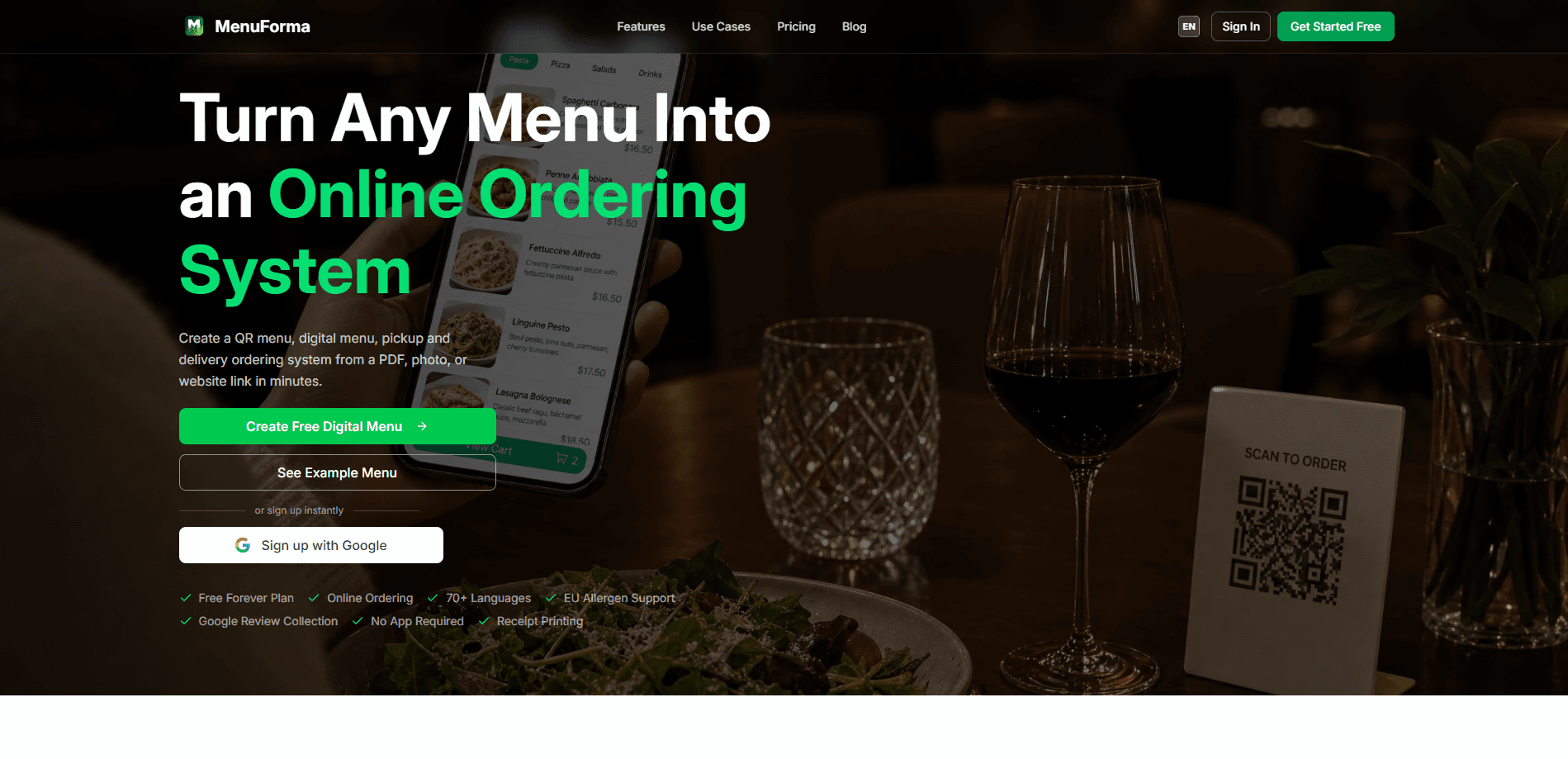
MenuForma is a web-based platform that turns an existing restaurant menu into a working QR menu with online ordering in a few minutes. Upload a PDF, a photo, or even a link to your current menu, and it builds a scannable digital menu that diners can browse, translate into 70+ languages, and order from directly. It also handles payments through Stripe, collects Google reviews after checkout, and shows you analytics on what guests actually look at and buy. Setup takes minutes. No app. No coding. That's the whole pitch.
About MenuForma – QR Menu & Online Ordering
What Is MenuForma
MenuForma is a restaurant ordering system built around one idea: most kitchens already have a menu, they just don't have a digital one. Instead of asking you to retype every dish, it reads what you already have and structures it into a live menu. That saves real time. A 60-item menu with prices and descriptions is a lot of typing.
The platform covers the whole guest visit, from the scan to the paid order. A diner scans a restaurant menu QR code at the table, hotel room, or counter, reads the menu in their own language, and places an order that lands with your staff. You can run pickup, dine-in, takeaway, and room service from the same setup. That's contactless ordering in practice. Because every order carries the table or room number with it, staff know exactly where food goes on a packed Friday night when nobody has time to walk the floor asking who ordered the risotto.
The catch is that it's a web product, not a native app. Everything runs in a browser, so you'll want stable Wi-Fi and a charged phone on both ends. There's also a learning curve for the back office while you get used to editing items and watching orders come in.
Getting Started
- Sign up for a MenuForma account on the website and pick the plan that fits your venue.
- Upload your current menu as a PDF, a photo, or a link. MenuForma parses it into editable items.
- Review the imported dishes, fix any prices or names it got wrong, and set categories.
- Turn on the options you need, like online ordering, translations, allergen labels, or online payment.
- Generate your branded QR code, print it, and place it on tables, counters, or in rooms.
Product Information
A quick look at MenuForma – QR Menu & Online Ordering's pricing, supported platforms, and performance.
Best for
The users, tasks, and scenarios where this tool fits best.
Users
- Restaurant owners who want a digital menu without hiring a developer
- Cafes, food trucks, and bars running counter or table service
- Hotels and resorts offering room service
- Multi-language venues in tourist areas
Tasks
- Converting a printed or PDF menu into a scannable QR menu
- Taking orders for pickup and takeaway
- Displaying allergen information for EU compliance
- Collecting more Google reviews
Scenarios
- A busy lunch rush where staff can't reach every table
- A tourist-heavy district where half the room doesn't speak the local language
- A seasonal menu change
Key features
QR Menu Generator
MenuForma builds a scannable menu from whatever you already have on hand. Feed it a PDF, a photo, or a link, and it pulls out the dishes, prices, and sections for you to review. You don't need design skills or a developer to get a working digital menu live. As a QR code menu generator, it does the tedious structuring for you.
Online Ordering
The menu doubles as an ordering system. Guests place pickup, takeaway, dine-in, or room service orders right from the page, and the order routes to your team. For full-service venues, per-table QR codes let staff deliver to the right spot. No guessing. On a normal evening this means your servers spend their time carrying plates rather than walking back to a table to ask a guest to repeat an order they already gave to a screen.
Automatic Translation
MenuForma handles menu translation into more than 70 languages, which matters in tourist areas and international hotels. Guests read dishes in their own language. Fewer questions reach your staff, and fewer orders get lost in the shuffle. For a venue that used to print three separate paper menus and still watched guests muddle through, that single change removes a recurring headache on every busy weekend.
EU Allergen Compliance
You can label allergens on each item to meet EU rules. Diners filter or check the labels before they order, which cuts down on awkward conversations and covers you on the compliance side. Worth it. Get this wrong in the EU and the fines aren't small.
Google Review Boost
After an order, MenuForma nudges customers toward leaving a Google review. It's a light touch aimed at turning happy diners into public ratings without you chasing anyone down. Reviews compound, so a steady trickle of new ones quietly lifts your ranking over a season, and that ranking is the thing that decides whether a stranger walking past two similar cafes picks yours or the one next door. The harder part has always been asking at the right moment, and that moment is right after a guest finishes a meal they just ordered themselves and paid for with a tap, which is exactly when MenuForma makes the ask.
Integrated Payments
Payments run through Stripe, covering credit cards, Apple Pay, Google Pay, and PayPal. Diners can pay as they order, which shortens the checkout step and reduces the cash handling your staff deals with. Less cash. Fewer trips to the till.
Restaurant Analytics
You get a view of menu views, popular items, and customer behavior. That tells you which dishes earn their place on the page and which ones nobody's clicking. Menu views are cheap. Orders are the number that pays rent, and MenuForma separates the two so you stop guessing why a dish that looks popular in the room never actually ends up on a ticket.
Branded QR Codes
QR codes take your logo, colors, and a call to action, and you can set different codes for different service styles. A table code, a takeaway code, and a room service code can all look and behave the way you want. Small detail, visible payoff.
Pros and cons
Pros
- Menu import works from PDF, photo, or link, so setup doesn't start with a blank page.
- Translation into 70+ languages is built in, not a paid add-on.
- Covers ordering, payments, allergen labels, and review collection in one place.
- Browser-based, so there's nothing to install on guest phones.
- Room service and per-table codes let you run several service styles from one account.
Cons
- There's no free plan, so small venues have to commit before testing it out.
- It's web-only, which means the whole experience depends on a decent connection on both ends.
- The back office takes some getting used to when you're editing a large menu.
Frequently asked questions
It fits full-service restaurants, cafes, food courts, hotels, bars, food trucks, and fast-casual spots. The common thread? You have a menu and guests who'd rather order from their phone than wait for someone. That covers most modern venues.
Related content
Explore related tools, skills, and articles for MenuForma – QR Menu & Online Ordering.
MenuForma – QR Menu & Online Ordering Alternatives

Google EmbeddingGemma 2
Google DeepMind · Writing · Image · CodingGoogle EmbeddingGemma 2 is a 740M-parameter open model that turns text, code, images, audio, and video frames into vectors in one 768-dimension space, running on phones and laptops.

MePersona
MePersona, Inc. · Writing · Productivity · MarketingMePersona is an AI unified inbox for creators. It learns your voice, drafts replies to fan messages from 12 platforms, and sends only what you approve.

Fluence
Yay Software (Yannick Huchard) · Writing · Voice & Language · ProductivityFluence is an Android app that reads PDFs, EPUBs, Word files and web articles aloud, follows each sentence as it speaks, and answers questions about the text on the phone itself.