

Milk Infrastructure
Milk Infrastructure · Coding
Milk Infrastructure is open source tooling that saves your OpenAI API traffic through Milk Parlor, then uses Milk Man to turn those calls into model tests and training runs.
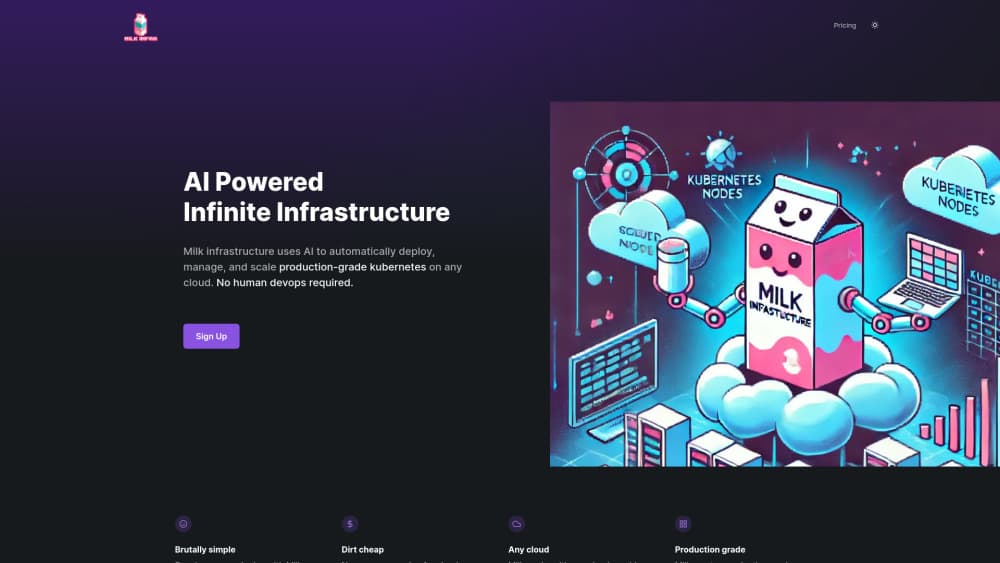
About Milk Infrastructure
What Is Milk Infrastructure
Milk Infrastructure is open source AI infrastructure for people who ship model calls and want the data that comes back. It comes as two pieces. Milk Parlor is a small Rust gateway that sits between your app and your model provider. Milk Man is a Bash agent that runs jobs on the saved traffic: counting exchanges, writing summaries, testing models, training a smaller model, and comparing results.
The setup is deliberately boring. There's no Milk SDK and no new client library. You keep the official OpenAI package, change the base URL to the Parlor endpoint, swap in a Milk key, and your existing calls keep working. Parlor forwards the request, streams the answer back, and writes both sides to storage after the exchange finishes. The user never waits for that write.
Two limits shape when this fits. Parlor only speaks POST /v1/responses and POST /v1/chat/completions, including streaming, so it won't cover every corner of the OpenAI API. And Milk doesn't promise a better model. It keeps the experiment and the result, failures included. If you want a universal leaderboard ranking, this isn't it.
Training data from production traffic is the part most teams never get around to building. Milk starts there instead.
The interesting part is what happens after enough traffic piles up. At milestones you set, a job reads the new exchanges and the previous summary, then saves a checkpoint of topics, tasks, and response times. From there the agent can write new training tasks, train an open model, and compare answers, speed, and cost on the same tasks. A person still signs off before any gateway route changes and customer traffic moves.
Getting Started
- Install the official OpenAI package for Python or Node, then point
OPENAI_BASE_URLathttps://parlor.milkinfrastructure.com/v1and setOPENAI_API_KEYto the Milk key your operator issued. - Leave your application code alone. Calls to Responses and Chat Completions keep the same shape, streaming included.
- Clone the milk-parlor and milk-man repositories. Parlor needs Rust. Milk Man needs Bash, Python 3, Git, and curl, plus zstd for processing captured records.
- Set storage and model environment variables. Local files or S3-compatible buckets both work, and models can run through managed APIs or your own Baseten or Modal GPUs.
- Start the agent with
bin/man run, then open the optional dashboard on port 8765 to watch chat, heartbeats, saved summaries, and experiment results.
Product Information
A quick look at Milk Infrastructure's pricing, supported platforms, and performance.
Best for
The users, tasks, and scenarios where this tool fits best.
Users
- Developers running OpenAI-compatible calls in production
- Small teams without a data platform
- ML engineers testing a smaller model against a hosted one
Tasks
- Capturing request and response pairs for later analysis
- Building training data from real usage
- Model experiment tracking over weeks
- Comparing cost and latency between models
Scenarios
- A chatbot with steady daily volume and no idea what users actually ask
- A team that wants to fine-tune on its own domain but has no labeled dataset
- An operator routing customer traffic between providers
Key features
OpenAI-Compatible Gateway With Background Capture
Milk Parlor authenticates, forwards, and streams model calls exactly as your app expects. After each exchange ends, it writes the request and the returned response to local or S3-compatible storage. The write happens after the answer is delivered, so capture doesn't add latency to the user's wait. Treat the gateway layer as model call logging that also forwards.
Two-Line Migration From the Official SDK
There's no proprietary client to learn. You keep pip install openai or npm install openai and change two environment values: the base URL and the key. Application code that calls Responses or Chat Completions runs unchanged, streaming included. It's the lowest-friction part of the product.
Milestone Summaries Without Model Calls
A heartbeat counts saved exchanges. When the count crosses a threshold you set through MILK_SUMMARY_THRESHOLDS, a job reads the new data plus the previous summary and saves a checkpoint covering topics, tasks, and response times. Counting itself costs no tokens. The dashboard fills in when the file lands.
Local-First Bash Agent
Milk Man runs from Bash with no Docker, local GPU, database, or separate scheduler. One lightweight heartbeat owns the active task, waits without calling a model, and resumes when work changes or comes due. Closing the dashboard doesn't stop the job, and a dropped connection doesn't mean the task died.
Training And Comparison On Your Own Tasks
The agent trains an open model, tunes how it runs, and compares answers, speed, and cost against a baseline on the same task set. Qwen3.5-0.8B is the first training base named in the docs. Speed gains and better answers get measured separately, since they're different claims.
Human Approval Before Traffic Moves
Milk Man can prepare a gateway rule for a newly selected model, but the rule stays unsigned until an operator reviews it. Nothing reroutes customer traffic on the agent's own judgment. That single gate is the difference between an experiment and an incident.
Pros and cons
Pros
- No new SDK and a two-value change, so adoption costs an afternoon rather than a migration project.
- Capture happens after the response is returned, which keeps the user-facing latency where it was.
- Everything is Apache 2.0 and runs on your own storage and GPUs, so the traffic never has to leave your cloud.
- Summaries and experiment records are append-only, which makes old runs auditable instead of overwritten.
- The heartbeat design means long jobs survive a closed browser tab or a dropped SSH session.
Cons
- Only Responses and Chat Completions are supported, so apps leaning on embeddings, files, or assistants endpoints need another path for that data.
- You run the infrastructure yourself, and that means Rust for the gateway plus Python, Git, curl, and zstd for the agent.
- There's no hosted plan or published price list, which puts the operational work on your team.
- Training runs need GPU capacity on Baseten or Modal, and that bill arrives separately from the open source code.
Frequently asked questions
It sits between your app and a model provider, saves eligible request and response pairs, and then runs jobs over that saved traffic. You get summaries of what people ask, test cases, training splits, and comparisons between models.
Related content
Explore related tools, skills, and articles for Milk Infrastructure.
Milk Infrastructure Alternatives

Base Code
Base44 (Wix) · Coding · ProductivityBase Code is a shared cloud development environment from Base44. Teammates describe changes to an existing GitHub codebase in chat, preview them live and send them back as pull requests.

Google EmbeddingGemma 2
Google DeepMind · Writing · Image · CodingGoogle EmbeddingGemma 2 is a 740M-parameter open model that turns text, code, images, audio, and video frames into vectors in one 768-dimension space, running on phones and laptops.

GitGlow
GitGlow · Coding · ProductivityGitGlow is a local-first desktop Git client that lets independent developers review their own code and their AI agents' changes in one place before shipping.