

Minvo
Momento Podcasting Inc. (Minvo) · Writing · Video
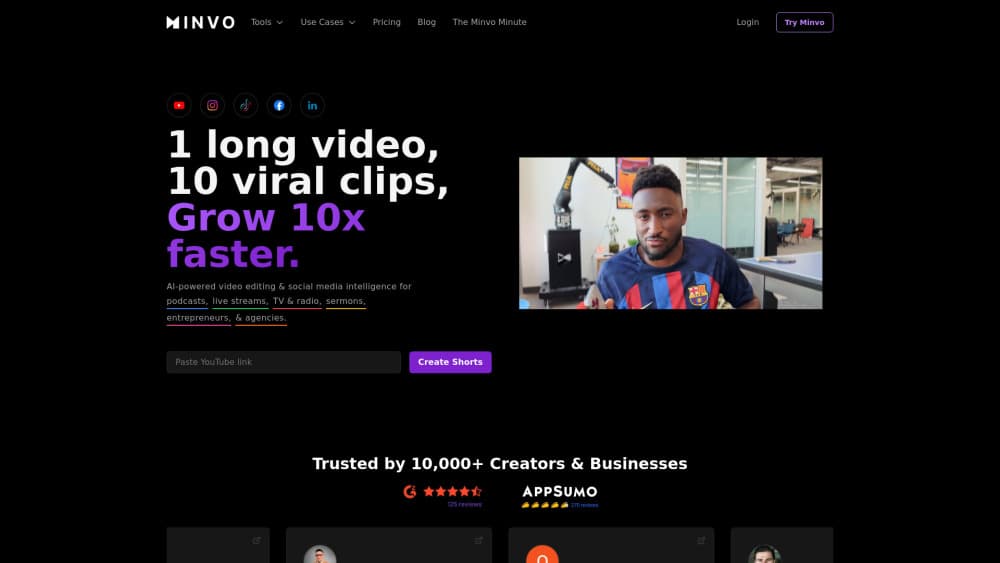
Minvo is an AI video editor that turns podcasts, livestreams, and interviews into scored short clips with auto captions, then schedules them to social platforms.
About Minvo
What Is Minvo
Minvo is a browser based AI video editor for people who record long videos and need short form video out of them. You upload a file or paste a YouTube link, and the tool finds the moments worth posting, cuts them, keeps the speaker framed, and writes the captions. The company behind it is Momento Podcasting Inc., and the product is built around podcast and interview workflows rather than general film editing.
The thing it actually sells is time. Slicing a 90 minute episode into ten vertical clips with clean captions used to eat an afternoon. Minvo returns a first pass in minutes, then hands you a transcript and a timeline to fix whatever the AI got wrong.
The limits matter as much as the features. Upload hours are capped on every plan, and the free and Creator tiers stop at 5 minutes of source video per file, which rules out most full episodes. Files expire too, so Minvo isn't a place to archive your masters.
Getting Started
- Sign up with email or Google. The free tier works without a card.
- Upload a video file or paste a YouTube link, then set the clip length and aspect ratio you want.
- Review the scored clips, fix the ones worth keeping in the transcript view or on the timeline, and clean up the auto captions.
- Add your branding, then export in 4K or schedule the clips to your connected accounts.
Product Information
A quick look at Minvo's pricing, supported platforms, and performance.
Best for
The users, tasks, and scenarios where this tool fits best.
Users
- Podcast hosts
- Solo business owners and coaches
- Social media managers at small agencies
Tasks
- Turning a full episode into podcast clips
- Writing captions and post copy
- Reformatting horizontal footage for vertical feeds
- Dubbing a clip into another language
Scenarios
- A weekly show with a fixed posting schedule
- Sermons and webinars that should reach people who missed them
- Digging through an old interview library
Key features
Clip scoring that ranks the moments
Minvo reads the transcript and scores each candidate clip on how likely it is to hold attention, then sorts the results so the strongest ones sit on top. On a long episode that means you skim a ranked list instead of watching the whole thing again. You can still pull the full transcript and cut something the model skipped.
Auto framing and animated captions
Auto framing follows the speaker and keeps the face inside a vertical frame, which is the part most people get wrong when they crop a horizontal video by hand. Captions are animated and word level, available in 20 or more languages, and editable afterward. Both features run on every plan, including the free one.
Transcript and timeline editing
You edit in two modes. Highlight text in the transcript to delete it, the way you would in a document, or switch to the timeline when you need frame level control over trims, layers, and audio. Beginners stay in the transcript view, editors who care about cuts move to the timeline.
MagicEdit for filler words and B-roll
MagicEdit, which Minvo runs on GPT-4o, removes ums and ahs, drops emojis into captions, and places B-roll where a clip needs visual relief. Filler word removal shows up as a one click cleanup, so a rough recording comes out sounding tighter without manual audio surgery.
Social media scheduling and analytics
You can publish or queue clips to YouTube, TikTok, Instagram, Facebook, and LinkedIn from inside Minvo, and the tool writes a caption and hashtags per platform. Analytics reports then show which clips performed, which is the feedback loop most clipping tools leave you to build yourself. Paid plans include unlimited posting.
AI Studio for dubbing and images
AI Studio adds voice dubbing in 50 or more languages, audio cleanup for room noise, and unlimited AI image generation for thumbnails or quote cards. The image side is a small extra, but it saves a trip to a design tool when you need one graphic per post.
Pros and cons
Pros
- Clip scoring surfaces usable moments on the first pass, which cuts review time on long recordings.
- Captions, framing, and 4K export are included on the free plan, so you can test output quality before paying.
- Scheduling and analytics for five major platforms sit in the same app as the editor.
- Transcript editing makes the tool approachable for people who never learned a timeline based editor.
- Paid plans allow unlimited brands and social accounts, which suits agencies juggling clients.
Cons
- The free and Creator plans cap source video at 5 minutes per file, so full podcast episodes need Pro or higher.
- Upload hours are metered, and the Creator plan's 5 hours a month runs out fast on a weekly show with long episodes.
- Videos expire after 14 to 180 days depending on plan, which means you still need your own backup of every master file.
- Users report slow exports and downloads on large projects, and the common workaround is to start the download early and come back later.
Frequently asked questions
It turns long videos into short clips for social media. Podcasters, streamers, and coaches feed in an episode and get back vertical clips with captions, plus post copy and a publishing calendar.
Related content
Explore related tools, skills, and articles for Minvo.
Minvo Alternatives

Google EmbeddingGemma 2
Google DeepMind · Writing · Image · CodingGoogle EmbeddingGemma 2 is a 740M-parameter open model that turns text, code, images, audio, and video frames into vectors in one 768-dimension space, running on phones and laptops.

MePersona
MePersona, Inc. · Writing · Productivity · MarketingMePersona is an AI unified inbox for creators. It learns your voice, drafts replies to fan messages from 12 platforms, and sends only what you approve.

Fluence
Yay Software (Yannick Huchard) · Writing · Voice & Language · ProductivityFluence is an Android app that reads PDFs, EPUBs, Word files and web articles aloud, follows each sentence as it speaks, and answers questions about the text on the phone itself.