

Mispher
Mispher · Writing
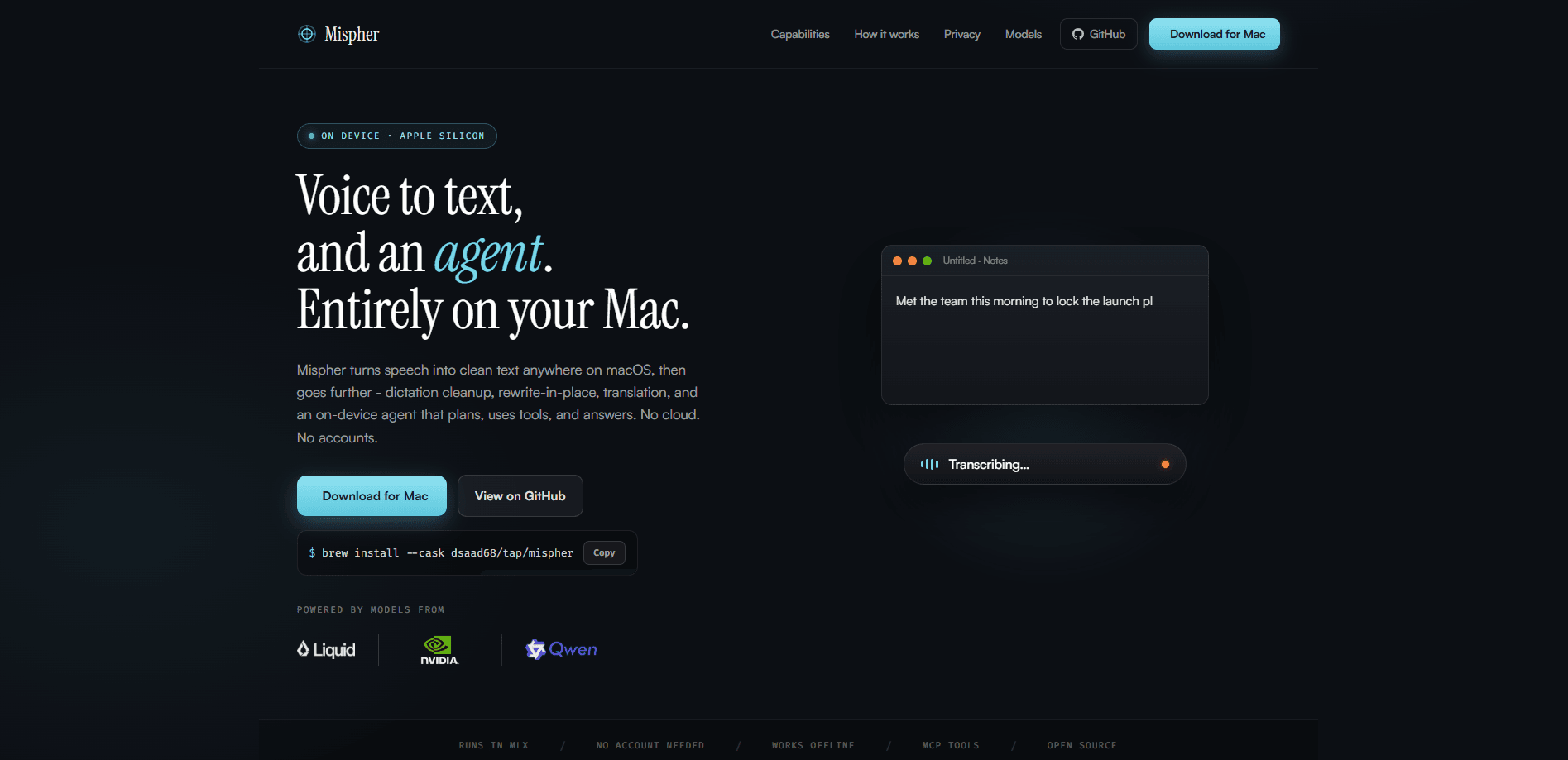
Mispher is an on-device macOS voice-to-text and agent app that turns speech into clean, readable text anywhere you type. It goes past plain transcription with dictation cleanup, rewrite-in-place editing, translation, and a tool-using Ask mode, and it runs fully offline with no accounts and no cloud. If you want fast macOS dictation without shipping your voice to a server, this is what it aims to do. Raw speech is messy. Mispher cleans it up.
About Mispher
What Is Mispher
Mispher is a dictation and voice agent app built for the Mac that captures your speech and drops tidy text straight into whatever app has focus, so notes, emails, and messages come out readable instead of raw. The product positions itself as an offline tool, with transcription and the agent both running on your machine and no account or cloud connection required.
That privacy-first design is the main reason people reach for it, because nothing you say ever leaves the device, which matters for anyone dictating client notes, medical context, or private drafts throughout the day. On-device processing also means it keeps working on a plane or in a dead-zone office.
Not everyone needs that. But if you handle sensitive material, it changes the math.
The tradeoff is that on-device work depends on your Mac's hardware. Offline tools also tend to lag behind cloud rivals on exotic accents or very noisy audio. I couldn't confirm every pricing tier from the site, so treat the numbers below as estimates.
Getting Started
- Download Mispher from the official site and install it on your Mac.
- Grant the permissions macOS requires, such as microphone and accessibility access, so the app can insert text into other windows.
- Pick your input language and choose a dictation or agent mode from the menu bar.
- Press the hotkey, speak, and let Mispher clean up the text before it lands in your document.
- Review the result, then edit inline or trigger rewrite-in-place if a sentence needs work.
Product Information
A quick look at Mispher's pricing, supported platforms, and performance.
Best for
The users, tasks, and scenarios where this tool fits best.
Users
- Writers and note-takers
- Privacy-conscious professionals
- Students
Tasks
- Drafting emails and messages
- Rewriting a sentence in place
- Translating as you write
Scenarios
- Working offline on a flight or in a spotty network
- Capturing meeting notes in a hurry
- Quick cross-language replies to overseas clients
Key features
On-Device Transcription
Mispher converts speech to text directly on your Mac rather than sending audio to a server. That keeps recordings private and lets the app keep working without a connection. The catch is that speed and accuracy depend on your chip, so older Intel Macs may feel slower than M-series machines that handle the local model without breaking a sweat.
Dictation Cleanup
Raw transcripts are full of ums, false starts, and missing punctuation. Mispher runs a cleanup pass that strips out filler and adds structure, turning a rambling spoken paragraph into text that reads like something you actually typed by hand. This is the feature that separates it from a basic speech-to-text tool. Big difference. You stop editing and start shipping.
Rewrite in Place
You can highlight a sentence and have the agent rework it without copying text into a separate chat window, which keeps your flow intact instead of breaking it with constant app-switching. It handles rephrasing, tightening, and grammar fixes inside the document you're already in.
Translation
Mispher translates spoken or selected text into another language on the fly. It fits quick replies to international clients or teammates, and it stays offline like the rest of the app. It's not built for certified or legal translation. That last point matters. Don't sign contracts this way.
Tool-Using Ask Mode
Ask mode turns the app into a small on-device agent that can plan a few steps and call tools to answer a question you type or speak. It's the feature that pushes Mispher past plain dictation into light assistant territory, and it runs locally against a smaller model. Keep it simple. It won't replace a heavy research assistant.
Pros and cons
Pros
- Runs fully offline with no account, so private speech never leaves your Mac.
- Cleanup pass turns messy dictation into publishable text without manual polishing.
- Rewrite-in-place and translation cut down on app-switching during writing.
- Works on a plane or in weak-network offices because nothing depends on the cloud.
Cons
- macOS only, so Windows and mobile users are out of luck.
- On-device speed and accuracy hinge on your hardware, and older Macs will lag.
- Offline models tend to struggle more than cloud tools with heavy accents or noisy rooms.
- Exact pricing tiers were hard to confirm from the site, so check the app before buying.
Frequently asked questions
It's a macOS dictation and voice agent app that turns speech into clean text in any app. Beyond transcription, it cleans up dictation, rewrites text in place, translates, and answers questions through an on-device agent.
Related content
Explore related tools, skills, and articles for Mispher.
Mispher Alternatives

Google EmbeddingGemma 2
Google DeepMind · Writing · Image · CodingGoogle EmbeddingGemma 2 is a 740M-parameter open model that turns text, code, images, audio, and video frames into vectors in one 768-dimension space, running on phones and laptops.

MePersona
MePersona, Inc. · Writing · Productivity · MarketingMePersona is an AI unified inbox for creators. It learns your voice, drafts replies to fan messages from 12 platforms, and sends only what you approve.

Fluence
Yay Software (Yannick Huchard) · Writing · Voice & Language · ProductivityFluence is an Android app that reads PDFs, EPUBs, Word files and web articles aloud, follows each sentence as it speaks, and answers questions about the text on the phone itself.