

Mivi : Music & AI Video Maker
Mivo studio · Voice & Language · Video
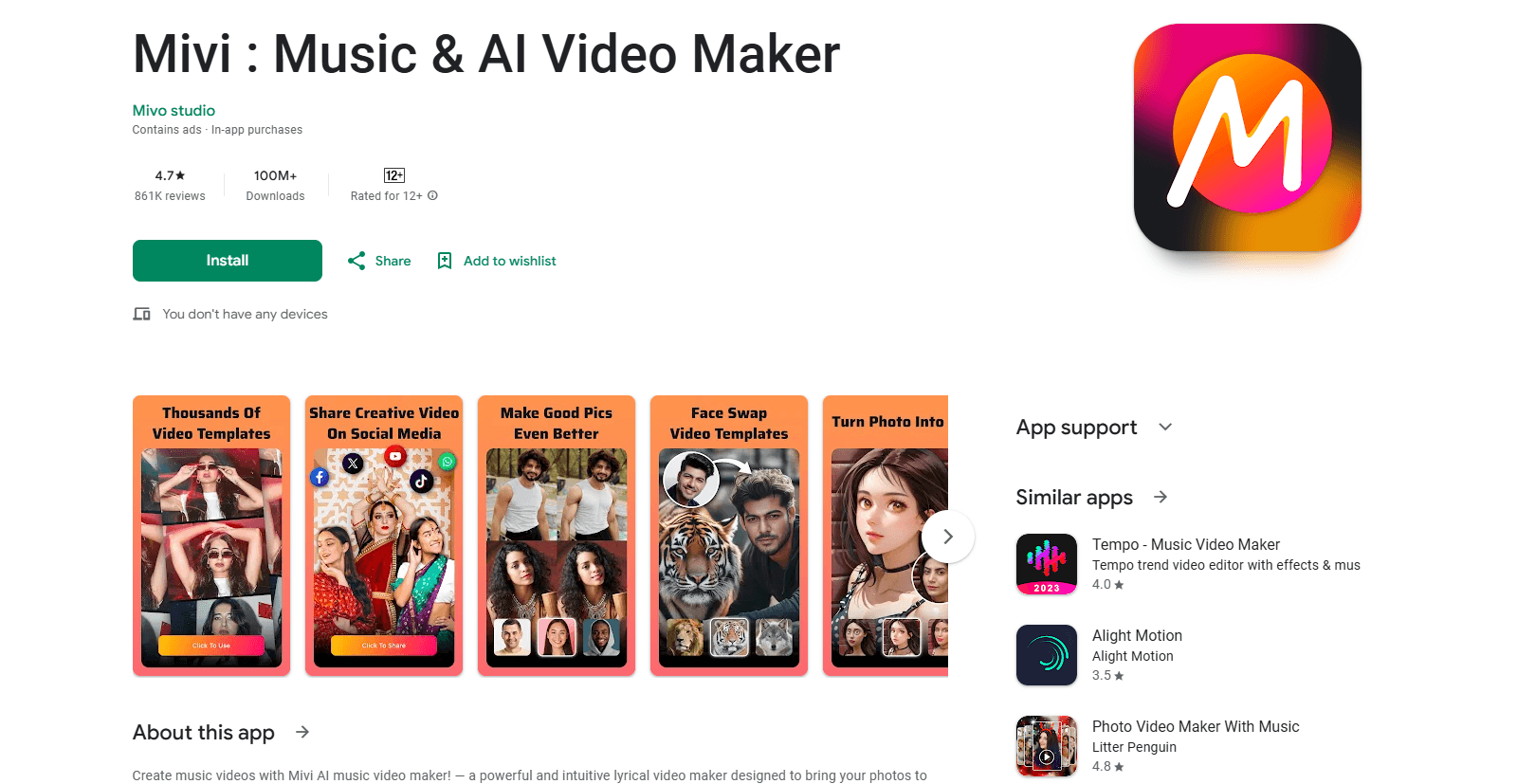
Mivi is an AI music video maker for Android that turns photos and selfies into lyrical videos and short-form clips. It pairs 20,000+ templates with an AI video generator and HD export.
About Mivi : Music & AI Video Maker
What Is Mivi
Mivi is a photo to video app for Android built by Mivo studio, and it doubles as a lyrical video editor. It covers two jobs that usually need separate tools: turning still photos into music-backed videos, and generating short-form clips from photos, selfies, or text prompts with AI. Open the app, pick a template, drop in your pictures, add a song or lyrics, and export.
The pitch is speed over fine control. You won't get a multi-track timeline or frame-by-frame trimming here. Instead you choose a trending style, swap the photos, and let the template handle timing, motion, and transitions. For anyone posting to Instagram Reels or YouTube Shorts, that trade is usually worth it.
The limit is what pays the bills for a free app. Mivi is free to install and heavy on ads, and many of the standout effects and HD export options sit behind in-app purchases. Expect to buy a pack or subscription if you want an ad-free run or full resolution.
Getting Started
- Install Mivi from Google Play. It's free to download for Android devices.
- Open the app and grant access to your photos so it can pull in the images you want to use.
- Pick a template for your occasion, such as a birthday, travel, or lyrical video, then select your photos.
- Add background music or type your own lyrics, and choose effects, filters, or a photo background style.
- Export the finished clip in HD and save or share it to your device or social apps.
Product Information
A quick look at Mivi : Music & AI Video Maker's pricing, supported platforms, and performance.
Best for
The users, tasks, and scenarios where this tool fits best.
Users
- Casual creators
- Social media posters and short-form video editors
- Families and friends making keepsakes
Tasks
- Turning a photo album into a music video
- Making a lyrical video
- Generating a talking or animated clip from one photo
Scenarios
- Posting a daily Reel without editing
- Marking a birthday or anniversary
- Testing a product or outfit post
Key features
Photo-to-Video Templates
Over 20,000 templates turn a set of photos into a finished music video with one tap. Each one handles the timing, cuts, and transitions for you, and the library is refreshed to follow trending styles. It's the fastest way to get a polished result without opening a timeline.
AI Video Generator
The AI video generator takes photos, selfies, or a written prompt and produces a moving clip. Output lands short and social-first, so it fits Reels and Shorts. Use it when you want motion in a video but have no footage to work with.
Lyrical Video Maker
You add text or lyrics and the tool syncs them to the music, which keeps lines on beat instead of drifting. It suits emotional, sing-along edits like birthday, anniversary, and MV-style clips. Precise sync is the point here, since off-beat lyrics are the usual giveaway of a rushed edit.
Effects and Filters Library
The app ships a large set of effects and visual filters, including cartoon looks, neon glow, spiral motion, and animated decorations like angel wings, hearts, and butterflies. They matter because a plain slideshow rarely stops a scroll, and these give a photo set a distinct style.
Background Tools and HD Export
You can swap or blur a photo's background and apply blur-and-focus effects before exporting in HD. Saved output is sized for social platforms, so you don't have to resize after the fact. Cleaner backgrounds and higher resolution are what separate a template video from a throwaway clip.
Save and Share Anywhere
Finished videos save straight to your device and can be pushed to social apps or sent to friends. There's no separate step to move files off the phone first. For a phone-first workflow, that keeps the loop from idea to post short.
Pros and cons
Pros
- Free to download and use, with no editing experience required to produce a video.
- A large template library across occasions, from birthdays to travel and lyrical edits.
- The AI video generator accepts photos, selfies, or text prompts, so it works without source footage.
- HD export and background blur tools help output look more finished than a basic slideshow.
- Direct save-and-share keeps the phone-to-social workflow quick.
Cons
- Ads are frequent on the free tier, including between editing steps, which slows the process down.
- Key effects and HD export sit behind in-app purchases, so the free version feels limited.
- There's no fine-grained timeline, which rules out precise frame-level editing for advanced users.
- It's Android only, so iPhone users can't use it on their main device.
Frequently asked questions
Mivi is used to turn photos, selfies, or text prompts into music videos, lyrical videos, and short-form clips. It bundles templates, AI generation, and effects so you can build and export a social-ready video without traditional editing software.
Related content
Explore related tools, skills, and articles for Mivi : Music & AI Video Maker.
Mivi : Music & AI Video Maker Alternatives

Prosp
Prosp · Writing · Voice & Language · MarketingProsp is an AI LinkedIn outreach tool built for agencies and sales teams, and it writes the message and the voice note in your own voice for each prospect so they actually reply. You connect your accounts, find leads, and let the AI draft and send personalized messages at scale, all from one inbox. It's built for people running outbound at volume. That's the whole pitch. Every touchpoint still has to feel human.

Wordly AI Translation
Wordly · Voice & Language · ProductivityWordly AI Translation is a real-time AI translation and captioning platform built for meetings, conferences, and events. It delivers live translation, captions, transcripts, and summaries in more than 60 languages, and attendees join by scanning a QR code or opening a link instead of using dedicated headsets. The platform works with Zoom, Microsoft Teams, Google Meet, and Webex, and it's designed for organizations that want multilingual access without hiring human interpreters for every session. Simple as that.
Musicful
Musicful AI · Voice & Language · VideoMusicful is an AI music generator and AI music video maker that turns text to music in minutes. Give it a text prompt, a set of lyrics, or a hummed melody and it returns a finished track with vocals and instruments. It also doubles as an AI song generator, produces music videos from the songs you create, and offers an AI cover tool plus a developer API. The platform runs in a web browser and through an Android app, so you can start a song on desktop and pick it up on your phone.