

Parental Control App: Mobicip
Mobicip · Marketing · AI Assistant
Mobicip is a parental control app that filters websites, blocks apps, sets screen time limits, and tracks location on iOS, Android, Windows, Mac, Chromebook, and Kindle Fire.
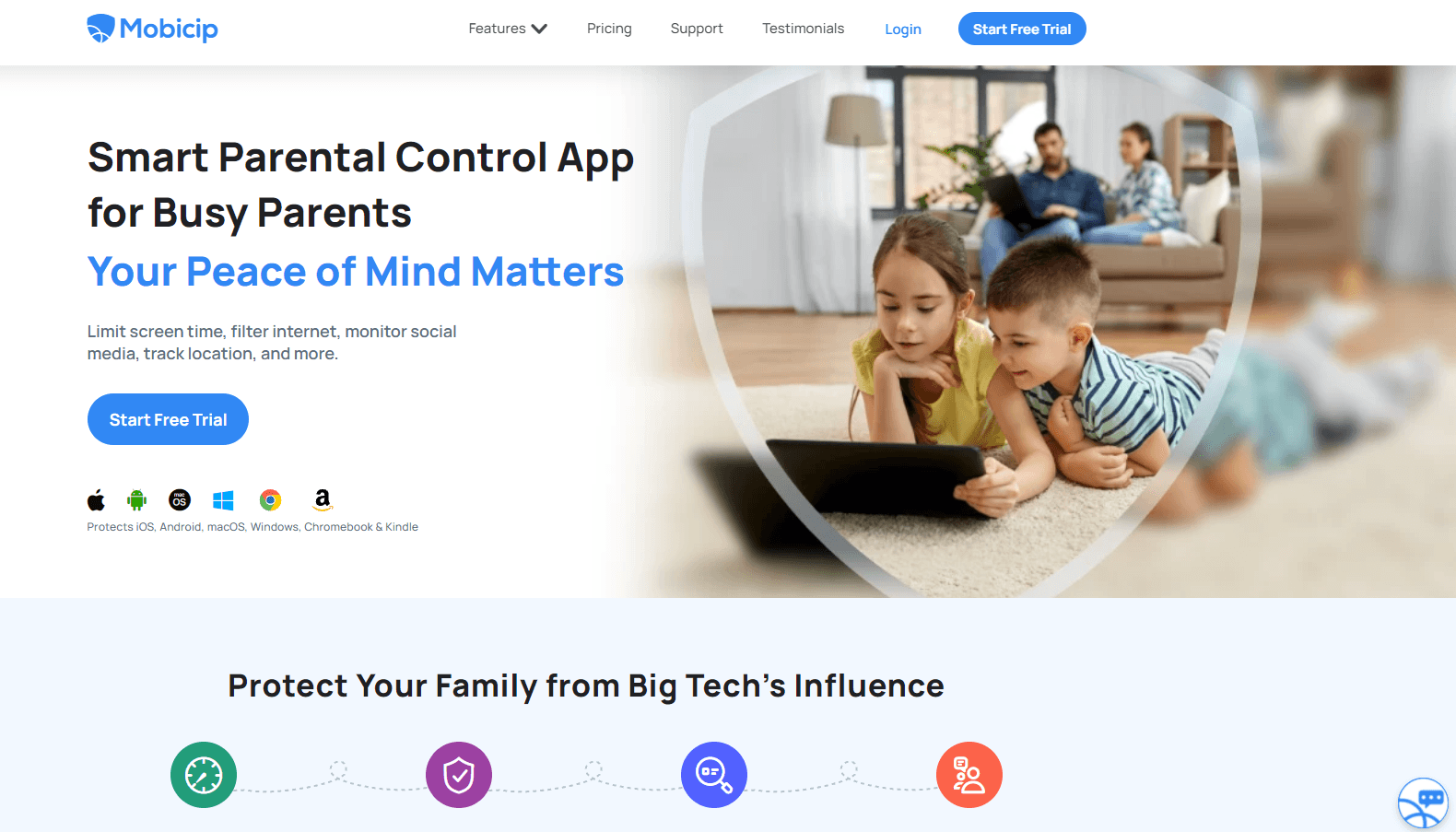
About Parental Control App: Mobicip
What Is Mobicip
Mobicip is a parental control app built for families. You install it on your kid's devices, link them to one parent account, and run everything from a single dashboard: which sites load, which apps open, how long the screen stays on, and where the device is right now.
The problem it solves is a practical one. Built-in tools stop at the edge of their own platform. Apple's Screen Time covers Apple devices, Google's Family Link covers Android, and neither one follows a child from a school Chromebook to a Windows laptop to a Kindle Fire. Mobicip runs on all of those, so one subscription covers the whole house.
The limits matter too. Filtering depends on a device profile or a local VPN connection staying active, which means a teenager with administrator rights on a PC can hunt for ways around it. Uninstall protection is stronger on Android than on iOS. And after the trial, everything runs on a paid plan billed once a year.
Getting Started
- Pick a plan on mobicip.com and create the parent account. The 7-day trial opens every feature, and the card you enter gets charged when the trial ends.
- Install the Mobicip app on each child device. On iPhone, iPad, and Mac you approve a management profile; on Android you grant device admin and accessibility permissions; on Windows and Chromebook you sign in during setup.
- Choose a filter level and a schedule. Start from the age preset, then add blocked categories, specific websites, and per-app rules.
- Check the dashboard after a day or two. Activity reports show where the time went and which blocked pages your kid tried to reach.
Product Information
A quick look at Parental Control App: Mobicip's pricing, supported platforms, and performance.
Best for
The users, tasks, and scenarios where this tool fits best.
Users
- Parents running a mixed-device house
- Families with kids in the 8 to 14 range
- Separated or co-parenting households
Tasks
- Blocking a category instead of a single site
- Enforcing a bedtime
- Finding a device after school
- Reviewing a week of activity
Scenarios
- A first phone for a 10-year-old
- A school laptop that comes home
- Long summer breaks
Key features
Website Filter With Category Controls
Mobicip filters pages at the category level, with separate handling for adult content, violence, gambling, social media, and similar groups. You can tighten or loosen a whole category in one click, then add specific sites to a block list or an allow list when the general rule gets it wrong. The company says its filter checks pages as they load rather than relying only on a fixed list of known bad domains, which is the part that matters for sites that rotate addresses.
App Blocker and Uninstall Protection
The app blocker stops chosen apps from launching and can hide them from the home screen. By default it blocks titles rated 17+ in the App Store and on Google Play, which cuts down on dating and anonymous chat apps installed by accident. On Android, uninstall protection stops a child from removing Mobicip without the parent PIN, so the control doesn't disappear the moment your back is turned.
Screen Time Limits and Schedules
Two controls sit here, and they solve different problems. Daily limits cap total time in entertainment apps like games, streaming, and social media, resetting each morning. Schedules block everything except allowed apps during homework, dinner, and sleep windows. The pause button is the blunt instrument: it locks every connected device immediately, which is what most parents actually reach for at dinner.
Family Locator With Safe Zones
The family locator puts each child's device on a map and refreshes the position as it moves. You can draw safe zones around home, school, or a relative's house and get a push notification when a child arrives or leaves. Location sharing works both ways, so an older kid can see where the parent is, which tends to make the feature feel less like surveillance.
Social Media Monitor
Mobicip watches activity inside supported social apps and flags language that points to bullying, self-harm, or contact with strangers. Alerts land on the parent dashboard with the surrounding context, not just a bare warning. Coverage varies by app and platform, so check the supported list before you count on it for a specific network your kid uses.
Activity Reports
Reports break the day down by app and by website, showing time spent, blocked attempts, and changes to settings. The blocked attempt log is the useful part: it tells you what your kid was looking for, which is often more informative than a total hour count. Reports stay in the dashboard for later review, so a weekly check takes a couple of minutes.
Pros and cons
Pros
- One dashboard across six platforms, which removes the usual gap between phone rules and laptop rules.
- Category filtering plus custom block and allow lists covers both broad rules and one-off exceptions.
- The pause button locks every device at once, and it works better than asking three kids to put phones down.
- A 30-day money back guarantee takes most of the risk out of paying for a year up front.
Cons
- Web subscriptions bill annually, so there's no cheap month-to-month way to test it beyond the 7-day trial.
- Setup takes real time on each device, and the permission screens on Android and iOS are not self-explanatory for a first-time user.
- Filtering rides on a management profile or local VPN, so a tech-savvy kid with admin access on a PC can disable it, and uninstall protection is only solid on Android.
- Social media monitoring covers a limited app list, which may leave out the network your child actually uses.
Frequently asked questions
It filters websites, blocks apps, sets screen time limits, tracks device location, and reports on activity, all from one parent dashboard. Think of it as one control panel for every device your kid uses, with rules that follow them from phone to laptop.
Related content
Explore related tools, skills, and articles for Parental Control App: Mobicip.
Parental Control App: Mobicip Alternatives

ngram 2.0
ngram · Video · Marketingngram 2.0 is an AI video generator for teams. It turns a prompt, a screen recording, or a product URL into a narrated explainer, product demo, or AI avatar video, and every scene stays editable.

shippedit.me
Krawlup · Marketing · Businessshippedit.me now redirects to Krawlup, a web platform that audits SEO, AEO and page speed every week, then hands the fixes to AI coding agents over MCP.

MePersona
MePersona, Inc. · Writing · Productivity · MarketingMePersona is an AI unified inbox for creators. It learns your voice, drafts replies to fan messages from 12 platforms, and sends only what you approve.