
ModernMT
Translated · Writing
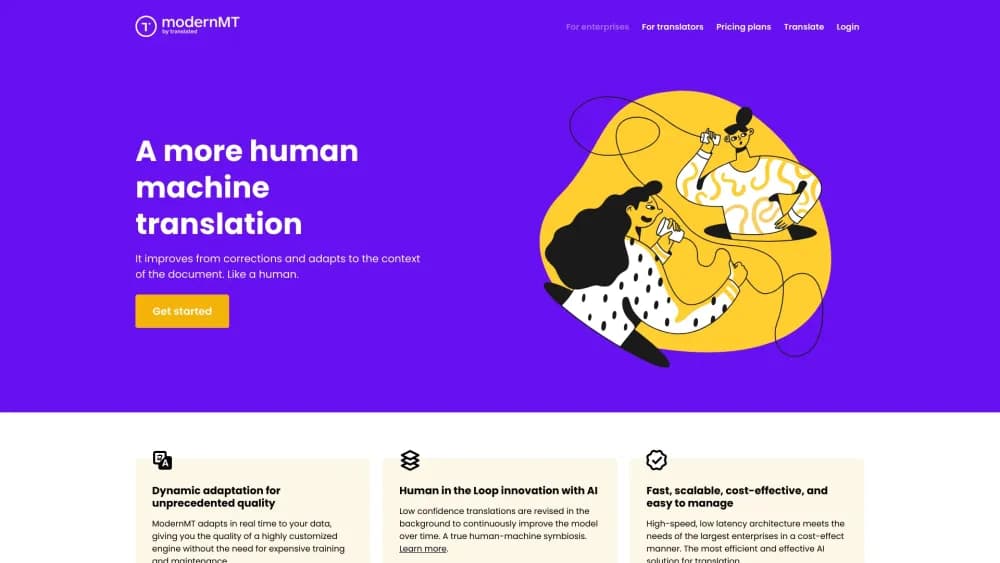
ModernMT is an adaptive machine translation engine from Translated. It learns from your translation memories and glossaries and covers 200+ languages. Signups are closed ahead of its 2026 sunset.
About ModernMT
What Is ModernMT
ModernMT is a machine translation system built for professional language work, not for casual lookups. It comes from Translated, the Rome-based language service provider that also runs the public MyMemory translation archive. The idea behind it is narrow and useful: a generic engine treats every sentence the same, while ModernMT adjusts to the company sending the text.
You connect a translation memory, a glossary, or both, and the engine shifts its output toward your approved wording. A law firm gets legal phrasing, a game studio keeps its item names intact, and both stop fixing the same errors on every pass.
It was never a standalone consumer app. The engine reached users through an API, through plugins for the Trados Studio and memoQ computer-assisted translation tools, and through MyMemory. That shape tells you who it was for: localization teams that already had a workflow and wanted better raw output inside it.
The important limit today is availability. Translated is folding the technology into Lara Translate, its next-generation engine built on a domain-specific large language model. Registrations on modernmt.com closed, existing API keys work until December 31, 2026, and the service sunsets by the end of that year.
Getting Started
- Contact Translated's migration team and say you are a ModernMT user. Name the tools involved: API, Trados Studio, memoQ, or a wider localization workflow.
- Choose the Lara plan that matches your volume. Translate your existing translation memories and glossaries into the new account with the team's help, so nothing gets rebuilt from zero.
- For CAT tools, remove the ModernMT plugin and install the Lara plugin from the RWS AppStore or the memoQ plugin store, then enter your Lara API key.
- Generate a Lara key under Settings and API Keys, update your integrations, and keep the old ModernMT key running until the December 31, 2026 cutoff.
- Finalize the cutover before ModernMT sunsets. After that date, the old endpoints stop answering.
Product Information
A quick look at ModernMT's pricing, supported platforms, and performance.
Best for
The users, tasks, and scenarios where this tool fits best.
Users
- Localization teams with years of translation memory
- Freelance translators working in Trados Studio or memoQ
- Companies with fixed terminology
Tasks
- Post-editing technical documentation
- Translating product catalogs and game strings
- Running high-volume batches
Scenarios
- Migrating a CAT tool setup
- Keeping MyMemory data
- Evaluating an engine before buying
Key features
Adaptive Translation Memory
This is the feature ModernMT was built around. You upload or connect a translation memory and the engine biases its output toward those sentence pairs, even for content it has never seen. Technically the system reshapes its internal context for each request rather than fine-tuning a model per customer. In practice editors see fewer repeats of corrections they already made. Small memories still help. The gain grows with volume and consistency.
Glossaries and Terminology Control
Glossaries pin specific source terms to specific translations. ModernMT supports unidirectional and multidirectional glossaries, so one entry can cover a source term that maps to one target word across several languages, or a two-way pair. For regulated industries the pick gets narrower: under the adaptive layer the glossary is advisory rather than a hard constraint, so reviewers still check that every entry landed.
REST API with Official Libraries
The machine translation API covers translation, language detection, batch jobs, quality estimation, and memory management, with official client libraries for Node.js, Python, Go, Java, .NET, and PHP. An API key in a single MMT-ApiKey header handles authentication, which keeps integration short. Batch requests can carry a callback URL, which means a localization pipeline can hand off thousands of segments and collect results later instead of waiting on each call.
Trados Studio and memoQ Plugins
The two plugins are how most professional users met the product. Both put adaptive machine translation inside the editor workflow, so suggested segments appear as you go and corrections feed back into the memory. Translated rebuilt both plugins for Lara, and it reports the swap takes under ten minutes, with translation memories and language pairs carried over.
Quality Estimation and Context Hints
Each translated segment can come back with a quality score, which lets a pipeline route clean output straight through and flag doubtful sentences for human review. Context vectors and hints let callers pass domain information with the request, so the same engine behaves differently for legal copy than for marketing copy. That routing is the practical difference between machine translation that saves hours and machine translation that adds review work.
200+ Language Pairs and Language Detection
The engine translates across more than 200 languages and can detect the source language when it is not supplied. Detection matters in crowd-sourced or scraped pipelines, where a mixed batch arrives without labels. The language list endpoint returns the current codes, so integrations can validate pairs before sending content.
Pros and cons
Pros
- Adaptive memory lifting output quality is the core strength, and it works on top of an existing translation memory rather than requiring a new one.
- API coverage is complete enough for a production pipeline: translation, batches, glossaries, memories, quality scores, and detection in one interface.
- Official SDKs for six languages shorten integration time, and a single API key header is the whole auth setup.
- The Trados Studio and memoQ plugins keep the engine inside the editor, so translators do not switch windows to use it.
- Migration to Lara keeps translation memories and glossaries, so assets built in ModernMT are not lost.
Cons
- New accounts are closed. Anyone starting today signs up with Lara instead, so this page describes a system that is winding down.
- The API stops working for most users on December 31, 2026, which means integrations built on it need an owner and a deadline inside the team.
- Glossaries act as guidance, not a hard rule, so teams in regulated fields still need a review step for terminology.
- Pricing is quote-based through sales, so comparing cost against a per-character engine takes an extra phone call.
- Document, image, and audio translation are not part of ModernMT. Teams that need those formats move to Lara for them.
Frequently asked questions
ModernMT translates text for professional workflows, mainly through an API and CAT tool plugins. Its distinguishing job is adapting output to a company's own translation memory and glossary, so post-editors correct less. It handles text only, with more than 200 languages supported.
Related content
Explore related tools, skills, and articles for ModernMT.
ModernMT Alternatives

Claude for Google Workspace
Anthropic · Writing · Productivity · BusinessClaude for Google Workspace puts Claude in a sidebar inside Google Docs, Sheets, and Slides, where it reads the file you have open and edits it in place.

Claude Haiku 5.5
Anthropic · Writing · Coding · ChatbotClaude Haiku 5.5 is Anthropic's fastest and cheapest small model, built for high volume tasks at $0.10 per million input tokens with a 1M token context window.

NoteWorthy
Suman Hansada · Writing · Productivity · AI AssistantNoteWorthy is a notes app for iPhone, iPad and Mac that writes titles, tidies formatting, summarizes long notes and files each one with on-device AI. No account, no upload, no network requests.