

Moldable
Moldable · Coding
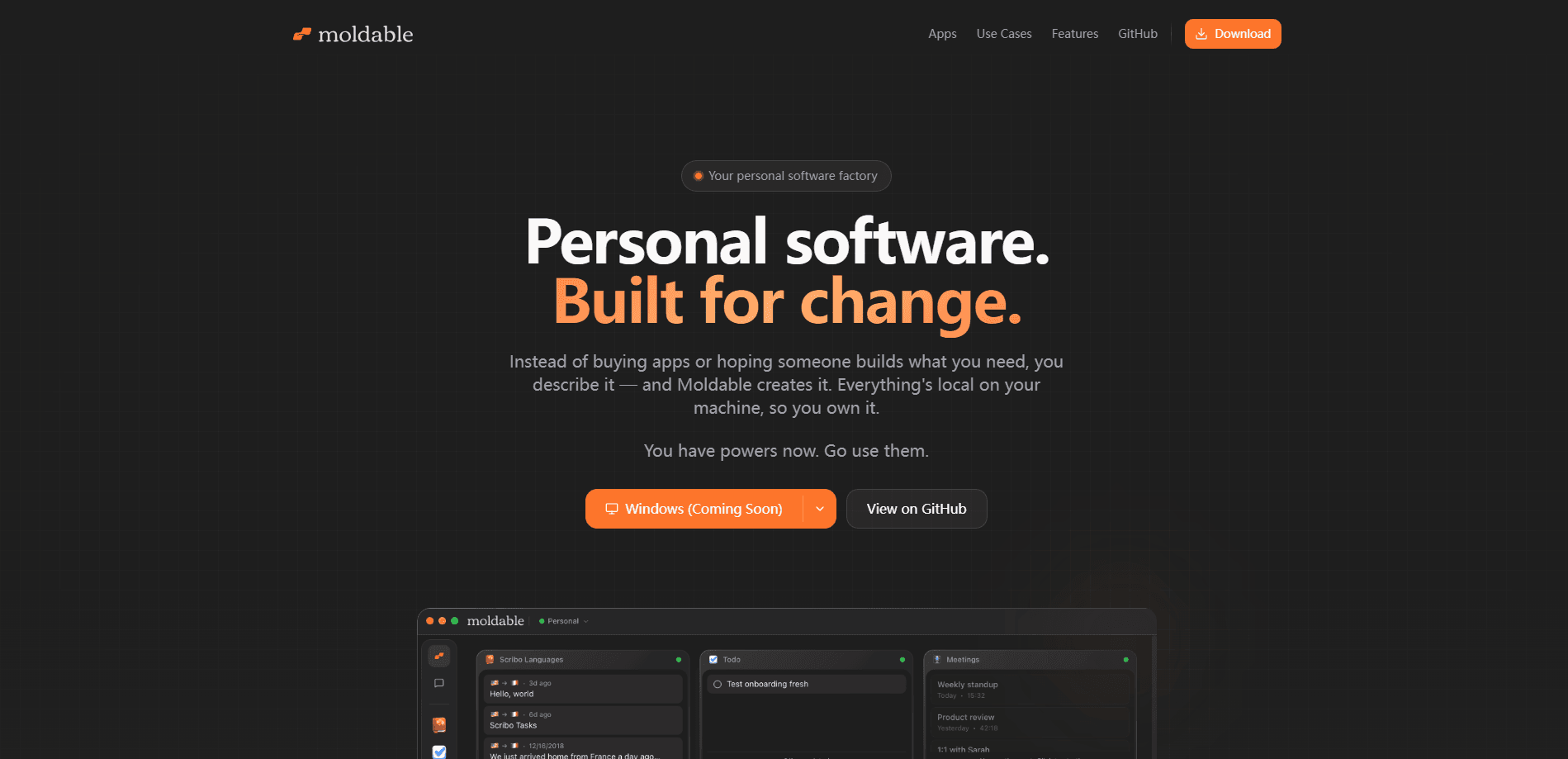
Moldable is a personal app builder and a local-first one at that. It turns a plain description into working software you own. Ask for a dashboard, a quiz, or a small tool on your Mac, reshape it in conversation, and stream it to your iPhone when you want it on the go. It's also a no-code app builder, so you never have to touch a framework. Everything runs locally, the source stays yours, and it's free with a ChatGPT subscription.
About Moldable
What Is Moldable
Moldable is a desktop tool for building personal software on your own machine. Instead of shipping you a fixed catalog of apps, it hands you a canvas: you describe what you want, it builds a working app, and you keep adjusting it by talking. The pitch is ownership. Your apps, code, and workspace data live on your Mac rather than a vendor's servers, and you can use it without even creating an account.
The interesting part is where the apps go after they exist. A tool you build for yourself can stay private. Or you can share one link that opens on any device and remembers where someone left off. Moldable also adds a bot layer, so a reusable role can put your apps to work on a job like research rather than you clicking through each step.
The biggest limit is the platform. This is a Mac-first product, with iPhone for viewing and using what you build. It's not a browser tool that runs anywhere. There's no Windows or Android build, so if your work lives on a PC, Moldable isn't for you yet.
Getting Started
- Install Moldable on your Mac. You can run it locally without signing up for an account.
- Pick a workspace, or set up a personal and a work workspace if you want them apart.
- Ask for something concrete, like a dashboard, a trip plan, or a small game, and describe it in plain language.
- Keep reshaping the app by continuing the conversation until the details match what you had in mind.
- Share a link if someone else should use it, or leave it local if it's just for you.
Product Information
A quick look at Moldable's pricing, supported platforms, and performance.
Best for
The users, tasks, and scenarios where this tool fits best.
Users
- Solo builders who want their own tools
- Privacy-conscious users
- ChatGPT subscribers
Tasks
- Building a personal dashboard
- Creating a shareable presentation or quiz
- Putting apps to work through bots
Scenarios
- Turning a one-off need into a small app
- Sharing something interactive with a group
- Keeping sensitive work offline
Key features
Local-first apps on your Mac
Your apps, code, and workspace data live on your Mac, and everything works offline by default. You choose which synced locations and folders stay on the machine. That setup is the core promise: you own the software, not just a license to use it. That's the whole point of a local-first app builder.
Build by conversation
You start by asking for what you want, then shape every detail by continuing the conversation. Moldable handles the page or presentation and lets you refine it live, so the gap between "here's my idea" and "here's something that works" stays short. No coding is required to get the first version. Want a chart instead of a paragraph? Just say so.
Bot mode and reusable roles
Bot mode lets you create a reusable role for a job, then pick which of your installed or custom apps it can use. One example, Research, knows how to investigate, what counts as a trustworthy source, and where the finished brief belongs. Plugins like Browser Use, AgentMail, and Granola extend what a bot can reach.
Moldable Drive sync
Drive backs up your app code and workspace data and keeps it available across devices. Changes save automatically, so you don't have to think about versioning your own work. Sync is optional. A purely local setup is still on the table.
Share one link
Ask Moldable for a page or presentation and you can share it with a single link. People can explore charts, try calculators, answer questions, or play games, and the link shows your latest changes without you sending a new one. It also remembers someone's progress.
Mac and iPhone together
You use the same apps, data, chats, and Voice from either device. The building happens on the Mac. But your personal software isn't trapped there.
Open source and free apps
Every app's source is on GitHub, so you can browse the code, fork one, or contribute your own. Combined with running locally without an account, that's a fairly open stance for a product in this space.
Pros and cons
Pros
- Runs locally by default, so your apps and data stay on your Mac.
- Works without an account, and Relay and Drive are optional add-ons.
- Free with a ChatGPT subscription, which lowers the cost of trying it.
- Apps stream to iPhone, so what you build isn't stuck on the desktop.
- App source lives on GitHub, so you can inspect or fork it.
Cons
- Being Mac-first means no Windows or Android version, which rules it out for PC-only users.
- The interface assumes a ChatGPT subscription, so it isn't a standalone purchase for everyone.
- Building apps, even by conversation, still takes some willingness to describe what you want clearly.
Frequently asked questions
Moldable builds personal apps on your Mac from a description you give it in chat. You can ask for a dashboard, a presentation, a trip plan, a quiz, or a small game, then keep reshaping it until it fits.
Related content
Explore related tools, skills, and articles for Moldable.
Moldable Alternatives
Forefront
Forefront · CodingForefront is a web platform for building with open-source AI. It lets you fine-tune leading open-source language models on your own data, evaluate how they perform, and run them through an API or export them to host yourself. Developers who want the convenience of a closed-source platform but insist on owning their models and data are the target audience here.

Startkit
StartKit.AI · CodingStartkit is a boilerplate for building AI SaaS and AI wrapper products. Think of it as an AI startup boilerplate with the boring parts already wired up: authentication, Stripe and Lemon Squeezy payments, usage limits, transactional email, and an AI API starter that talks to OpenAI, Anthropic, Groq, or Llama. You clone the repo, set your price, and start on the part of your product that people actually pay for. It's Next.js under React and Tailwind, so most of the boilerplate code already feels familiar.
Testim
Tricentis · CodingTestim is an AI-powered test automation platform for building and running end-to-end tests across web, mobile, and Salesforce applications. It leans on machine learning to keep tests stable when an interface changes, so teams spend less time fixing broken selectors. Not bad for an automated testing tool you can start using today. You create tests by recording actions in a browser, then optionally add JavaScript when you need more control. It's a solid pick for busy QA teams.