

Monako Glass
Monako · Coding
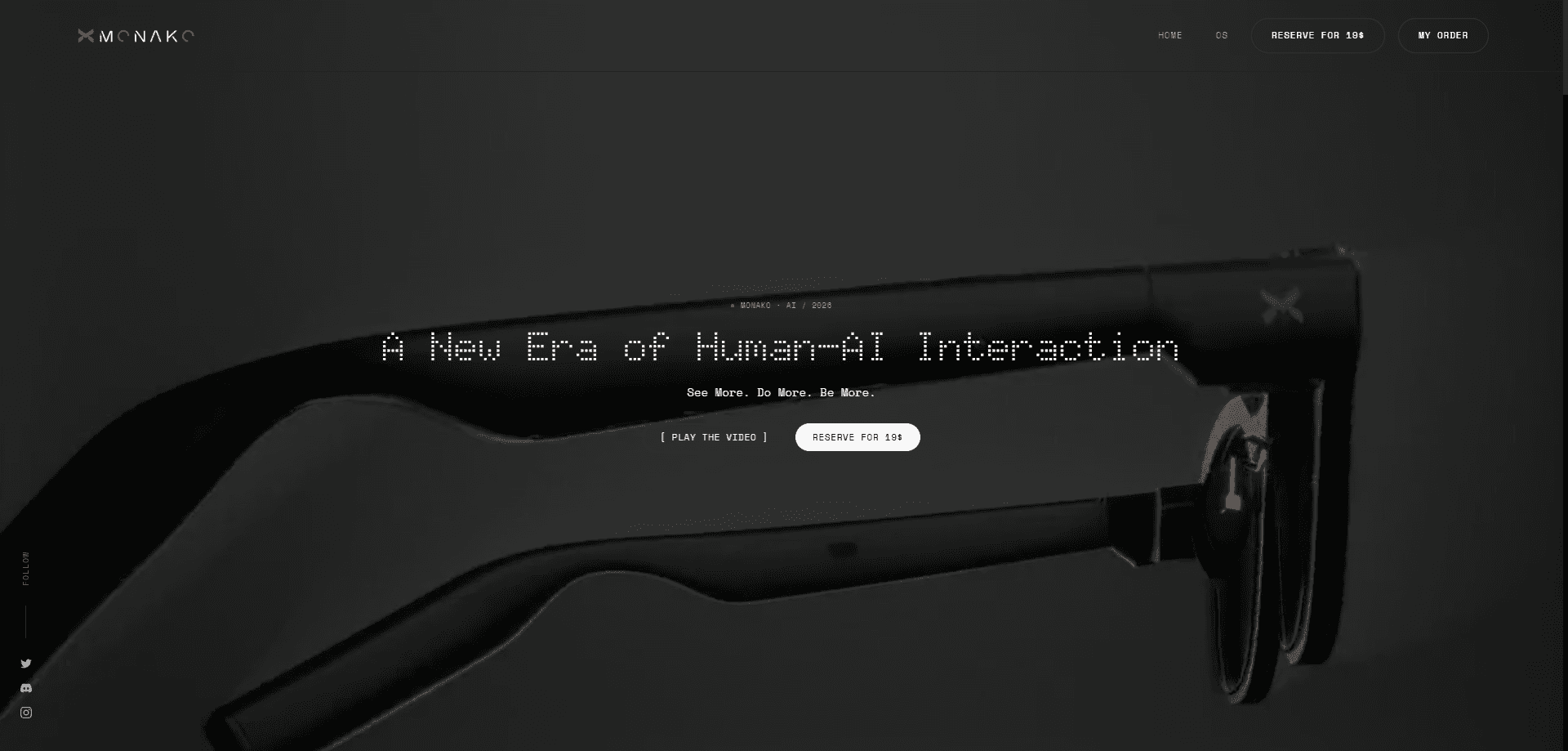
Monako Glass is a 48-gram pair of developer smart glasses that runs a Linux-based system on your face. Think of it as a wearable Linux computer rather than a phone accessory. It pairs a waveguide heads-up display with a camera, speakers, and a bone-conduction microphone so you can read code, dictate commands, and move through a project without opening a laptop. The whole pitch is a wearable terminal for AI coding agents like Claude Code and Codex.
About Monako Glass
What Is Monako Glass
Monako Glass is a pair of smart glasses aimed at developers, not general consumers. It packs a full Linux computer into a standard eyewear frame, weighting roughly 48 grams, and splits the chip and battery between the left and right temples to balance the load. The result is a device you can wear for a work session and forget you have on.
The core idea is ambient coding. Instead of pulling out a laptop to check a build, skim a diff, or fire off a prompt to Claude Code, you look at the heads-up display and speak. The bone-conduction microphone sits in the nose bridge, where it picks up vibrations from your nasal bones to isolate your voice from background noise.
There are real limits. The display is monochrome, not full color, which keeps power draw low but rules out any color-dependent work. So who is this actually for? Developers who already lean on AI agents and want less friction between an idea and a prompt. The system leans on cloud sandboxes and a nearby computer for heavier tasks, so it isn't a standalone workstation. The app layer is also young, and connector stability with outside tools is still maturing. Read it as a companion for your existing setup, not a replacement for it.
Getting Started
- Get the glasses from the official Monako site and pair them with your phone or computer over the companion app.
- Set up your account, then link the coding tools you already use, such as Claude Code, Codex, or a creative app like Blender.
- Learn the gesture controls: raise a hand or pinch your thumb and index finger to open apps, scroll code, or change the volume.
- Speak a command. The nose-bridge microphone picks it up and routes the task to your linked AI agent or local machine.
- Read the output on the heads-up display and keep working hands-free.
Product Information
A quick look at Monako Glass's pricing, supported platforms, and performance.
Best for
The users, tasks, and scenarios where this tool fits best.
Users
- Software developers who use AI coding agents daily
- Solo builders and indie hackers
- Technicians and field engineers
Tasks
- Reading and reviewing code
- Dictating commands to an AI agent
- Navigating a project
- Monitoring a remote build
Scenarios
- Long coding sessions where you want to stay in position instead of reaching for a laptop.
- Pairing the glasses with a desktop workstation to keep your main screen uncluttered.
- On-site troubleshooting where a full laptop is awkward to carry.
- Early experimentation for developers curious about wearable computing and ambient AI.
Key features
Full Linux Computer in 48 Grams
Monako Glass runs MonoOS, a Linux-based system with a Lua app layer and an embedded Rive animation runtime. That means the glasses aren't just a display tethered to a phone; they compute on board. The left and right temples each carry part of the hardware, with an ARM Cortex A7 chip on one side and a 300mAh battery on the other, so the weight stays balanced. For a device this light, that's the trick that makes all-day wear realistic.
Waveguide Heads-Up Display
The display uses a waveguide module and shows images in monochrome. That's a deliberate choice. Cutting color lowers power draw and keeps the screen readable in bright outdoor light, and it stops the display from pulling your attention away from the code. You won't watch video on it. But reading text and diffs works.
Bone-Conduction Microphone in the Nose Bridge
Instead of a conventional mic, Monako Glass puts a bone-conduction pickup in the nose bridge. It reads vibrations through your nasal bones, which isolates your voice from surrounding noise far better than an air mic would. In a noisy room or a shared office, your dictation still comes through.
Gesture Control via Vision Engine
The onboard camera feeds a system Monako calls Vision Engine, which recognizes small gestures. You can open an app, scroll through code, or change the volume by raising a hand or pinching your thumb and index finger. No controller, no keyboard, no mouse. It's the piece that makes the glasses genuinely hands-free.
Built-In Camera, Speakers, and Voice Output
A camera handles both gesture sensing and scene capture, while built-in speakers give you audio feedback without earbuds. Sound comes from the frame itself. Together with the microphone, that covers input and output, so the glasses can hold a two-way session with an AI agent on their own.
Works With Claude Code, Codex, and Creative Tools
Monako built dedicated connectors for the tools developers already use. Claude Code and Codex handle the AI coding side, while Unreal Engine, Blender, and After Effects cover 3D and motion work. For anyone weighing AI coding agent glasses, that native pairing is the main draw. The glasses can bridge a cloud sandbox and your local computer, so a task can run remotely while you watch from the display.
Balanced Temple Design
Splitting the chip and battery across both temples is a small design detail with a big payoff. It keeps the frame from sagging on one side and makes the 48-gram weight sit evenly across your face. No lopsided drag. If you've worn a front-heavy pair of smart glasses, you'll notice the difference.
Pros and cons
Pros
- Genuinely light at 48 grams, so it's wearable for long stretches.
- Runs a full Linux system on board rather than mirroring a phone.
- Bone-conduction mic isolates your voice well in noisy places.
- Direct connectors for Claude Code, Codex, Blender, and other tools cut setup friction.
- Gesture control keeps the whole workflow hands-free.
Cons
- The monochrome display means no color, which rules out design or video work on the glasses themselves.
- It depends on cloud sandboxes and a nearby computer for heavy tasks, so it's not a standalone workstation.
- The app layer is still thin, and connector stability across tools isn't fully proven yet.
- Pricing and availability vary by region, and there's no confirmed free tier for developers to try first.
Frequently asked questions
It's a wearable terminal for developers. You use it to read code, dictate commands to AI agents like Claude Code and Codex, and move through a project without a laptop in front of you.
Related content
Explore related tools, skills, and articles for Monako Glass.
Monako Glass Alternatives
Forefront
Forefront · CodingForefront is a web platform for building with open-source AI. It lets you fine-tune leading open-source language models on your own data, evaluate how they perform, and run them through an API or export them to host yourself. Developers who want the convenience of a closed-source platform but insist on owning their models and data are the target audience here.

Startkit
StartKit.AI · CodingStartkit is a boilerplate for building AI SaaS and AI wrapper products. Think of it as an AI startup boilerplate with the boring parts already wired up: authentication, Stripe and Lemon Squeezy payments, usage limits, transactional email, and an AI API starter that talks to OpenAI, Anthropic, Groq, or Llama. You clone the repo, set your price, and start on the part of your product that people actually pay for. It's Next.js under React and Tailwind, so most of the boilerplate code already feels familiar.
Testim
Tricentis · CodingTestim is an AI-powered test automation platform for building and running end-to-end tests across web, mobile, and Salesforce applications. It leans on machine learning to keep tests stable when an interface changes, so teams spend less time fixing broken selectors. Not bad for an automated testing tool you can start using today. You create tests by recording actions in a browser, then optionally add JavaScript when you need more control. It's a solid pick for busy QA teams.