

Monica - Your ChatGPT AI Assistant Chrome Extension
Monica (Monica.im) · Other · Chatbot · China AI
Monica is an all-in-one AI assistant that runs as a Chrome, Edge, and Safari extension plus web, desktop, and mobile apps. One sidebar combines chat, page summaries, an AI writing assistant, an AI translator, and image generation.
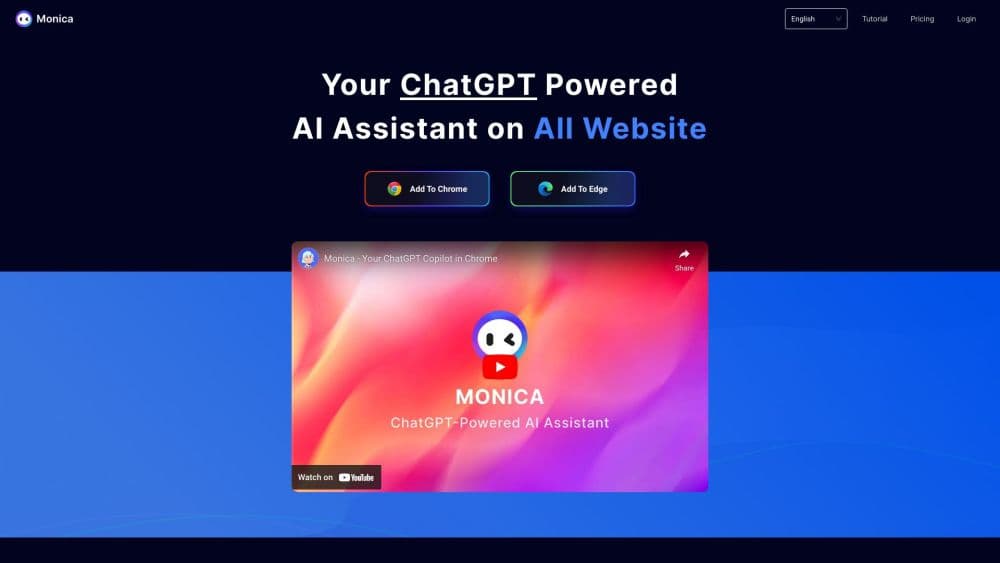
About Monica - Your ChatGPT AI Assistant Chrome Extension
What Is Monica
Monica is a browser-first AI assistant that brings several leading language and image models together under one interface. Instead of opening a separate chatbot tab every time you have a question, you pull up a sidebar that already sees the page you're reading. You then chat about it, summarize it, rewrite a paragraph, translate it, or turn it into a mind map without leaving the tab.
The product is built for people who live in the browser all day: students reading papers, marketers drafting copy, developers scanning docs, and anyone who juggles several web tools at once. It sits alongside your search results, your email, and your PDFs, so the AI works on what you're actually looking at.
The tradeoff is that power comes with limits. Free users get only a daily cap on queries and mostly lighter models, while the fast, top-tier models are reserved for paid plans. You also need an account, and the richest features depend on an active subscription.
Getting Started
- Install the Monica extension from the Chrome Web Store, Microsoft Edge Add-ons, or the App Store for Safari, then pin its icon to the toolbar.
- Sign in with an email, Google, or Apple account so your history and settings sync across devices.
- Press Ctrl+M (or Cmd+M on Mac) on any page to open the sidebar, or highlight text and pick an action like explain, translate, or rephrase.
- Choose a model and a task: chat, summarize the page, draft content from a template, or run AI search.
- Save useful answers into Memo, and repeat the same flow from the desktop or mobile app when you're away from your computer.
Product Information
A quick look at Monica - Your ChatGPT AI Assistant Chrome Extension's pricing, supported platforms, and performance.
Best for
The users, tasks, and scenarios where this tool fits best.
Users
- Students and researchers
- Marketers and writers
- Developers and analysts
Tasks
- Summarizing web pages and YouTube videos
- Bilingual reading and translation
- Rewriting and proofreading text
Scenarios
- Daily research across many tabs
- Reading contracts or reports
- Turning an idea into visuals
Key features
Browser Sidebar Chat With Multiple Models
Monica gives you one chat window that can route your question to several leading models, so you can compare answers or pick the one that fits the task. Because the sidebar reads the page you're on, you can ask about the current article without copying anything. It works the same way across Chrome, Edge, and Safari.
Page and Video Summarization
Point Monica at a long article, a PDF, or a YouTube video and it returns the highlights, often with timestamps so you can jump to the relevant section. When you want to summarize web pages or videos fast, this is the quickest way to decide whether a source is worth your full attention. Summaries also feed a knowledge base you can search later.
AI Writing Assistant and Templates
Select any text on a page and Monica rewrites, expands, shortens, or corrects it in place. A library of more than 80 templates covers common jobs like emails, ad copy, and outlines, and you can save your own prompts for repeated tasks. Writers get a first draft without leaving the tab.
Immersive Translation
The AI translator turns a foreign-language page into a bilingual reading view, showing the original and the translation together. That layout helps language learners and researchers follow nuance rather than losing the context a plain translation would drop. You can also translate selected text on the fly.
ChatPDF for Long Documents
Upload a PDF and ask questions about its contents instead of reading cover to cover. Monica pulls out key points, answers follow-ups, and can translate or compare sections. For contracts, research papers, and manuals, this cuts the time between opening a file and finding the answer.
Image and Video Generation
Beyond text, Monica generates images and short video clips from prompts, useful for concept art, thumbnails, and quick mockups. Output quality depends on the plan, since the heaviest generation draws on paid credits. It keeps visual and text work in the same place.
Pros and cons
Pros
- Single sidebar covers chat, summary, writing, translation, and PDF work, so you avoid switching between separate AI sites.
- Reads the page you're on, which makes questions about the current article or video feel native to browsing.
- Free tier lets you test the core features before paying.
- Runs on Chrome, Edge, Safari, plus web, desktop, and mobile, with settings syncing across devices.
Cons
- The strongest models and unlimited use sit behind a subscription, so heavy users hit the free daily cap quickly.
- An account is required, and some features depend on staying signed in.
- Because it can read page content, you should review its site permissions if you browse sensitive pages.
- Rapid model and plan changes mean pricing and available models can shift, so verify before subscribing.
Frequently asked questions
Monica is an all-in-one AI assistant for chat, page and video summarization, writing, translation, AI search, PDF Q&A, and image generation, all from one browser sidebar that also works on desktop and mobile.
Related content
Explore related tools, skills, and articles for Monica - Your ChatGPT AI Assistant Chrome Extension.
Monica - Your ChatGPT AI Assistant Chrome Extension Alternatives

Odyssey 3
Odyssey · OtherOdyssey-3 is Odyssey's foundation world model. It simulates physics in real time, turns a prompt into an interactive environment, and adapts to robots, cars and games.

JarvisCore
Prescott Data · Coding · Productivity · OtherJarvisCore is an open source Python runtime where AI agents work as equal peers on an agent mesh, claim tasks from a shared ledger, and reach external services through a zero-trust broker.
Clef
Cloudflare · Business · OtherClef is Cloudflare's open-source decision model for Workers AI. It returns calibrated probabilities for typed questions, not generated text, so agents can classify, route, and act fast.