

Monologue
Every · Voice & Language
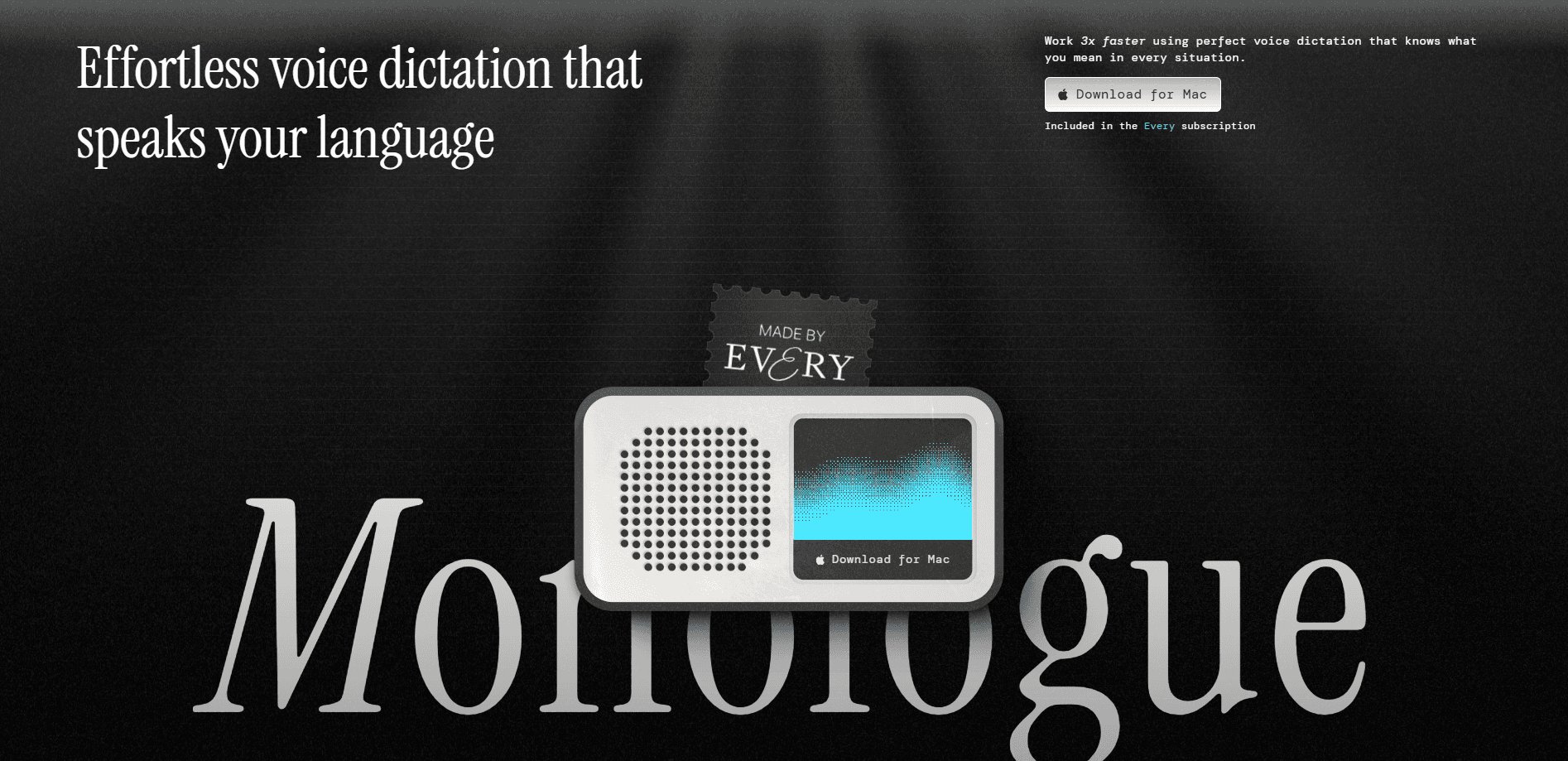
Monologue is a voice-first productivity app that turns your speech into polished text inside whatever app you already type in. It runs on Mac, iPhone, iPad, and Apple Watch, so you can dictate messages and documents, record longer voice notes, and capture meeting notes without dropping a bot into the call. Think of it as a voice dictation app built for people who think faster than they type and want the words cleaned up automatically.
About Monologue
What Is Monologue
Monologue is a voice dictation tool for Apple devices. You hold a shortcut, speak, and finished text lands in the field where your cursor sits, whether that's Slack, Messages, your email client, or a code editor. If you've bounced off other tools, this one aims to work like an AI transcription app that also understands what you're writing.
The pitch is simple. Typing is slow. Most dictation tools hand back a messy wall of words. Monologue claims to cut that gap by understanding the context of what you're writing, adapting to your personal style over time, and formatting the result so you don't spend the next five minutes fixing punctuation.
There are limits worth knowing upfront. It's Apple-only. If you work on Windows or Android, this isn't for you. The free trial is generous but capped at 1,000 dictation words and 10 recorded notes, so heavy users will need the $15/month Pro plan quickly. And dictation, which stays private, works differently from saved Notes, which do sync to your account.
Getting Started
- Download Monologue from monologue.to and move the app to your Applications folder on Mac.
- Open the app and sign in. Use the same sign-in method on every device so your subscription and settings follow you.
- Grant permissions when asked. Microphone and Accessibility are required for dictation and auto-pasting. Screen Recording is optional and only powers the richer context feature.
- Pick a shortcut. The default push-to-talk key is the right-side Option key on Mac, and you can set a hands-free binding separately.
- Open any text field, hold the shortcut, speak, then release and wait for the text to appear.
Product Information
A quick look at Monologue's pricing, supported platforms, and performance.
Best for
The users, tasks, and scenarios where this tool fits best.
Users
- Writers and note-takers who think faster than they type
- Developers dictating prompts and commit messages
- Teams that need meeting notes without a visible recorder
Tasks
- Drafting emails and Slack replies
- Capturing quick voice notes on the go
- Speaking to your code assistant
Scenarios
- Long writing sessions where your hands want a break
- Multi-device days
- Accessing your notes from an AI agent
Key features
Dictation in Any App
Monologue inserts finished text into whatever field is active, so it works across Messages, Slack, email, and code editors instead of locking you into one app. Holding the shortcut starts a recording. Releasing it pastes the cleaned-up result. This is the feature that separates it from a standard system dictation tool.
Context-Aware Formatting
The app reads the surrounding context and adjusts the text before it lands. If you're writing an email, you get email formatting. If you're in a code prompt, it handles different conventions. That matters because raw speech-to-text output usually needs heavy editing, and this cuts most of that work.
Support for 100+ Languages
Monologue transcribes more than 100 languages, so multilingual users can switch between them without changing tools. No separate setup. For anyone who works across English and another language in the same day, that alone is a reason to try it.
Bot-Free Meeting Notes
Monologue records meetings and produces transcripts and summaries without adding a visible participant to the call. That appeals to teams who find recording bots intrusive. The trade-off is that unlimited meeting notes sit behind the Pro plan.
Voice Notes with Summaries
Beyond short dictation, Monologue captures longer thoughts and conversations as Notes. Each one comes back with a searchable transcript and a summary, so a ten-minute ramble turns into something you can actually find later.
Notes API, CLI, and MCP Access
Saved notes can be read by outside tools through a public Notes API, a terminal CLI, and MCP connections for AI apps. The current public access is read-only, so a script can list, search, and retrieve notes but can't edit or delete them. That keeps the risk low if you connect an agent.
Privacy-First Dictation
Dictation audio and transcripts aren't stored on Monologue's servers, and the AI providers process dictation with zero data retention. Screenshots used for extra context are deleted right after processing. So what about saved notes? Those are different: they live in your account so they can sync.
Pros and cons
Pros
- Works inside the apps you already use, so there's no new writing surface to learn.
- Context-aware cleanup means less time fixing punctuation and capitalization by hand.
- Bot-free meeting notes are a genuine alternative for teams that dislike recording bots.
- Dictation stays off the servers, a real benefit if you speak sensitive content.
- Developer access through the API, CLI, and MCP is unusually open for a consumer dictation app.
Cons
- Apple-only. Windows and Android users are shut out entirely.
- The free trial caps at 1,000 words and 10 notes, so it's a test drive, not a free tier you can live on.
- Pro runs $15/month billed monthly. That adds up if you only dictate occasionally.
- Saved Notes sync to your account. You need to understand the difference between private dictation and stored notes before recording anything sensitive.
Frequently asked questions
Monologue turns speech into polished text inside any app on your Mac, iPhone, iPad, or Apple Watch. You use it to write messages, draft documents, capture voice notes, and record meeting notes without typing.
Related content
Explore related tools, skills, and articles for Monologue.
Monologue Alternatives

Foley
Hanamori Labs, LLC · Voice & Language · Productivity · AI AssistantFoley is a voice to-do list that turns a spoken sentence into a filed task, complete with project, date and time, then helps you plan the day around what is already there.

HireKey
HireKey · Voice & Language · Productivity · LeaningHireKey is an AI job search copilot built by a former tech recruiter. It checks role fit, tailors resumes, runs interview practice and tracks every application.

Fluence
Yay Software (Yannick Huchard) · Writing · Voice & Language · ProductivityFluence is an Android app that reads PDFs, EPUBs, Word files and web articles aloud, follows each sentence as it speaks, and answers questions about the text on the phone itself.