
MoovAI
MoovAI · Coding · Business
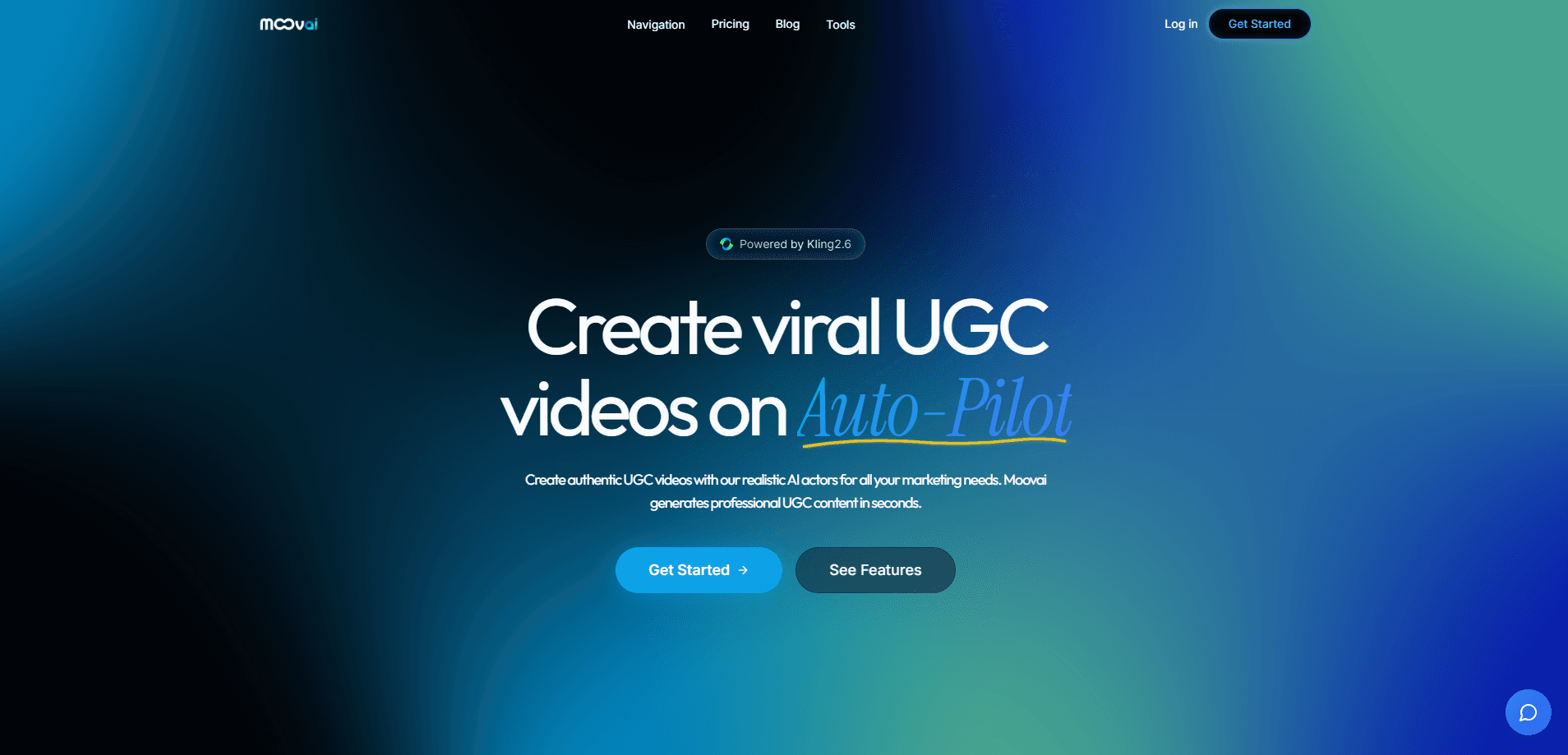
MoovAI is a web-based AI studio for making UGC-style videos without a camera, a crew, or a casting call. You describe an idea, pick an AI actor and a voice, and the platform writes the script, generates the footage, and hands you a clip ready for TikTok, YouTube Shorts, or Instagram Reels. It bundles several jobs that usually live in separate subscriptions: script writing, hook generation, image creation, avatar-based video, and voiceover. The pitch is speed. Skip the week of waiting for a creator to deliver takes. Spin up a dozen variations in an afternoon and test which one holds attention.
About MoovAI
What Is MoovAI
MoovAI is an AI video creation tool focused on user-generated-content formats. The pattern it copies is the one you see all over TikTok and Reels: a person talking to the camera, holding a product, or reacting to something, with a punchy opening line. MoovAI rebuilds that pattern with synthetic actors and synthetic voices, so a single person can produce that style of ad at volume.
The product runs in the browser. It's built around a credit system, so each generation spends credits from your plan, and the heavier workflows, such as long-form video and the UGC Kling path, need a higher tier. Under the hood it leans on established generation models for imagery and video, plus ElevenLabs for voice, and it adds its own layer for scripts, hooks, and editing logic. You can also use it as an image generator on its own if video isn't the goal. Think of it as a faceless video tool with a built-in AI script generator.
So who is it actually for? Mostly marketers, solo founders, and creators who need a steady flow of short ads. They tend to lack the budget or the patience for traditional UGC production.
Getting Started
- Create an account and pick a plan, starting with Starter if you just want to test the waters.
- Choose a mode, such as UGC Kling for avatar-led clips or the image generator for stills.
- Write a prompt or upload a reference image, then select an AI actor to set the face and appearance.
- Generate a script and a hook with the built-in writer, or paste your own text.
- Pick or clone a voice, render the video, and download it without a watermark.
Product Information
A quick look at MoovAI's pricing, supported platforms, and performance.
Best for
The users, tasks, and scenarios where this tool fits best.
Users
- Performance marketers testing many ad variants
- Solo founders who need product videos without a shoot
- Social media managers running daily short-form calendars
- Creators building faceless channels
Tasks
- Writing UGC scripts and scroll-stopping hooks
- Generating AI actor videos from prompts or photos
- Producing voiceovers with cloned or preset voices
- Creating still images for thumbnails and posts
- Turning a reference photo into a lifestyle-style clip
Scenarios
- Launching a product with a batch of test ads
- Keeping a TikTok or Reels account active while you sleep
- Making a TikTok ad creator workflow you can repeat weekly
- Repurposing a single idea into several video angles
- Running social video automation across several accounts at once
Key features
AI Actor Videos
You pick an actor to carry the face and identity of the video, then drive the scene with a prompt. The result reads like a talking-head UGC clip. That's the format most ad testing relies on. A consistent-character option keeps the same face across a series, so a channel doesn't look like it was assembled from strangers.
Script Studio and Hook Lab
The platform writes video scripts from a brief and generates hooks aimed at stopping the scroll. Both are editable. Keep the structure and swap in your own wording. Hook Lab exists because the opening two seconds decide whether the rest gets watched. The tool treats that line as its own deliverable rather than an afterthought.
UGC Kling Video Engine
On higher tiers you get access to the UGC Kling path, which the team markets as its quality tier for avatar-driven clips. It's the option for when a quick draft isn't good enough. You want a more polished talking-head result. It sits alongside long-form workflows that support longer sequences built from segments.
Voice Generation
Voiceovers come from ElevenLabs, and you can either pick a preset or clone a voice. That covers the two common cases: staying on-brand with a known voice, or staying anonymous. You set the script language here as well, which matters if you run the same ad across markets.
Image Generator
A separate module creates images with the model of your choice, billed within the same plan. It's useful for thumbnails, storyboards, and static posts. You won't need a second subscription just for visuals. Upload a reference and turn it into new content with one prompt.
Segment-Based Video Building
Videos can be assembled segment by segment, with each first segment animated for an extra credit cost. This gives you a storyboard-style workflow: build the sequence, check it, then commit credits to motion. It's slower than a one-shot generation but far more controllable for anything longer than a single beat.
Pinterest to Instagram Pipeline
One workflow converts Pinterest inspiration into Instagram-ready lifestyle content. It's a narrower tool. Still, it speaks to how the platform is organized around specific content jobs rather than one generic generate button.
Why the Hook Matters So Much
A two-second opening line decides whether anything else gets watched. Hook Lab treats that line as its own deliverable. That alone is worth more than it sounds. Most failed ads don't have a bad product. They have a slow start.
Pros and cons
Pros
- Combines scripts, hooks, images, video, and voice in one plan
- No camera, actor, or studio needed
- Watermark-free downloads and commercial use
- Consistent-character option helps a channel look coherent
- Credit pricing is transparent, with a published per-credit rate
Cons
- No free plan, so you pay before you can try it
- Best features, including UGC Kling, sit on pricier tiers
- Web only, with no mobile app for editing on the go
- Image and video quality still depends on the underlying generation models
Frequently asked questions
It makes UGC-style videos: the talking-to-camera, product-in-hand format common on TikTok and Reels. It also generates still images and voiceovers as part of the same workspace.
Related content
Explore related tools, skills, and articles for MoovAI.
MoovAI Alternatives
Forefront
Forefront · CodingForefront is a web platform for building with open-source AI. It lets you fine-tune leading open-source language models on your own data, evaluate how they perform, and run them through an API or export them to host yourself. Developers who want the convenience of a closed-source platform but insist on owning their models and data are the target audience here.

Startkit
StartKit.AI · CodingStartkit is a boilerplate for building AI SaaS and AI wrapper products. Think of it as an AI startup boilerplate with the boring parts already wired up: authentication, Stripe and Lemon Squeezy payments, usage limits, transactional email, and an AI API starter that talks to OpenAI, Anthropic, Groq, or Llama. You clone the repo, set your price, and start on the part of your product that people actually pay for. It's Next.js under React and Tailwind, so most of the boilerplate code already feels familiar.
Testim
Tricentis · CodingTestim is an AI-powered test automation platform for building and running end-to-end tests across web, mobile, and Salesforce applications. It leans on machine learning to keep tests stable when an interface changes, so teams spend less time fixing broken selectors. Not bad for an automated testing tool you can start using today. You create tests by recording actions in a browser, then optionally add JavaScript when you need more control. It's a solid pick for busy QA teams.