

Moshi: tmux/herdr SSH terminal
Moshi Tech Ltd. · Coding
Moshi: tmux/herdr SSH terminal is a mobile SSH client for iPhone, iPad, and Apple Watch that lets you reach the AI coding agents running on your servers without sitting at a desk. It pairs standard SSH and Mosh connections with tmux shortcuts, on-device voice input, and push alerts, so you can check on Claude Code, Codex, Cursor, or Aider from a couch, a coffee shop, or a train. The point isn't to replace your desktop terminal. It's to keep a session alive and reachable when you step away from one.
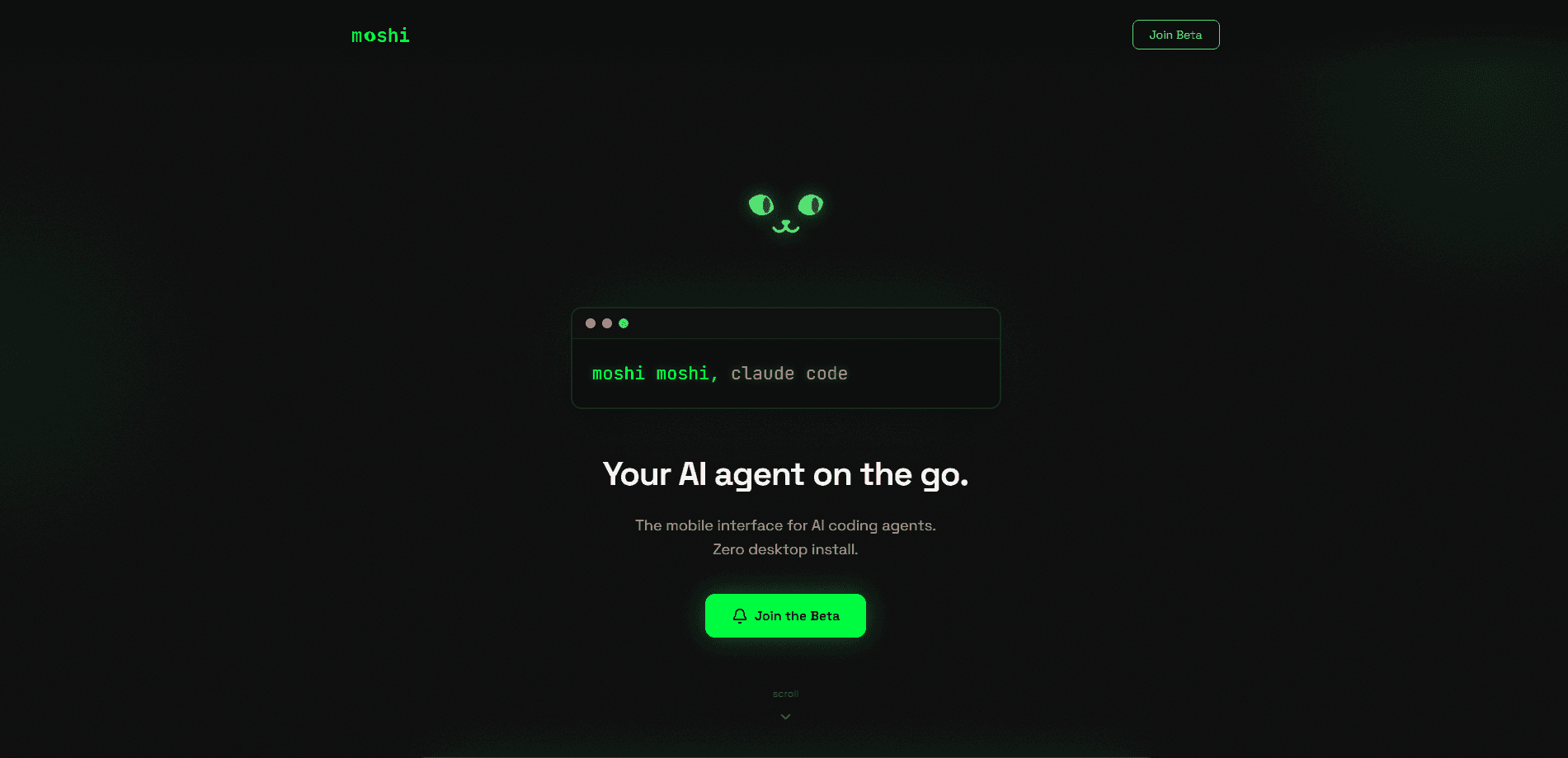
About Moshi: tmux/herdr SSH terminal
What Is Moshi: tmux/herdr SSH terminal
Moshi is a mobile terminal app from Moshi Tech Ltd. that runs on iPhone, iPad, and Apple Watch. It connects to your own servers over SSH or Mosh, so the coding agents and long-running jobs stay on the machine while you steer them from your phone.
The problem it solves is a gap in how people work with AI agents. Agents like Claude Code and Codex run for minutes or hours on a remote box, but you can't sit and watch them all day. Nobody can. Moshi gives you a way to look in, unblock an agent that's waiting for input, and get a push notification when a task finishes.
The biggest limitation is the platform. This is an iOS-only app, so Android users need a different tool. It also assumes you already have a server, an SSH key, and something like tmux running on the other end. Moshi opens the window; you still bring the workspace.
Getting Started
- Install Moshi from the App Store and open it on your iPhone or iPad.
- Add a server by entering its hostname, port, and login. Import your SSH key or paste it in.
- Open the key with Face ID or Touch ID, then connect over SSH or Mosh.
- Attach to an existing tmux session, or start a new one and launch your coding agent inside it.
- Pocket the phone and come back when a webhook alert tells you the task is done.
Product Information
A quick look at Moshi: tmux/herdr SSH terminal's pricing, supported platforms, and performance.
Best for
The users, tasks, and scenarios where this tool fits best.
Users
- Developers running Claude Code or Codex on a remote server
- Solo founders and indie hackers who keep a VPS humming
- iOS-first users who want a terminal that fits Apple's own app line-up. Face ID key access and Apple Watch support lean into this, but there's no Android version.
Tasks
- Unblocking a stalled agent
- Monitoring long jobs
- Driving tmux hands-free
Scenarios
- Checking on an agent during a commute
- Quick triage away from the desk
- Voice-first moments
Key features
Mosh-Powered Stable Sessions
Moshi leans on the Mosh protocol instead of plain SSH for the connection itself. That matters on mobile because Mosh survives network switches, sleep mode, and dead zones, so your session stays alive when Wi-Fi hands off to cellular. You come back to a live terminal rather than a broken pipe. No reconnecting, no lost scrollback.
Built for AI Coding Agents
The app is aimed squarely at people driving Claude Code, Codex, Cursor, Windsurf, Copilot, or Aider on a remote machine. It treats those agents as the main workload, which shows in the keyboard layout and the alert system. If you want a dedicated AI coding agent terminal, this is the audience Moshi was designed for. Claude Code mobile access is the clearest example, and a Codex CLI terminal works the same way.
Voice-to-Terminal Input
You can speak commands rather than type them. Moshi uses on-device Whisper speech recognition, so dictation works without sending audio to a server. Handy when your thumbs are busy. It's a real help when you want to fire off a prompt from a position where two-thumb typing is awkward.
Webhook Completion Alerts
Moshi sends a push notification when a task finishes, wired through webhooks. Start a long-running job, pocket the phone, and get pinged when it's done. For agents that run for twenty minutes at a stretch, that beats staring at a progress bar.
Face ID Protection for SSH Keys
Private keys live in the iOS Keychain and open with Face ID or Touch ID. The keys aren't stored inside the app itself, and they're never transmitted to Moshi's servers. It's a sensible default for anyone carrying server credentials around.
A Terminal Keyboard for Power Users
The on-screen keyboard isn't an afterthought. It gives you Ctrl, Esc, Tab, arrow keys, and tmux shortcuts on a dedicated row, which is what you need to hop between panes or windows. Typing on glass is still typing on glass, but the important keys are within reach. Trust me, that row earns its space.
Session Resume Across App Switches
Sessions persist when you switch apps or lock the screen. Return whenever you like and pick up where you left off, since the terminal state is waiting for you. Combined with Mosh, that means the app being backgrounded doesn't end your work.
Pros and cons
Pros
- Mosh connections hold up through network changes, sleep, and weak signal, which is exactly when a mobile terminal is supposed to help.
- Voice input runs entirely on-device, so dictating a prompt doesn't ship your audio to a cloud service.
- Face ID unlocking keeps SSH keys in the Keychain rather than scattered in app storage.
- Webhook alerts mean you can leave a long job alone and still know when it's finished.
Cons
- It's iOS-only, so Android users are left out entirely and need to look elsewhere.
- Setup assumes existing SSH, tmux, and server skills, which makes it a poor fit for anyone who's never touched a shell.
- The one-time buyout price is steep, and the monthly or yearly subscription is the lighter option rather than a free ride.
Frequently asked questions
Moshi is a mobile SSH and Mosh terminal for reaching AI coding agents and long-running jobs on your own servers. It runs on iPhone, iPad, and Apple Watch, and it's built around tools like Claude Code, Codex, and Cursor rather than being a general-purpose shell.
Related content
Explore related tools, skills, and articles for Moshi: tmux/herdr SSH terminal.
Moshi: tmux/herdr SSH terminal Alternatives
Forefront
Forefront · CodingForefront is a web platform for building with open-source AI. It lets you fine-tune leading open-source language models on your own data, evaluate how they perform, and run them through an API or export them to host yourself. Developers who want the convenience of a closed-source platform but insist on owning their models and data are the target audience here.

Startkit
StartKit.AI · CodingStartkit is a boilerplate for building AI SaaS and AI wrapper products. Think of it as an AI startup boilerplate with the boring parts already wired up: authentication, Stripe and Lemon Squeezy payments, usage limits, transactional email, and an AI API starter that talks to OpenAI, Anthropic, Groq, or Llama. You clone the repo, set your price, and start on the part of your product that people actually pay for. It's Next.js under React and Tailwind, so most of the boilerplate code already feels familiar.
Testim
Tricentis · CodingTestim is an AI-powered test automation platform for building and running end-to-end tests across web, mobile, and Salesforce applications. It leans on machine learning to keep tests stable when an interface changes, so teams spend less time fixing broken selectors. Not bad for an automated testing tool you can start using today. You create tests by recording actions in a browser, then optionally add JavaScript when you need more control. It's a solid pick for busy QA teams.