

MOTHER
Coast Creative · Coding
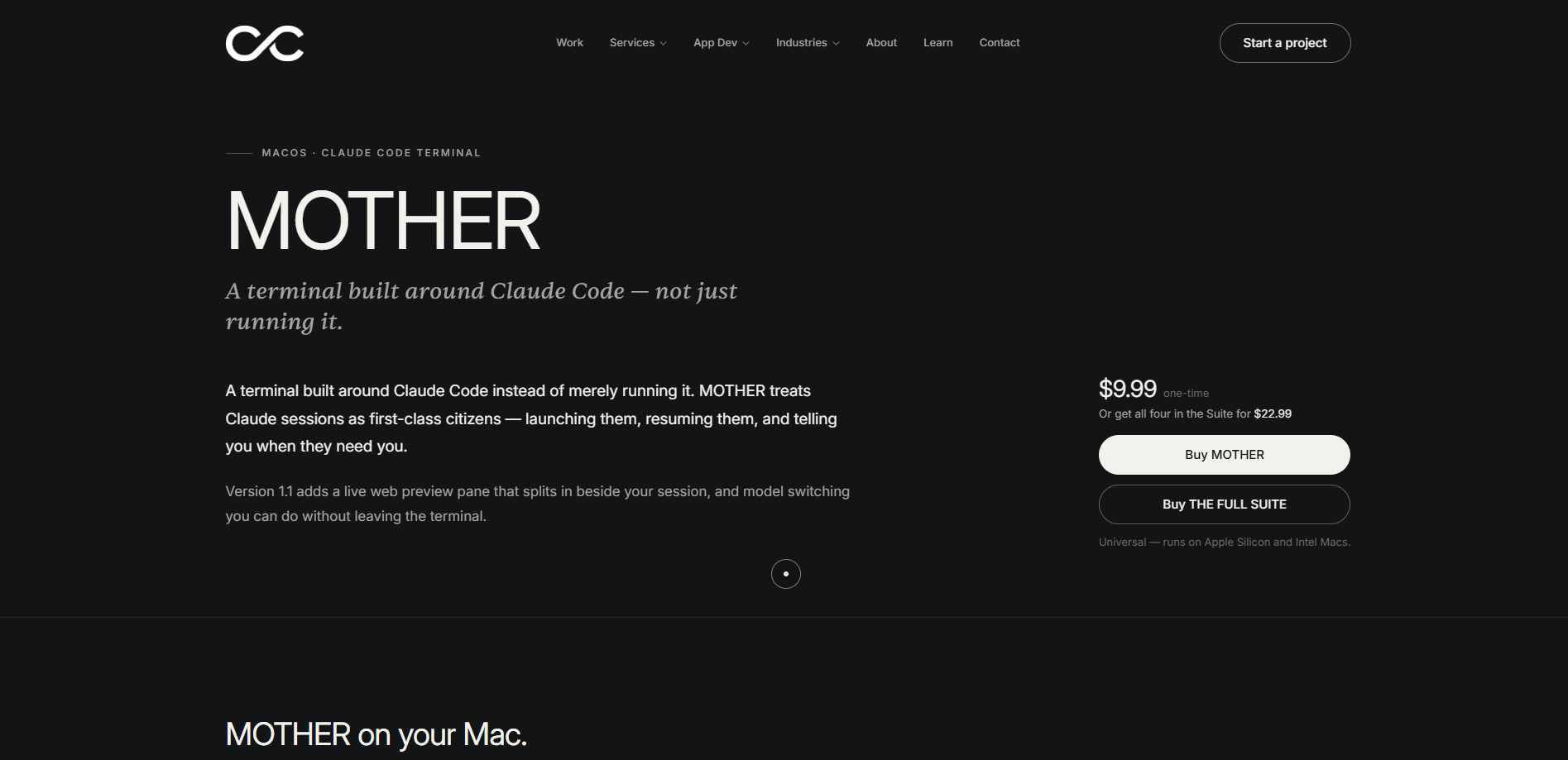
MOTHER is a macOS terminal app from the studio Coast Creative, built specifically around Claude Code instead of treating it as an afterthought. It treats coding sessions as first-class objects, adds attention alerts so you notice when an agent needs you, and in v1.1 brings a split-pane live web preview plus in-place model switching. If you run Claude Code all day, MOTHER is less a generic terminal and more a workspace shaped around how AI coding agents actually behave.
About MOTHER
What Is MOTHER
MOTHER is a terminal for macOS designed around Claude Code. That sounds narrow, and that's on purpose. Most terminals were written before AI coding agents existed, so they treat a long-running Claude session as just another scrollback buffer that grows until you clear it. MOTHER flips that, making each session something the app tracks, names, and keeps alive.
The core idea is attention. When you hand a task to Claude Code and walk away, you shouldn't have to babysit a window to find out it's finished or waiting on approval. MOTHER surfaces that for you. The v1.1 release adds a split-pane web preview, so front-end work doesn't require jumping to a browser, and model switching in place, so you can change which model handles a task without leaving the pane.
The main limit is platform and scope. MOTHER is macOS only, and it's built around Claude Code rather than every agent. If you live in Linux or Windows, or you don't use Claude Code, this isn't the tool for you. It's also a small studio product, not a giant platform with hundreds of third-party plugins, so expect a focused feature set rather than a sprawling add-on market.
Getting Started
- Buy and install MOTHER from Coast Creative's app page on your Mac.
- Launch it and confirm Claude Code is installed and signed in on the same machine.
- Open a project folder as a session, giving it a name you'll recognize later.
- Turn on attention alerts so macOS notifies you when a session finishes or needs input.
- Start a task and use the split-pane preview to watch front-end changes render live.
Product Information
A quick look at MOTHER's pricing, supported platforms, and performance.
Best for
The users, tasks, and scenarios where this tool fits best.
Users
- Developers who run Claude Code daily
- Front-end engineers
- Solo builders juggling several tasks
Tasks
- Long agentic coding runs
- Live UI review
- Switching models mid-task
Scenarios
- Working from a single Mac all day
- Overnight or background agent tasks
- Prototyping a web app
Key features
Sessions as first-class objects
Rather than dumping every command into one endless buffer, MOTHER treats each Claude Code session as a named thing you can return to. That matters when you're running a few agents at once and need to know which one is doing what. The app keeps that state organized instead of leaving you to scroll through history.
Attention alerts
MOTHER watches for the moments Claude Code actually needs you, usually a finished task or a pending approval, and pushes that to you. This is the feature that changes daily use the most. You can start a run and step away instead of watching a window.
Split-pane live web preview
Version 1.1 adds a web preview beside the terminal. For front-end work, you watch the page render as Claude edits it, no alt-tab to a browser. It's a small thing that removes a lot of context switching in a build-test loop.
In-place model switching
You can change the model a session uses without tearing down and restarting it. When a task wants a bigger model for one step and a faster one for another, you don't lose the session to switch. That's a practical win for anyone paying per token.
Built around Claude Code, not bolted on
The whole app assumes Claude Code, so the session model and alerts fit Claude's behavior rather than a generic shell's. If Claude Code is your main agent, this alignment is the point. If it isn't, MOTHER has less to offer.
Pros and cons
Pros
- Sessions are first-class, so parallel Claude Code runs stay organized.
- Attention alerts remove the need to babysit a terminal window.
- Split-pane web preview keeps front-end work in one window.
- In-place model switching avoids restarting sessions.
- macOS-native and focused, with little setup overhead.
Cons
- macOS only. There's no Linux or Windows version, so cross-platform teams are out.
- Tied to Claude Code. If you use a different agent, the app's advantages largely disappear.
- Small studio product. Expect a narrow feature set and no large plugin library.
- Pricing isn't published on the site, so you can't compare cost before committing.
Frequently asked questions
It's a macOS terminal application built around Claude Code. Instead of being a general-purpose terminal, it centers on managing Claude Code sessions, alerting you when they need attention, and showing a live web preview.
Related content
Explore related tools, skills, and articles for MOTHER.
MOTHER Alternatives
Forefront
Forefront · CodingForefront is a web platform for building with open-source AI. It lets you fine-tune leading open-source language models on your own data, evaluate how they perform, and run them through an API or export them to host yourself. Developers who want the convenience of a closed-source platform but insist on owning their models and data are the target audience here.

Startkit
StartKit.AI · CodingStartkit is a boilerplate for building AI SaaS and AI wrapper products. Think of it as an AI startup boilerplate with the boring parts already wired up: authentication, Stripe and Lemon Squeezy payments, usage limits, transactional email, and an AI API starter that talks to OpenAI, Anthropic, Groq, or Llama. You clone the repo, set your price, and start on the part of your product that people actually pay for. It's Next.js under React and Tailwind, so most of the boilerplate code already feels familiar.
Testim
Tricentis · CodingTestim is an AI-powered test automation platform for building and running end-to-end tests across web, mobile, and Salesforce applications. It leans on machine learning to keep tests stable when an interface changes, so teams spend less time fixing broken selectors. Not bad for an automated testing tool you can start using today. You create tests by recording actions in a browser, then optionally add JavaScript when you need more control. It's a solid pick for busy QA teams.