
Movie Gen
Meta (Meta Platforms, Inc.) · Voice & Language · Video
Movie Gen is Meta's AI video generator that turns text prompts into short clips with matching audio, aimed at creators and researchers.
About Movie Gen
What Is Movie Gen
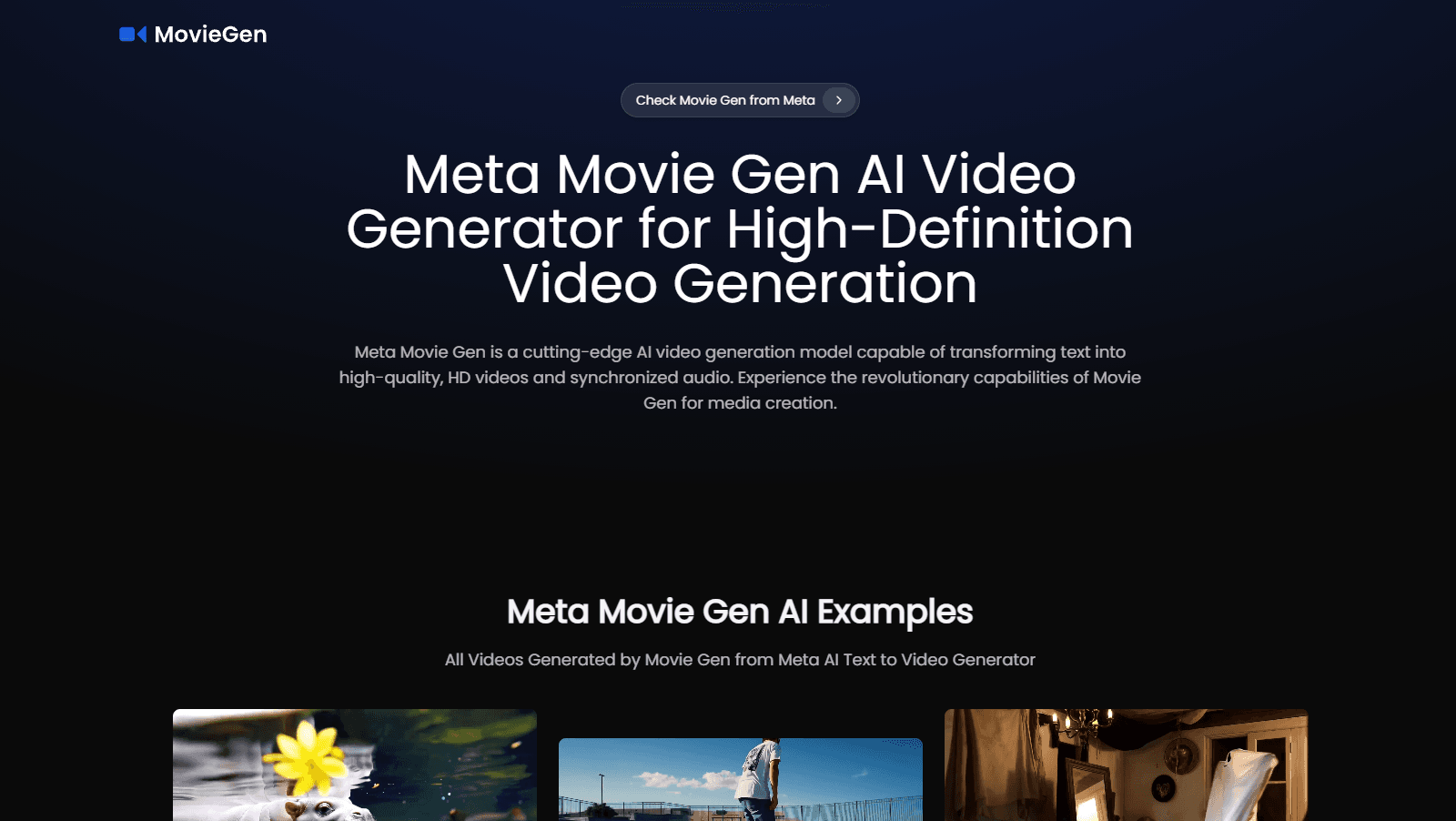
Movie Gen is a family of generative AI models built by Meta for video and audio. Type a text prompt, and it produces short video clips with sound. It can also edit existing footage and create personalized videos that place a real person into an AI-generated scene. Meta announced the research on October 4, 2024, alongside a paper titled Movie Gen: A Cast of Media Foundation Models.
The pitch is simple. Most AI video tools hand you silent moving images. Movie Gen attaches audio to the same clip, so the visuals and the sound come out of one generation pass rather than two separate tools stitched together. Meta says the flagship model is a 30B-parameter transformer. It outputs 16-second videos at 1080p and 16 frames per second.
Here's the catch. As of writing, Movie Gen isn't a product you can sign up for. Meta has kept it as research, saying it wouldn't release the models for open development over concerns about misuse, cost, and the spread of fake footage. There's no public demo. No API. No price list. That's the whole story for now.
Getting Started
- That's the problem: there's no signup flow. Movie Gen isn't open to the public, so you can't create an account and start generating.
- Watch Meta's official announcement and demo reel to see what the model can do with prompts, editing, and audio.
- Read the research paper to understand the capabilities and the safety limits Meta describes.
- If you're building video features, track Meta's AI blog and developer updates for any future access or API.
- Until access opens, try available AI video generators for hands-on work and treat Movie Gen as a reference point.
Product Information
A quick look at Movie Gen's pricing, supported platforms, and performance.
Best for
The users, tasks, and scenarios where this tool fits best.
Users
- Content creators
- Filmmakers and editors
- AI researchers
- Social media marketers
Tasks
- Turning a written idea into a short video with sound
- Editing existing video with a text instruction
- Adding synced audio to a clip
- Generating a personalized video of a specific person
Scenarios
- Testing an ad concept before spending on a shoot
- Storyboarding a scene from a script
- Creating social clips for a small brand
Key features
Text to Video with Audio
Movie Gen takes a text prompt and produces a video clip with matching sound in one go. That combination of picture and audio from a single model is the part that sets it apart from silent video tools, which force you to generate a clip, then hunt for a track, then line the two up by hand. Meta's demos show animals, water, and everyday scenes with sounds that line up with what's on screen. One prompt, one result.
Video Editing
You can describe a change in plain words and apply it to existing footage. Ask for a different background or swap an object, and the model reworks the clip while keeping the rest of the frame untouched, which means far less time spent in manual rotoscoping, masking, and frame-by-frame compositing than a normal edit would demand.
Personalized Video
Movie Gen can take a photo of a person and generate a short video of them, using their likeness inside a new scene. Meta positioned this as a consumer feature for fun clips. It also opens hard questions about consent and how likenesses get stored.
Audio Generation
The audio model creates sound effects and background music that fit the video, not just a generic track. Getting sound and image to agree is one of the harder problems in AI video, and Meta treats it as a core part of the system rather than an add-on.
Strong Motion and Physics
Meta's benchmarks show Movie Gen leading on natural motion and physics realism compared with several rival models. Clips hold together better on movement-heavy scenes, which is where silent, older generators tend to fall apart.
Long-Form Ready Architecture
The model handles 16-second 1080p clips now, and Meta described the approach as a foundation that can scale. Could it reach full movie length? Not yet, and Meta hasn't promised a date. Longer durations are a matter of compute and training, not a full redesign.
Safety Filters
Meta built in provenance tools like watermarks and detection so generated video can be flagged as AI-made. Given how easily fake footage spreads, that's not a bonus feature. It's a condition for releasing anything at all. Skip it and nothing ships.
Pros and cons
Pros
- Generates video and audio together, so you don't need two separate tools.
- Handles native video editing and personalized video, which many rivals don't offer.
- Meta's testing shows strong motion and physics realism compared with other models.
- Backed by published research, so you can inspect the methods rather than take claims on faith.
- Meta has tied the work to provenance tools like watermarks for AI-generated footage.
Cons
- No public access, no signup, and no API, so you can't actually use it.
- No pricing exists because there's no product to buy.
- Meta has said it won't release the models openly, citing misuse risks, so a free download isn't coming.
- You have to rely on Meta's own demos and benchmarks rather than testing it yourself.
Frequently asked questions
No. Movie Gen is research that Meta announced in October 2024 but hasn't opened to the public. There's no signup page, no demo you can drive, and no download. If you want to try AI video today, you'll need a different tool, because nothing here is reachable without an internal Meta account.
Related content
Explore related tools, skills, and articles for Movie Gen.
Movie Gen Alternatives

Foley
Hanamori Labs, LLC · Voice & Language · Productivity · AI AssistantFoley is a voice to-do list that turns a spoken sentence into a filed task, complete with project, date and time, then helps you plan the day around what is already there.

HireKey
HireKey · Voice & Language · Productivity · LeaningHireKey is an AI job search copilot built by a former tech recruiter. It checks role fit, tailors resumes, runs interview practice and tracks every application.

Fluence
Yay Software (Yannick Huchard) · Writing · Voice & Language · ProductivityFluence is an Android app that reads PDFs, EPUBs, Word files and web articles aloud, follows each sentence as it speaks, and answers questions about the text on the phone itself.