

MulmoChat
receptron · Other · Chatbot
MulmoChat is an open-source multimodal AI chat interface that turns a conversation into something you can see and touch. Instead of trading only text, it drops images, explorable maps, and playable mini-games onto a canvas while you keep talking to the AI, which makes each reply feel like a small scene you can poke at rather than a wall of prose. Built by the team at receptron, it ships as a research prototype aimed at developers and curious users who want to test where chat interfaces go next.
About MulmoChat
What Is MulmoChat
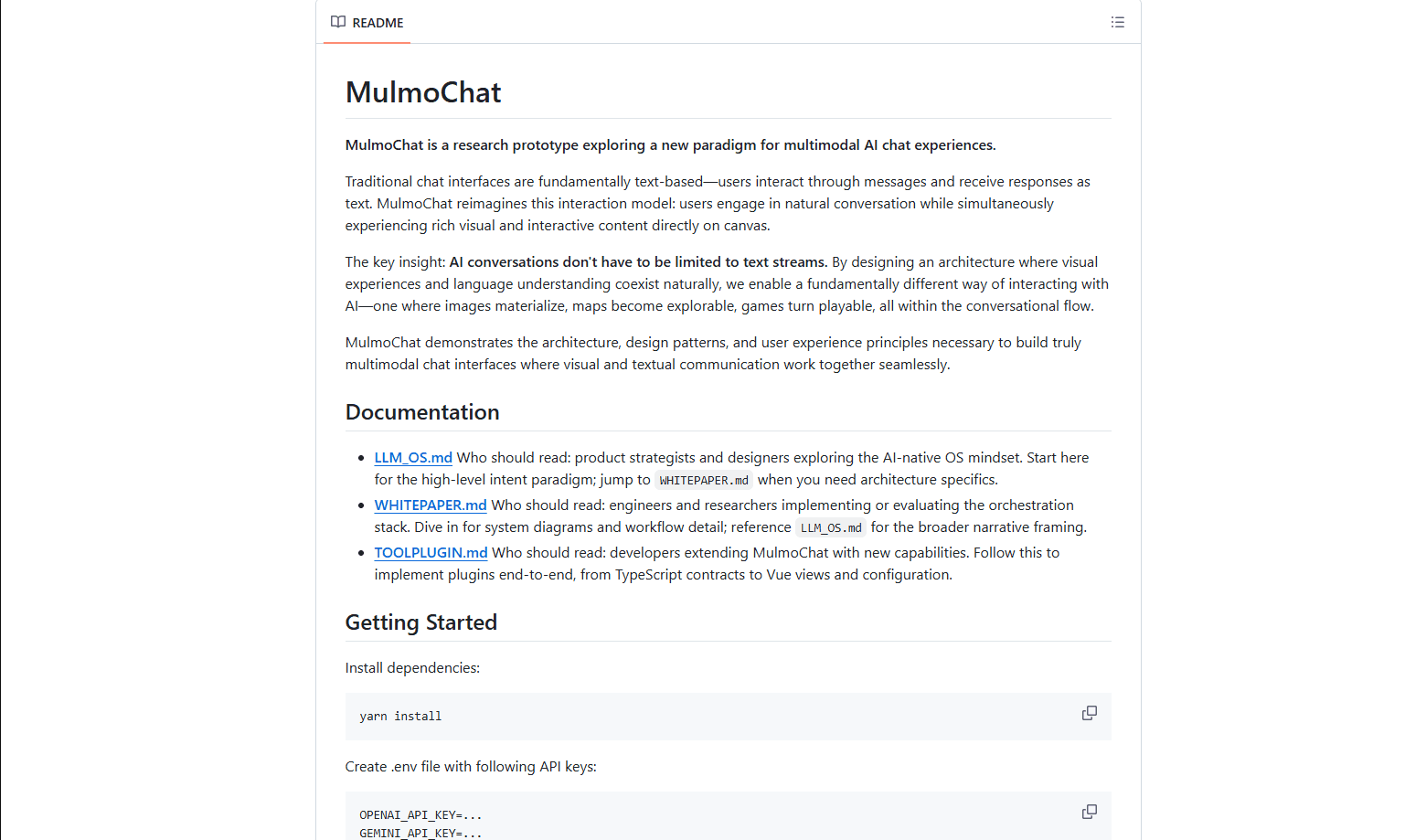
MulmoChat is a research prototype that explores a new shape for multimodal AI chat. Traditional chat tools are text-first: you type a message, you get text back. MulmoChat flips that by letting visual and interactive content live next to the conversation itself, all on a shared canvas.
Under the hood, it's a full-stack project. The client runs on Vue 3 and TypeScript with Vite, and a small Node server handles the model calls, which keeps the browser side thin and the provider logic in one place you can audit. It works with several providers, including OpenAI, Anthropic, Google Gemini, and a local Ollama instance, so you're not locked to one vendor. If you'd rather keep everything on your machine, image generation can run through a local ComfyUI setup with FLUX models.
The biggest limitation is the setup. This isn't a hosted product you sign into. You clone the repository, install dependencies, and supply your own API keys, sometimes several of them, before a single prompt runs. Plan for a terminal session, not a signup form.
Getting Started
- Clone the repository from GitHub and run
yarn installto pull the dependencies. - Create a
.envfile and add your API keys, such asOPENAI_API_KEYandGEMINI_API_KEY. Keys for maps, search, and HTML generation are optional. - Start the dev server with
yarn dev, then open the browser and allow microphone access. - Click Start Voice Chat and begin talking. Ask for an image and watch it appear on the canvas.
- For local image generation, install ComfyUI Desktop, download a FLUX model, and point
COMFYUI_BASE_URLat it.
Product Information
A quick look at MulmoChat's pricing, supported platforms, and performance.
Best for
The users, tasks, and scenarios where this tool fits best.
Users
- Developers
- AI product designers
- Tinkerers who run local models
Tasks
- Prototyping a voice-first chat app
- Testing local image generation
- Comparing model providers
Scenarios
- Research sessions where you want to poke at a new interaction model before committing to it.
- Weekend experiments on your own machine, when you're happy to spend an hour on setup first.
- Demos for a team that's debating whether chat should stay text-only.
Key features
Conversation Meets Canvas
Here's the core idea. The AI's output isn't trapped in a message bubble. A canvas AI chat lets an image materialize mid-sentence, and a map become something you pan and zoom. It changes how a chat feels, because the reply becomes a space you explore rather than a sentence you read. That shift is the whole point of the project.
Voice-First Interaction
MulmoChat is built around talking, not typing. You grant microphone access, hit Start Voice Chat, and speak naturally. The voice chat AI loop here isn't an add-on bolted to a text tool, and that shows in how the session starts. The intent is a back-and-forth that feels closer to a conversation with a person than a text box with a send button. No keyboard required.
Multi-Provider Text API
A provider-agnostic endpoint powers the text side. GET /api/text/providers lists what's configured, and POST /api/text/generate takes a prompt along with parameters like model, maxTokens, temperature, and topP, then returns a normalized response no matter which vendor handled it. The supported set covers OpenAI, Anthropic, Google Gemini, and Ollama.
Local Image Generation via ComfyUI
If cloud image tools aren't your thing, MulmoChat talks to a local ComfyUI Desktop instance. For anyone hunting for AI chat with image generation that never touches a remote server, this is the path. It sends a prompt, a negative prompt, and a model name, then returns base64 image data. The API auto-detects FLUX versus Stable Diffusion models and picks sensible defaults for each, including resolution, sampling steps, and sampler. You can override any of them.
Plugin Architecture
MulmoChat is meant to grow. A dedicated tool plugin guide walks developers through the contract, from TypeScript interfaces to Vue views and configuration, so adding a new canvas capability doesn't mean touching the core of the app. That separation is what keeps the project extensible.
Open Source Under AGPL-3.0
The whole project is public and licensed under AGPL-3.0-only. You can read every line, fork it, and change the architecture to suit your own experiments. The tradeoff is that the license carries copyleft terms you should read before shipping anything commercial.
Pros and cons
Pros
- The multimodal canvas concept is genuinely different from the text-only chat tools most people use, so it's worth a look even if you never deploy it.
- Provider flexibility across OpenAI, Anthropic, Gemini, and Ollama keeps you from being tied to a single model vendor.
- Local ComfyUI image generation means you can run a fully offline setup if you already have the hardware, which is a rare option among chat tools that assume a cloud account.
- The plugin architecture and documentation give developers a real starting point to build on.
- Being open source, you can inspect exactly how it handles your prompts and keys.
Cons
- There's no hosted version, so getting started means cloning a repo and configuring several API keys. That's a real barrier if you just want to try a chat app.
- It's labeled a research prototype, which means rough edges and shifting APIs are expected rather than surprising.
- The AGPL-3.0 license can complicate commercial use, so check the terms if you plan to build a product on top.
Frequently asked questions
Yes. The code is open source under AGPL-3.0-only, and there's no subscription. Your actual costs come from the model providers you connect, since you pay those API bills directly.
Related content
Explore related tools, skills, and articles for MulmoChat.
MulmoChat Alternatives
BinkBink
BinkBink · OtherBinkBink is a free online game platform and AI game maker that lets anyone turn a short text description into a playable browser game. You can jump into hundreds of community-made games. Or describe your own idea and play it in seconds, then share it with friends. Want to create your own game? You don't need to code. No engine setup, no download, no hassle.

Audiogen
Audiogen Inc. · OtherAudiogen is an AI music generator built by Audiogen Inc., a small research team that spent about 2.5 years training its own generative music model and designing a web interface around it. Instead of a plain text box, this AI music tool turns the timeline into a beginner-friendly Generative Audio Workstation, or GAW, where inpainting, extending, remixing and stem editing work more like painting on a canvas. The product is still in beta, so access runs through a waitlist or an invite. Paid plans aren't published yet.

Aiml API
AIMLAPI OÜ · OtherAiml API is a unified AI model API that puts more than 1000 models from OpenAI, Google, Anthropic, and others behind one endpoint and one bill. You write code against a single OpenAI-compatible schema, then switch between chat, image, video, and audio models by changing a model string. It suits developers and small teams who want multi-model access without juggling a dozen separate provider accounts, and it removes the usual billing headache that comes with testing several vendors. One key covers it all.