

Multifactor - Account Manager
Multifactor, Inc. · Other
Multifactor - Account Manager is a zero-trust account manager that replaces classic password management with secure one-click sharing, instant revocation, and fine-grained access control. Built by Multifactor, Inc., it stores your logins, lets you share them with people or AI agents, and keeps a detailed audit trail of who used what. You can use it across all your devices, and the core features stay free for individuals and small groups.
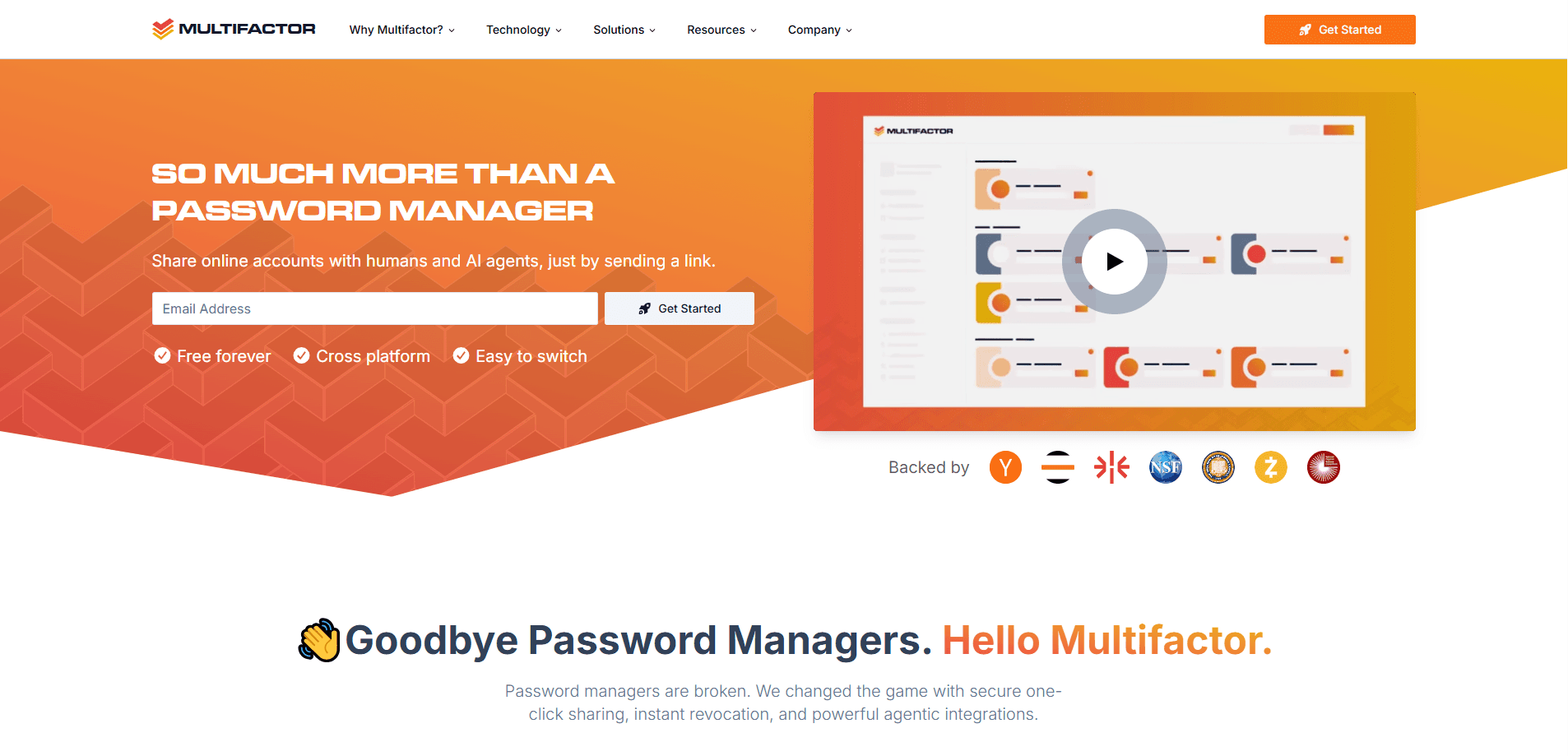
About Multifactor - Account Manager
What Is Multifactor - Account Manager
Multifactor is a secure account manager and password manager. It's built around a simple idea: sharing access shouldn't mean handing over a password you can never take back. That single design choice is what separates it from the password managers most people already have installed on their phones and laptops, because it changes sharing from a permanent giveaway into something you can monitor, limit, and undo at any moment. Traditional password managers store credentials, but once someone has the password, revoking access is messy. Multifactor's Checkpoint technology makes sharing immediately revocable, non-repudiable, and fine-grained without requiring any changes to the underlying application being shared, which means you can lock down access to a service you don't control the code for, something most password managers simply can't offer at all.
It also leans hard into the AI side. Multi, the built-in AI assistant, can log into your own accounts when you ask it to, running inside a secure isolated cloud browser. Raw credentials never reach the AI model or get passed to third parties. That matters if you want an agent to handle a task for you but don't want to paste your password into a chat window. Big difference.
The main limitation is maturity. This is a newer product with an early-access feel, and the deep controls (cloud RBAC, SSO, advanced auditing) sit behind enterprise plans. If you only need to store a few logins offline and never share them, a conventional password manager will feel simpler.
Getting Started
- Go to the Multifactor website and create an account with your email.
- Add your logins and passwords to your vault, or import the ones you already use.
- Set up your authentication factors, such as a password, hardware token, or biometrics.
- Share an account with a teammate, family member, or AI agent. Pick the exact features they can use.
- Review the audit trail to see who accessed what, and revoke access whenever you want.
Product Information
A quick look at Multifactor - Account Manager's pricing, supported platforms, and performance.
Best for
The users, tasks, and scenarios where this tool fits best.
Users
- Individuals who share logins with family
- Teams that need to hand off access and take it back
- People experimenting with AI assistants
Tasks
- Sharing a streaming or utility account with a friend while keeping the ability to cut access later.
- Letting an AI agent log in and complete a task, such as checking an order or pulling data, under limits you set.
- Auditing which accounts were used, by whom, and when, for compliance or simple peace of mind.
Scenarios
- Onboarding and offboarding team members who need shared credentials for work tools.
- A household managing dozens of logins across streaming, banking, and shopping apps.
- Early exploration of agentic AI workflows where you want a safety layer between the model and your accounts.
Key features
Secure One-Click Account Sharing
Sharing is the core of the product. Instead of sending a password, you share the account itself with specific people or agents, and Checkpoint makes each share fine-grained and non-repudiable so every party knows exactly what was granted and when. You decide who gets access. You pull it back the moment you need to.
Instant Revocation
Most sharing tools leave access permanently open once a password is out. Multifactor revokes access right away, so removing someone from a shared account actually cuts them off. For teams, that turns offboarding into a single action rather than a password-change scramble. One click. They're gone.
AI Agent Access with Multi
Multi is the built-in AI assistant that can securely log into any account you've stored. It loads credentials in a secure, isolated cloud browser, so the AI never sees the raw password and nothing gets sent to outside parties. You chat with it in natural language, and because it works across every account you've saved, you don't need to wire up anything extra before the first task runs.
Strongly Enforced Permissions
Multi can only touch the specific account features you allow. When it tries something new, you get notified and can approve or deny the request on the spot. That keeps a human in the loop. No blind trust. What happens if an agent goes somewhere you didn't expect? You find out fast, and you can shut it down.
Reusable Automations
You can build playbooks that combine natural-language commands with pre-configured permissions. That turns a multi-step task into one click. Once you've approved a workflow, you can run it again without re-approving every step. Run it again. Same result.
Post-Quantum Cryptography
Multifactor's MFKDF2 technology derives cryptographic keys from multiple authentication factors and is built with post-quantum research in mind. In plain terms, the keys are designed to stay hard to crack even as quantum computing matures, and because it stays compatible with passwords, hardware tokens, and biometrics, you can keep using the factors you already know instead of learning a new login ritual from scratch.
Zero-Trust Architecture
The platform treats every access request as untrusted until it's verified. Switchboard enforces authentication, authorization, and auditing at the cryptographic level rather than relying on software rules that can be bypassed. That's zero-trust security in practice, not just a label. For organizations handling sensitive data, it's a meaningfully stronger guarantee.
Pros and cons
Pros
- Free tier is genuinely usable, with unlimited accounts and unlimited sharing for individuals and small groups.
- Instant revocation fixes the biggest weakness of traditional password sharing.
- AI agent access runs credentials in an isolated browser, so the model never sees raw passwords.
- Post-quantum cryptography gives a longer security runway than typical password managers.
- Fine-grained permissions and audit trails suit teams with compliance needs.
Cons
- Advanced controls like cloud RBAC, SSO, and deep auditing are locked behind custom enterprise pricing with no public numbers.
- It's a newer platform, so third-party integrations are thinner than established password managers.
- The AI agent features are still early access, so expect some rough edges if that's your main reason to sign up.
Frequently asked questions
It's an account manager and password manager for storing logins and sharing them safely. You use it to give people or AI agents access to accounts, control exactly what they can do, and revoke access instantly when you're done.
Related content
Explore related tools, skills, and articles for Multifactor - Account Manager.
Multifactor - Account Manager Alternatives
BinkBink
BinkBink · OtherBinkBink is a free online game platform and AI game maker that lets anyone turn a short text description into a playable browser game. You can jump into hundreds of community-made games. Or describe your own idea and play it in seconds, then share it with friends. Want to create your own game? You don't need to code. No engine setup, no download, no hassle.

Audiogen
Audiogen Inc. · OtherAudiogen is an AI music generator built by Audiogen Inc., a small research team that spent about 2.5 years training its own generative music model and designing a web interface around it. Instead of a plain text box, this AI music tool turns the timeline into a beginner-friendly Generative Audio Workstation, or GAW, where inpainting, extending, remixing and stem editing work more like painting on a canvas. The product is still in beta, so access runs through a waitlist or an invite. Paid plans aren't published yet.

Aiml API
AIMLAPI OÜ · OtherAiml API is a unified AI model API that puts more than 1000 models from OpenAI, Google, Anthropic, and others behind one endpoint and one bill. You write code against a single OpenAI-compatible schema, then switch between chat, image, video, and audio models by changing a model string. It suits developers and small teams who want multi-model access without juggling a dozen separate provider accounts, and it removes the usual billing headache that comes with testing several vendors. One key covers it all.