

Multiplayer
Multiplayer · Coding
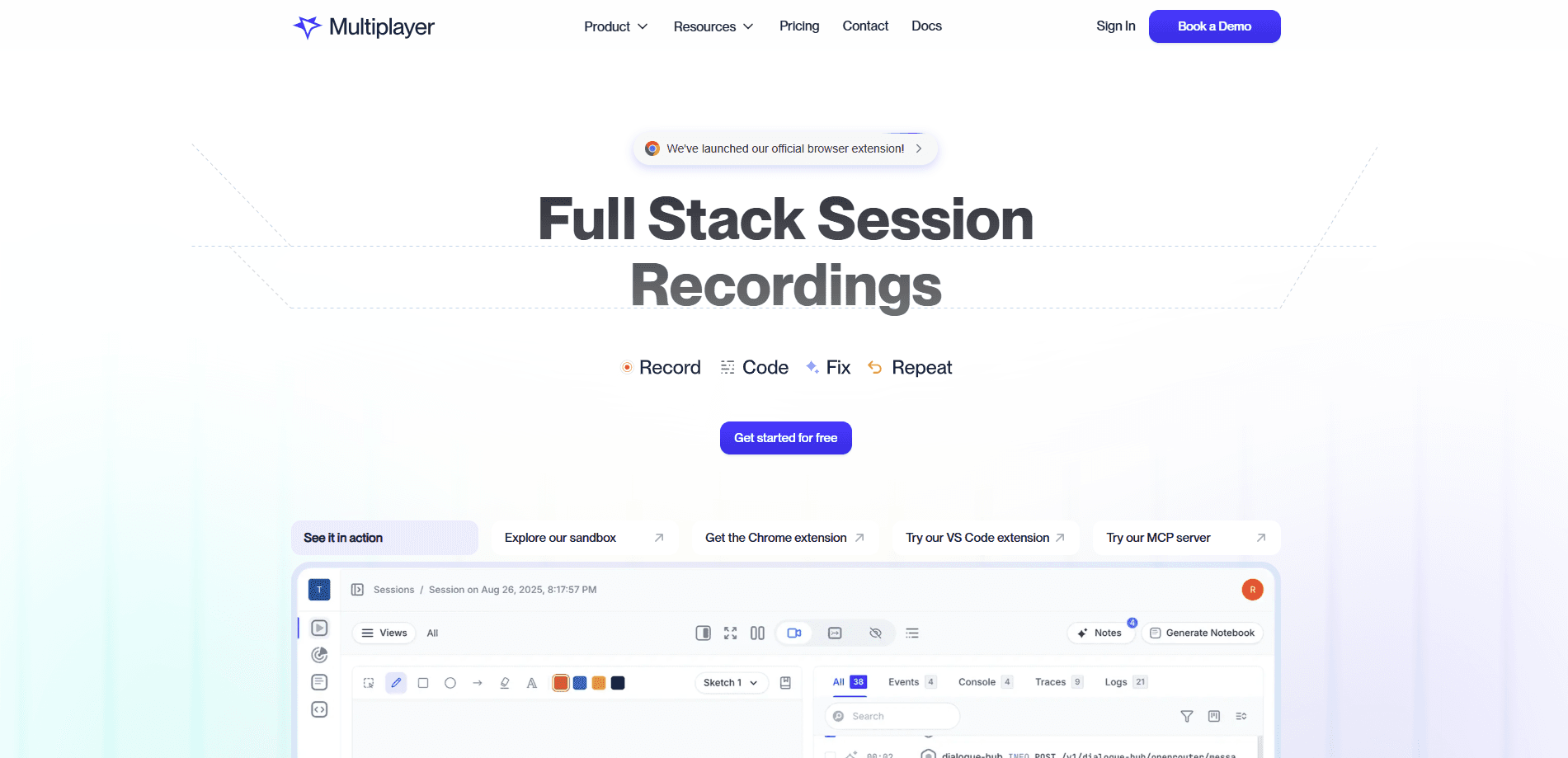
Multiplayer is an open-source AI debugging tool that connects your coding agent to production so application bugs get fixed automatically. It works as a session recording platform, capturing full-stack session data and correlating it across frontend and backend before handing the whole picture to tools like Claude Code, Codex, or Copilot. Engineering teams use it to turn messy runtime errors into a few merge-ready pull requests instead of a flood of noisy ones.
About Multiplayer
What Is Multiplayer
Multiplayer is a debugging agent for developers. It sits next to the coding agent you already use, captures a short window of runtime data when something breaks, and feeds that evidence to the agent so it can propose a fix. The goal is blunt: fewer noisy PRs, more of them good enough to merge.
The platform is local-first. You run it on your own machine, point it at a git repo, and it only sends data when it spots a real issue. That matters if you work with sensitive code, since Multiplayer doesn't need access to your source to do its job. It either self-hosts through Docker Compose or runs right beside your coding agent. Either way, your code stays put.
The biggest limit is scope. Multiplayer is built for debugging, not for general observability or SRE work. If you want dashboards for uptime and traffic, look elsewhere. It also expects a coding agent to be part of the loop, so teams without one get less out of it. That's the trade-off.
Getting Started
- Sign in through the browser with OAuth, scoped to a Multiplayer workspace or project.
- Point the setup wizard at the git repo where it should create commits, branches, and PRs.
- Pick the AI backend for issue resolution: GPT-4o, GPT-4o-mini, or a local Claude Code install.
- Let it auto-detect your stack and install the right Session Recorder packages.
- Verify the wiring, then start working through detected issues in the terminal UI.
Product Information
A quick look at Multiplayer's pricing, supported platforms, and performance.
Best for
The users, tasks, and scenarios where this tool fits best.
Users
- Software engineers
- Startup dev teams
- Platform and backend developers
Tasks
- Reproducing hard production bugs
- Triaging error floods
- Generating merge-ready PRs
Scenarios
- Chasing a bug that only shows up in production
- Deciding what to fix first after a release
- Running a privacy-sensitive codebase
Key features
Full-Stack Session Recording
Multiplayer records a session across your whole stack. Frontend screens, backend traces, and logs all land in the same timeline. It captures the request and response content plus headers that many observability tools skip. That extra context is often what a coding agent needs to reason about a bug correctly.
Plug-and-Play Coding Agent Integration
The agent connects to Claude Code, Codex, or Copilot without asking you to learn a new workflow. You route issues to whichever coding agent you already trust. No ramp-up. No proprietary agent to adopt. That cuts the switching cost to near zero, which is exactly why teams that already pay for a coding agent get value from day one instead of waiting through a migration.
Local-First Data Handling
Sessions are cached on your machine and sent out only when a new issue is identified, so you keep full control over what actually leaves your environment. Since Multiplayer doesn't need to read your source code to debug it, teams with strict data rules can adopt the tool without a security review that drags on for months.
Intelligent Issue Deduplication
The same bug gets tracked once no matter how many times it fires. Duplicate errors collapse into a single issue, so your review queue stays short and usable. In practice, that's the difference between a handful of good PRs and a pile of near-identical ones. Less noise. Better fixes.
Multi-Language SDK Coverage
Session Recorder packages cover JavaScript, React Native, Go, .NET, Python, Ruby, and Java. The setup wizard detects your stack and installs the right packages automatically, which means a polyglot codebase gets consistent coverage rather than one language limping along while the rest of the system goes dark. No manual wiring. No gaps.
Terminal Debugging Workflow
The Multiplayer CLI brings the whole workflow into the terminal. You connect a session, inspect the collected evidence, and push a fix into a branch or pull request. That matters for multi-user debugging too, since each engineer can pull the same session and pick up where someone else stopped. For developers who live in the shell, it avoids hopping between a dashboard and their editor all day.
Self-Hostable Stack
The platform runs locally through Docker Compose, PM2, and a Turborepo setup, leaning on MongoDB, RabbitMQ, Redis, Kafka, ClickHouse, MinIO, OpenSearch, and OpenTelemetry under the hood so teams that want to keep everything on their own infrastructure can do exactly that without begging a vendor for a private deployment.
Pros and cons
Pros
- Runs locally and is open source under the MIT license, so you can inspect and self-host it.
- Captures unsampled, auto-correlated session data, which gives coding agents far more to work with than sampled APM data.
- Deduplication keeps the issue list short and cuts review fatigue.
- Works with popular coding agents instead of forcing a proprietary one.
- Broad SDK coverage across eight languages covers most modern stacks.
Cons
- Built for debugging only, so it won't replace an observability or SRE platform.
- Delivers the most value when paired with a coding agent, which limits it for teams without one.
- Setup goes beyond a single click, and manual configuration can take a few hours for larger stacks.
- Self-hosting a stack this heavy means you're running MongoDB, Kafka, and ClickHouse yourself.
Frequently asked questions
It captures runtime session data around a bug and hands it to your coding agent, which then proposes a fix as a branch or pull request. Think of it as a bridge between production and the agent you already use. No agent, no fix.
Related content
Explore related tools, skills, and articles for Multiplayer.
Multiplayer Alternatives
Forefront
Forefront · CodingForefront is a web platform for building with open-source AI. It lets you fine-tune leading open-source language models on your own data, evaluate how they perform, and run them through an API or export them to host yourself. Developers who want the convenience of a closed-source platform but insist on owning their models and data are the target audience here.

Startkit
StartKit.AI · CodingStartkit is a boilerplate for building AI SaaS and AI wrapper products. Think of it as an AI startup boilerplate with the boring parts already wired up: authentication, Stripe and Lemon Squeezy payments, usage limits, transactional email, and an AI API starter that talks to OpenAI, Anthropic, Groq, or Llama. You clone the repo, set your price, and start on the part of your product that people actually pay for. It's Next.js under React and Tailwind, so most of the boilerplate code already feels familiar.
Testim
Tricentis · CodingTestim is an AI-powered test automation platform for building and running end-to-end tests across web, mobile, and Salesforce applications. It leans on machine learning to keep tests stable when an interface changes, so teams spend less time fixing broken selectors. Not bad for an automated testing tool you can start using today. You create tests by recording actions in a browser, then optionally add JavaScript when you need more control. It's a solid pick for busy QA teams.