

Munch Studio
Munch Studio · Marketing · AI Detection
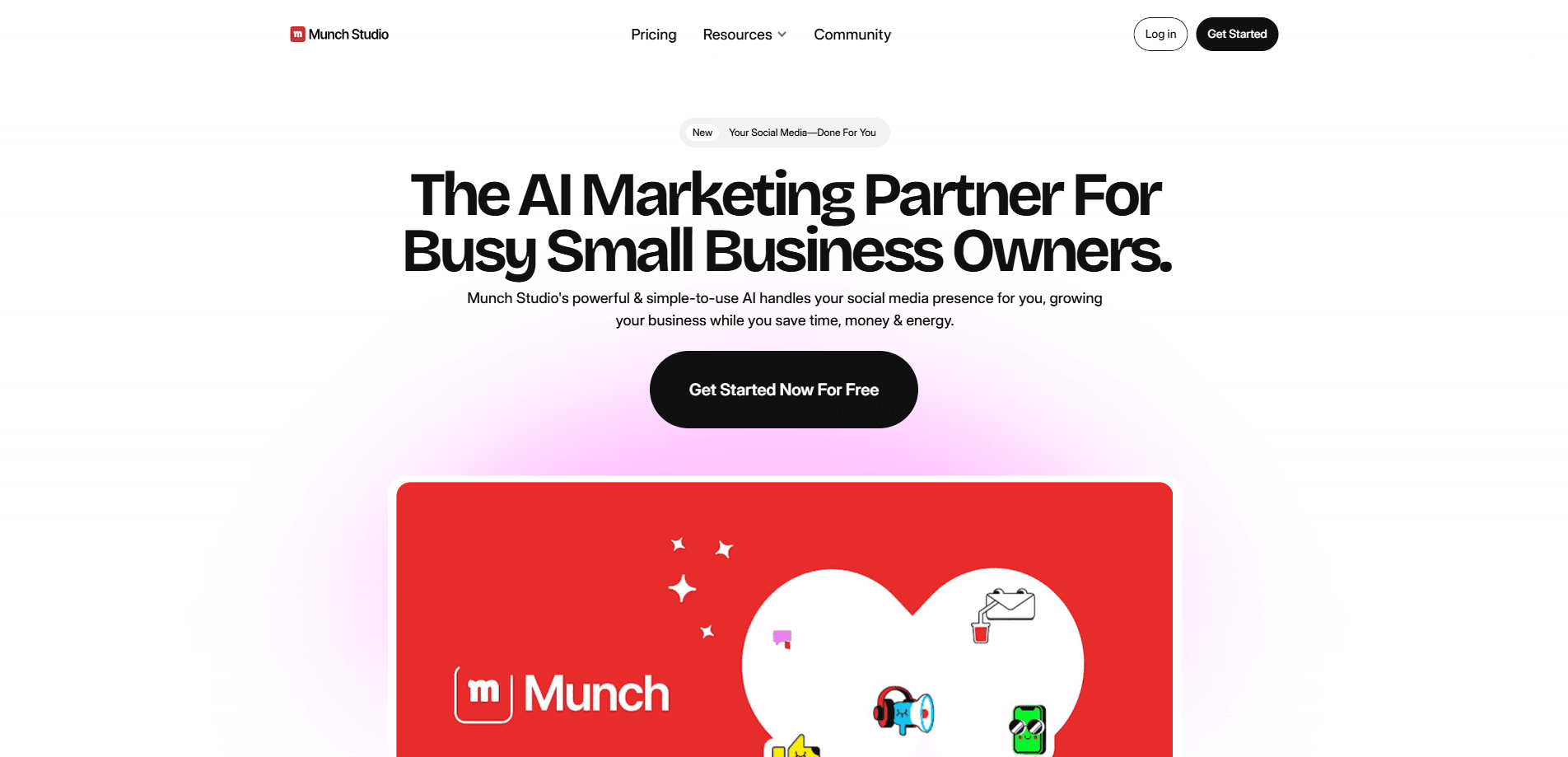
Munch Studio is an AI-powered social media management platform that learns your business from your website and brand materials, then creates on-brand posts, videos, and a posting strategy for you. Approve what you like. Publish with one click. Track performance across Instagram, Facebook, LinkedIn, YouTube, and TikTok. As an AI marketing platform, it targets small businesses, solo creators, and agencies that want a consistent social presence without hiring a team.
About Munch Studio
What Is Munch Studio
Munch Studio is a done-for-you social media management tool built around a simple idea: hand it your website and let its AI handle the posting. Instead of asking you to write captions or design graphics, it trains on your existing brand material first. The team behind it runs out of Middletown, Delaware, and pitches the product to business owners who know they should post more but never find the time. Think of it as a social media automation tool that reads your business before it writes anything.
The core problem it solves is consistency. Most small businesses go quiet for weeks, then post in a burst. Munch Studio fills that gap by generating a steady stream of content and a calendar to go with it.
The main limitation is control. You're trusting an AI model to represent your voice, and even with editing tools, that won't satisfy brands with very specific messaging rules. It also leans on a subscription, so there's no one-time license option here.
Getting Started
- Sign up for an account and start the 7-day free trial, which covers the paid tiers.
- Add your website URL, plus any videos, photos, or brand files you want the AI to learn from.
- Review the content strategy and tone the platform builds for your business.
- Approve generated posts and carousels you like, or edit them before scheduling.
- Connect your social accounts and publish, then check the dashboard for reach and engagement.
Product Information
A quick look at Munch Studio's pricing, supported platforms, and performance.
Best for
The users, tasks, and scenarios where this tool fits best.
Users
- Small business owners
- Solo creators and consultants
- Marketing agencies
Tasks
- Weekly content planning
- Repurposing long video
- Generating posters and carousels
Scenarios
- A local bakery that needs fresh posts between busy shifts
- An agency juggling ten client accounts
- A consultant rebuilding a neglected profile
Key features
Business Deep Learning
Munch Studio trains on your website, past posts, and brand files before it produces anything. That means the first batch of content already reflects your terminology and offers, not a generic template. Setup takes minutes. Output quality depends on how much material you feed it.
AI Content and Video Generation
The AI content generator writes posts, scripts, and captions, and it turns long footage into short clips. You can generate posters and carousels too, which covers the visual side that usually stops people from posting. Editing is optional. No design skills needed.
Content Strategy and Planner
Rather than dumping random posts on you, the platform builds a strategy around your audience and lets you plan a week or a quarter ahead. The Smart Content Planner keeps the calendar organized so you always know what's scheduled.
One-Click Publishing
Once you approve a post, it goes out with a single click. Acting as a social media scheduler, the tool publishes to Instagram, Facebook, LinkedIn, YouTube, and TikTok from one place. That cuts down on app switching.
Performance Dashboard
Every post's reach, engagement, and follower change shows up in one dashboard across all platforms. You can compare the last 30 days against an earlier period to see what's actually moving.
Multi-Brand Workspaces
Agencies get a separate workspace per client, each with its own strategy, tone, and content queue. That isolation is the feature that makes the tool usable for teams managing several brands at once. For anyone who has ever cross-posted the wrong brand's caption, it matters more than it sounds.
Video Repurposing
Paid plans include a monthly allowance of video repurposing minutes, letting you stretch one recording into many short posts. It's handy for podcasters and coaches with a back catalog.
Pros and cons
Pros
- Learns your brand from your website, cutting the blank-page problem that kills most posting plans.
- Covers text, video, and visuals in one place, so you don't juggle three separate tools.
- Multi-brand workspaces let agencies keep client voices separate without extra accounts.
- The 7-day free trial lets you test the AI's output before paying.
Cons
- No free plan beyond the trial, so you can't stay on the platform indefinitely without paying.
- Output quality depends on how much brand material you provide, so thin websites get weaker results.
- Heavy AI involvement means brands with strict messaging rules will spend real time editing.
- Pricing sits in the mid-range, which is steep for a hobbyist posting on one personal profile.
Frequently asked questions
It learns your business from your website and brand files, then generates posts, videos, and a content calendar, and publishes them to your social accounts. You review and approve. The AI handles the writing and scheduling.
Related content
Explore related tools, skills, and articles for Munch Studio.
Munch Studio Alternatives

Emailwritr
Emailwritr · Writing · MarketingEmailwritr is an AI email copywriting tool built for affiliates, course creators, and online businesses that want more revenue from the list they already own. Instead of blank pages or generic chatbot prompts, this AI email writer generates welcome sequences, launch campaigns, cart recovery emails, and promo series from frameworks modeled on well-known direct-response copywriters. You connect your autoresponder, answer a few questions about your offer, and it writes the copy for you.

Prosp
Prosp · Writing · Voice & Language · MarketingProsp is an AI LinkedIn outreach tool built for agencies and sales teams, and it writes the message and the voice note in your own voice for each prospect so they actually reply. You connect your accounts, find leads, and let the AI draft and send personalized messages at scale, all from one inbox. It's built for people running outbound at volume. That's the whole pitch. Every touchpoint still has to feel human.

On Model
On Model · Image · MarketingOn Model is an AI fashion model tool that places your clothing on virtual models so online stores can get on-model product photos without booking a photoshoot. It runs as a Shopify app, letting you swap the model in an existing image, change backgrounds, and generate faces for cropped or headless shots. The goal is simple: match your product photos to your customers and stand out from competitors using the same supplier images.