

Murf AI
Murf AI · Voice & Language
Murf AI is an AI voice generator that turns scripts into natural voiceovers in 35+ languages, with studio editing, voice cloning and a low-latency text to speech API.
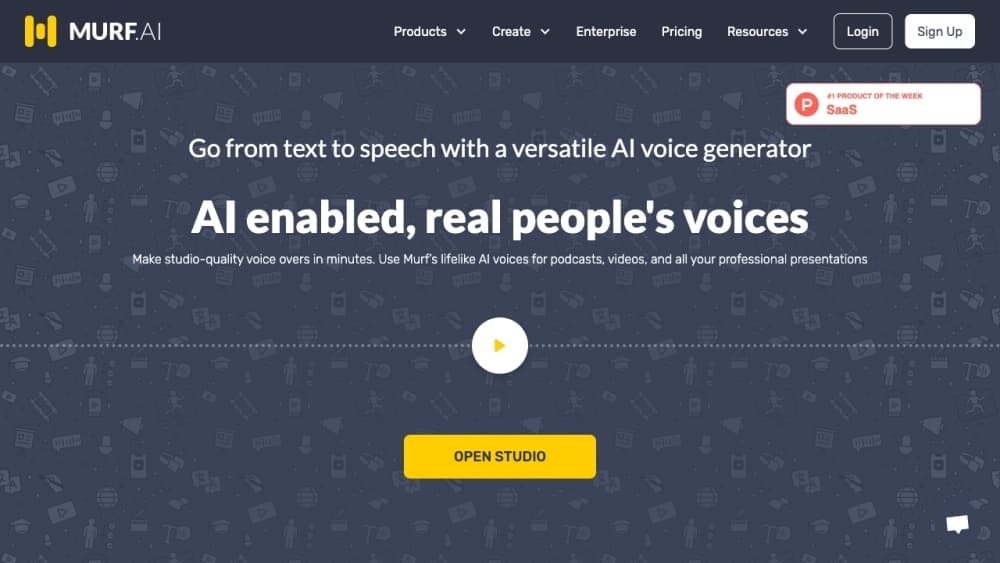
About Murf AI
What Is Murf AI
Murf AI is a web-based voice platform that converts written text into spoken audio. You paste a script, pick from 200+ voices, adjust pitch, speed and pauses, then export the result as an audio file for videos, training modules, podcasts or ads. It targets creators, educators, marketers and developers rather than AI researchers, and the editor stays simple enough that you can produce a usable voiceover in minutes.
The main draw is naturalness. Murf's neural model is trained to carry intonation, emphasis and pacing the way a person would speak, so narration does not flatten into a robotic read. A pronunciation editor lets you define how tricky terms, brand names and multilingual words are said, which matters for support lines, IVR systems and medical training.
The biggest limit is that the free tier is a trial, not a workflow. It caps you at 10 minutes of generation across 2 projects, so anyone producing regular content will need a paid plan. Pricing and available voices shift over time, so check the official pricing page before committing.
Getting Started
- Open the Murf AI site and start in the free studio, or create an account if you want to save projects.
- Paste your script into the editor, or upload a text file.
- Browse the voice library, pick a voice and style, then fine-tune pitch, speed and pauses.
- Preview the audio, adjust until it sounds right, then export in your preferred format.
Product Information
A quick look at Murf AI's pricing, supported platforms, and performance.
Best for
The users, tasks, and scenarios where this tool fits best.
Users
- Content creators
- Educators and trainers
- Developers
Tasks
- Video voiceovers
- Audiobooks and long-form audio
- Multilingual dubbing
Scenarios
- Producing regular content on a small team
- Localizing a course or ad for several markets
- Prototyping a voice product
Key features
Natural, Context-Aware Voices
Murf's model reads context, not just words, so stress, pacing and pauses land where a human would place them. The library spans 200+ voices across 35+ languages, and several voice styles cover conversational, documentary, promotional and calm reads. That range is what separates a usable narration from a flat text-to-speech dump.
Pronunciation Control
Murf reports 99.38% pronunciation accuracy, tested on thousands of words pulled from multilingual news sentences. A pronunciation editor lets you type a word once and define how it is spoken everywhere, which is the difference between a clean read and a mangled brand name. It matters most in customer support, IVR and medical or technical content, where a mispronounced term is not a small deal.
Fine-Tuned Delivery
You get the controls a voice director would use without a studio booking. Adjust pitch, speed and pause length per sentence or per word, drop intentional breaks so the audio breathes, and reuse a preferred voice style across projects. Teams that care about brand consistency can set a tone once and keep it.
Low-Latency TTS API
Murf's Falcon model targets voice agents with sub-55ms model latency and end-to-end time to first audio under 130ms, at about one cent per minute. It holds that latency across thousands of concurrent calls, which is what actually matters when real conversations depend on it. A single endpoint covers the accent and language library, and production SDKs speed up integration.
Voice Cloning and Voice Changer
Beyond stock voices, Murf can clone a voice from samples and convert an existing recording into a different voice while keeping the original speaking style and emotion. That lets a brand carry one voice across channels, from a mobile app to a call center, without recording new takes each time.
AI Dubbing and Translation
Murf dubs audio and video into 25+ languages and can translate text before generation. Aimed at teams localizing courses, ads or videos, it cuts the cost of building a separate recording for every market. Quality still depends on the script, so a human pass on the translation usually helps.
Pros and cons
Pros
- Voice quality reads as human, so narration does not sound mechanical.
- Works entirely in the browser, with no software to install.
- Dubbing, translation and voice cloning sit in the same platform as basic TTS.
- The API is fast enough for real-time voice agents at a low per-minute cost.
- Free tier needs no credit card, so you can test before paying.
Cons
- The free plan caps you at 10 minutes across 2 projects, which is a trial rather than a workable free workflow.
- Advanced features like voice cloning and extra usage sit behind paid plans, so serious use means a subscription.
- Output quality still depends on how well you write and format the script, so a rough draft will sound rough.
Frequently asked questions
Murf AI converts text into spoken audio. People use it for video voiceovers, eLearning narration, podcasts, audiobooks, multilingual dubbing and building voice agents through its API.
Related content
Explore related tools, skills, and articles for Murf AI.
Murf AI Alternatives

Foley
Hanamori Labs, LLC · Voice & Language · Productivity · AI AssistantFoley is a voice to-do list that turns a spoken sentence into a filed task, complete with project, date and time, then helps you plan the day around what is already there.

HireKey
HireKey · Voice & Language · Productivity · LeaningHireKey is an AI job search copilot built by a former tech recruiter. It checks role fit, tailors resumes, runs interview practice and tracks every application.

Fluence
Yay Software (Yannick Huchard) · Writing · Voice & Language · ProductivityFluence is an Android app that reads PDFs, EPUBs, Word files and web articles aloud, follows each sentence as it speaks, and answers questions about the text on the phone itself.