

Muse
Muse (acquired by Cracked.ai) · Coding
Muse is an AI-powered website builder and e-commerce platform that helps creators and small businesses launch sites, online stores, courses and member areas without writing code.
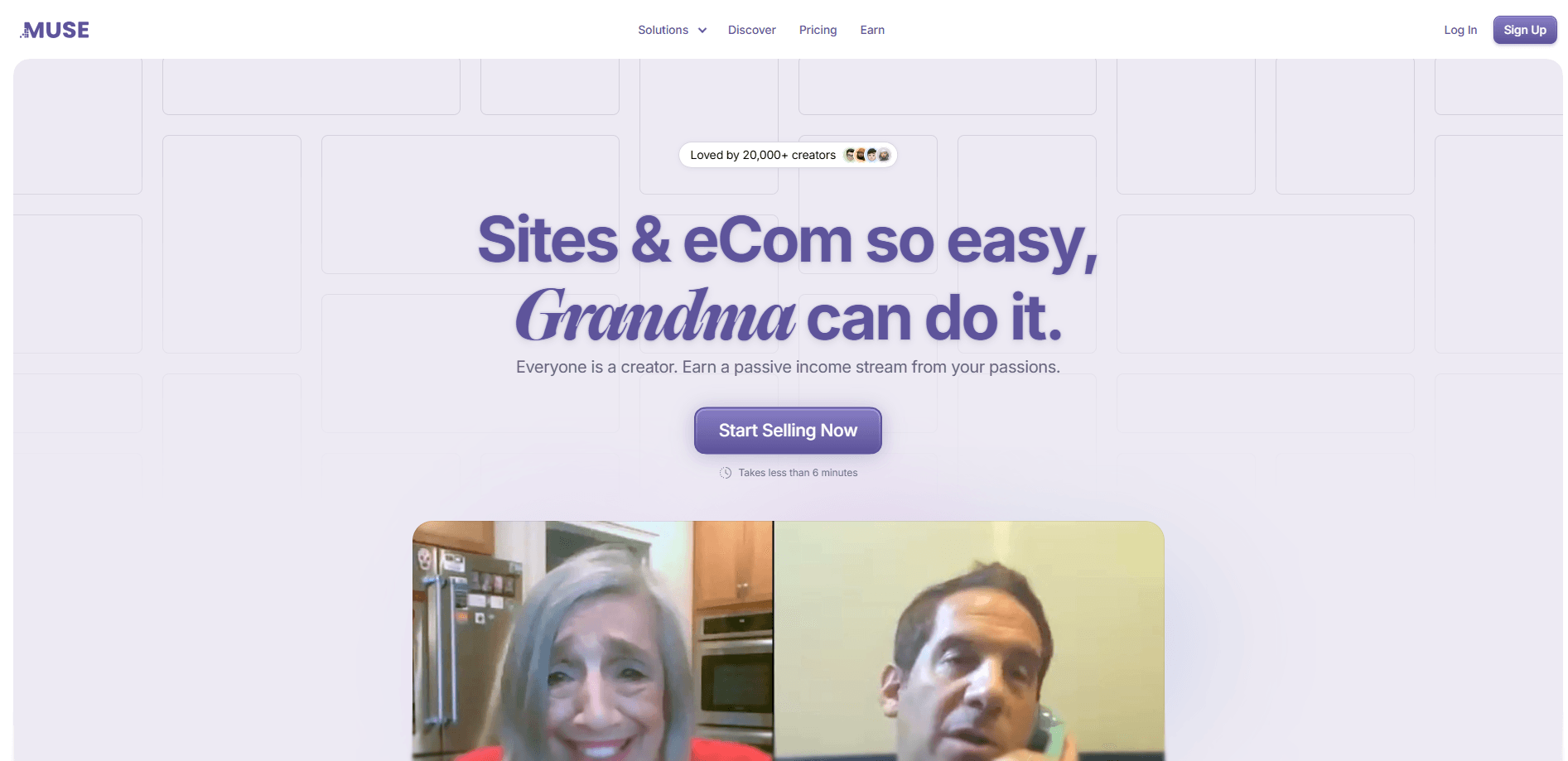
About Muse
What Is Muse
Muse is a browser-based website builder and e-commerce platform built for creators, freelancers and small business owners. It blends AI assistance with simple building blocks, so you can put together a complete site or online store without design software or programming skills. The pitch is speed: you describe what you want, and Muse helps assemble the layout, copy and product pages for you.
The platform covers more than static pages. You can sell digital downloads and physical goods, create online courses and set up member areas behind a login, all from one dashboard. It works as a general online store builder as well as a no-code website builder, which is why Muse.io appeals to sellers who are not technical. A free link in bio page gives you a lightweight starting point if you just need to gather your links in one place.
The main trade-off is depth. Muse trades advanced customization for simplicity, so very large or highly specific builds may outgrow it. The company behind Muse was acquired by Cracked.ai, and the service is set to stay online through the end of 2026, which is worth knowing before you commit to it as a long term home for your business.
Getting Started
- Sign up for a free account with your email, then pick a template or start from a blank page.
- Describe your goal or business in a short prompt so the AI can suggest a layout and write first draft copy.
- Drag blocks to arrange sections, add images and connect a custom domain.
- Turn on commerce by adding products, digital downloads or a course, then set your prices and payment method.
- Preview everything on mobile and desktop, then publish your site with one click.
Product Information
A quick look at Muse's pricing, supported platforms, and performance.
Best for
The users, tasks, and scenarios where this tool fits best.
Users
- Creators and freelancers
- Course instructors and coaches
- Small business owners
Tasks
- Selling digital downloads
- Building a link in bio page
- Setting up member areas
Scenarios
- Launching a first website
- Testing a product idea
- Consolidating your online presence
Key features
AI Site Builder
Describe your business or goal in plain language and Muse drafts a layout, headings and starter copy. It removes the blank page problem, so beginners can see something real within minutes instead of wrestling with grids and settings.
E-commerce and Digital Product Sales
The platform handles both physical goods and digital downloads. You add a product, set a price and connect a payment method, and Muse renders a checkout and product page for you. This matters because digital sellers often pay for a separate store tool that does not talk to their site.
Online Courses and Member Areas
You can package lessons into a course and place it behind a member area, so buyers log in to reach the content. For coaches and instructors, this turns a plain website into a paid learning hub without adding a second subscription.
Link in Bio Pages
Muse offers a free link in bio page that gathers your links into one shareable URL. It is a quick win for creators who need a professional looking hub before they build a full site.
Drag and Drop Blocks
Sections are built from blocks you drag into place rather than code. You can rearrange, duplicate or remove a section without touching HTML, which keeps editing approachable for non-technical users.
SEO and Performance Basics
Pages ship mobile-friendly with basic on-page SEO handled out of the box. That means titles, structure and responsive layouts are covered, so a small site has a fair chance of showing up in search without extra plugins.
Pros and cons
Pros
- AI builder turns a short prompt into a real page layout.
- Sells physical goods, digital downloads and courses in one place.
- Free plan and free link in bio page lower the entry cost.
- Mobile-friendly and SEO-ready pages without plugins.
- Beginner-friendly blocks keep editing simple.
Cons
- Limited advanced customization versus heavier builders.
- May struggle with very large or complex sites.
- The platform was acquired and stays live only through the end of 2026.
Frequently asked questions
Muse is used to build websites and online stores without coding. It suits creators and small businesses that want to sell products, run courses or gather links on one page.
Related content
Explore related tools, skills, and articles for Muse.
Muse Alternatives

Base Code
Base44 (Wix) · Coding · ProductivityBase Code is a shared cloud development environment from Base44. Teammates describe changes to an existing GitHub codebase in chat, preview them live and send them back as pull requests.

Google EmbeddingGemma 2
Google DeepMind · Writing · Image · CodingGoogle EmbeddingGemma 2 is a 740M-parameter open model that turns text, code, images, audio, and video frames into vectors in one 768-dimension space, running on phones and laptops.

GitGlow
GitGlow · Coding · ProductivityGitGlow is a local-first desktop Git client that lets independent developers review their own code and their AI agents' changes in one place before shipping.