

MusicArt
MusicArt AI · Voice & Language
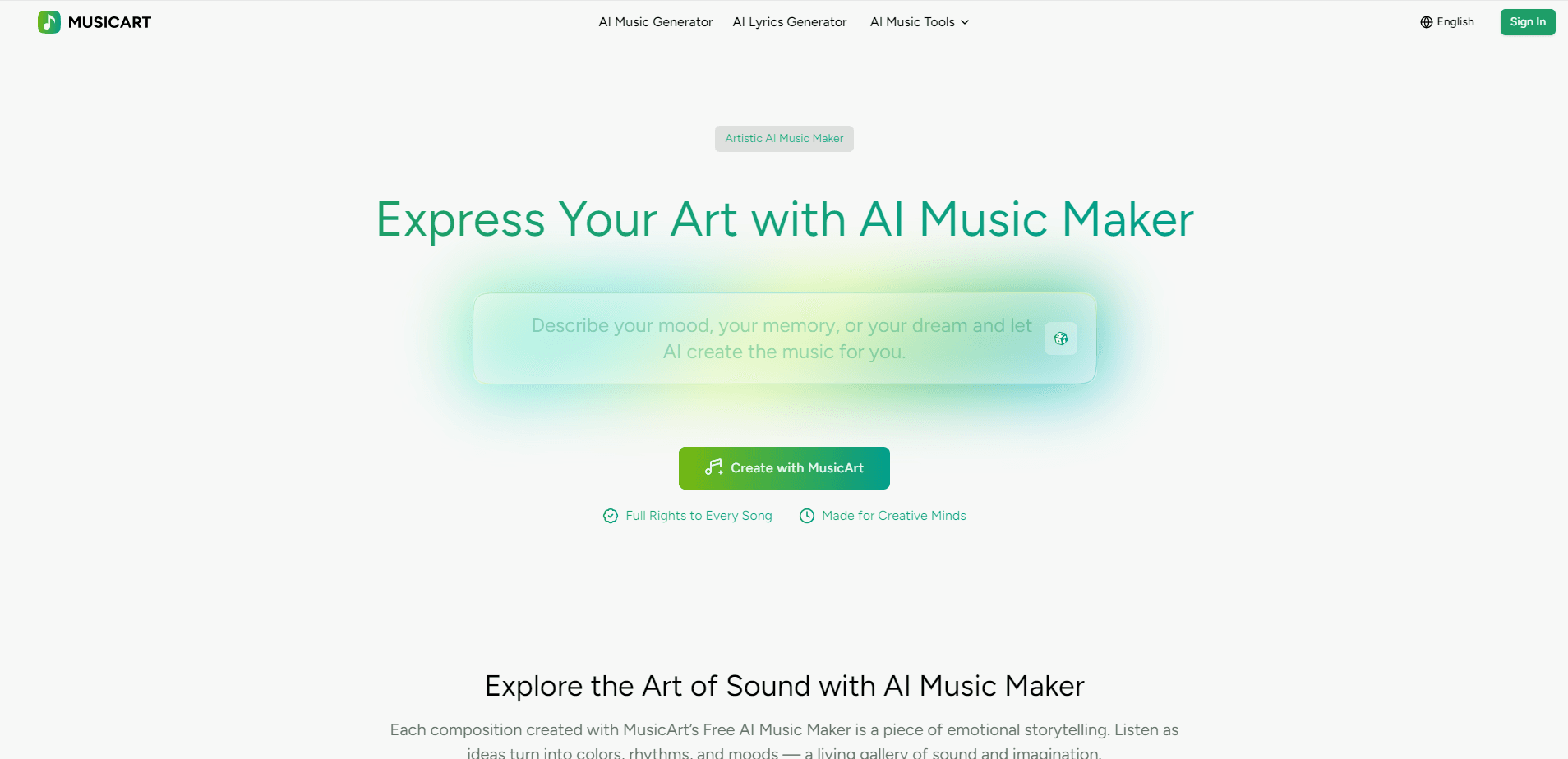
MusicArt is an AI music maker that turns a written idea into a finished, royalty-free song. You type a prompt, paste lyrics, or drop in an image, and the platform returns a full track with vocals, instruments, and a mood that matches what you described. It also bundles editing tools, so you can split stems, remove vocals, or generate a music video without leaving the site. Everything runs in a browser. No install, no plugins.
About MusicArt
What Is MusicArt
MusicArt is a browser-based AI music generator built for people who have musical ideas but not the studio skills to produce them. You describe the sound you want in plain words, and the AI renders audio that follows your description. Every track you make stays royalty-free and yours to use, which is the part most competitors push into a paid tier. That's the pitch, anyway.
The platform goes past basic generation. A lyrics studio writes or refines verses, a song cover tool reskins an existing track with a new voice, and a stem splitter pulls a finished song into separate parts you can remix. That mix of creation and editing is what separates MusicArt from single-purpose generators. It's a studio, not just a generator.
The catch is the credit system. Free users get a small annual allowance. That runs out fast. The service works better as a paid tool for anyone who plans to publish regularly. Heavy output means paying.
Getting Started
- Create a free account using an email address or your existing login.
- Describe your track in the AI Music Generator, or paste lyrics if you already have them.
- Pick a genre, mood, and vocal style, then generate.
- Preview the result and use the edit tools to trim, split, or swap parts.
- Download the final track or send it to the music video maker.
Product Information
A quick look at MusicArt's pricing, supported platforms, and performance.
Best for
The users, tasks, and scenarios where this tool fits best.
Users
- Songwriters and lyricists who want a demo track without hiring a producer.
- Content creators who need original background music they can monetize.
- Beginners with zero production experience who want to hear their ideas as finished audio.
Tasks
- Turning a poem or set of lyrics into a full song with vocals.
- Generating royalty-free tracks for YouTube videos, podcasts, or ads.
- Splitting a finished track into stems for remixing or remastering.
Scenarios
- Building a personal library of mood-based tracks for a video series.
- Testing a hook idea fast before investing in real studio time.
- Adding custom theme music to a short film or game prototype.
Key features
Text and Lyrics to Music
The core generator reads your words and builds a track around them. Type a description like "dreamy synthwave with female vocals" and the AI returns a full arrangement with melody, harmony, and vocals that follow the mood you sketched out in plain language. If you already have lyrics, the lyrics to music path sets them to melodies and a matching vocal performance.
AI Song Cover Generator
This tool takes an existing song and re-renders it with a different voice or style. You can hear a track in a new genre or a new vocal timbre, which is handy for cover ideas and for testing how a melody holds up outside its original genre. It won't clone an artist's voice, and that's a good thing.
Vocal Remover and Stem Splitter
The AI vocal remover strips the singing from a track so you're left with the instrumental. The stem splitter goes further and separates drums, bass, and other parts into individual files, which means you can remix, mash up, or remaster a song without ever touching the original project files. Need a karaoke backing track in five minutes? This gets you close.
AI Music Video
You can turn a generated song into a music video without a separate editor. The video tool pairs your track with visuals, so a finished song leaves the platform as a shareable clip rather than just an audio file.
Full Commercial Rights
Every song you create comes with a commercial license, including on the free plan. That's rare for AI music tools, where royalty-free commercial use is usually locked behind a subscription. You can publish, monetize, and release the tracks you make.
Bonus Music Utilities
Beyond generation, MusicArt ships a set of single-purpose tools like a MIDI editor, an audio to MIDI converter, and a mastering tool. They're useful for cleaning up output or prepping a track for release without opening a digital audio workstation.
Pros and cons
Pros
- Commercial rights included even on the free plan, so you can monetize output immediately.
- Bundles generation and editing in one place, cutting the need for a separate stem tool or video editor.
- The lyrics studio helps writers who have a hook but no finished verses.
- Web-based, so it runs on any device with a browser and no install step.
Cons
- The free tier allows only about 15 generations a year, which runs out fast for regular creators.
- No API is listed, so developers can't wire MusicArt into their own apps.
- Credits don't roll over and renew on a fixed cycle, so planning heavy output takes some math.
Frequently asked questions
It's an AI music generator that creates original, royalty-free songs from text, lyrics, or images. You use it to produce background music, demos, covers, and full tracks with vocals, then download or publish them under a commercial license.
Related content
Explore related tools, skills, and articles for MusicArt.
MusicArt Alternatives

Foley
Hanamori Labs, LLC · Voice & Language · Productivity · AI AssistantFoley is a voice to-do list that turns a spoken sentence into a filed task, complete with project, date and time, then helps you plan the day around what is already there.

HireKey
HireKey · Voice & Language · Productivity · LeaningHireKey is an AI job search copilot built by a former tech recruiter. It checks role fit, tailors resumes, runs interview practice and tracks every application.

Fluence
Yay Software (Yannick Huchard) · Writing · Voice & Language · ProductivityFluence is an Android app that reads PDFs, EPUBs, Word files and web articles aloud, follows each sentence as it speaks, and answers questions about the text on the phone itself.