

Musicgeneratorai
Musicgeneratorai · Other
Musicgeneratorai is a browser-based AI music generator that turns a written description into a finished track in about three minutes. You type what you want, pick a style and a model, then choose vocals or an instrumental version. The tool suits people who need original backing music or a quick demo but have no production background, and who would rather describe a sound than build it note by note from an empty project.
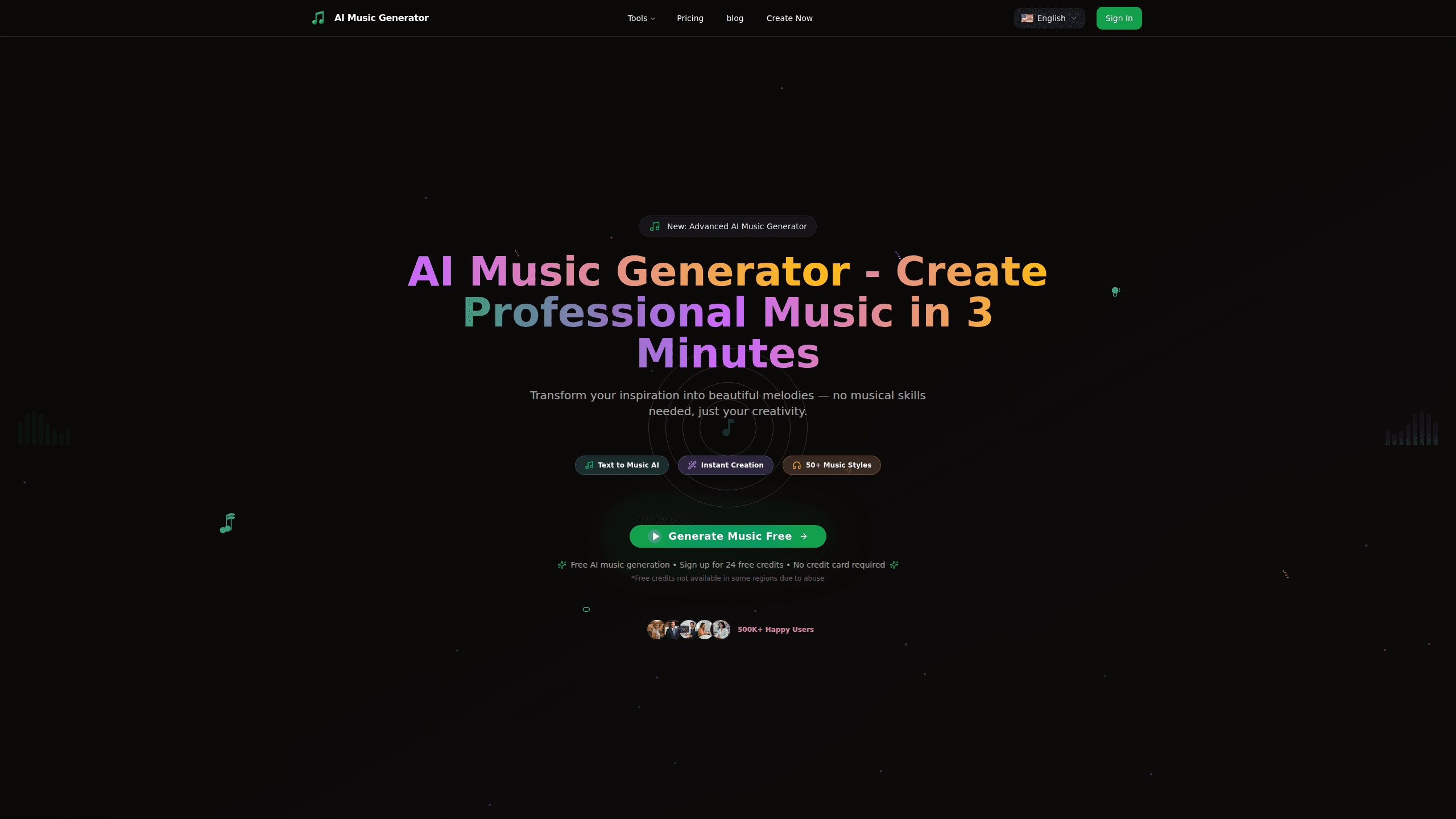
About Musicgeneratorai
What Is Musicgeneratorai
Musicgeneratorai is an AI song generator built around one idea: a sentence is enough to start a track. You describe a mood, a genre, or a scene, and the tool writes the music for you. It also writes lyrics when you want a vocal song, so you don't need a lyricist on hand.
The main problem it solves is the gap between an idea and a playable file. Normally that gap is a DAW, a microphone, and hours of learning. Here it's a text box, and a few words about the feeling you want count as enough to begin.
The biggest limit is control. You steer with words, not with a piano roll. If you want to place each note by hand, this isn't that kind of tool. It's built for people who want a result fast and are happy to guide it from the outside.
Getting Started
- Open the site and sign in to reach the creation workspace.
- Pick a model (V5 is the current one) and choose vocals or an instrumental track.
- Write a description of the music, or paste lyrics you already have.
- Pick a style from the library of 50+ options.
- Hit create and wait roughly three minutes for the track.
Product Information
A quick look at Musicgeneratorai's pricing, supported platforms, and performance.
Best for
The users, tasks, and scenarios where this tool fits best.
Users
- Content creators who need background music for videos and never want to clear a license. Best paired with the instrumental option.
- Songwriters stuck on a hook
- Hobby musicians who can describe a sound but can't play every instrument. You steer with words and don't need a studio.
Tasks
- Turning a mood into a track. Write "melancholic lo-fi with rain and soft piano" and get something usable as a backdrop.
- Generating lyrics when the words won't come. The tool drafts them from your description, then you edit.
- Producing a quick demo vocal to test how a melody feels before you commit to a real recording.
Scenarios
- A YouTube upload needs a calm intro and you have ten minutes, not ten days.
- A class project needs a 30-second theme, and you've never opened a mixer.
- You hear a riff in your head on a walk and want to capture the shape of it before it fades.
Key features
Text to Music Generation
This is the core of the product. You write a prompt describing genre, mood, and instruments, and the AI music generator builds a track around it. The site's own examples run long and detailed, like "emotional ballad with soaring strings building to a crescendo," which tells you the more specific your words, the closer the output lands. Garbage in, generic out. Say what you actually want.
Vocals or Instrumental
Every generation can come with a singing voice or as a clean instrumental. That single switch covers two very different jobs. Creators who need a bed for a voiceover pick instrumental and avoid a vocal fighting their narration. Songwriters pick vocals to hear how lyrics sit on a melody. You get both directions from one prompt.
Auto-Generated Lyrics
When you don't have words, the tool writes them. It reads your description and produces lyrics that match the tone, so you can start from a rough draft instead of a blank page. Treat them as a first pass. A line or two usually needs a rewrite before it sounds like you.
50+ Music Styles
The style library spans pop, rock, hip-hop, orchestral, electronic, jazz, and more. It's broad enough that most everyday briefs have a home. Pick a style and the model bends the output toward it, which saves you from describing the same genre from scratch every time. Rare or niche genres sometimes land less cleanly, so expect to tweak.
Model Selection
You choose which model generates the track, and V5 is the current one. Newer models tend to handle structure and mixing better than older ones. Having the choice matters when you're chasing a specific sound, since a different model can shift the result noticeably without you rewriting the prompt that already described what you had in mind.
Fast Turnaround
The site advertises a finished track in about three minutes. That speed is what makes the tool useful for iteration: you can run four or five versions of one idea and pick a winner instead of agonizing over a single attempt. It also means a bad generation costs you a few minutes of waiting, not an afternoon of work you have to undo and redo from the start.
Pros and cons
Pros
- No music theory needed. If you can describe a vibe, you can get a track.
- Around three minutes per generation makes rapid iteration painless.
- The library of 50+ styles covers most common genres without extra prompting.
- The vocals-or-instrumental switch fits both video creators and songwriters.
- A free tier and credits let you test the output before paying.
Cons
- Control is indirect. You steer with words, so precise edits mean re-prompting, not dragging notes.
- Output can sound generic when your prompt is vague, so the tool rewards users who write carefully.
- Free credits aren't available in every region, which can block a trial before you've heard anything.
Frequently asked questions
Musicgeneratorai is an AI song generator for making original music from a text description. People use it for background tracks, song demos, and lyric drafts, all without playing an instrument or opening a production app.
Related content
Explore related tools, skills, and articles for Musicgeneratorai.
Musicgeneratorai Alternatives

AI 3D Model Generator
AI 3D Model · OtherAI 3D Model Generator is a browser-based tool that turns text prompts, single images, or multi-view photos into finished 3D models without any modeling software. It's built for 3D artists, game developers, and creators who need usable assets fast, and it exports to GLB, OBJ, STL, FBX, and other standard formats so the results drop straight into Blender, Unity, or a slicer. Generation runs on credits. The free tier is enough to test the workflow before you pay.

Airmusic
AirMusic · OtherAirMusic is a browser-based AI song maker that turns a text prompt or your own lyrics into a finished song, complete with vocals and instruments. You pick a style, add optional lyrics, choose a model, then preview and download the result as MP3 or WAV. It's built for people who want usable audio fast rather than musicians working inside a DAW.

Nyckel
Nyckel · Coding · OtherNyckel is a managed machine learning platform that turns labeled examples into production-ready prediction APIs. You upload a handful of samples, and Nyckel trains, hosts, and serves a custom model behind a stable REST endpoint for classification, object detection, or similarity search. Think of it as an AI classification API that doubles as an auto ML platform: the service handles the model work, you handle the labels. It's built for teams that need consistent AI decisions at scale without hiring ML specialists or managing GPUs.