
Myclaw
Myclaw · Coding · Other
Myclaw is a managed AI agent hosting platform for AI agents. Instead of renting a server, installing dependencies and keeping a gateway alive yourself, you pick an agent (OpenClaw, Hermes Agent, Claude Code, or Codex), connect a messaging channel, and the platform runs it for you around the clock. It's managed AI agent hosting in the plainest sense: you never touch the box. It targets freelancers, small teams and solo builders who want a working AI agent without babysitting infrastructure, and it bundles automatic updates, backups and support into the same subscription.
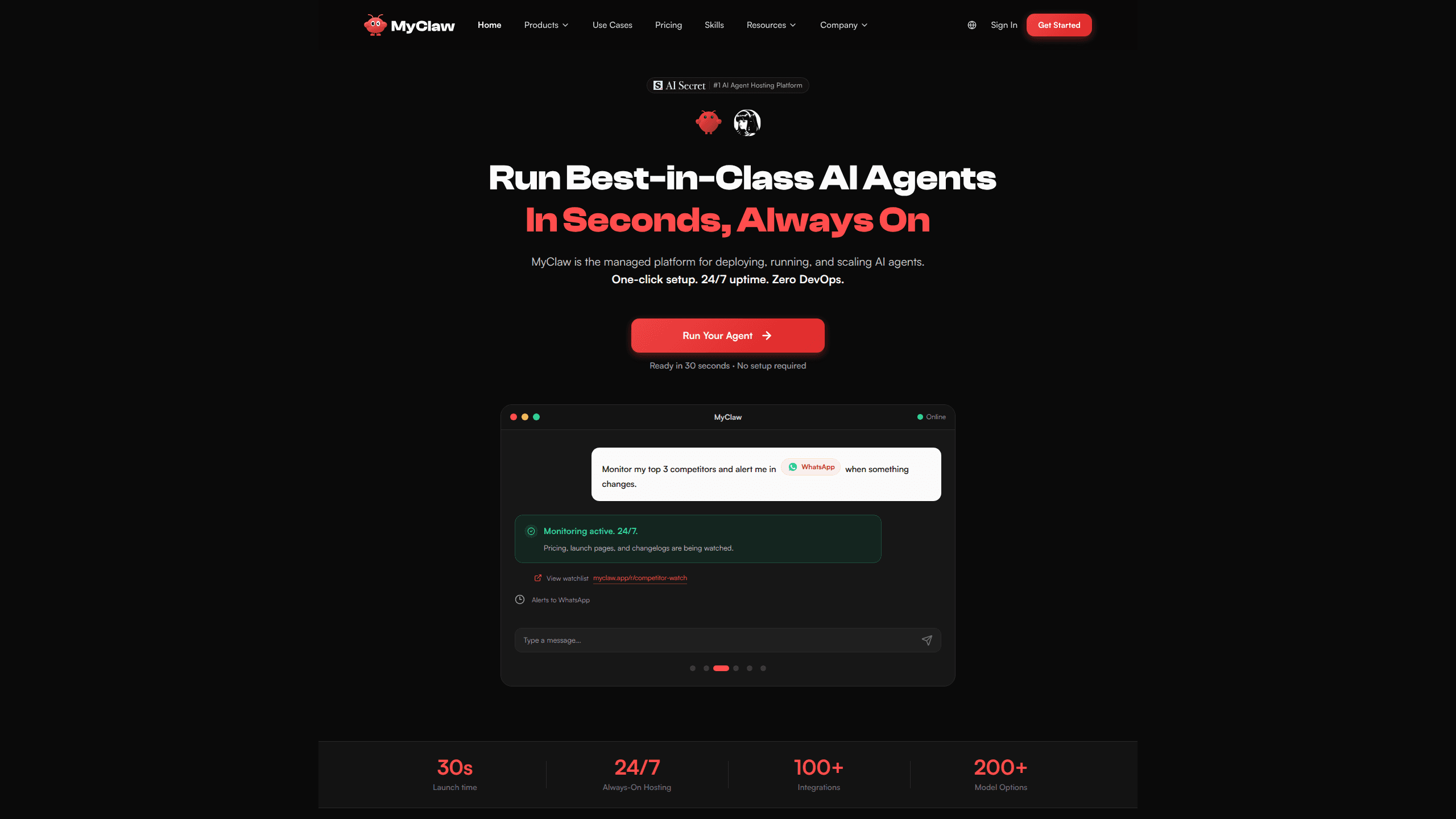
About Myclaw
What Is Myclaw
Myclaw hosts AI agents so you don't have to run the plumbing yourself. The platform supports several popular agent runtimes, including OpenClaw, Hermes Agent, Claude Code and Codex, and handles deployment, uptime, updates and backups on its side. You get a running assistant tied to your chat apps rather than a box you SSH into every time something breaks.
The appeal is the setup cost. Self-hosting an agent usually means provisioning a machine, installing Node or Python, wiring up model API keys, and pairing a messaging bot. Myclaw compresses that into a dashboard flow. Choose the agent. Pick a model and channel. The platform keeps it online. That's the whole idea behind OpenClaw hosting and Hermes Agent hosting on a managed plan.
The main limits are control and fit. Because it's a managed service, you trade some low-level configuration freedom for convenience, and pricing scales with the resources your agent needs. Heavy custom stacks or unusual model routing may be better served by a self-managed install. So who should pay for it? Anyone whose bottleneck is servers, not ideas.
Getting Started
- Create an account on the Myclaw site and open the agent dashboard.
- Choose your agent runtime, such as OpenClaw, Hermes Agent, Claude Code, or Codex.
- Pick a default AI model and connect a messaging channel, like Telegram, WhatsApp, Discord, or Slack.
- Deploy the instance and let Myclaw provision and start it for you.
- Send a test message in your connected app to confirm the agent responds.
Product Information
A quick look at Myclaw's pricing, supported platforms, and performance.
Best for
The users, tasks, and scenarios where this tool fits best.
Users
- Freelancers and solo builders
- Small teams
- Non-technical operators
Tasks
- Always-on chat assistant
- Maintenance-free agent upkeep
- Multi-runtime experiments
Scenarios
- Replacing a home server that keeps dropping offline
- Launching a first agent quickly
- Handing an assistant to a colleague
Key features
Managed deployment for multiple agent runtimes
Myclaw supports several agent runtimes under one roof, including OpenClaw, Hermes Agent, Claude Code and Codex. You select the agent you want and the platform provisions it, so switching between runtimes doesn't mean rebuilding an environment from scratch. That flexibility matters if you're still figuring out which agent fits your workflow.
One-click deploy with model and channel setup
Deployment is handled through a dashboard rather than a terminal. You choose a default AI model, connect a messaging channel such as Telegram, WhatsApp, Discord, or Slack, and launch. No SSH. No config files. The platform does the provisioning work, which is the part most people get stuck on when they try to self-host.
24/7 uptime without your own hardware
Your agent keeps running whether or not your laptop is on, because it lives on Myclaw's infrastructure. That's the point. For anyone who wanted an assistant that's always reachable, this removes the "keep the machine awake" problem that plagues home-hosted setups.
Automatic updates and backups
Myclaw handles software updates and backups for the agents it hosts. You don't have to track new releases or manually snapshot config and memory. That's a real time saver. Agent software changes fast, and an unpatched instance can quietly fall behind.
Expert support
The service includes support, which is the safety net that self-hosting lacks. When an instance won't start or a channel won't pair, you can ask someone who knows the platform instead of digging through logs on your own at midnight. Support scope and response times depend on your plan.
Access to a large skill library
The team behind Myclaw also maintains an OpenClaw skill collection with hundreds of ready-to-install skills, and the platform leans on MCP-style integrations that also work with tools like Cursor and Claude Desktop. For agents that support skills, this expands what your assistant can do without you writing integrations by hand.
Pros and cons
Pros
- Removes the server setup and maintenance work that stops most people from running an agent at all.
- Supports several agent runtimes in one place, so you can compare OpenClaw, Hermes Agent, Claude Code and Codex without separate environments.
- Keeps your agent online 24/7, even when your own computer is off.
- Bundles updates, backups and support instead of leaving them to you.
- Connects to common messaging channels, so your assistant is reachable where you already chat.
Cons
- No free plan, so there's no way to try it without paying.
- Because it's fully managed, you give up fine-grained control over the underlying environment, which can matter for unusual custom setups.
- Pricing scales with what your agent needs, so costs can climb as you add models or resources.
- Little public detail on exact tiers and limits makes it hard to budget precisely before signing up.
Frequently asked questions
Myclaw is used to host AI agents so they run continuously without you managing a server. You deploy OpenClaw, Hermes Agent, Claude Code, or Codex through its dashboard and connect a messaging channel, and the platform keeps the agent online.
Related content
Explore related tools, skills, and articles for Myclaw.
Myclaw Alternatives

Base Code
Base44 (Wix) · Coding · ProductivityBase Code is a shared cloud development environment from Base44. Teammates describe changes to an existing GitHub codebase in chat, preview them live and send them back as pull requests.

Google EmbeddingGemma 2
Google DeepMind · Writing · Image · CodingGoogle EmbeddingGemma 2 is a 740M-parameter open model that turns text, code, images, audio, and video frames into vectors in one 768-dimension space, running on phones and laptops.

GitGlow
GitGlow · Coding · ProductivityGitGlow is a local-first desktop Git client that lets independent developers review their own code and their AI agents' changes in one place before shipping.